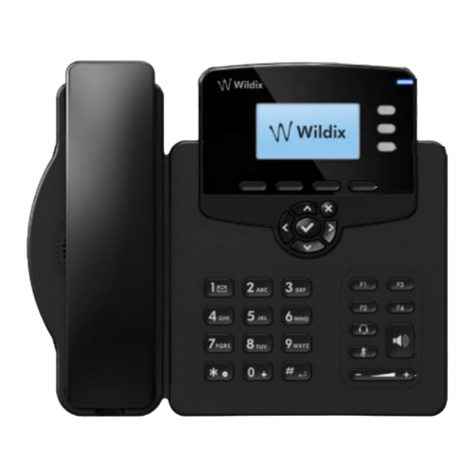
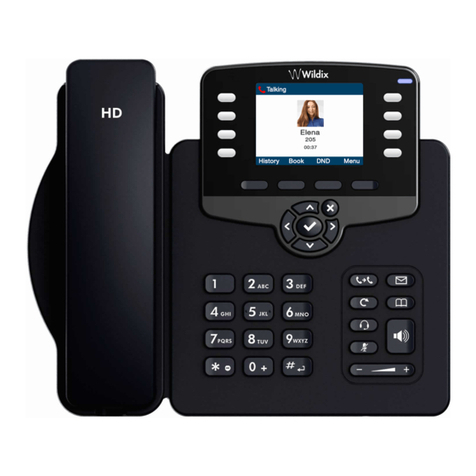
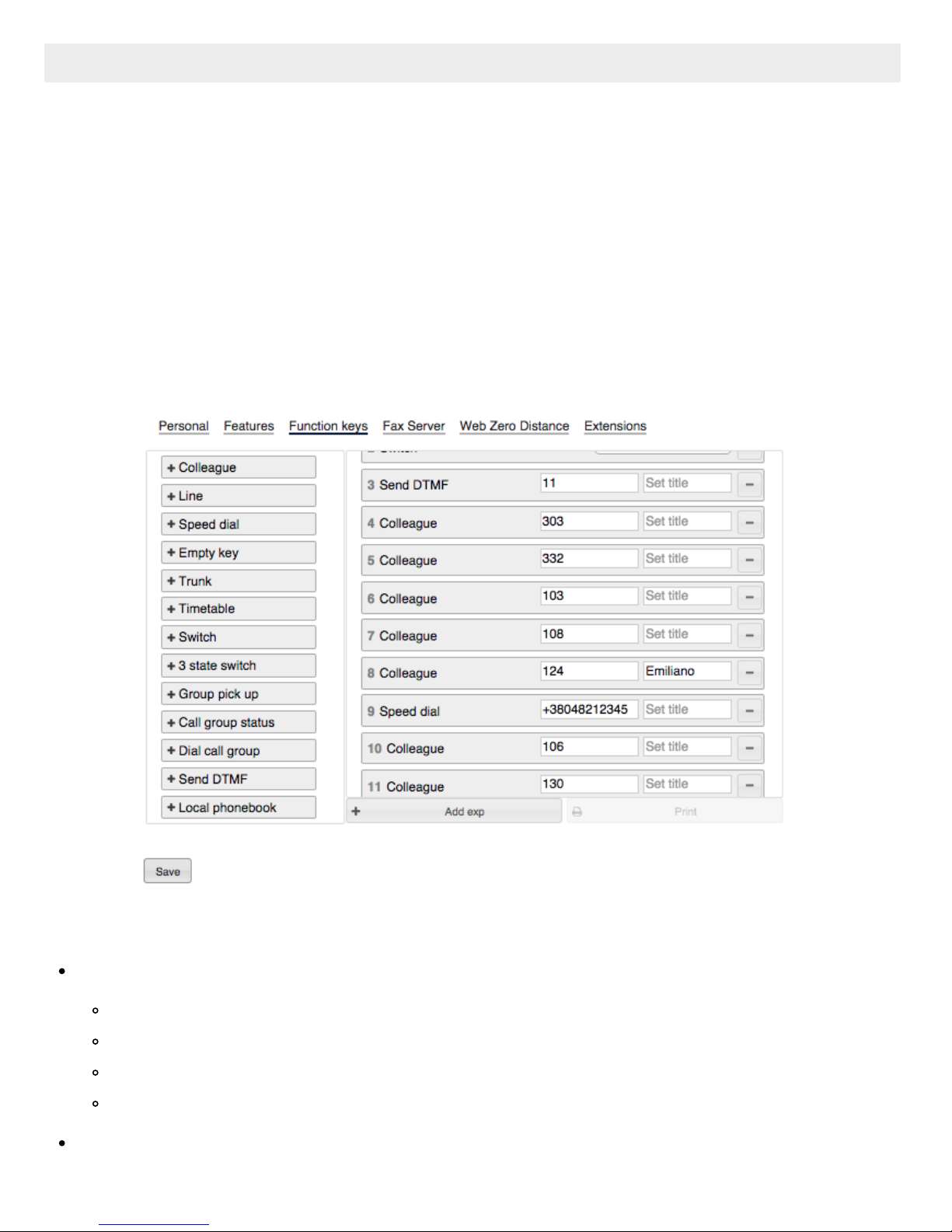
call number configured as speed dial
Note: you can use any shortcut based on Feature codes with Speed Dial function key, example: enter the value
“cgmanager*2*[call_group_ID]” into the field for dynamic call group login / logout
Trunk
monitor status for BRI/FXO/GSM (green/red)
call through this trunk (if green)
Timetable
monitor status (green/yellow/red)
change status (tap the element and select “call”)
Switch
monitor status (green/red)
change status (tap the element and select “call”)
3 state switch
monitor status (green/yellow/red)
change status (tap the element and select “call”)
Group Pick up
pickup a ringing call of user belonging to your ACL group on the same PBX
Call group
monitor status (red=incoming call; green=idle)
call a call group (tap the element and select “call”)
pickup a ringing call (tap the element and select “pickup” if red)
Send DTMF
Dialpad
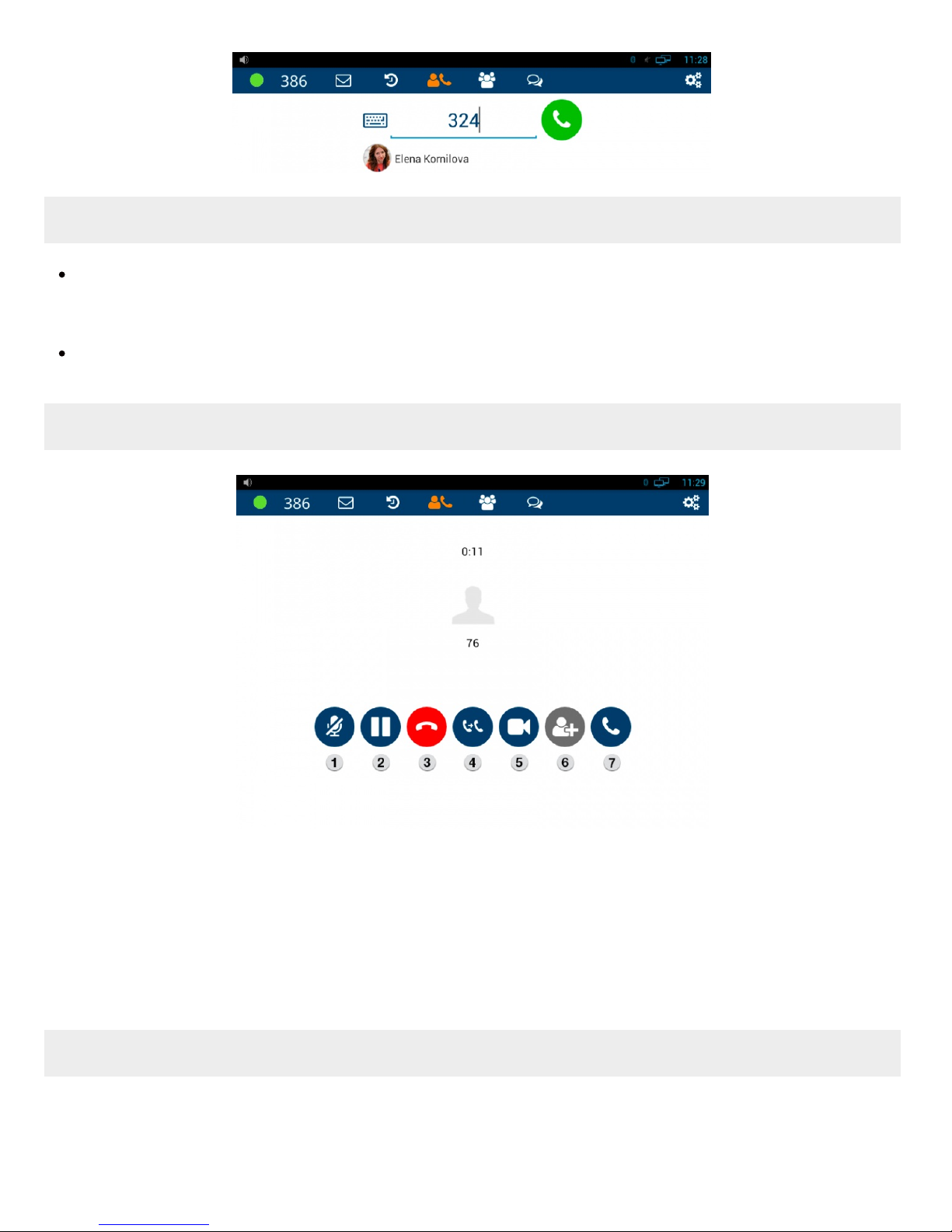
This menu allows you to search for contacts in PBX phonebooks, place and manage calls.
Live search
Live search is performed in all the shared phonebooks; first colleagues that match the searched criteria are
displayed, then phonebook contacts.
Start entering a number or a name into the Search field: