CONTENTS
1. Outline. .........................................................................................................................................7
1.1. Model classifications. ...........................................................................................................7
1.2. Product Part Number System.............................................................................................7
1.3. Specifications. ........................................................................................................................8
2. Setting up the printer. ............................................................................................................10
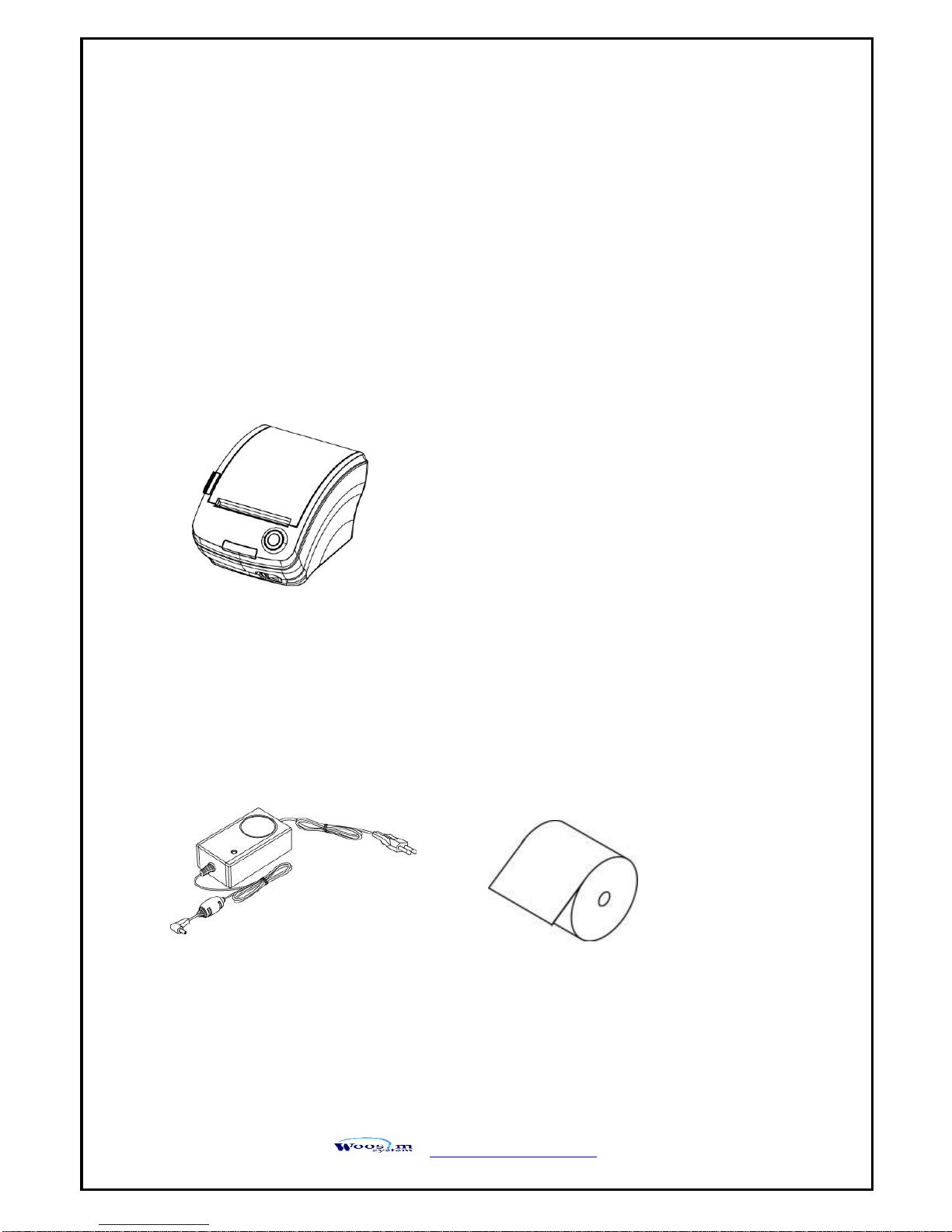
2.1. Printer & Accessories .........................................................................................................10
2.2. Printer Features ...................................................................................................................11
2.3. Replacing paper roll............................................................................................................13
2.4. Power supply........................................................................................................................14
2.4.1. Specified power supply...............................................................................................14
2.5. Setting the DIP switches....................................................................................................14
3. Interface......................................................................................................................................16
3.1. USB ........................................................................................................................................17
3.2. Bluetooth ..............................................................................................................................18
3.3. Card Reading .......................................................................................................................19
4. Using the printer. .....................................................................................................................20
4.1. Control panel. ......................................................................................................................20
4.2. The self test..........................................................................................................................21
5. Consumable Parts ....................................................................................................................22
5.1. Recommended paper.........................................................................................................22
5.2. Printing position..................................................................................................................22