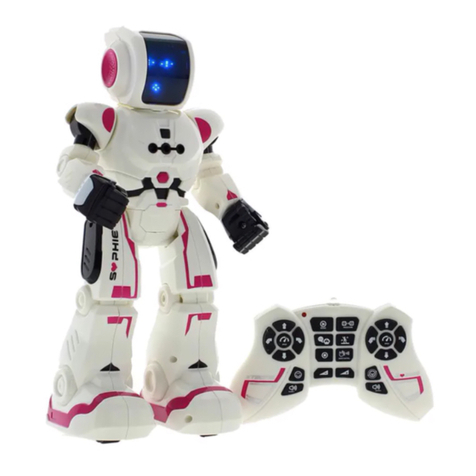
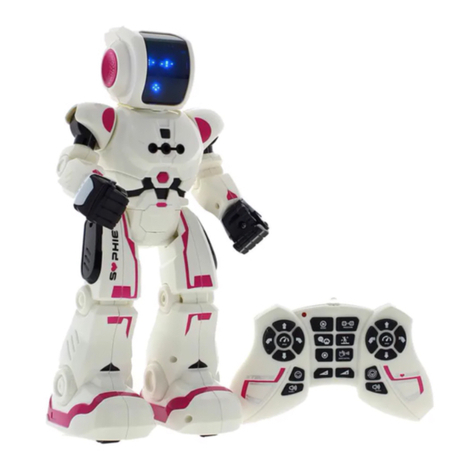
Xtrem Bots Spy Bot User manual

1
Spy Bot
+ 5 ANS
+ 5 JAAR
+ 5 YEARS
+ 5 JAHRE
+ 5 AÑOS
+ 5 ANNI
+ 5 ANS
+ 5 JAAR
+ 5 YEARS
+ 5 JAHRE
+ 5 AÑOS
+ 5 ANNI
M05102016H2 a.3

2
bedienungsanleitung
DE
manual de instruções
PT
manuale d’istruzioni
IT
manuel d’utilisateur
FR
handleiding
NL
instruction manual
EN
manual de instrucciones
ES
3
10
17
24
31
38
45

3
1. introduction
Hello! I am Spy Bot of the Xtrem Bots family. I am a super spy
agent and I have many skills. I can spy, send secret messages,
speak and dance. Now my mission is to come to Earth to help
you. Be my commander, please!
Before use, please read the following instrucons, to beer
understand and be familiar with the operaon of the product
features.on las operaciones. I will be your beer team mate!
index
1. Introducon ........................................................................................................................................ 3
2. Cauons and advices ......................................................................................................................... 5
3. Baery installaon ............................................................................................................................. 6
4. Start the Spy Bot ................................................................................................................................. 6
5. Basic funcons .................................................................................................................................... 7
6. StandBy buon.................................................................................................................................... 8
7. Demo mode ........................................................................................................................................ 8
8. Programming ...................................................................................................................................... 8
9. Dance mode ........................................................................................................................................ 8
10. Spy mode ......................................................................................................................................... 9
11. Lights ................................................................................................................................................. 9
12. Speech mode .................................................................................................................................... 9
13. Sounds .............................................................................................................................................. 9
content
Robot Transmier Instrucon manual Wire
EN

4
transmitter
robot
On / O Switch
StandBy bu on
Lights bu on
(On / O )
Programming
Lights (On / O )
Turn up
volume
Turn down
volume
Message
Walk forward
Walk le
Speed (Slow / Fast)
Walk right
Walk backward
Robot dance
Preset sound
Spy mode
Glide right
Speed (Slow / Fast)
Glide le
Glide backward
Robot Speech
Preset sound
Demo
Stop
Glide Forward
Plug charger

5
2. cautions and advices
Care and Maintenance:
- Always remove baeries from the toy when it is not being used
for a long period of me. (Transmier only)
- Regularly check the plug and other parts are not damaged. In
case of damage, do not use the product unl it has been repaired.
- Wipe the toy gently with a clean cloth.
- Keep the toy away from direct heat.
- Do not submerge the toy into water that can damage the
electronic assemblies.
Special notes to adults:
- Before rst use, Read the user’s informaon together with
your child.
- This toy intended to be used in domesc area (house and
garden) only.
- Assembly should be performed under adult supervision
(changing baeries/ spare parts, trimming etc.).
- Parental guidance is recommended when installing or replacing
baeries.
- Do not change or modify anything on the toy.
Baery warnings:
- Non-rechargeable baeries are not to be recharged.
- Rechargeable baeries are to be removed before being
charged. (Transmier only)
- Rechargeable baeries are only to be charged under adult
supervision.
- Dierent types of baeries or new and used baeries are not
to be mixed. (Transmier only)
- Only baeries of the same or equivalent type as recommended
are to be used.
- Baeries are to be inserted with correct polarity.
- Exhausted baeries are to be removed from the toy.
(Transmier only)
- The supply terminals are not to be short-circuited.
- Do not mix old and new baeries. (Transmier only)
- Do not mix alkaline, standard (carbon-zinc) or rechargeable
(nickel-cadmium) baeries. (Transmier only)
This toy is equipped with a LiPo rechargeable baery,
please pay aenon to the following cauons for safety use:
- Do not dispose the baery in re or heat.
- Do not use or leave the baery near a heat source such as
re or heater.
- Do not strike or throw the baery against hard surface.
- Do not immerse the baery in water, and keep the baery in a
cool dry environment.
- When recharging, only use the baery charger specically for
that purpose.
- Do not over-discharge the baery.
- Do not connect the baery to an electrical outlet.
- Do not directly solder the baery and pierce the baery with a
nail or other sharp object.
- Do not transport or store the baery together with metal
objects such as necklaces, hairpins etc.
- Do not disassemble or alter the baery.
- Charge the baery every 6 months.
- Toy baey inside can’t be replaced
Notes:
- The toy may malfuncon under electrostac discharge
interference. If the toy does not respond, reset it.
- Use new alkaline baeries in this toy to obtain best performance.
- This toy must only be used with the recommended charger.
Baeries requirements (Transmier):
Power supply:
Characteriscs: DC 3V
Quality and type: 2 x 1,5V “AA”/LR6 (not included)
Baery requirements (Robot):
Power supply:
Characteriscs: DC 3.7V
Quality and type: 1x3.7V Li-Po rechargeable battery
(included)
Capacity: 600 mAh
The crossed-out dustbin symbol
indicates that baeries, rechargeable
baeries, buon cells, baery packs,
etc. must not be put in the household
waste. Baeries are harmful to health
and the environment. Please help to
protect the environment from health
risks. If the toy is out of use, please use common
household tool to break the product for built-in
rechargeable baery operated toy or unscrew the
baery door for replaceable baery operated toy,
then take the baery out from the toy. Dispose
of baery in accordance with your local baery
recycling or disposal laws.
WEEE
When this appliance is out of use, please
remove all baeries and dispose of them
separately. Bring electrical appliances
to the local collecng points for waste
electrical and electronic equipment. Other
components can be disposed of in domesc
refuse.

6
3. batteries installation
in the transmitter
in the robot
Robot ba ery is into the back of the Spy Bot.
To charge ba ery, please insert the USB port provided USB charging
cable to anyone USB port of a power pack, a mobile charger, a car
charger or a computer.
Switch OFF the robot before charging. A light in the robot will be turned
on during the chargins process; when the robot is fully charged the light
will turn o .
The charging me is about 2 hours and the playing me is about 2 hours.
4. start the Spy Bot
Switch on the ON/OFF bu on on the back of the Spy Bot and push the
“StandBy” bu on to start the Spy Bot.
1. Use a philips’ head screw to open the bu on cell gate of controller.
2. Put 2 x 1.5V “AA” ba eries inside the ba ery box.
3. Put the gate back and use a screw to ghten the gate.

7
5. basic functions
Glide forward
Glide backward
Glide to the le
Glide to the right
Speed (Slow/Fast)
Walk forward
Walk backward
Walk to the le
Walk to the right
Stop
Switch ON/OFF the
lights
Turn down volume
Turn up volume
Walk or glide forward Turn right or turn le Wlak or glide backward

8
7. demo mode
6. StandBy button
8. programming
Press the “Demo Mode” bu on on the transmi er. Spy Bot will
perform dance func ons. A total of ve sec ons dance moves, every
execu on in which some order.
The “StandBy” bu on starts the Spy Bot.
By pressing the bu on the Spy Bot goes on StandBy Mode and stays
sleep un l this bu on would be pressed again.
A er 2 and a half minutes of inac vity, the robot enters standby mode
automa cally. Before the robot go into StandBy mode, it will emit
some sounds in advice.
1. Press the “Programming” bu on un l hear a `beep’ sound.
2. Up to 50 func ons can be programmed. You can glide forward,
glide back, walk forward, walk backward, turn le , turn right or make
preset sounds.
3. Press “Programming” bu on to perform programmed func ons
again.
4. When it is not in use atoma cally exit.
9. dance mode
Press the “Robot Dance” bu on on the transmi er.
The Spy Bot will perform a dance.

9
13. sounds
In a danger situa on, press “alarm preset sound” bu on in the trans-
mi er. The Spy Bot will play an alarm sound.
Use “Scan preset sound” bu on to scan through objects.
11. light
Press the “Light” bu on on the Spy Bot or on the transmi er and
switch it ON/OFF.
12. robot speech
Press the “Speech” bu on on the transmi er. The Roboy will start
speaking a Robo c Language.
10. spy mode / message
1. Press the “Spy” bu on on the transmi er.
2. Spy Bot will start recording sounds on the room. You can spy anyone
you want!
3. Press the “Message” bu on to play the message recorded on spy
mode.
4. You can record secret messages and play it from a distance.

10
Botón Luces
(encender/apagar)
Velocidad (Rápido / Lento)
Deslizar hacia la izquierda
Conversación robóca
Sonido predenido
1. introducción
¡Hola! Soy Spy Bot de la familia Xtrem Bots. Soy un súper
agente espía y tengo muchas habilidades. Puedo espiar, enviar
mensajes secretos, hablar y bailar. Ahora mi misión es ir a la
erra para ayudarte. ¡Sé mi comandante!
Antes de empezar, por favor lee atentamente las instrucciones
para entender mejor mis funciones y familiarizarte con las
operaciones. Seré tu mejor compañero.
1. Introducción ........................................................................................................................................ 10
2. Precauciones y advertencias .............................................................................................................. 12
3. Instalación de baterías ........................................................................................................................ 13
4. Iniciar el Spy Bot ................................................................................................................................. 13
5. Funciones básicas ............................................................................................................................... 14
6. Botón StandBy .................................................................................................................................... 15
7. Demo ................................................................................................................................................... 15
8. Programación ...................................................................................................................................... 15
9. Modo baile ......................................................................................................................................... 15
10. Modo espía ...................................................................................................................................... 16
11. Luz ..................................................................................................................................................... 16
12. Conversación robóca ...................................................................................................................... 16
13. Sonidos .............................................................................................................................................. 16
contenido
índice
Robot Mando Manual de
instrucciones
Cable
ES
Table of contents
Languages:
Other Xtrem Bots Robotics manuals
Xtrem Bots
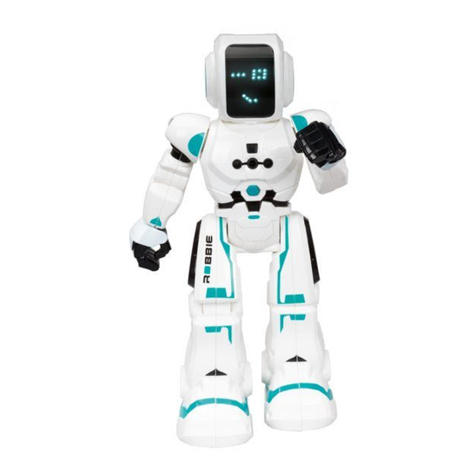
Xtrem Bots ROBBIE User manual
Xtrem Bots
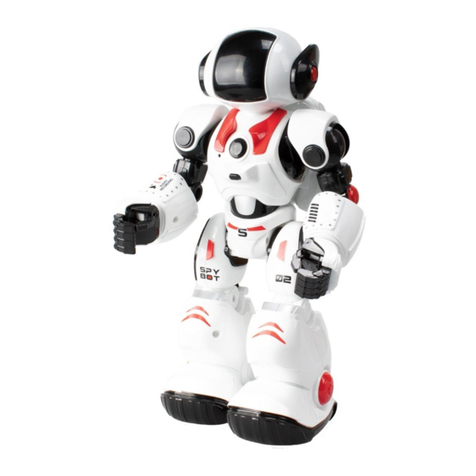
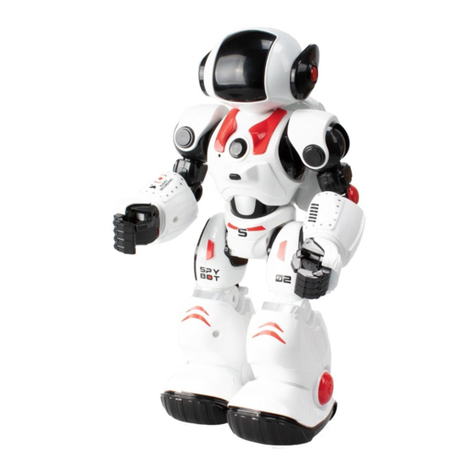
Xtrem Bots JAMES THE SPY BOT User manual
Xtrem Bots
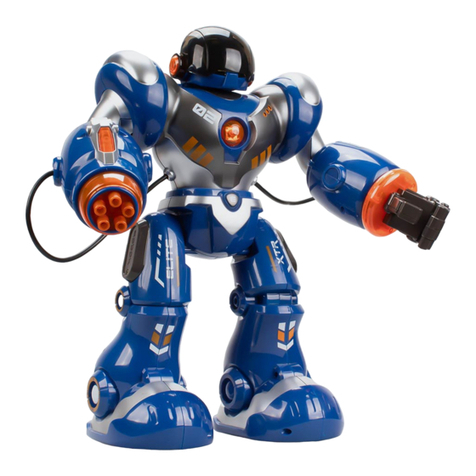
Xtrem Bots ELITE TROOPER User manual
Xtrem Bots
Xtrem Bots James User manual
Xtrem Bots
Xtrem Bots XR2 User manual
Xtrem Bots
Xtrem Bots SMART BOT User manual

Xtrem Bots
Xtrem Bots WOKI User manual

Xtrem Bots
Xtrem Bots PATROL XT380972 User manual

Xtrem Bots
Xtrem Bots Trooper Bot User manual

Xtrem Bots
Xtrem Bots WOKI User manual