EnglishDeutsch
 logo
Brands
  1. Home
  2. •
  3. Brands
  4. •
  5. Zinwell
  6. •
  7. Media Player
  8. •
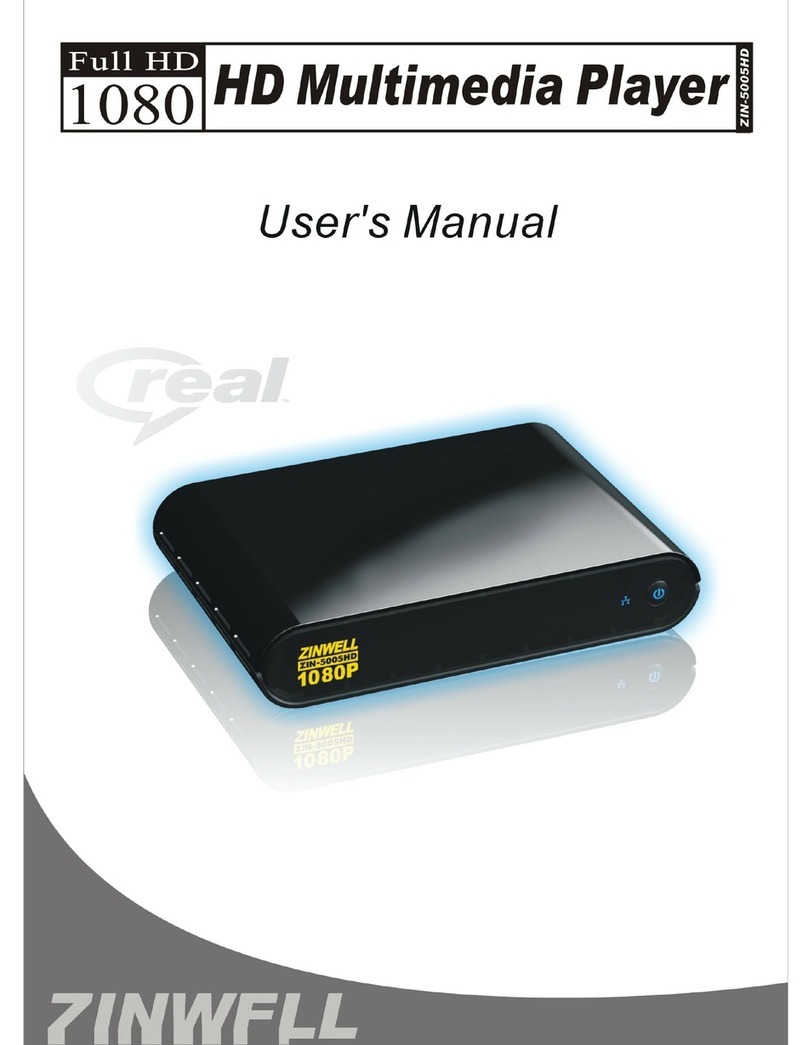
  9. Zinwell ZIN-5005HD User manual

Zinwell ZIN-5005HD User manual

Other manuals for ZIN-5005HD

3

Other Zinwell Media Player manuals

Zinwell ZIN-5005HD User manual

Zinwell

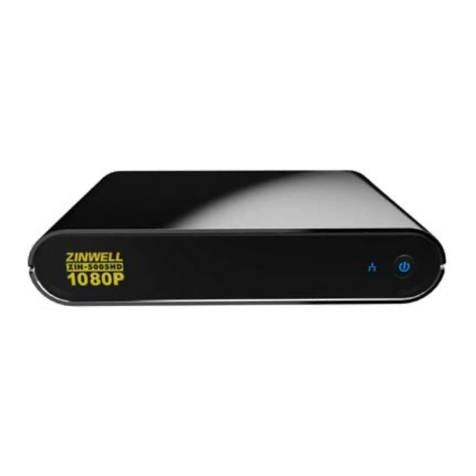
Zinwell ZIN-5005HD User manual

Zinwell ZIN-3100 User manual

Zinwell

Zinwell ZIN-3100 User manual

Zinwell ZP-320 User manual

Zinwell

Zinwell ZP-320 User manual

Zinwell ZIN-5005HD User manual

Zinwell

Zinwell ZIN-5005HD User manual

Zinwell ZIN-5005HD User manual

Zinwell

Zinwell ZIN-5005HD User manual

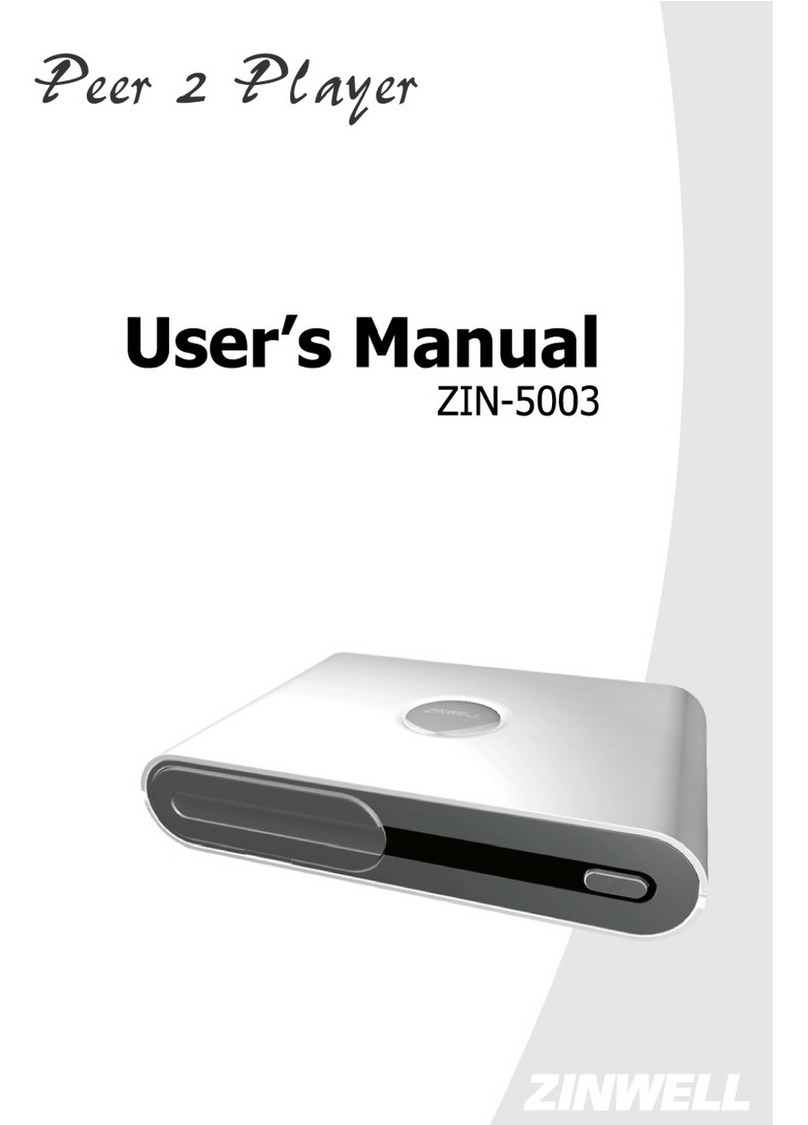
Zinwell Peer 2 Player ZIN-5003 User manual

Zinwell

Zinwell Peer 2 Player ZIN-5003 User manual

Popular Media Player manuals by other brands

Visual Land Impulse quick start guide

Visual Land

Visual Land Impulse quick start guide

Transcend DMP10 user manual

Transcend

Transcend DMP10 user manual

Philips GoGear Muse SA2MUS08 quick start guide

Philips

Philips GoGear Muse SA2MUS08 quick start guide

Fantec MM-HDRL user manual

Fantec

Fantec MM-HDRL user manual

Dune HD Duo 4K user manual

Dune HD

Dune HD Duo 4K user manual

IAdea HMP-505S user manual

IAdea

IAdea HMP-505S user manual

Camos MMS-1000 manual

Camos

Camos MMS-1000 manual

Energy 75 Series user manual

Energy

Energy 75 Series user manual

Z3 Technology DME-03 user guide

Z3 Technology

Z3 Technology DME-03 user guide

Sony SVR-2000 Dimensions

Sony

Sony SVR-2000 Dimensions

Meicheng HD-1080K12 user manual

Meicheng

Meicheng HD-1080K12 user manual

DENAFRIPS ARCE owner's manual

DENAFRIPS

DENAFRIPS ARCE owner's manual

Topaz CMS Media Player Hardware user manual

Topaz

Topaz CMS Media Player Hardware user manual

InFocus LightCast user guide

InFocus

InFocus LightCast user guide

IconBiT XDS1003D user manual

IconBiT

IconBiT XDS1003D user manual

Quanmax QDSP-2090 Series user guide

Quanmax

Quanmax QDSP-2090 Series user guide

Samsung MP-80S Owner's instructions

Samsung

Samsung MP-80S Owner's instructions

Trigon Elektronik CHRONOLOG operating manual

Trigon Elektronik

Trigon Elektronik CHRONOLOG operating manual

https://manuals.online logo
https://manuals.online logoBrands
  • About & Mission
  • Contact us
  • Privacy Policy
  • Terms and Conditions

Copyright 2026 Manuals.Online. All Rights Reserved.

Safety Instructions
This product has been engineered and manufactured to assure your
personal safety. However, improper use can result in potential electric
shock or fire hazards. In order not to defeat the safe-guards incorporated
in this instrument and its accessories, please adhere to the following
instructions when installing, operating and servicing.
Power Source Warning
 A marking label attached on the rear side of the adapter supplied)
indicates the correct power source for this equipment. Operate this
product only from an electrical outlet with the voltage and frequency
indicated on the product label. Incorrect power source may result in a
risk of electric shock or fire. If you are uncertain of the type of power
supplied to your home, consult your local power company or appliance
dealer.
 Only use the power cord and adapter provided by the manufacturer.
Internal component may be damaged if you use a different adapter to
power this product. To avoid electric shock and fire hazard, match the
plug and outlet connections carefully, then fully insert. If the plug fails to
fit the outlet, please contact an electrician to update your power outlets.
 Do not overload electrical outlets, extension cords, or integral convenience
receptacles as this can result in a risk of fire or electric shock. And to
prevent power cord damage, arrange all power cords so that people
cannot walk on the cords. Do not place objects on the cords.
 Place this product in a location that is close enough to an electrical outlet
and where the power cord is easily accessible to be disconnected from the
wall outlet.
Usage Warning
 To reduce the risk of electric shock, do not remove the cover or attempt to
disassemble this product. There are no user-serviceable parts inside.
Please refer all servicing to qualified service personnel.
 Protect this product from foreign objects. Never push object of any kind
into this product through openings as they may touch dangerous voltage
points or short-out parts that could result in a fire or electric shock.
 Do not expose this product to liquids, rain or moisture.
 This product has ventilation openings that protect it from overheating.
Never block or cover these openings. And do not place this product near
heat sources such as radiators, heat registers, stoves or other products
producing heat.
 Before cleaning or wiping this product, make sure your power cord is
already unplugged from the electrical outlet. Only use damp cloth to
clean this product, and never use a liquid cleaner or an aerosol cleaner.
 During a thunderstorm, or when this product is unused for long periods of
time, unplug power cord from the wall outlet. This will prevent damage
to the product due to lightning and power-line surges.
Service Warning
 Refer all servicing to qualified service personnel. For damage that
requires service, please unplug your power cord from the AC outlet first,
and contact your dealer or servicing personnel to obtain service for the
following conditions.
If there is damage to the adapter, power cord or plug.
If liquid enters this product.
If you drop this product, a heavy object falls on this product, or
damage occurs to the cover of this product.
If you expose this product to rain or water.
If this product does not operate normally by following the operating
instructions.
If this product exhibits a distinct change in performance.
Caution
Risk of explosion if battery is replaced by an incorrect type. Dispose of used
batteries according to the instructions.
Copyright Notice
No part of this user’s manual may be copied, translated, or reproduced
including electronic form without permission from the copyright owner. We
have made effort to ensure the accuracy and completeness of this document.
However, as ongoing development is continually improving the capabilities of
our products and the content described in this manual may be changed at any
time, we cannot guarantee the accuracy of the content of this document. We
disclaim liability for errors, omissions, or future changes. The information of
this document is subject to change without notice.
This device complies with Part 15 of the FCC Rules. Operation is subject to the
following two conditions:
(1) This device may not cause harmful interference.
(2) This device must accept any interferences received, including interference
that may cause undesired operation.
License Notice and Trademark Acknow edgement
Do by Digita :
Manufactured under license from Dolby Laboratories. Dolby and the double-D
symbol are trademarks of Dolby Laboratories.
Tab e of Contents
1
11
1
Introduction ........................................................................ 2
Package Content ............................................. 錯誤
錯誤錯誤
錯誤! 尚未定義書籤
尚未定義書籤尚未定義書籤
尚未定義書籤。
。。
。
Specification.............................................................................. 3
Front View................................................................................. 4
Back View.................................................................................. 4
Remote Contro ......................................................................... 5
2
2 2
2 Insta ation.......................................................................... 6
Cab e Connections ..................................................................... 6
Internet Connections................................................................. 7
Connect USB Devices................................................................. 8
Power Cord Connection ............................................................. 8
Switch your TV Input/Source .................................................... 8
3
33
3
Network Connections .......................................................... 9
Wired Network Setup .............................................................. 10
Wire ess Network Setup .......................................................... 11
Fi e sharing (Simp e NAS) ....................................................... 12
Fi e sharing Configuration ....................................................... 13
4
4 4
4 P ay Media ......................................................................... 17
Video P ayback ........................................................................ 19
Music P ayback ........................................................................ 20
Photo P ayback........................................................................ 21
5
5 5
5 Bonus Features.................................................................. 22
Torrent Down oad.................................................................... 22
F ickr ....................................................................................... 23
6
66
6
Fi e Copy............................................................................ 24
7
7 7
7 Setup................................................................................. 25
Audio....................................................................................... 25
Video ....................................................................................... 26
System .................................................................................... 27
Other ....................................................................................... 27
8
88
8
Troub eshooting ................................................................ 28

2
1
11
1
Introduction
THE PRODUCT is a high-definition multimedia player and streamer connecting to
the external USB hard drives and your HD TV, bringing PC and internet
entertainment to the living room. THE PRODUCT is also a BitTorrent downloader
with built-in BitTorrent engine. It downloads media files into the attached USB
hard drives corresponding to the BitTorrent seeds already saved on the USB drive.
Playing and downloading your favorite media files is now PC-free. It supports most
video/audio/image formats so you do not need to convert downloaded media to
another format. You can plug in your USB devices to the THE PRODUCT to play
music, movies and pictures on TV by following the on-screen display OSD) menu.
The THE PRODUCT can also access the shared folders on the remote PCs through
the intranet local area network) and play the digital media files there on your TV.
It supports high-definition media playback with HDMI output.
3
Specification
Interfaces
Video Output HDMI、YPbPr、Composite Video
Audio Output Audio L/R、S/P DIF Optical)
Data Transfer USB x 2、Ethernet Port
Genera Specifications
MPEG1 AVI/MKV/TS/DAT/MPG/MPEG/VOB)
MPEG2
MKV/DAT/MPG/MPEG/VOB/ISO/IFO/TS/TP)
/M2TS
MPEG4 AVI/MP4/MKV/MOV/WMV/ASF)
DivX 3/4/5/6、Xvid AVI/MKV/MP4/MOV)
H.264/AVC
TS/AVI/MP4/MKV/MOV/FLV)/M2TS
VC-1 TS/AVI/ASF/WMV)/M2TS
WMV9 ASF/WMV)
Video
Real Video 8/9/10 RM/RMVB)
Audio
MP3、MPEG Audio、Dolby Digital、DTS 、
WMA、PCM、LPCM、ADPCM、FLAC、WAV、
AAC、RA、OGG、MKA
Photo HD JPEG、GIF、PNG、BMP、TIF、TIFF
Subtitle SRT、SMI、SUB、SSA、IDX+SUB
Support Media
Format
HDD Device
File Systems
EXT3、NTFS、FAT16/32、HFS+
Decoding
Up to 1080p RMVB up to 720p)
Output Up to 1080p
Power Supp y 100~240V ±10% input voltage/ 12V @ 2A
4
Front View
Back View
① DC IN Connects to the DC output of the power adapter.
② USB Port Plug the supported USB devices into USB ports,
such as USB hard drives, cameras, camcorders and
wireless USB dongles.
③ LAN Connects to the RJ-45 Ethernet 10/100 based
network. Not compatible with the telephone line.
④ HDMI OUT Connects to the HDMI jack on the display; a single
cable transmits both audio and video data.
⑤ S/PDIF Connects the THE PRODUCT to a display that has an
optical digital audio port, using an optical digital
audio also called S/PDIF) cable.
⑥ AUDIO L/R/ VIDEO Connects to the display with the VIDEO IN/ AUDIO
L/R IN jacks on the display using VIDEO Yellow)/
AUDIO L White)/R Red) cables.
⑦ YPbPr Connect to a Y/Pb/Pr-compatible display using
three video Y/Pb/Pr) and two audio jacks AUDIO
L/R), through a component video cable with green,
blue, and red connectors.
① Power Press to turn the THE PRODUCT on.
② Network LED The LED blinks when THE PRODUCT
accesses to
Network.
5
Remote Contro
POWER
Press to turn on the THE PRODUCT; press again to switch
to stand-by mode.
MUTE Press to mute the sound.
Numeric Buttons 0-9 number keys for selecting desired options.
GOTO Video/movie chapter and time point selection.
Display the information of media files while in play mode.
BACK Return to the previous display.
VOL + / - Increase/decrease the volume.
CH + / - Reserved keypad for further application.
HOME Hot key to the main OSD menu.
REPEAT A-B
Press once to mark desired repeat point A; press again to
mark desired repeat point B; press yet again to turn this
feature off
REPEAT Enable/disable repeat of file playback.
ANGLE Switch DVD display angles.
DVD MENU Show DVD Menu.








 Navigate through menu screen or media libraries.
OK Confirm or select.
ASPECT Adjust aspect ratio
SETUP Enter setup menu
SUBTITLE Switch subtitle files.
Play/pause selected file.
MULTI-FUNCTION: Refer to the instructions in the screen.
Return to previous file. / Go to next file.
Stop playback and return to the previous screen.
Play films in slow mode.
L/R Enable/disable Left/Right speaker.
AUDIO Switch multilingual outputs.
ZOOM Zoom video or image display on screen.
6
2
22
2
Insta ation
Cab e Connections
Match the cables to the connections on your TV or display. Your choices
of connection include:
HDMI For both audio and video output
RCA Cab e
For composite video yellow) and stereo
audio white and red)
Y/Pb/Pr For component video output
S/PDIF For audio output