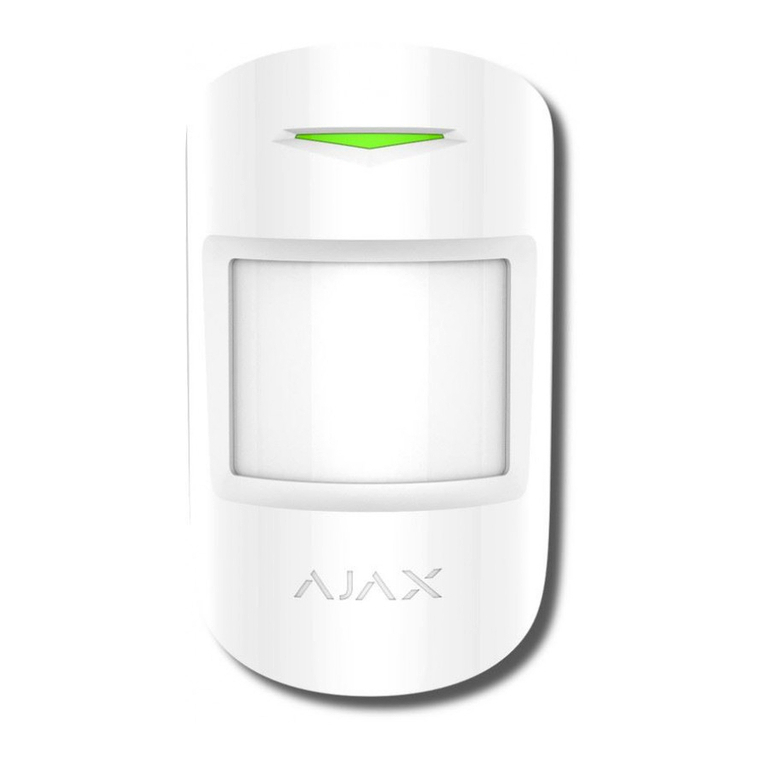
When an alarm is received, the operator of the security company monitoring
station knows exactly what happened and precisely where to send a fast
response team on the site. Addressability of each Ajax device allows you to
send not only events to the PRO Desktop or to the CMS but also the type of the
device, the name of the device, and the virtual room to which the detector is
assigned. Note that the list of transmitted parameters may differ depending on
the type of CMS and the selected protocol for communication with the
monitoring station.
The device ID, the loop (zone) number, and the bus number can be found in its
.
Detector placement
When choosing where to place the detector, consider the parameters that affect
its normal operation: Fibra signal level, length of the cable for connecting the
detector, and the motion detection zone.
Consider the placement recommendations when designing your facility’s
security system. Design and installation of the security system should be
carried out by professionals. A list of authorized ocial Ajax partners is
.
Design and preparation
For the system to work correctly, it is important to properly design the project
and install all devices correctly. Failure to follow the basic installation rules and
recommendations of this manual may result in detector malfunction, false
alarms, or loss of connection with already installed devices.
When designing the layout scheme of the detectors, consider the wiring diagram
of the power cables laid on the site. Signal cables must be laid at a distance of
at least 50 cm from the power cables when lying parallel, and, if they intersect, it
must be at a 90° angle. Note that, if you connect multiple devices on the same
bus, detectors are connected in sequence.
The maximum number of connectable devices for the Hub Hybrid is 100 at the default
states in
the Ajax app
available here