P/N 1010455 Rev. K 10/20 7
Operation
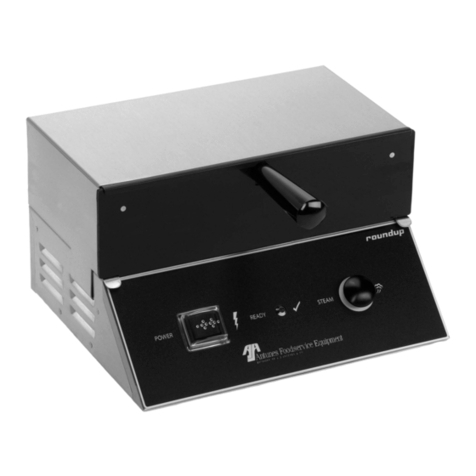
1. Turn the power on and allow the unit
to preheat for approximately 20–30
minutes.
NOTE: Do NOT push any button
during warmup time. The
ashing green Ready Light
indicates that the unit is not
warmed up. The green Ready
Light will become steady when
the unit is warmed up.
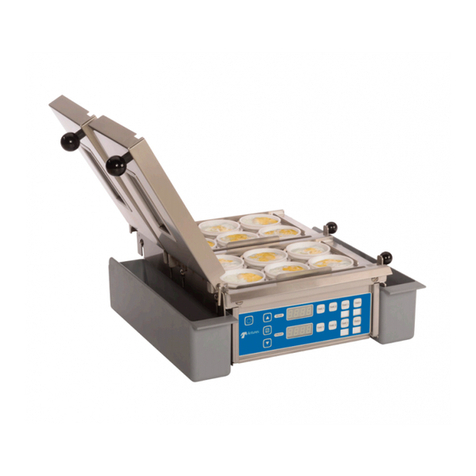
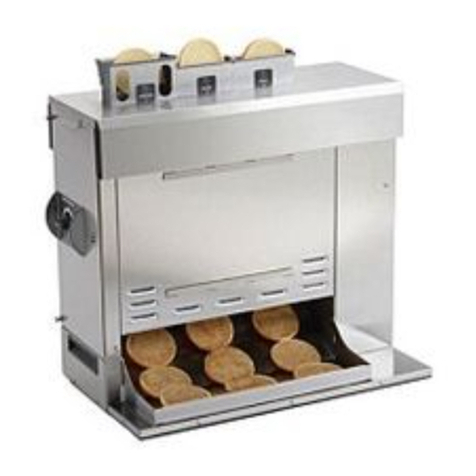
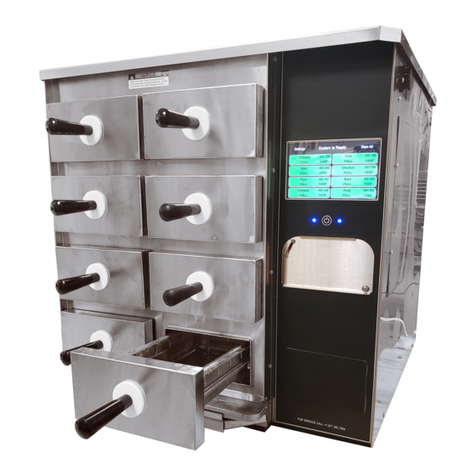
2. Pull out the Spatula or Drawer
Assembly and set the product to be
steamed onto the Spatula.
3. Push the Spatula or Drawer
Assembly fully into the steamer.
4. Single Shot: Press and release
the Operate button, then wait 20
seconds for the steam to penetrate
the product.
Timed Cycle: Press the Start/Stop
button to begin the steaming cycle.
The display will count down to zero
and an audio signal will sound at the
end of the steaming cycle.
5. Remove steamed product.
Programming
CYC (Total Cycle Time) refers to the
total programmed steam time set for the
product.
SHO (Shot Interval Time) refers to the
time set between shots of steam during a
complete cycle.
H2O (Steam Shot Time) refers to the wa-
ter volume consumed during each water
pump activation.
The amount of steam produced by your
Miracle Steamer depends on the amount
of water sprayed onto the steam genera-
tor.
Flooding of the generator may occur if
the H2O setting is too high. To prevent
ooding, the Shot Interval Time (SHO)
can be increased to allow more time for
generator heat recovery. Adjustments
should be made to both values to deter-
mine the best settings for your cooking
needs.
To program the control, refer to Figure 6
and follow the procedure below:
1. Turn the unit on. The unit displays
the factory programmed Total Cycle
Time in minutes and seconds (Figure
6, Item A).
2. Press and release to change
the control from OPERATION to
PROGRAM mode.
UP DOWN PRGM START/STOP
POWER
READY
Figure 5. Operating Controls
Ready Light
Power
Switch
Operate
Button
Message
Display
Start/Stop
Button
3. To change the Total Cycle Time in
minutes, press ▲ or ▼ to change
the time (Figure 6, Item B).
4. Press and release again, and
press▲ or ▼ to change the Total
Cycle Time in seconds (Figure 6,
Item C).
5. To change the SHO factory
settings, make sure the control is in
PROGRAM mode, then press and
hold both ▲ and ▼ simultaneously
for 1-2 seconds and release. SHO
will be displayed (Figure 6, Item D).
6. Press and release and then
press ▲ or ▼ to change the SHO in
seconds (Figure 6, Item E).
7. Press and release again and
press ▲ or ▼ to change the SHO in
minutes (Figure 6, Item F).
8. Press and release again and
“H2O” will be
displayed (Figure 6, Item G).
9. To change the H2O (Steam Shot
time), press and release the
Program button again to display the
setting (Figure 6, Item H). Use▲ or
▼ to increase or decrease the time.
10. Press the Start/Stop or Operate
buttons to store the changes, exit the
PROGRAM Mode, and initiate the
cooking cycle.
NOTE: 208V and 220/240V Miracle
Steamers are factory
programmed for the following
recommended settings:
yTotal Cycle Time (CYC) = 15
min., 00 secs. (Range: 3 seconds
to 99 minutes 59 seconds)
yShot Interval Time (SHO) = 00
min., 20 secs. (Range: 3 seconds
to 5 minutes 59 seconds)
ySteam Shot Time (H2O) = 0_70
(Range: 0_10 second to 2_50)
This converts approximately 3/4 oz. (25
milliliters) of water to steam every 20
seconds for a 15 minute cooking cycle.
NOTE: 120V Miracle Steamer is
factory programmed for the
following recommended
settings:
yTotal Cycle Time (CYC) = 2 min.,
00 secs. (Range: 3 seconds
to 99 minutes 59 seconds)
yShot Interval Time (SHO) = 00
min., 20 secs. (Range: 3 seconds
to 5 minutes 59 seconds)
ySteam Shot Time (H2O) = 0_40
(Range: 0_10 seconds to 2_50)
NOTE: The Start/Stop or Operate
buttons may be pressed at any
time during programming to
store the changes and exit the
PROGRAM Mode.
NOTE: If a change is not made within
5 seconds at any time during
the programming process,
all changes made up to that
point are stored in memory
and the control reverts to the
OPERATION Mode.
WARNING
To avoid injury, be careful when pulling
the Spatula or Drawer out from unit.
Be sure to allow steam to escape
before putting hands or face over the
steamer.