6
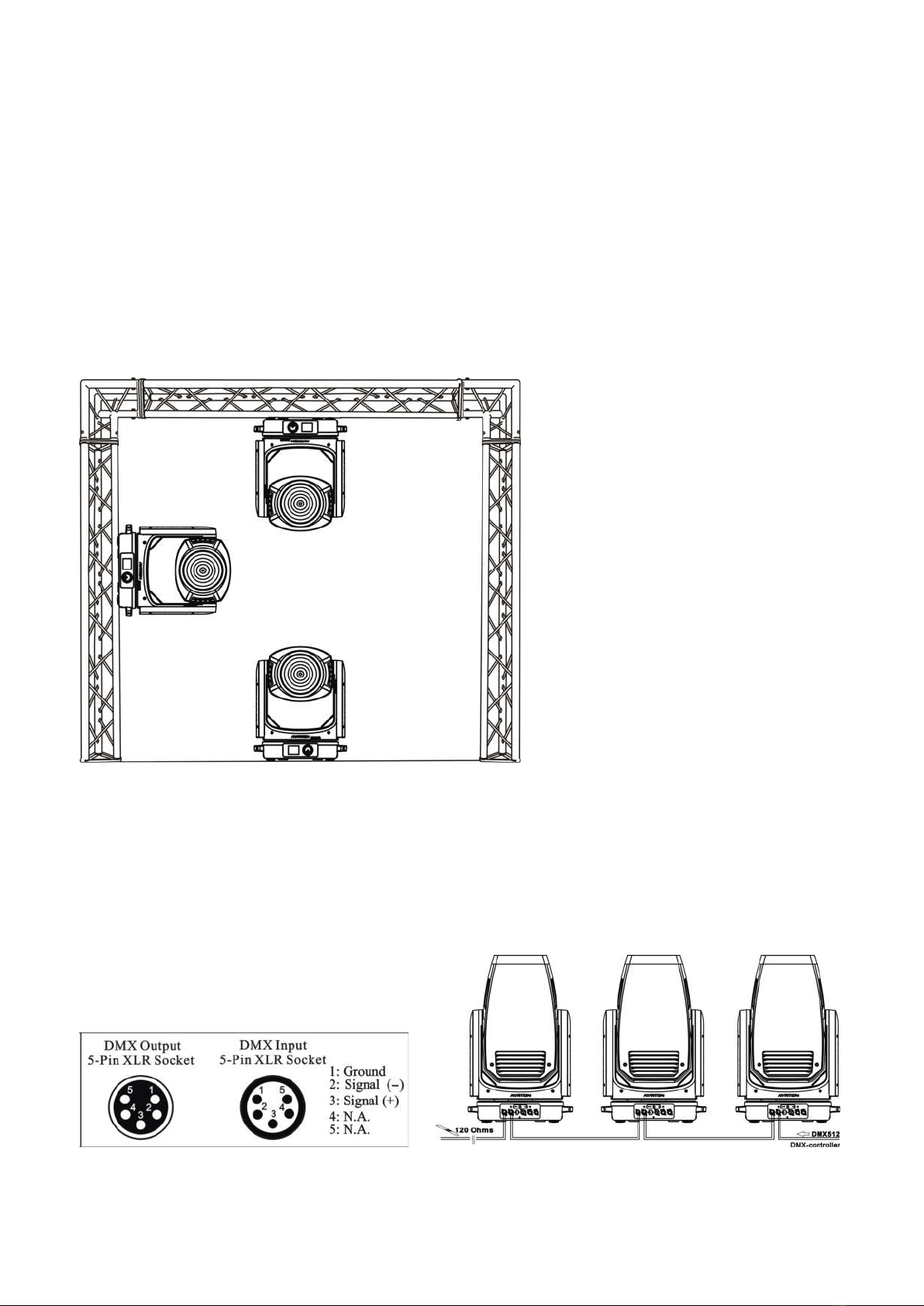
7. DMX-512 CONNECTION WITH DMX TERMINATOR
8. DEVICE DMX START ADDRESS SELECTION
All fixtures should be given a DMX starting address when using a DMX signal, so that the
correct fixture responds to the correct control signals. This digital starting address is the
channel number from which the fixture starts to “listen” to the digital control information sent out
from the DMX controller. The allocation of this starting address is achieved by setting the
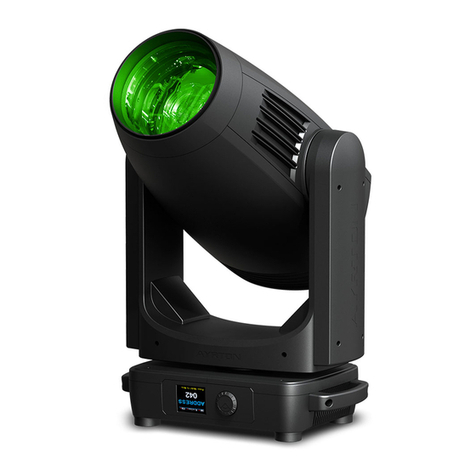
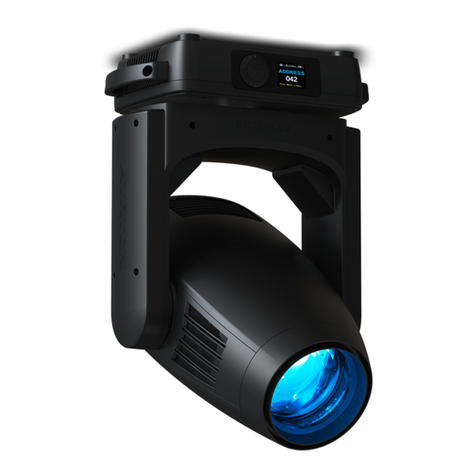
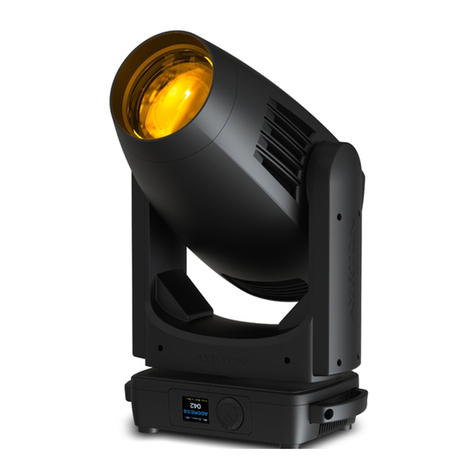
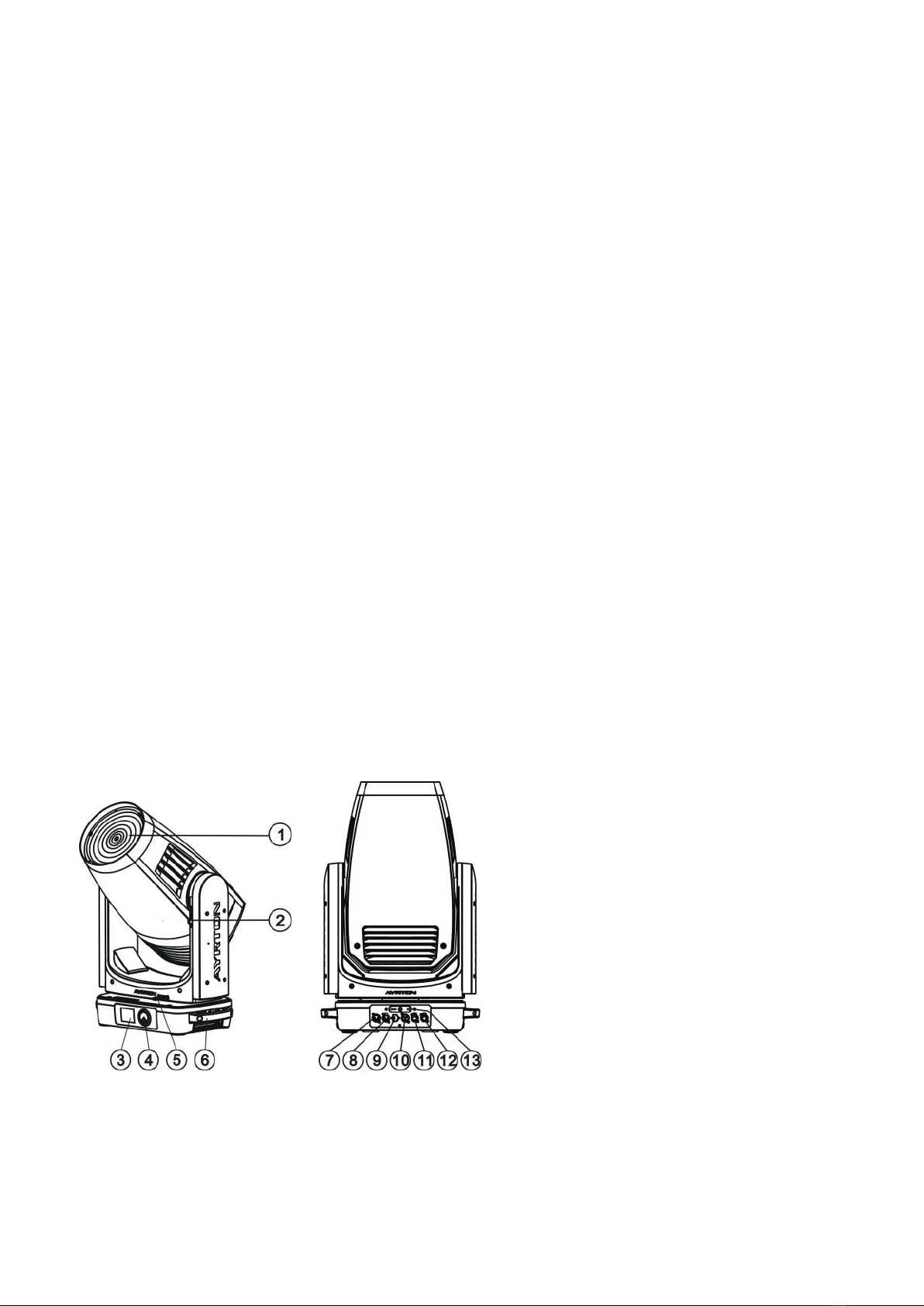
correct address number on the display located on the base of the device.
You can set the same starting address for all fixtures or a group of fixtures, or set different
addresses for each fixture individually.
If you set the same address on all devices, all the devices will start to“listen”to the same control
signal from the same channel number. In other words, changing the settings of one channel will
affect all the fixtures simultaneously.
If you set a different address, each unit will start to“listen”to the channel number you have set,
based on the quantity of control channels of the unit. That means changing the settings of one
channel will affect only the selected device.
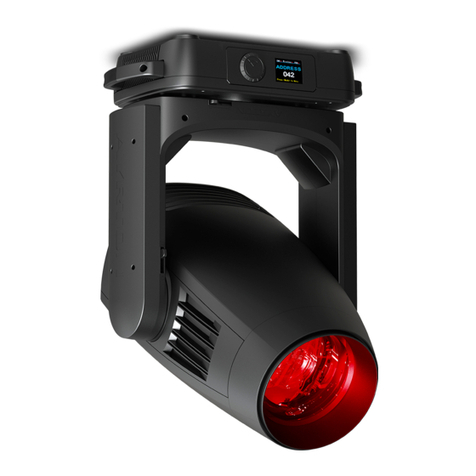
In the case of the LED moving head, in 39 channel mode, you should set the starting address
of the first unit to 1, the second unit to 40 (39 + 1), the third unit to 79 (39 + 40), and so on.
9. OPERTING INSTRUCTIONS OF THE INTERNAL DMX WIRELESS SYSTEM
Scan the QR code on the cover page to download the MANUAL to check.
10. DISPLAY
The Display offers Jog Wheel features: you can set the starting address, run the
pre-programmed program or reset the device.
The main menu is accessed by double clicking the Jog Wheel. Browse through the menu by
turning Jog Wheel clockwise or counterclockwise.
Double clicking in order to select the desired menu or long pressing to exit menu, double click
the Jog wheel for confirm. After accessing the edit mode,the unit will automatically exit to the
main menu after 15 seconds from the last button press. Clockwise is positive direction while
counterclockwise is opposite direction.
When the unit is powered on, if no data signal is connected after 1 minute, then the display will
switch off automatically.
Scan the QR code on the cover page to download the MANUAL to check the DISPLAY MENU.
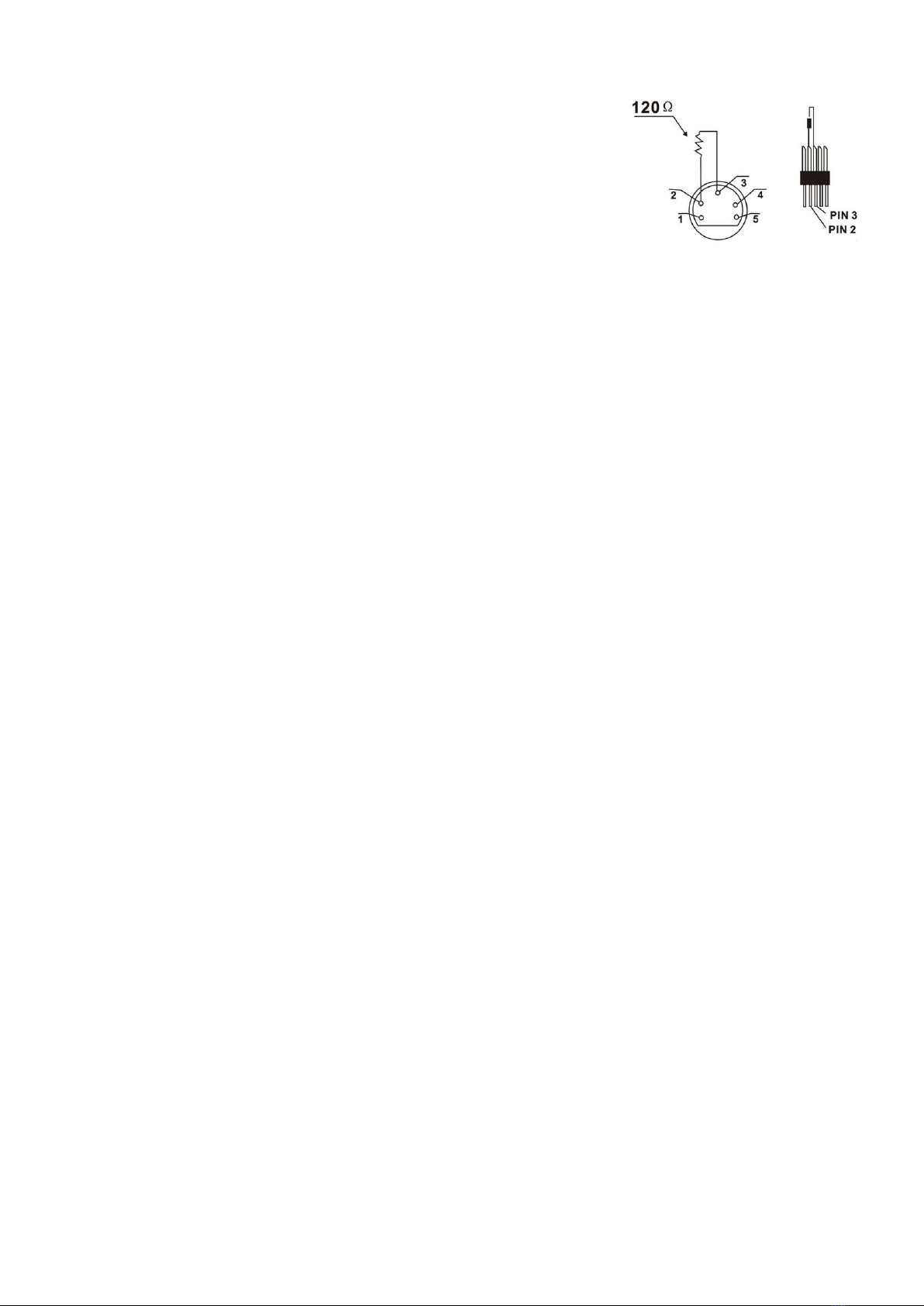
For installations where the DMX cable has to run over a long
distance or is in an electrically noisy environment, such as in a
discotheque, it is recommended to use a DMX terminator. This
helps in preventing corruption of the digital control signal
caused by electrical noise. The DMX terminator is an XLR plug
with a 120 Ω resistor connected between pins 2 and 3, which is
then plugged into the output (female) XLR socket of the last
fixture in the chain. Please see illustrations below.