manuals.online logo
Brands
  1. Home
  2. •
  3. Brands
  4. •
  5. BDI
  6. •
  7. Indoor Furnishing
  8. •
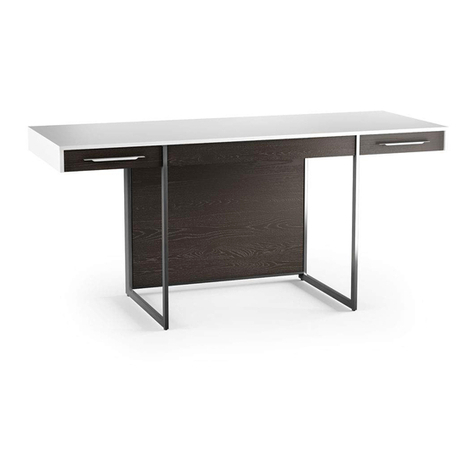
  9. BDI DUO 6241 User manual

BDI DUO 6241 User manual

Other BDI Indoor Furnishing manuals

BDI KITE 5305 User manual

BDI

BDI KITE 5305 User manual

BDI SOLA 6853 User manual

BDI

BDI SOLA 6853 User manual

BDI Sequel 6014 User manual

BDI

BDI Sequel 6014 User manual

BDI Icon 9423 User manual

BDI

BDI Icon 9423 User manual

BDI Avion 8521 Corner User manual

BDI

BDI Avion 8521 Corner User manual

BDI 6401 User manual

BDI

BDI 6401 User manual

BDI 6521 User manual

BDI

BDI 6521 User manual

BDI Novia User manual

BDI

BDI Novia User manual

BDI Meriden 8127 User manual

BDI

BDI Meriden 8127 User manual

BDI CORRIDOR BAR 5620 User manual

BDI

BDI CORRIDOR BAR 5620 User manual

BDI CORA 1172 User manual

BDI

BDI CORA 1172 User manual

BDI TERRACE 1150 User manual

BDI

BDI TERRACE 1150 User manual

BDI OLIS 9650 User manual

BDI

BDI OLIS 9650 User manual

BDI Sola 6817 User manual

BDI

BDI Sola 6817 User manual

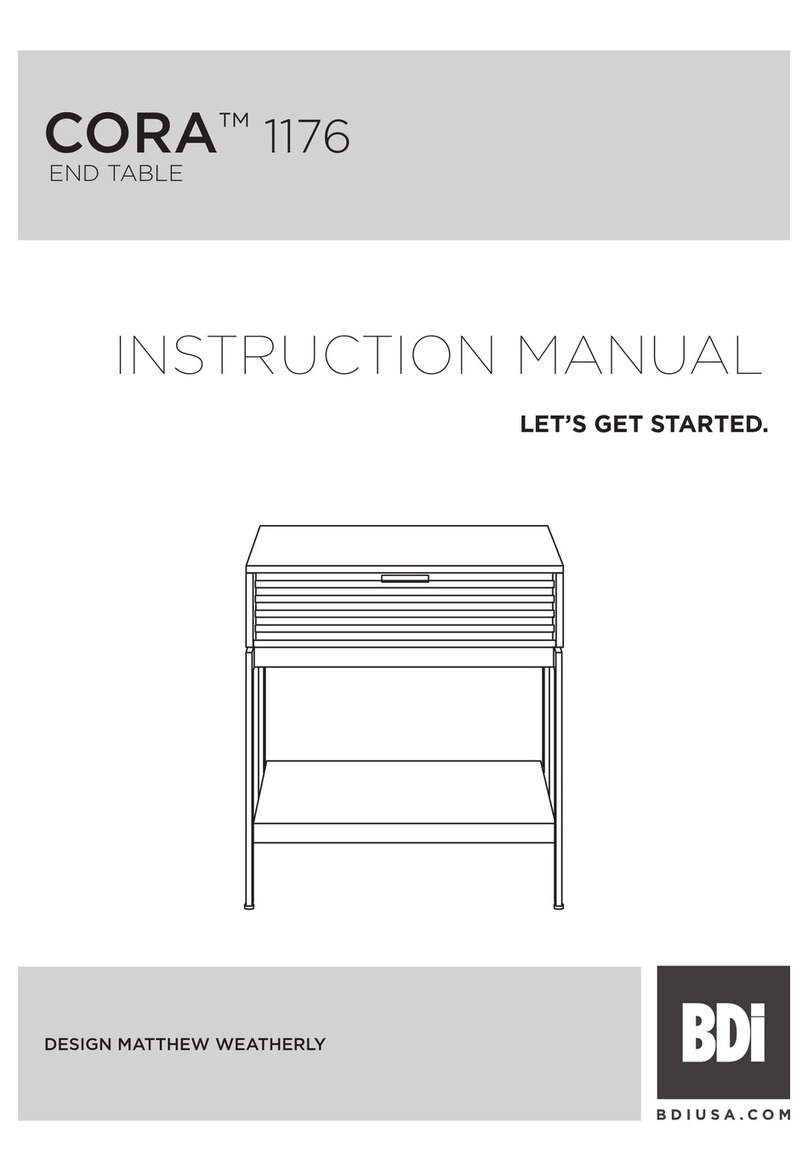
BDI CORA 1176 User manual

BDI

BDI CORA 1176 User manual

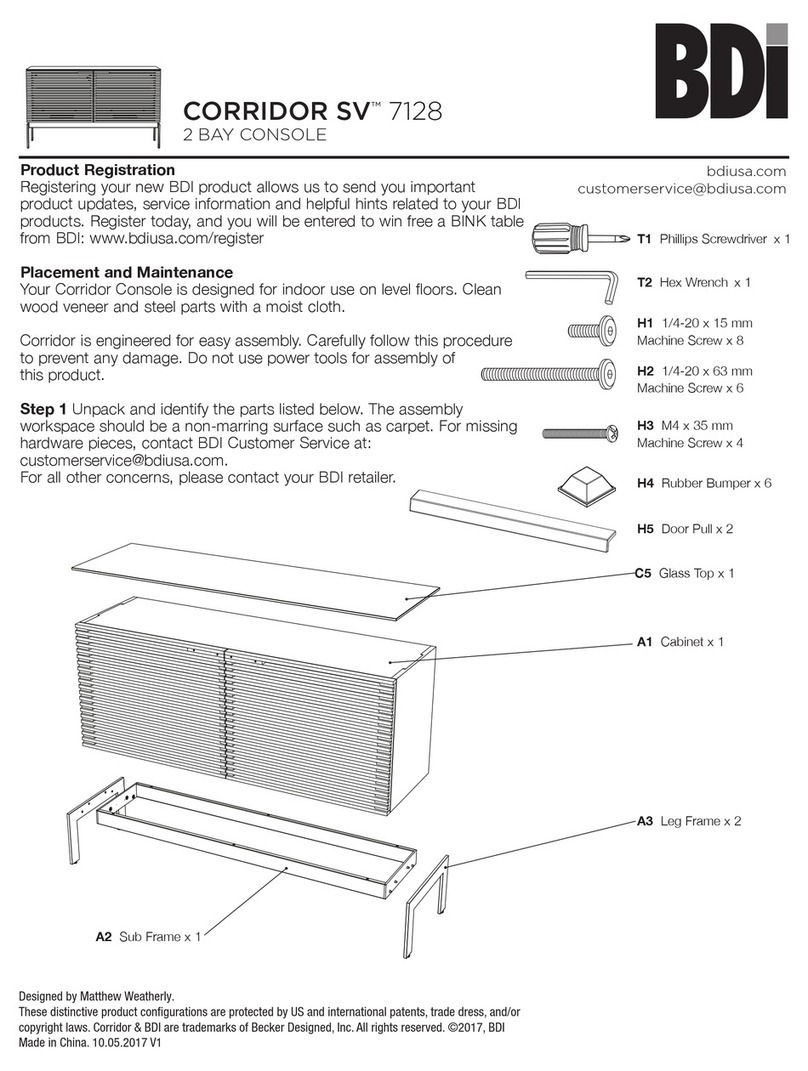
BDI CORRIDOR SV 7128 User manual

BDI

BDI CORRIDOR SV 7128 User manual

BDI format User manual

BDI

BDI format User manual

BDI VALERA 9729 User manual

BDI

BDI VALERA 9729 User manual

BDI CASCADIA User manual

BDI

BDI CASCADIA User manual

BDI CORA 1173 User manual

BDI

BDI CORA 1173 User manual

BDI CENTRO 6402 User manual

BDI

BDI CENTRO 6402 User manual

BDI COSMO 5720 User manual

BDI

BDI COSMO 5720 User manual

BDI CLOUD 9 1182 User manual

BDI

BDI CLOUD 9 1182 User manual

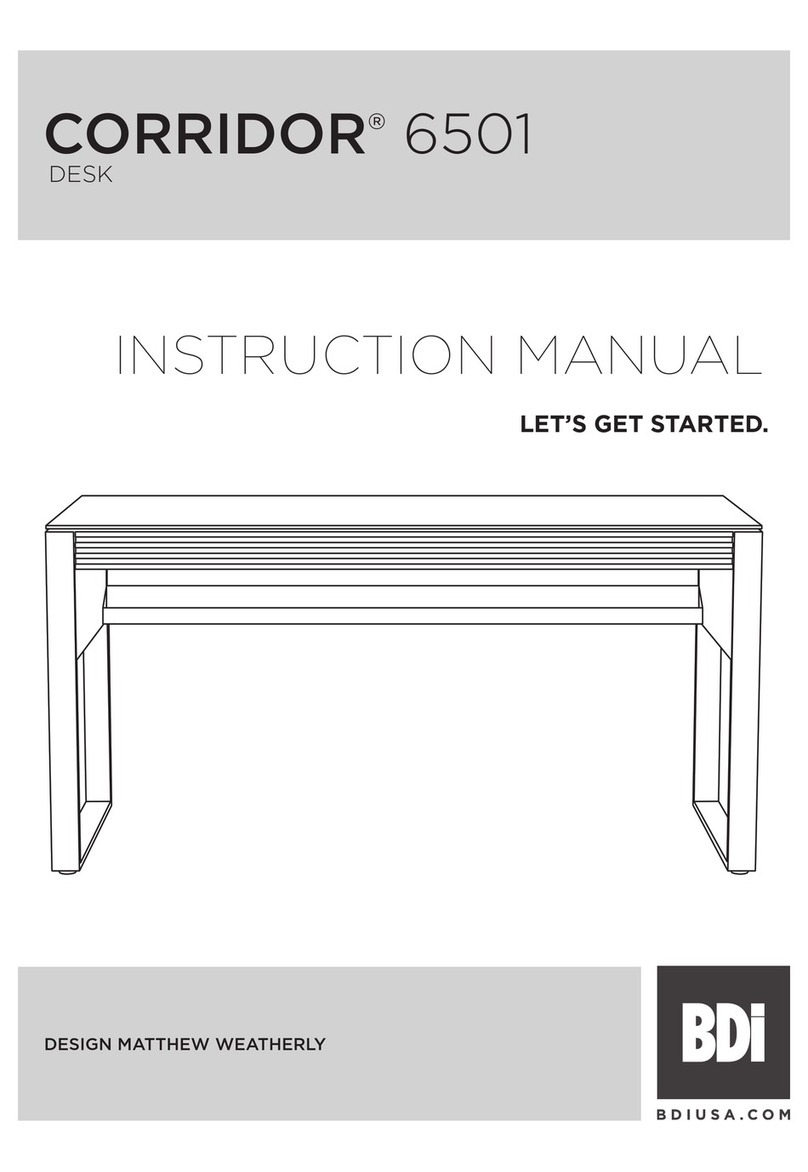
BDI CORRIDOR 6501 User manual

BDI

BDI CORRIDOR 6501 User manual

Popular Indoor Furnishing manuals by other brands

Homelegance California 1662PEK-1CK Assembly instruction

Homelegance

Homelegance California 1662PEK-1CK Assembly instruction

Osmond Ergonomics FLO instructions

Osmond Ergonomics

Osmond Ergonomics FLO instructions

OVE ELOISE 42 installation manual

OVE

OVE ELOISE 42 installation manual

overstock MF286255 Assembly instructions

overstock

overstock MF286255 Assembly instructions

Sonoma 160-801 Assembly instructions

Sonoma

Sonoma 160-801 Assembly instructions

BOLERO Wicker Side Chair CF158 Care Instructions

BOLERO

BOLERO Wicker Side Chair CF158 Care Instructions

Coaster 4799N Assembly instructions

Coaster

Coaster 4799N Assembly instructions

Stor-It-All WS39MP Assembly/installation instructions

Stor-It-All

Stor-It-All WS39MP Assembly/installation instructions

Lexicon 194840161868 Assembly instruction

Lexicon

Lexicon 194840161868 Assembly instruction

Next AMELIA NEW 462947 Assembly instructions

Next

Next AMELIA NEW 462947 Assembly instructions

impekk Manual II Assembly And Instructions

impekk

impekk Manual II Assembly And Instructions

Elements Ember Nightstand CEB700NSE Assembly instructions

Elements

Elements Ember Nightstand CEB700NSE Assembly instructions

JWA CARY 68429 Assembly instruction

JWA

JWA CARY 68429 Assembly instruction

VIPACK AMORI AMKB9014 Assembly instructions

VIPACK

VIPACK AMORI AMKB9014 Assembly instructions

Rowico SANNA Assembly instructions

Rowico

Rowico SANNA Assembly instructions

Southern Enterprises CK556000TX Assembly instructions

Southern Enterprises

Southern Enterprises CK556000TX Assembly instructions

hygena 314/5041 Assembly instructions

hygena

hygena 314/5041 Assembly instructions

VINNOVA Kinsley 536060S manual

VINNOVA

VINNOVA Kinsley 536060S manual

manuals.online logo
manuals.online logoBrands
  • About & Mission
  • Contact us
  • Privacy Policy
  • Terms and Conditions

Copyright 2025 Manuals.Online. All Rights Reserved.

1
Product Registration
Registering your new BDI product allows us to send you important
product updates, service information and helpful hints related to your
BDI products. Register today, and you will be entered to win free a
BINK table from BDI: www.bdiusa.com/register
Placement and Maintenance
Your Duo Pedestal Desk is designed for indoor use on level floors.
Clean wood veneer and steel parts with a moist cloth and clean glass
with glass cleaner.
Duo is engineered for easy assembly. Carefully follow this procedure
to prevent any damage. Do not use power tools for assembly of this
product.
Step 1
Unpack and identify the parts listed below. The assembly workspace
should be a non-marring surface such as carpet. For missing hardware
pieces, contact BDI Customer Service at: customerservice@bdiusa.
com.
For all other concerns, please contact your BDI retailer.
Designed by Matthew Weatherly.
These distinctive product configurations are protected by US and international patents, trade dress, and/or copyright laws.
Duo & BDI are trademarks of Becker Designed, Inc. All rights reserved. ©2017, BDI
Made in China. 7.11.2017 V4
T1 Hex Wrench x 1
A2 Desk Assembly x 1
H1 1/4-20 x 32 mm
Flat Head Machine Screw x 4
H3 M6 x 20 mm
Machine Screw x 4
H4 1/4-20 x 13 mm Flat
Head Machine Screw x 12
A3 Cabinet x 1
C7 Drawer Pull x 3
C3 Cabinet Bracket x 1
C6 Glass Top x 1
bdiusa.com
customerservic[email protected]om
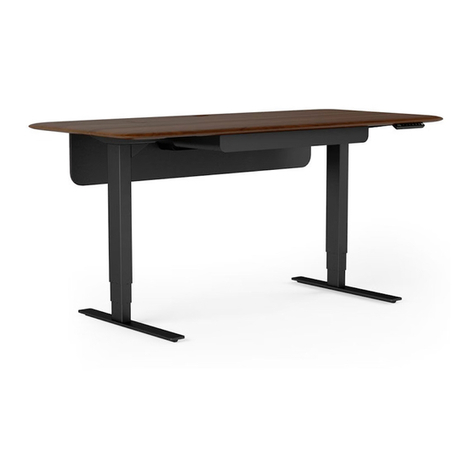
DUOTM 6241
PEDESTAL DESK
A1 Leg x 1
C1 Leg Plate x 1
C5 Back Panel x 1
C2 Foot x 1
C8 File Bar Clip x 2
C9 Small File Bar x 1
H5 M4 x 38mm Machine
Screw x 6
H2 1/4-20 x 25 mm
Flat Head Machine Screw x 2
Tool Provided:
Tool Required:
Phillips screwdriver

bdiusa.com
customerservic[email protected]om
DUO 6241
PEDESTAL DESK
2
Step 2 - Assemble Leg
Attach leg plate C1 to the top of leg A1 using screw H1 (x4) and hex wrench. Attach foot C2 to the bottom
of leg A1 using screws H2 (x2) and hex wrench T1.
Step 3 - Attach Leg
Carefully position the desk assembly A2 upside down. Remove the flat panel but keep the 6 screws for
steps 4-5. Attach leg A1 into recessed square area using screws H3 (x4) and hex wrench.
A1
C1 C2
A2
A1
T1
H3 x 4
H1 x 4
H2 x 2
Remove this
panel and keep
the 6 screws
for following
steps.
bdiusa.com
customerservic[email protected]om
DUO 6241
PEDESTAL DESK
3
Step 4 - Cabinet Bracket Installation
Attach cabinet brackets C3 (x2) to both sides of cabinet using screws H4 (x6) and hex wrench T1.
2 Person Task
Cabinet may also be
positioned on the left
side of desk.
H4 x 6
A2
H4 x 6
A3
Step 5 - Attach Desk Assembly to Cabinet
With help from another person, carefully position the desk panel A2 over the cabinet A3. Since Duo is

reversible, the cabinet may be positioned on the left or right side of the desk. Attach desk assembly to
cabinet brackets using screws H4 (x6) and hex wrench. Look for "L" or "R" engraved into the bottom of the
desk. Position front of cabinet towards "L" for left-hand orientation or "R" for right-hand orientation.
T1
C3
C3
Right Hand Orientation Shown
R
bdiusa.com
customerservic[email protected]om
DUO 6241
PEDESTAL DESK
4
Step 6 - Wire Management (Optional)
Your Duo Pedestal Desk has 2 concealed areas inside the back of the cabinet where a surge protector may be
placed.
Cord pass through hole
Surge Protector
(not included)
Step 7 - Back Panel Installation
Install the back panel C5 by inserting the top edge into the upper groove, and inserting bottom edge into the

lower groove. Power cords may be routed through the mouse holes on the top and bottom edge of back panel.

1
2
Wire pass-through holes
C5
bdiusa.com
customerservic[email protected]om
DUO 6241
PEDESTAL DESK
5
Step 8 - Glass Top Installation
With the help of another person, carefully lower glass top C6 onto the desk assembly.
Step 9 - Attach Drawer Pulls
Open each drawer and install the drawer pulls C7 (x3) using screws H5 (x6) and a Phillips Screwdriver.
C7
H5
bdiusa.com
customerservic[email protected]om
DUO 6241
PEDESTAL DESK
6
Step 10 - File Bar Installation (Letter File)
For letter files facing sideways, attach file bar clip C8 to both ends of small file bar C9 as shown. Place the
file bar assembly in the notches located on the left and right drawer side panels. For front facing letter files, skip
this step altogether.
Step 11 - Legal File Accommodation
C8
C9
H5
C7