manuals.online logo
Brands
  1. Home
  2. •
  3. Brands
  4. •
  5. BDI
  6. •
  7. Indoor Furnishing
  8. •
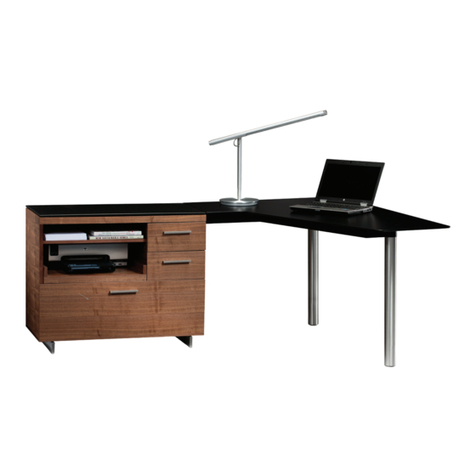
  9. BDI SEQUEL 6003 User manual

BDI SEQUEL 6003 User manual

Other BDI Indoor Furnishing manuals

BDI 6017 User manual

BDI

BDI 6017 User manual

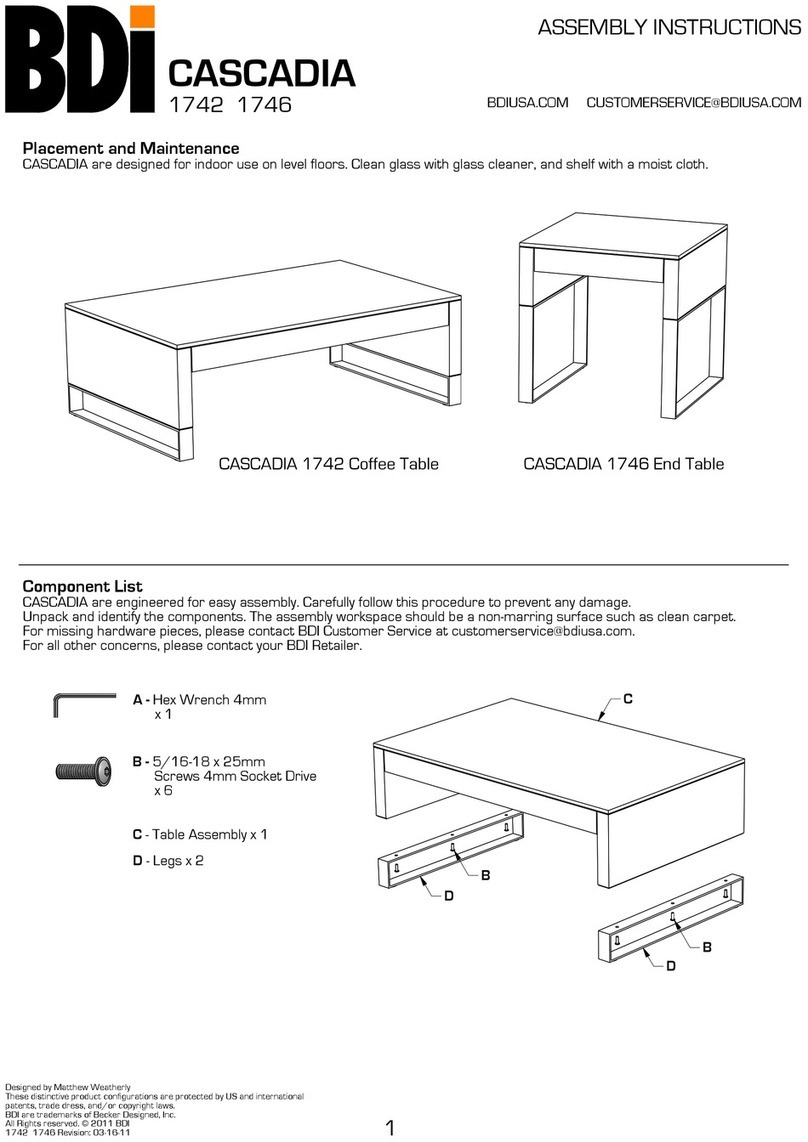
BDI CASCADIA 1742 User manual

BDI

BDI CASCADIA 1742 User manual

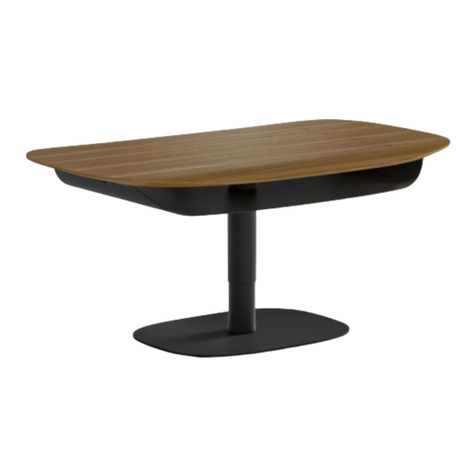
BDI SOMA 1130 User manual

BDI

BDI SOMA 1130 User manual

BDI BRADEN 8828 User manual

BDI

BDI BRADEN 8828 User manual

BDI REVEAL 1192 User manual

BDI

BDI REVEAL 1192 User manual

BDI Sequel User manual

BDI

BDI Sequel User manual

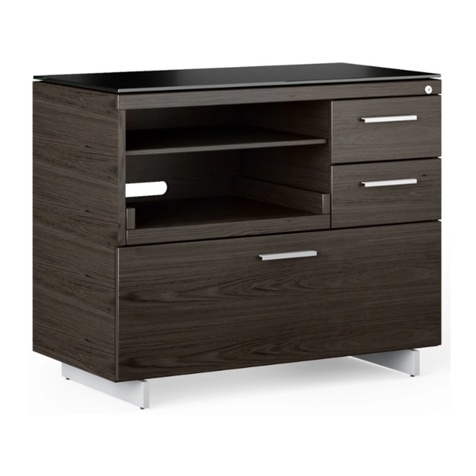
BDI SEQUEL 20 6117 User manual

BDI

BDI SEQUEL 20 6117 User manual

BDI FLO 7279 User manual

BDI

BDI FLO 7279 User manual

BDI COSMO CONSOLE 5729 User manual

BDI

BDI COSMO CONSOLE 5729 User manual

BDI LINEA 6223 User manual

BDI

BDI LINEA 6223 User manual

BDI ALIGN 7477 User manual

BDI

BDI ALIGN 7477 User manual
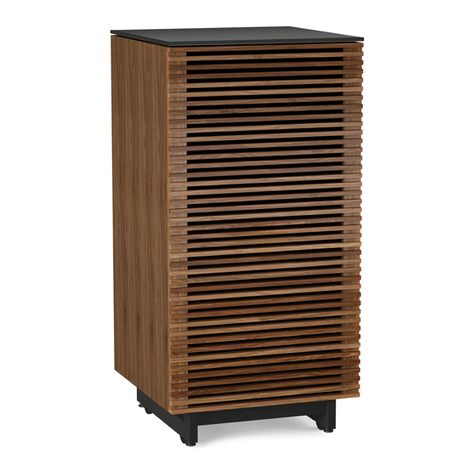
BDI Corridor 8172 User manual

BDI

BDI Corridor 8172 User manual
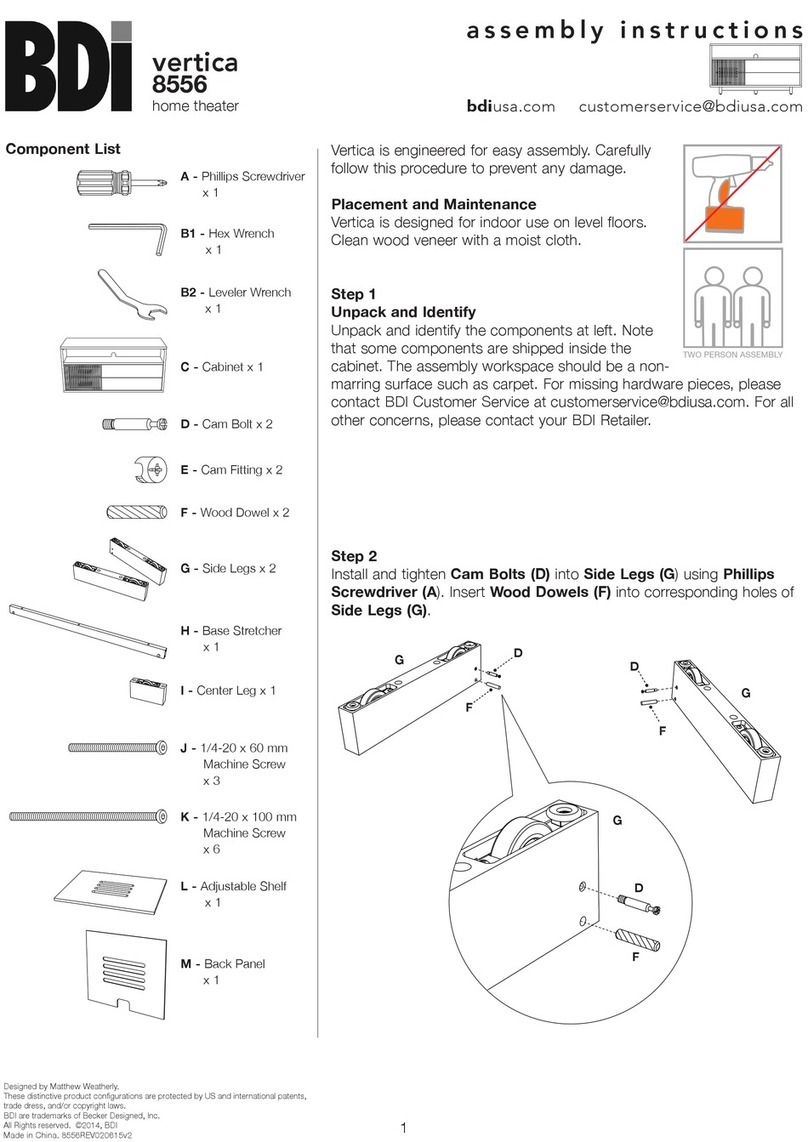
BDI Vertica 8556 User manual

BDI

BDI Vertica 8556 User manual
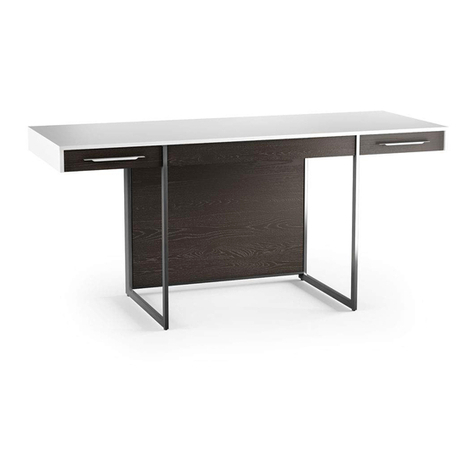
BDI format User manual

BDI

BDI format User manual

BDI LINQ 9181 User manual

BDI

BDI LINQ 9181 User manual

BDI MÜV 1252 User manual

BDI

BDI MÜV 1252 User manual
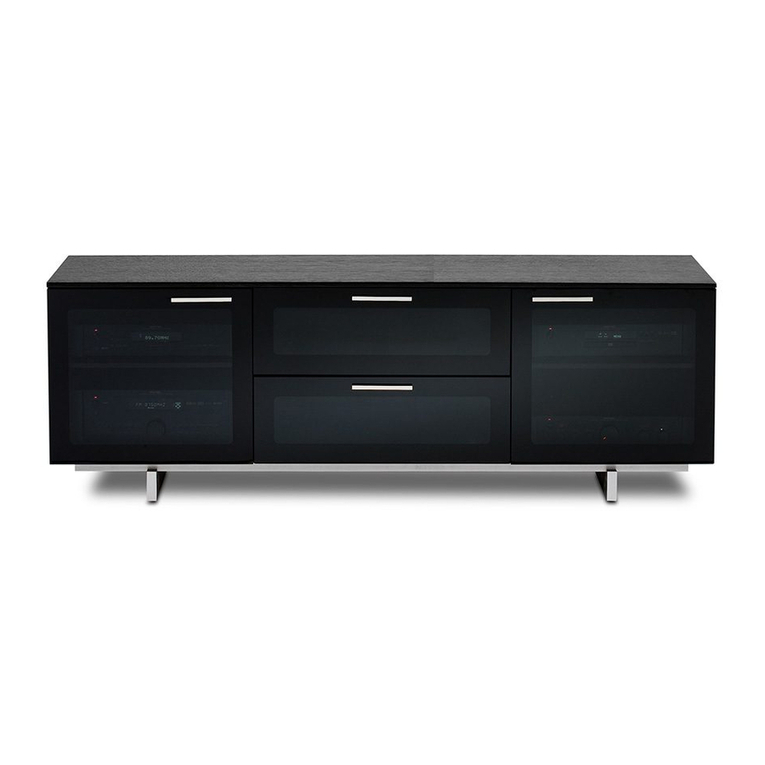
BDI Avion Noir 8937 User manual

BDI

BDI Avion Noir 8937 User manual
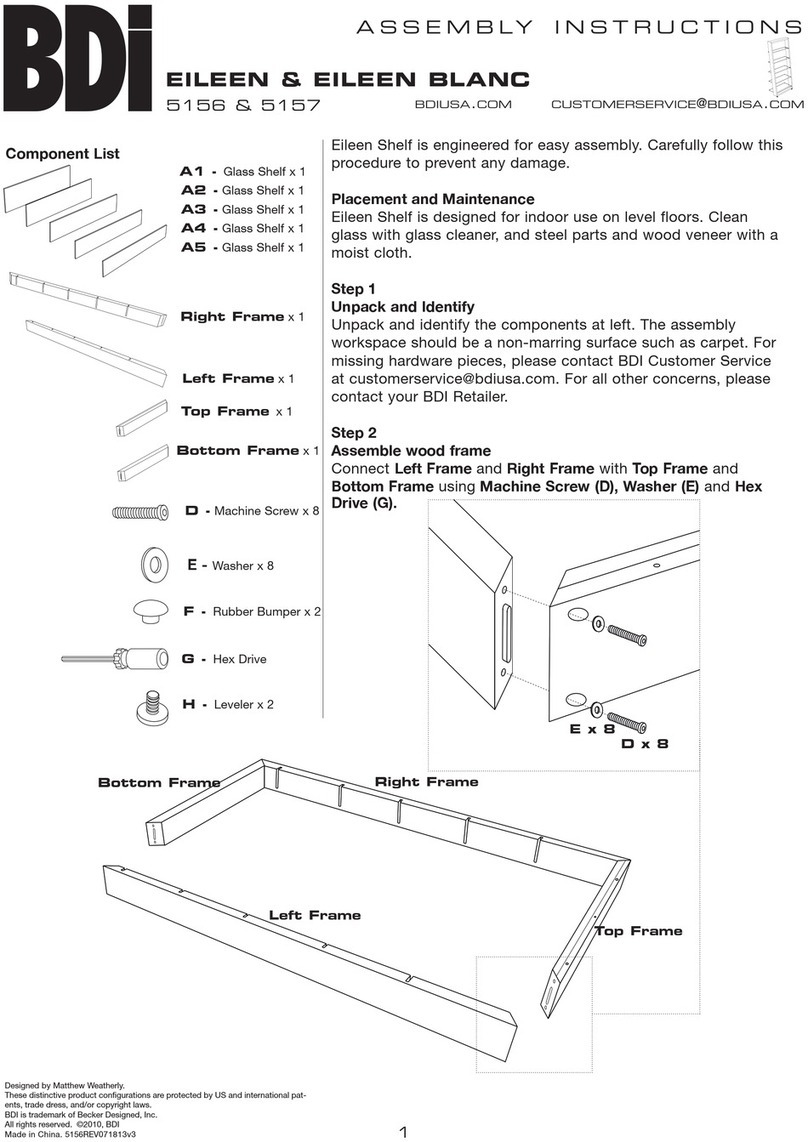
BDI EILEEN 5156 User manual

BDI

BDI EILEEN 5156 User manual
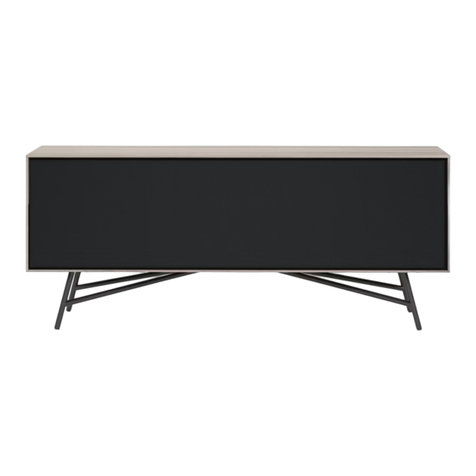
BDI SECTOR 7527 Series User manual

BDI

BDI SECTOR 7527 Series User manual
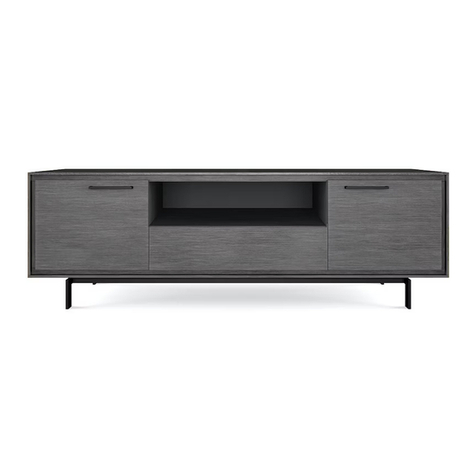
BDI signal 8323 User manual

BDI

BDI signal 8323 User manual
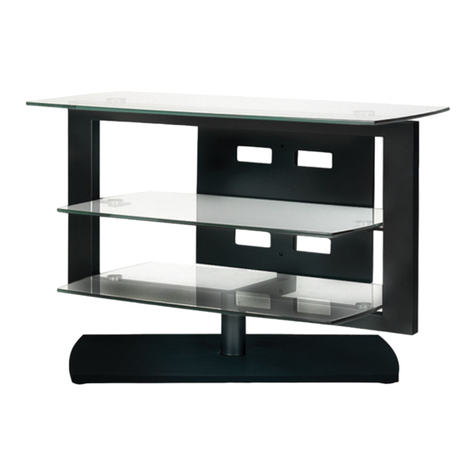
BDI Icon 9423 User manual

BDI

BDI Icon 9423 User manual

BDI VALERA 9729 User manual

BDI

BDI VALERA 9729 User manual

BDI TANAMI 7109 User manual

BDI

BDI TANAMI 7109 User manual

BDI LINQ 9117 User manual

BDI

BDI LINQ 9117 User manual

Popular Indoor Furnishing manuals by other brands

Homelegance California 1662PEK-1CK Assembly instruction

Homelegance

Homelegance California 1662PEK-1CK Assembly instruction

Osmond Ergonomics FLO instructions

Osmond Ergonomics

Osmond Ergonomics FLO instructions

OVE ELOISE 42 installation manual

OVE

OVE ELOISE 42 installation manual

overstock MF286255 Assembly instructions

overstock

overstock MF286255 Assembly instructions

Sonoma 160-801 Assembly instructions

Sonoma

Sonoma 160-801 Assembly instructions

BOLERO Wicker Side Chair CF158 Care Instructions

BOLERO

BOLERO Wicker Side Chair CF158 Care Instructions

Coaster 4799N Assembly instructions

Coaster

Coaster 4799N Assembly instructions

Stor-It-All WS39MP Assembly/installation instructions

Stor-It-All

Stor-It-All WS39MP Assembly/installation instructions

Lexicon 194840161868 Assembly instruction

Lexicon

Lexicon 194840161868 Assembly instruction

Next AMELIA NEW 462947 Assembly instructions

Next

Next AMELIA NEW 462947 Assembly instructions

impekk Manual II Assembly And Instructions

impekk

impekk Manual II Assembly And Instructions

Elements Ember Nightstand CEB700NSE Assembly instructions

Elements

Elements Ember Nightstand CEB700NSE Assembly instructions

JWA CARY 68429 Assembly instruction

JWA

JWA CARY 68429 Assembly instruction

VIPACK AMORI AMKB9014 Assembly instructions

VIPACK

VIPACK AMORI AMKB9014 Assembly instructions

Rowico SANNA Assembly instructions

Rowico

Rowico SANNA Assembly instructions

Southern Enterprises CK556000TX Assembly instructions

Southern Enterprises

Southern Enterprises CK556000TX Assembly instructions

hygena 314/5041 Assembly instructions

hygena

hygena 314/5041 Assembly instructions

VINNOVA Kinsley 536060S manual

VINNOVA

VINNOVA Kinsley 536060S manual

manuals.online logo
manuals.online logoBrands
  • About & Mission
  • Contact us
  • Privacy Policy
  • Terms and Conditions

Copyright 2025 Manuals.Online. All Rights Reserved.

E - 1/4-20 x 61 mm
Machine Screw x 5
B - 1/4-20 x 12 mm
Flat Head
Machine Screw x 6
F - Adhesive Magnet x 4
C - Leveler Glide x 4
A - 4mm Hex Wrench
D - 1/4-20 x 12 mm
Machine Screw x 12
SEQUEL
Designed by Matthew Weatherly
These distinctive product configurations are protected by US and international
patents, trade dress, and/or copyright laws.
BDI and 'Sequel' are trademarks of Becker Designed, Inc.
All Rights reserved. © 2015BDI
Made in Taiwan. 6003 Compact Desk Revision: 081915
Component List
6003 Compact Desk
ASSEMBLY INSTRUCTIONS
1
BDIUSA.COM CUSTOMERSERVICE@BDIUSA.COM
Sequel™ is engineered for easy assembly. Carefully follow this procedure to
prevent any damage.
Placement and Maintenance
Sequel™ Home Office Furniture is designed for indoor use on level floors. Clean
glass with glass cleaner, and steel parts and wood veneer with a moist cloth.
CAUTION: Do not use power tools for assembly of this product.
K
L
G
M
J
N
H
O
P
I
G - Leg Brackets x 2
H - Left Leg x 1
I - Right Leg x 1
J - Drawer Assembly x 1
K - Upper Horizontal Beam x 1
L - Lower Horizontal Beam x 1
M - Glass Top x 1
N - Front Kick Panel x 1
G
O - Back Panel x 1
P - Drawer Liner x 1
(Sequel 6008 sold seperately)
™
SEQUEL
6003 Compact Desk ASSEMBLY INSTRUCTIONS
2 BDIUSA.COM CUSTOMERSERVICE@BDIUSA.COM
Step 3
Install Leveler Glides
Install Leveler Glides (C) into the bottom
of Left Leg (H) and Right Leg (I).
Step 2
Attach Leg Brackets to Leg
Identify Left and Right Legs. Attach Leg
Brackets (G) to Left or Right Legs
depending on Drawer Position. Attach
Leg Brackets (G) using Screws (B) and
tighten with Hex Wrench (A).
Step 1
Choose Drawer Position - Left or Right
Sequel 6003 Compact Desk features a Left or Right Drawer position.
For Left Drawer Position, install Leg Brackets (G) onto Left Leg (H).
For Right Drawer Position, install Leg Brackets (G) onto Right Leg (H).
Left Leg (K)
Right Leg (I)
Left Drawer Position
Install Leg Brackets (G) onto Left Leg (H)
Right Drawer Position
Install Leg Brackets (G) onto Right Leg (I)
Foam Strip Faces Inside
Leg Bracket (G)
Leveler Glide (C)
G
B
C
Leveler Glide (C)
To Remove Drawer
Open Drawer fully and
press levers, 1 up and
1 down, on both sides
of Drawer, and pull
Drawer out.
SEQUEL
6003 Compact Desk ASSEMBLY INSTRUCTIONS
3 BDIUSA.COM CUSTOMERSERVICE@BDIUSA.COM
Step 5
Attach Upper Horizontal Beam
Attach Upper Horizontal Beam (K) to inside
of Left and Right Legs using Screws (D) and
tighten with Hex Wrench (A). Make certain
3 slots in Upper Horizontal Beam (K) face
toward Leveler Glides (C).
Recommended
2-person Step
Step 4
Attach Legs
With Drawer Assembly (J) upside down,
Attach Leg with Leg Brackets (G) to Drawer
Assembly (J) using Screws (B) and tighten
with Hex Wrench (A).
Attach Leg without Leg Brackets to Drawer
Assembly (J) using Screws (D) and tighten
with Hex Wrench (A).
B
D
Drawer Assembly (J)
Upside Down with
Drawer Bottom Facing Up
If necessary, remove Drawer
and flip over for correct position
See detail in Step 1 for Drawer
removal.
Foam Strips
Face Inside
Leveler Glides (C)
D
D
Drawer Assembly (J)
Upper Horizontal Beam (K)
Leveler Glides (C)
SEQUEL
6003 Compact Desk ASSEMBLY INSTRUCTIONS
4 BDIUSA.COM CUSTOMERSERVICE@BDIUSA.COM
Step 6
Attach Lower Horizontal Beam
Attach Lower Horizontal Beam (L) to inside
of Left and Right Leg using Screws (D) and
tighten with Hex Wrench (A).
Turn unit over.
Step 7
Attach Glass Top
With the help of another person, gently lower Glass Top (M) onto
Drawer Assembly (J). Fasten Glass Top (M) using Screws (E) and
tighten with Hex Wrench (A). DO NOT OVERTIGHTEN!
Recommended
2-person Step
D
L
D
L
Short side of
Lower Horizontal Beam (L)
faces front of Desk
Glass Top (M)
E
E
Glass Top (M)
1. 2.
SEQUEL
6003 Compact Desk ASSEMBLY INSTRUCTIONS
5 BDIUSA.COM CUSTOMERSERVICE@BDIUSA.COM
Step 8 (optional)
Attach Magnets to AC power strip/surge protector
Remove Adhesive Magnets (F) from the Upper
Horizontal Beam (K).
Peel film from side of the Adhesive Magnets (F) and
attach to clean, dry back side of AC power strip (not
included). Cleaning of power strip surface with
rubbing alcohol will ensure best adhesive bond.
CAUTION: UNPLUG POWER STRIP
FROM POWER SOURCE BEFORE CLEANING
Step 9 (optional)
Attach Power Strip / Surge Protector
Attach AC power strip /surge protector to inside of Upper Horizontal
Beam (K) as shown in illustration below.
Use the slot holes provided to run all wires to and from the desk. Keep
all wires inside Upper Horizontal Beam (K) to allow proper attachment
of Front Kick Panel (N) and/or optional Back Panel (O).
Adhesive Magnet (F)
Adhesive Magnet (F)
Upper Horizontal Beam (K)
SEQUEL
6003 Compact Desk ASSEMBLY INSTRUCTIONS
6 BDIUSA.COM CUSTOMERSERVICE@BDIUSA.COM
Step 10
Install Front Kick Panel
Place Desk in desired location. Once all of the electrical wires are
routed, install Front Kick Panel (N) as shown. Insert bottom edge of
Front Kick Panel (N) into Lower Horizontal Beam (L). Tilt Front Kick
Panel (N) back until magnets hold panel in place. With the grippy side
Back Panel (O)
facing down, insert Drawer Liner (P) into the Drawer.
Note: The Sequel™ Desk is designed to permit placement in front of an
electrical outlet for easier wiring access.
Step 11 (optional)
Attach Back Panel
Back Panel (O) Sequel™ 6008 (sold seperately) is designed
to conceal wire management if desk is located in the middle
of a room.
Insert bottom edge of Back Panel (O) into Lower Horizontal
Beam (L). Tilt Back Panel (O) foward until magnets hold
panel in place.
Front Kick Panel (N)
Back Panel (O)
Sequel™ 6008
(sold seperately)
Lower Horizontal Beam (L)
Top edge of
Back Panel (O)
is angled
Drawer Liner (P)