10
5.2 Accessing programming functions
Throughout this manual push-buttons are shown
in italics e.g. P or Up push-button, and legends
displayed by the instrument are shown within
inverted commas e.g. 'CAL' and ' ALr2'.
Access to the programme menu is obtained by
operating the Pand Epush-buttons
simultaneously. If the instrument is not
protected by a security code the first parameter
'root' will be displayed. If a security code other
than the default code 0000 has already been
entered, the instrument will display 'COdE'.
Press Pto clear this prompt and enter the
security code for the instrument using the Up or
Down push-button to adjust each digit, and the
Ppush-button to move control to the next digit.
If the correct code has been entered pressing E
will cause the first parameter 'root' to be
displayed. If an incorrect code is entered, or a
push-button is not operated, the instrument will
timeout after ten seconds and automatically
return to the display mode.
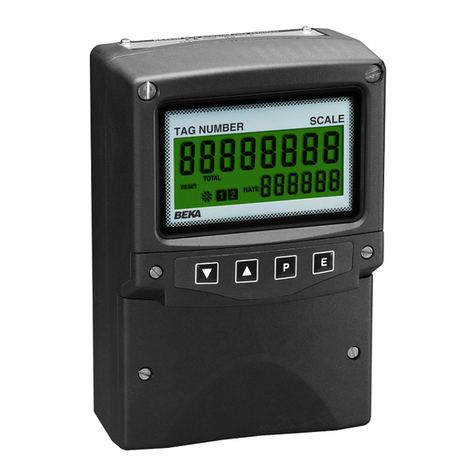
Apart from defining the position of the decimal
point in the rate display all programme functions
and prompts are shown on the large eight digit
display.
Once within the main programme menu the
required parameter can be reached by scrolling
through the menu using the Up and Down push-
buttons as shown by the programme structure in
Figs 7A and 7B. When returning to the
operating mode following recalibration or
changes to any parameters, the total display will
show circulating decimal points for a few
seconds while the new information is stored in
permanent memory.
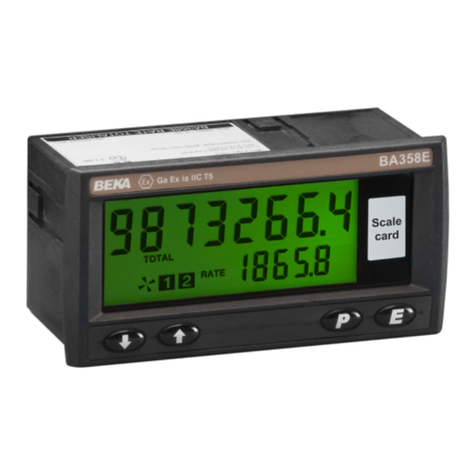
All new BA554D rate totalisers are supplied
calibrated as requested at the time of ordering.
If calibration information is not supplied, the
BA554D will be set to display a rate of 0.00 with
4mA input and 100.00 with 20mA input. The
total scale factor will be set to 1.0000 with a
timebase of flow per second. The instrument
can easily be recalibrated on-site.
5.3 Summary of programmable functions
This section summarises all the programmable
functions and when read with Figs 7A and 7B
provides sufficient information to condition and
calibrate the instrument. A cross-reference to
more detailed information is given for each
function.
SUMMARY
Display Description of function
'root' Square root extractor
Enables the square root extractor to
be turned on or off. When the root
extractor is turned on, clip-off is
automatically set to 5% of maximum
flow.
See section 5.4
'rESn' Display resolution
Selects the resolution of the least
significant digit of the rate display.
May be set to 1, 2, 5 or 10 digits.
See section 5.5
'd.P.' Decimal points
Defines the position of the decimal
point in both the rate and total
displays.
See section 5.6
'CAL' Calibration of rate display using
external current source.
Enables the zero and span of the
rate display to be adjusted using an
external current source such as a
calibrator. Also enables a complete
loop to be calibrated from primary
element to the indicator display.
When used with an accurate
traceable current source this is the
preferred method of calibration.
See section 5.7
'SEt' Calibration of rate display using
internal references.
Enables the zero and span of the
rate display to be adjusted without
the need for an accurate input
current or disconnection from the
4/20mA loop. See section 5.8