manuals.online logo
Brands
  1. Home
  2. •
  3. Brands
  4. •
  5. BEKA
  6. •
  7. Measuring Instrument
  8. •
  9. BEKA PROFIBUS PA BA444DF-P User manual

BEKA PROFIBUS PA BA444DF-P User manual

Other BEKA Measuring Instrument manuals

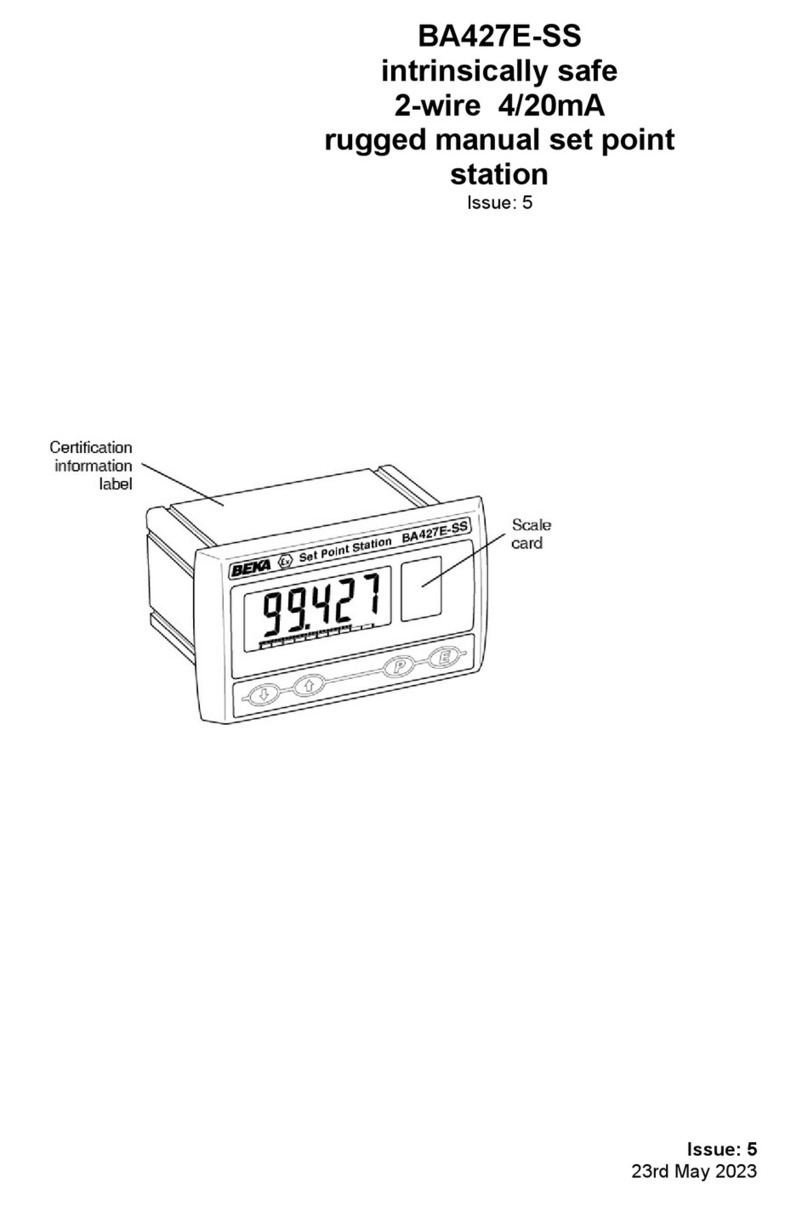
BEKA BA427E-SS User manual

BEKA

BEKA BA427E-SS User manual

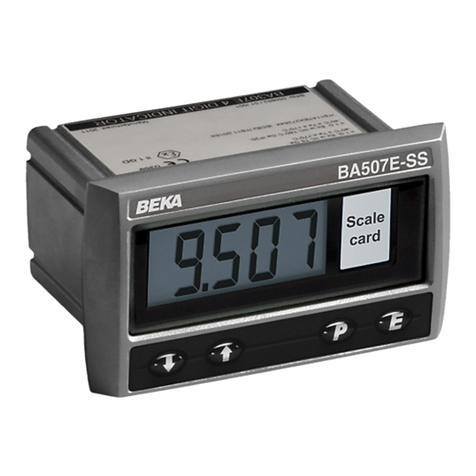
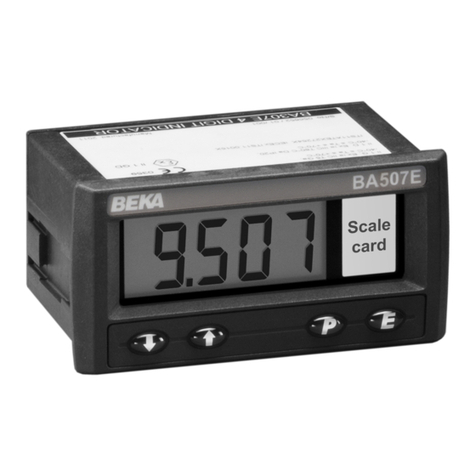
BEKA BA507E-SS User manual

BEKA

BEKA BA507E-SS User manual

BEKA BA304C User manual

BEKA

BEKA BA304C User manual

BEKA BA344D User manual

BEKA

BEKA BA344D User manual

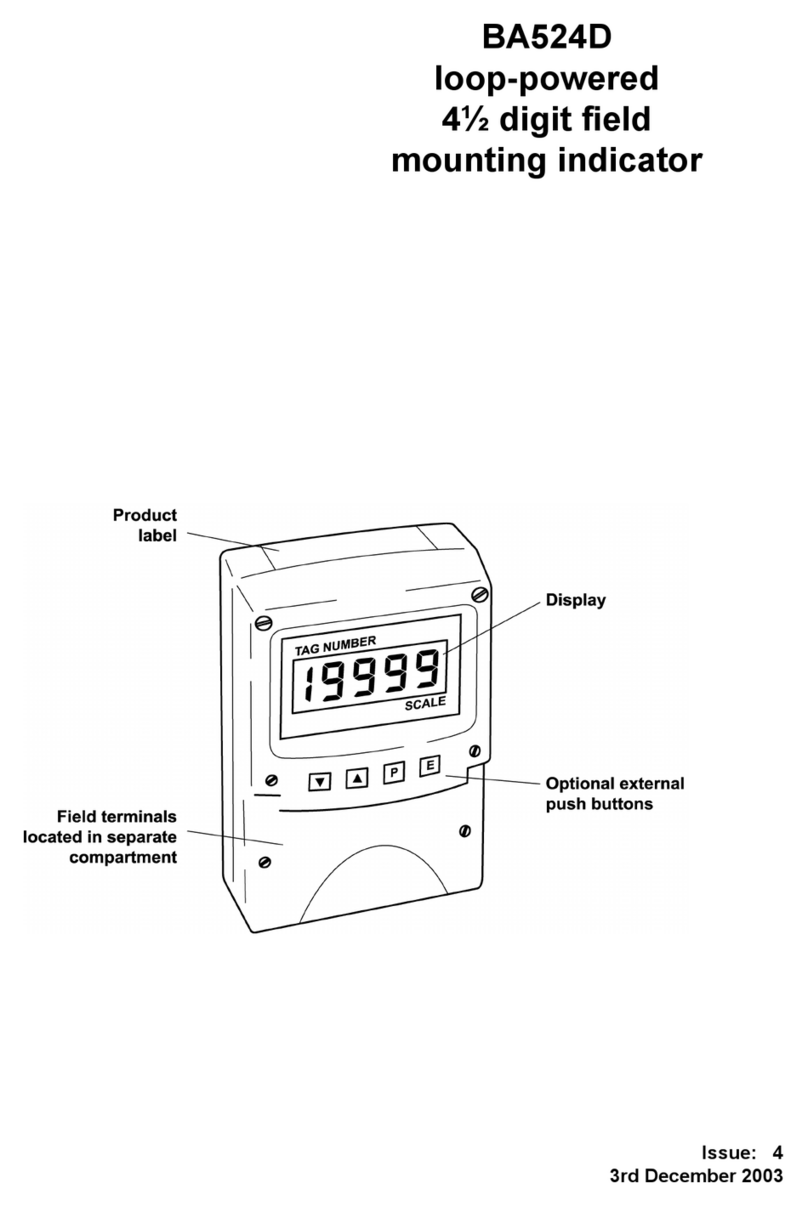
BEKA BA524D User manual

BEKA

BEKA BA524D User manual

BEKA BA507E Installation and operating instructions

BEKA

BEKA BA507E Installation and operating instructions

BEKA BA448CF-F User manual

BEKA

BEKA BA448CF-F User manual

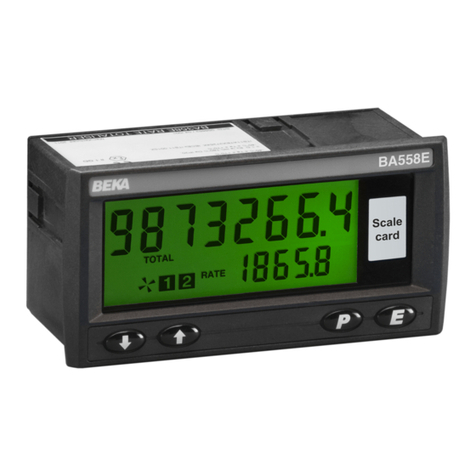
BEKA BA558E User manual

BEKA

BEKA BA558E User manual

BEKA Advisor A70 User manual

BEKA

BEKA Advisor A70 User manual

BEKA FOUNDATION BA444DF-F User manual

BEKA

BEKA FOUNDATION BA444DF-F User manual

BEKA BA327NE User manual

BEKA

BEKA BA327NE User manual

BEKA BR323AL User manual

BEKA

BEKA BR323AL User manual

BEKA BA444NDF-P Installation and operating instructions

BEKA

BEKA BA444NDF-P Installation and operating instructions

BEKA BA534D User manual

BEKA

BEKA BA534D User manual

BEKA BA334E User guide

BEKA

BEKA BA334E User guide

BEKA BA527C User manual

BEKA

BEKA BA527C User manual

BEKA BA364ND User manual

BEKA

BEKA BA364ND User manual

BEKA BA537E User manual

BEKA

BEKA BA537E User manual

BEKA BA504G User manual

BEKA

BEKA BA504G User manual

BEKA BA337E-SS User manual

BEKA

BEKA BA337E-SS User manual

BEKA BA304NC User manual

BEKA

BEKA BA304NC User manual

BEKA BA418CF-F Installation and operating instructions

BEKA

BEKA BA418CF-F Installation and operating instructions

BEKA FOUNDATION BA444NDF-F User manual

BEKA

BEKA FOUNDATION BA444NDF-F User manual

BEKA BA648CF-P User manual

BEKA

BEKA BA648CF-P User manual

Popular Measuring Instrument manuals by other brands

Powerfix Profi 278296 Operation and safety notes

Powerfix Profi

Powerfix Profi 278296 Operation and safety notes

Test Equipment Depot GVT-427B user manual

Test Equipment Depot

Test Equipment Depot GVT-427B user manual

Fieldpiece ACH Operator's manual

Fieldpiece

Fieldpiece ACH Operator's manual

FLYSURFER VIRON3 user manual

FLYSURFER

FLYSURFER VIRON3 user manual

GMW TG uni 1 operating manual

GMW

GMW TG uni 1 operating manual

Downeaster Wind & Weather Medallion Series instruction manual

Downeaster

Downeaster Wind & Weather Medallion Series instruction manual

Hanna Instruments HI96725C instruction manual

Hanna Instruments

Hanna Instruments HI96725C instruction manual

Nokeval KMR260 quick guide

Nokeval

Nokeval KMR260 quick guide

HOKUYO AUTOMATIC UBG-05LN instruction manual

HOKUYO AUTOMATIC

HOKUYO AUTOMATIC UBG-05LN instruction manual

Fluke 96000 Series Operator's manual

Fluke

Fluke 96000 Series Operator's manual

Test Products International SP565 user manual

Test Products International

Test Products International SP565 user manual

General Sleep Zmachine Insight+ DT-200 Service manual

General Sleep

General Sleep Zmachine Insight+ DT-200 Service manual

Sensa Core Lacto Spark user manual

Sensa Core

Sensa Core Lacto Spark user manual

VOLTCRAFT UTS-1980 operating instructions

VOLTCRAFT

VOLTCRAFT UTS-1980 operating instructions

EBCHQ 94915 Operation manual

EBCHQ

EBCHQ 94915 Operation manual

Balluff BIP LD2-T017-01-EP-S4 Series user guide

Balluff

Balluff BIP LD2-T017-01-EP-S4 Series user guide

Pulsar IMP Lite Series instruction manual

Pulsar

Pulsar IMP Lite Series instruction manual

ETCR 6800 user manual

ETCR

ETCR 6800 user manual

manuals.online logo
manuals.online logoBrands
  • About & Mission
  • Contact us
  • Privacy Policy
  • Terms and Conditions

Copyright 2025 Manuals.Online. All Rights Reserved.

Issue: 5
16th December 2015
BA444DF-P
PROFIBUS PA
Intrinsically safe
Field mounting
8 variable
Fieldbus Indicator
Issue 5
1. Description
1.1 Documentation
2. Operation
2.1 Error messages
3. Intrinsic Safety Certification
3.1 ATEX certificate
3.2 Ex ia Zones, gas groups and T rating
3.3 Ex ic Zones, gas groups and T rating
3.4 Fieldbus connection
3.5 Certification Iabel Information
4. System Design for Hazardous Area
4.1 FISCO systems
4.2 Ex ia entity systems
4.3 Ex ic entity systems
5. Installation
5.1 Location
5.2 Installation procedure
5.3 EMC
6. Configuration
6.1 Configuration menus
6.2 Node configuration menu
6.2.1 Enter fieldbus address
6.2.2 Access code
6.2.3 Change from node to listener
6.2.4 Reset to node factory defaults
6.3 Listener configuration menu
6.3.1 Access
6.3.2 Summary of configuration
functions.
6.4 Description of listener menu functions
6.4.1 Scan fieldbus segment
6.4.2 List configured input
parameters.
6.4.3 Enter address & display
parameters.
6.4.4 Enable selected input
6.4.5 Enter source address
6.4.6 Enter destination address
6.4.7 Enter Index
6.4.8 Decimal point position
6.4.9 Configuration of bargraph
6.4.10 Scale numeric display
6.4.11 Access code for listener
configuration menu.
6.4.12 Change from fieldbus listener to
fieldbus node.
6.4.13 Reset to listener factory
defaults.
7. Maintenance
7.1 Fault finding during commissioning
7.2 Fault finding after commissioning
7.3 Servicing
7.4 Routine maintenance
7.5 Guarantee
7.6 Customer comments
8. Accessories
8.1 Scale and Tag marking
8.2 Tag plate
8.3 Pipe mounting kits
Appendix 1
ATEX dust certification
Appendix 2
FM Approval for use in the USAand
cFM Approval for use in Canada.
Appendix 3
IECEx certification
2
CONTENTS
1. DESCRIPTION
The BA444DF-P fieldbus indicator is an intrinsically
safe, PROFIBUS PA instrument, that may be
configured as a fieldbus node or as a fieldbus
listener. It can display up to eight fieldbus process
variables on a five digit LCD and a 31 segment
analogue bargraph. The instrument is bus
powered so no additional power supply is required
and has PROFIBUS PA User Organisation
approval, certificate Z01505.
Fieldbus node configuration may be performed by
either a User PRM data download or by a DPV1
configurator, and if required, the instrument
address may be entered via the front panel push
buttons.
When configured as a fieldbus listener, the
BA444DF-P is not visible to the fieldbus host and
can only be configured using the push buttons on
the front of the instrument.
Housed in a robust IP66 glass reinforced polyester
(GRP) enclosure with a toughened glass window,
the BA444DF-P is surface mounting, or may be
pipe mounted using one of the accessory kits.
The instrument has been certified intrinsically safe
by European Notified Body Intertek Testing and
Certification Ltd (ITS) for use in explosive gas and
combustible dust atmospheres. ATEX dust
certification is an option – see Appendix 1.
For use in the USA and Canada, the BA444DF-P is
available with intrinsic safety and nonincendive FM
and cFM Approval – see Appendix 2.
For international applications, all versions of the
BA444DF-P PROFIBUS PA indicator have IECEx
intrinsic safety approval allowing installation in
explosive gas atmospheres. IECEx dust
certification is available as an option – see
Appendix 3.
The instrument’s communication protocol is shown
on a label inside the terminal cover. The ‘-P’ order
code suffix also indicates the protocol but is not
shown on the instrument certification label.
There is an alternative version of the fieldbus
display, order code BA444DF-P for use on
FOUNDATION™ fieldbus networks.
1.1 Documentation
This instruction manual describes ATEX system
design and installation of the BA444DF-P
PROFIBUS PA indicator.
System design information for non-ATEX and dust
approvals is shown in appendices to this manual.
2. OPERATION
The BA444DF-P indicator can display up to eight
pre-configured PROFIBUS PA process variables
designated in-1 to in-8. The operator can select
which variable is displayed using the ▼or ▲push
buttons which scroll the display through the eight
inputs. A numeric annunciator on the left hand
side of the display shows which of the eight inputs
is currently being displayed.
2.1 Error messages
‘no ConF’ No inputs have been
configured or are enabled.
‘no dAtA’ No data is being received
with the current configuration.
3. INTRINSIC SAFETY CERTIFICATION
3.1 ATEX certificate
The BA444DF-P has been issued with an EC-Type
Examination Certificate ITS06ATEX25313X by
Notified Body Intertek Testing and Certification Ltd
(ITS) confirming compliance with harmonised
European standards. The BA444DF-P fieldbus
indicator has Ex ia FISCO and entity parameter
certification plus Ex ic entity parameter approval for
use in Zone 2 with higher supply voltages.
The EC-Type Examination certificate has been
used to confirm compliance with the European
ATEX Directive 94/9/EC. The BA444DF-P carries
the Community Mark and, subject to local codes of
practice, may be installed in any of the European
Economic Area (EEA) member countries. ATEX
certificates are also acceptable for installations in
Switzerland.
This manual describes ATEX installations in
explosive gas atmospheres which conform with
EN 60079:14 Electrical installation design,
selection and erection. When designing systems
for installation outside the UK, the local Code of
Practice should be consulted.
For use in the presence of combustible dust,
please refer toAppendix 1.
3
3.2 Ex ia Zones, gas groups and T rating
The BA444DF-P has Group II Category 1G Ex ia
IIC T4 Ga Ta = –40 to 70oC FISCO and entity
parameter approval. When connected to a
suitable certified system the BA444DF-P may be
installed in:
Zone 0 explosive gas air mixture
continuously present.
Zone 1 explosive gas air mixture
likely to occur in normal
operation.
Zone 2 explosive gas air mixture not
likely to occur, and if it does will
only exist for a short time.
Be used with gases in groups:
Group A propane
Group B ethylene
Group C hydrogen
In gases which may be used with equipment
having a temperature classification of:
T1 450oC
T2 300oC
T3 200oC
T4 135oC
At an ambient temperature between –40 and
+70oC.
3.3 Ex ic Zones, gas groups and T rating
The BA444DF-P also has Group II Category 3G
Ex ic IIC Gc T4 Ta = –40 to 70oC entity parameter
approval with a higher Ui input voltage than the
Ex ia approval. When connected to a suitable
certified system the BA444DF-P may be installed
in:
Zone 2 explosive gas air mixture not
likely to occur, and if it does will
only exist for a short time.
Be used with gases in groups:
Group A propane
Group B ethylene
Group C hydrogen
In gases which may be used with equipment
having a temperature classification of:
T1 450oC
T2 300oC
T3 200oC
T4 135oC
At an ambient temperature between –40 and
+70oC.
Note: the guaranteed operating temperature range
of the BA444DF-P Fieldbus Indicator is –20 to
+70oC
Ex ia and Ex ic entity certification plus FISCO
certifiation allows the BA444DF-P to be installed in
all Zones and to be used with most common
industrial gases.
3.4 Fieldbus connection
The BA444DF-P Indicator is powered and
communicates via the fieldbus which is connected
to terminals 1 and 2. These are non-polarised,
comply with the Fieldbus Intrinsically Safe Concept
(FISCO) and have separate Ex ia and Ex ic entity
input parameters as shown below:
FISCO Ex ia entity Ex ic entity
Ui = 17.5V 22.0V 32V
Ii = 380mA 250mA 125mA
Pi = 5.32W 1.2W 1W
3.5 Certification Label Information
The certification information label is fitted in a
recess on the top outer surface of the enclosure. It
shows details of theATEX certification, a statement
that the instrument is a FISCO Field Device, plus
BEKA associates name and location. IECEx
approval information is also included. The label for
some versions of the instrument will also contain
non-European certification information.
The instrument serial number and year of
manufacture are recorded on a separate label
inside the terminal compartment.
The label includes boxed areas which should be
marked by the installer to show which of the three
certifications is being used.
4
4. SYSTEM DESIGN FOR HAZARDOUS
AREAS
4.1 FISCO Systems
The BA444DF-P fieldbus indicator may be
connected to any ATEX certified FISCO compliant
fieldbus segment, providing the segment can
supply the additional 13mA required to operate the
instrument.
Fig 1 shows a typical fieldbus segment. To comply
with FISCO requirements, the power supply,
terminators, field devices and the interconnecting
cables must conform with IEC60079-11.
Fig 1 FISCO fieldbus system
4.2 Ex ia entity systems
The BA444DF-P Fieldbus Indicator has Ex ia
certification with entity parameters for applications
in Zone 0, 1 and 2.
The BA444DF-P Fieldbus Indicator may be
connected to any intrinsically safe segment
providing:
The device powering the fieldbus segment is
ATEX Ex ia certified for Zone 0, 1 or 2
applications, or Ex ib certified for application
in Zone 1 or 2, or Ex ic certified for
applications in Zone 2. The output
parameters of the segment should be equal
to or less than:
Uo = 22V dc
Io = 250mA dc
Po = 1.2W
The segment can provide an additional 13mA
to power the Fieldbus Indicator.
The equivalent capacitance Ci of the
BA444DF-P Fieldbus Indicator is zero and
the equivalent inductance is insignificant.
Therefore these BA444DF-P parameters do
not need to be considered.
4.3 Ex ic entity systems
The BA444DF-P Fieldbus Indicator also has Ex ic
certification with entity parameters for applications
in Zone 2. The higher Ui voltage allows the
indicator to be used with segment couplers
powered by Ex e or Power-i fieldbus trunks.
When mounted in Zone 2 the BA444DF-P Fieldbus
Indicator may be connected to any intrinsically safe
segment providing:
The device powering the fieldbus segment is
ATEX Ex ia, ib or ic certified and has output
parameters equal to or less than:
Uo = 32V dc
Io = 125mA dc
Po = 1W
The segment can provide an additional 13mA
to power the Fieldbus Indicator.
The equivalent capacitance Ci of the
BA444DF-P Fieldbus Indicator is zero and
the equivalent inductance is insignificant.
Therefore these BA444DF-P parameters do
not need to be considered.
5
5. INSTALLATION
5.1 Location
The BA444DF-P PROFIBUS PA indicator is
housed in a robust IP66 glass reinforced polyester
(GRP) enclosure incorporating an armoured glass
window and stainless steel fittings. It is suitable for
exterior mounting in most industrial environments,
including offshore and wastewater treatment
installations. Please consult BEKA associates if
high vibration is anticipated.
The BA444DF-P enclosure is surface mounting.
Accessory kits described in sections 8.3 of this
manual enable the instrument to be mounted onto
a vertical or horizontal pipe.
The field terminals and the two mounting holes are
located in a separate compartment with a sealed
cover allowing the instrument to be installed
without exposing the display assembly.
The BA444DF-P earth terminal is connected to the
carbon loaded GRP enclosure. If this enclosure is
not bolted to a post or structure connected to the
plant potential equalising network, the instrument’s
earth terminal should be connected to the
potential equalising network as recommenced in
EN 60079-14.
The BA444DF-P enclosure is supplied with a
bonding plate to ensure electrical continuity
between the three conduit / cable entries.
5.2 Installation Procedure
Fig 2 illustrates the instrument installation
procedure.
a. Remove the instrument terminal cover by
unscrewing the two captive 'A' screws.
b. Mount the instrument on a flat surface and
secure with two M6 screws through the 'B'
holes. Alternatively use one of the mounting
kits described in section 8.3
c. Remove the temporary hole plug and install a
cable gland or conduit entry with required
ingress protection. If more than one entry is
required, replace one or both IP66 stopping
plugs with a cable gland or conduit entry
having the required ingress protection.
d. Connect the field wiring to the terminals as
shown in Fig 3.
e. Replace the instrument terminal cover and
evenly tighten the two 'A' screws.
CAUTION installation in Zone 0
When installed in a Zone 0 potentially
explosive atmosphere requiring EPL Ga
apparatus, the instrument shall be installed
such that even in the event of rare incidents, an
ignition source due to impact or friction
between the aluminium label and iron/steel is
excluded.
No special conditions apply when the indicator is
installed in Zone 1 or in Zone 2.
Fig 2 BA444DF-P installation procedure
5.3 EMC
The BA444DF-P complies with the requirements of
the European EMC Directive 2004/108/EC. For
specified immunity, all wiring should be in screened
twisted pairs with the screens earthed at one point
in the safe area.
6
Fig 3 Dimensions and terminal connections
7
6. CONFIGURATION
The BA444DF-P 8 variable PROFIBUS PA PA
indicator may be configured as a fieldbus node or
as a fieldbus listener. When used as a fieldbus
node the indicator is configured via the fieldbus
host although the instrument address may be
entered via the front panel push buttons using the
menu shown in Fig 4. For detailed node
conditioning information please refer to the BEKA
PROFIBUS PA Display – Fieldbus Interface Guide
which may be downloaded from the BEKA website
www.beka.co.uk
As a fieldbus listener, the BA444DF-P is not visible
to the fieldbus host and can only be configured via
the front panel push buttons using the menu shown
in Fig 6.
Throughout this manual the four BA444DF-P push
buttons are identified P E ▼▲and legends
displayed by the instrument are shown within
inverted commas e.g. ‘CodE’ and ‘Enb’. 6.1
Configuration menus
The configuration menus are separated into two
sections, fieldbus node and fieldbus listener. Both
contain the ‘tYPE’ function that enables transfer
between the two. Unless otherwise requested
when ordered, all PROFIBUS PA BA444DF-P
instruments are supplied as a fieldbus node with
default configuration but can easily be reconfigured
on-site.
6.2 Node configuration menu
The node configuration menu is shown in Fig 4.
Access to the menu is obtained by operating the P
and Ebuttons simultaneously. If the BA444DF-P is
not protected by an access code the first
parameter 'Addr’ will be displayed. If the
instrument is protected by an access code, ‘CodE’
will be displayed first. Pressing Pwill allow the
four digit security code to be entered digit by digit
using the ▼or ▲button to adjust the flashing digit
and Pto move control to the next digit. When the
correct code has been entered, pressing Ewill
cause the first parameter ‘Addr’ to be displayed.
If an incorrect code is entered, or no button is
pressed for ten seconds, the BA444DF-P will
automatically return to the display mode.
6.2.1 Enter fieldbus address ‘Addr’
This function enables the fieldbus address of the
BA444DF-P to be entered via the push buttons.
Select ‘Addr’ in the node menu using the ▼or ▲
button and press Pto enter the function. This will
reveal the existing three digit decimal address with
the left hand digit flashing which may be changed
by operating the ▼or ▲button. When set as
required operating the Pbutton will transfer control
to the next digit that may be adjusted in the same
way. When all digits are set as required operating
the Ebutton will enter the new address and the
indicator will restart in the display mode after
completing the initialisation sequence. If the
address is not changed, operating the Ebutton will
return the display to the ‘Addr’ prompt in the node
configuration menu.
6.2.2 Access code for configuration menu
‘CodE’
Access to the node configuration menu may be
protected by a four digit security code which must
be entered to gain access. New instruments are
supplied configured with the default code 0000
which disables this protection and allows
unrestricted access to the configuration menu.To
enter a new access code select ‘CodE’ in the node
configuration menu by operating the ▼or ▲
button. To enter the function press Pwhich will
reveal the current access code with one digit
flashing. The code may be changed using the ▼or
▲button to adjust the flashing digit and the P
button to move control to the next digit. When the
required code has been selected, press Eto enter
the selection and return to the ‘CodE’ prompt in the
configuration menu. The revised access code will
be activated when the transmitter is returned to the
display mode.
If the access code is lost please contact BEKA
associates.
6.2.3 Change from node to listener ‘tYPE’
This function enables the instrument to be changed
from a fieldbus node to a fieldbus listener. Select
‘tYPE’ in the node configuration menu using the ▼
or ▲button. To enter the function press Pwhich
will show that the instrument is configured as a
fieldbus node, to change to a fieldbus listener
press the ▼or ▲button which will toggle the
display to ‘LStnr’ To prevent accidental changes
this request must be confirmed by operating the P
button and entering ‘5urE’. The instrument will
display ‘0000’ with the first digit flashing, using the
▼or ▲button set the flashing digit to ‘5’ and press
the Pbutton to move control to the next digit which
should be set to ‘u’. When the four letters of ‘5urE’
have been entered, operating the Ebutton will
cause the instrument to restart as a fieldbus
listener in the display mode.
CAUTION
All the instrument’s node configuration
information will be lost when it is
changed from a fieldbus node to a
fieldbus listener.
Please refer to the quick set-up procedure in the
BEKA PROFIBUS PA Display – Fieldbus Interface
Guide.
8

6.2.4 Reset the instrument to node factory
defaults ‘rESEt’
The BA444DF-P may be reset to the factory
defaults that are shown below:
Security Code 0000 (disabled)
Device address 126
For each of the eight inputs:
Decimal point XXX.XX
Bar Type Left
Bar lower limit 0.0
Bar Upper limit 100.0
Gain 1.0
Offset 0.0To reset the BA444DF-
P select ‘rESEt’ in the configuration menu by
operating the ▼or ▲button. To enter the
function press Pwhich will reveal ‘0000’ with the
left hand digit flashing. To prevent accidental use
of this function, ‘5urE’ must be entered to confirm
that the instrument is to be reset.
Using the ▼or ▲button set the flashing digit to ‘5’
and press the Pbutton to move control to the next
digit which should be set to ‘u’. When the four
letters of ‘5urE’ have been entered operating the E
button will reset the BA444DF-P to the factory
defaults. Any existing configuration and
addresses will be lost when the instrument is reset.
FIG 4 Node configuration menu
6.3 Listener configuration menu
When used as a fieldbus listener the BA444DF-P
is not visible to the fieldbus host and can only be
configured using the front panel push buttons
shown in Fig 3.
The listener configuration menu is separated into
three sections, ‘SCAn’, ‘LISt’ and ‘Edit’, plus three
housekeeping functions ‘CodE’, ‘tYPE’ and ‘rESEt’
as shown in Fig 6.
‘SCAn’ is the simplest method of configuration if
the addresses of the data sources to be displayed
by the BA444DF-P listener are not known.
In the ‘SCAn’ function pressing the Pbutton
causes the BA444DF-P listener to search the
fieldbus segment to which it is connected for all
data sources. The hexadecimal device
addresses for each data source are displayed as
shown in Fig 5.
The ▼and ▲push buttons scroll the display
through all the data sources on the segment
showing the source and destination address for
each one. To aid identification, operating the P
button will preview the value of the data at the
selected addresses with a zero index i.e. the first
five bytes in the data string. If the format of the
data is not DS-33 (status + float) ‘no dAt’ will be
displayed. The selected source and destination
addresses may be allocated to one of the eight
BA444DF-P listener inputs in-1, to in-8. Operating
the Pbutton will reveal the current listener input
which may be changed using the ▼or ▲push
button, when set as required, operating the Epush
button will enter the allocation. If the process
variable to be displayed is located further along the
data stream i.e. has an index greater than 5, the
required index must be entered via the index ‘ind’
function in the edit sub-menu.
A worked configuration example illustrating this
procedure is contained in the Quick Set-up section
of the PROFIBUS PA Interface Guide.
Fig 5 Device Addresses
If the source and destination addresses and index
of the process variable to be displayed by the
BA444DF-P listener are known, they may be
directly entered via the edit sub-menu. This sub-
menu also provides full control of both the numeric
and bargraph display parameters.
9
6.3.1 Access
Access to the listener configuration menu is
obtained by operating the Pand Ebuttons
simultaneously. If the BA444DF-P listener
configuration menu is not protected by an access
code the first parameter 'SCAn’ will be displayed.
If the BA444DF-P is protected by an access code,
‘CodE’ will be displayed first. Pressing Pwill allow
the four digit security code to be entered digit by
digit using the ▼or ▲button to adjust the flashing
digit and Pto move control to the next digit. When
the correct code has been entered, pressing Ewill
cause the first parameter ‘SCAn’ to be displayed.
If an incorrect code is entered, or no button is
pressed for ten seconds, the indicator will
automatically return to the display mode.
Section 6.3.2 contains a summary of each
configuration function including a cross reference
to a more detailed description.
6.3.2 Summary of listener configuration
functions
Instrument Summary
display of function
‘SCAn’ Scan fieldbus segment
Identifies all data sources on the
fieldbus segment to which the listener is
connected and enables selected data to
be allocated to one of the eight listener
inputs in-1 to in-8.
See section 6.4.1
‘LiSt’ List configured input parameters
For each of the eight BA444DF-P
listener inputs, in-1 to in-8 shows if the

input is enabled, Source Address,
Destination Address and the Index
which have been allocated.
Parameters can not be changed from
within this function.
See section 6.4.2
‘Edit’ Enter addresses and display
parameters
Sub-menu which allows known fieldbus
device addresses to be entered and all
display parameters adjusted for each of
the eight fieldbus listener inputs.
See section 6.4.3
‘Enb’ Enable selected input
Enables each of the eight
listener inputs in-1 to in-8 to
be enabled or disabled
without affecting any
parameters.
See section 6.4.4
‘SrC’ Enter Source Address
Allows hexadecimal fieldbus
device source address for
each of the eight listener
inputs in-1 to in-8 to be
entered.
See section 6.4.5
‘dSt’ Enter Destination Address
Allows hexadecimal fieldbus
device destination address for
each listener input in-1 to in-8
to be entered.
See section 6.4.6
‘ind’ Enter Index
Allows hexadecimal index for
specified fieldbus source
address to be entered for
each listener input in-1 to in-
8.
See section 6.4.7
‘dP’ Decimal point position
Defines position of displayed
decimal point for each listener
input in-1 to in-8.
See section 6.4.8
‘bAr’ Configuration of bargraph
Defines the bargraphs
justification and the digital
display at which the bargraph
is zero and full scale for each
listener input in-1 to in-8.
See section 6.4.9
‘SCALE’ Scale numeric display
Applies zero offset and scale
factor to the numeric display
for each listener input in-1 to
in-8.
See section 6.4.10
‘CodE’ Access code for listener
configuration menu
Enters a four digit security access
code for configuration menu. Default
code 0000 disables this function.
See section 6.4.11
‘tYPE’ Change from listener to node
Enables the instrument to be
conditioned as a fieldbus listener or a
fieldbus node.
See section 6.4.12
‘rESEt’ Reset to listener factory defaults
Returns the BA444DF-P listener to
factory defaults.
See section 6.4.13
10