7
7
8
Mode of operation
en
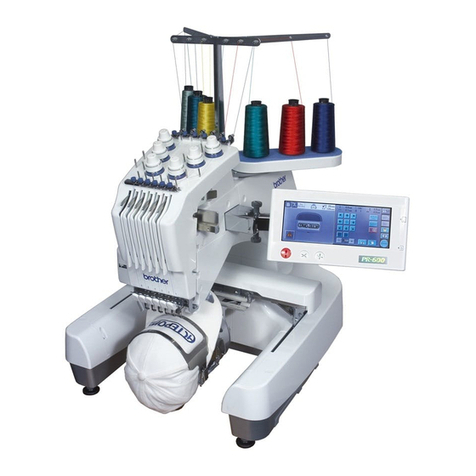
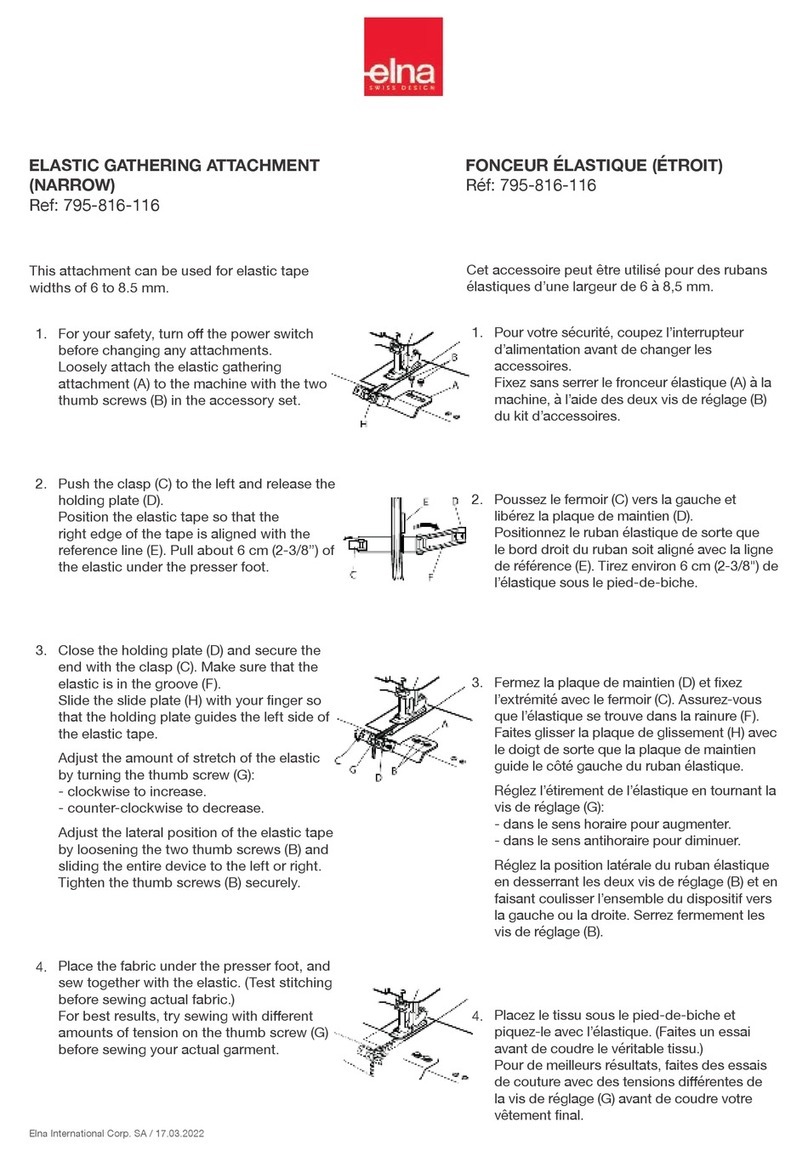
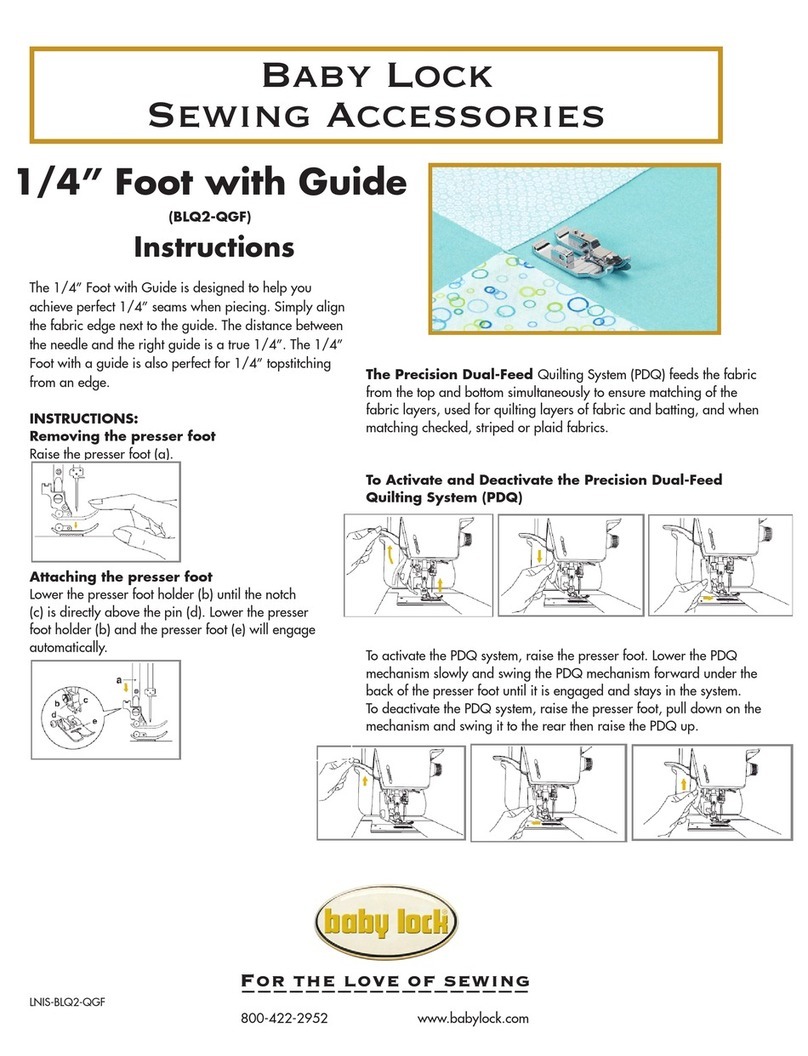
Attach the embroidery hoop to the embroidery machine
Before attaching the embroidery hoop:
›Squeeze the both ends of the attaching mechanism.
›Move the the attaching mechanism to middle position 2.
›Raise the needle and the presser foot.
›Hold the embroidery hoop at the attaching mechanism and pass under the presser foot. (7).
›Squeeze both ends of the attachning mechanism against each other.
›Position the hoop over the brackets on the embroidery arm and push down until the atta-
ching mechanism engages.
›Release the ends of the attaching mechanism.
Embroidering
›Choose the embroidery motif and make the necessary adjustments.
›Start the embroidery machine.
›If the position of the embroidery hoop needs to be changed, a message appears on Display
(8).
Position change of the embroidery hoop
›Raise the needle and the presser foot.
›Press only the front end of the attaching mechanism.
›Move the hoop to the required position or pull the hoop carefully towards you until the
attaching mechanism engages.
Following positions are possible:
•Position 1: upper embroidery area
–
hoop is close to the user
•Position 2: middle embroidery area
–
the hoop is in the middle
•Position 3: lower embroidery area
–
the hoop is furthest from the user
›After a position change, pull the upper thread back manually, holding the upper thread spool.
Removing the embroidery hoop from the embroidery machine
›Raise the needle and the presser foot.
›Squeeze both ends of the attaching mechanism against each other.
›Position the attaching mechanism after finishing the motif to position 2.
›Remove the embroidery hoop.
Finishing and cleaning
›Loosen the setscrews and remove the fabric.
›Remove adhesive residues on the hoop using cleaning spray if necessary.
Tipp
With the embroidery machines B 880, B 830 B 780 und
B750 QE, a position change while embroidering is not requi-
red.