10 Installation of the hands-free car kit
Step 4:
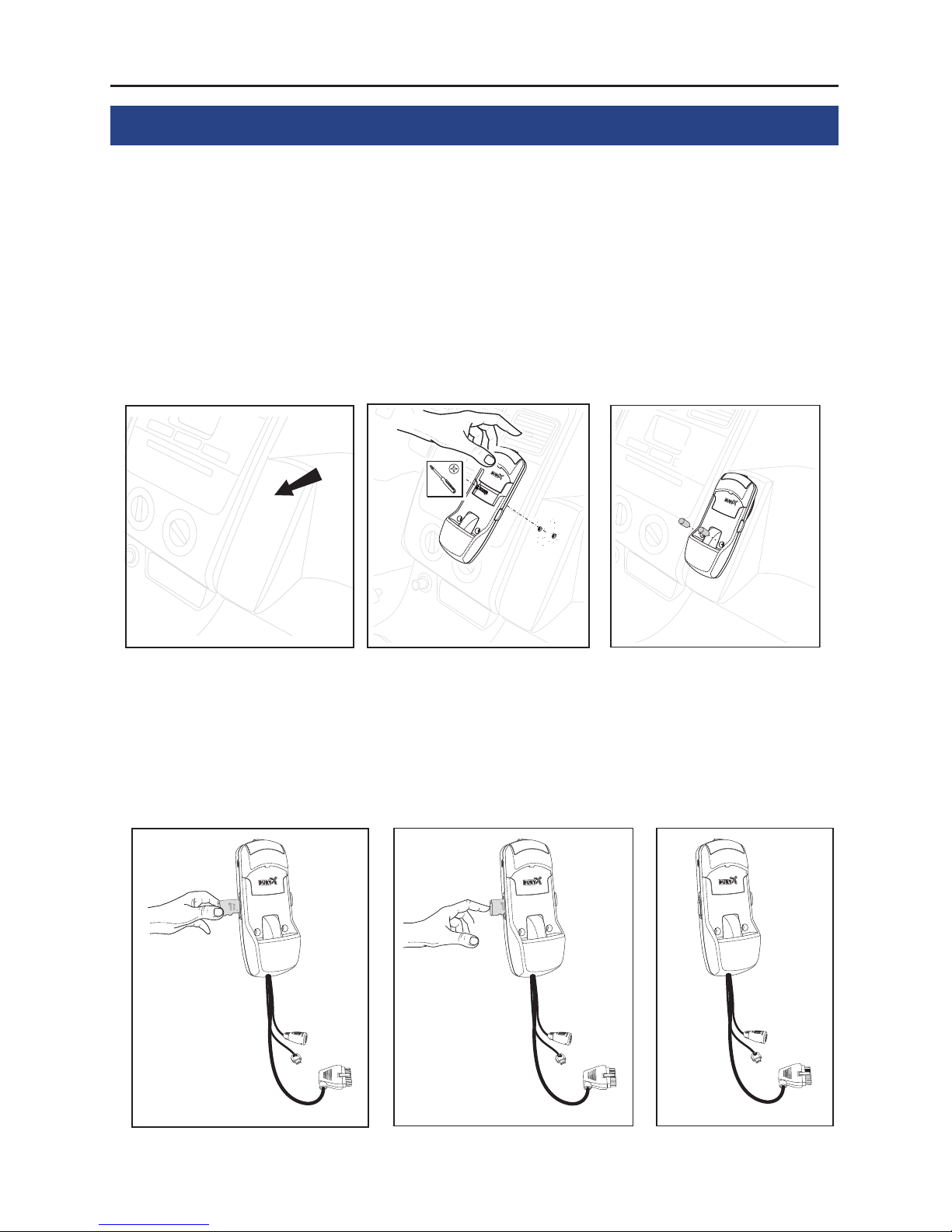
A GSM antenna is not included in the scope of delivery. However you
will require this, as your mobile may no longer have GSM reception af-
ter a short time when is in the mobile holder.
A separate GSM antenna improves the reception of your mobile phone,
as it can be installed in various positions in or on the vehicle according
to the type and design. There may already be an appropriate antenna
in your vehicle. Please ask your certified specialist trader about this.
The GSM antenna will be connected to the hang up cup.
Important
Do not place the GSM antenna and the microphone cableX
parallel to each other, rather ensure that there is a sufficient
gap of at least 20cm between them. Otherwise there may
be interferences during telephone conversations.
Step 5:
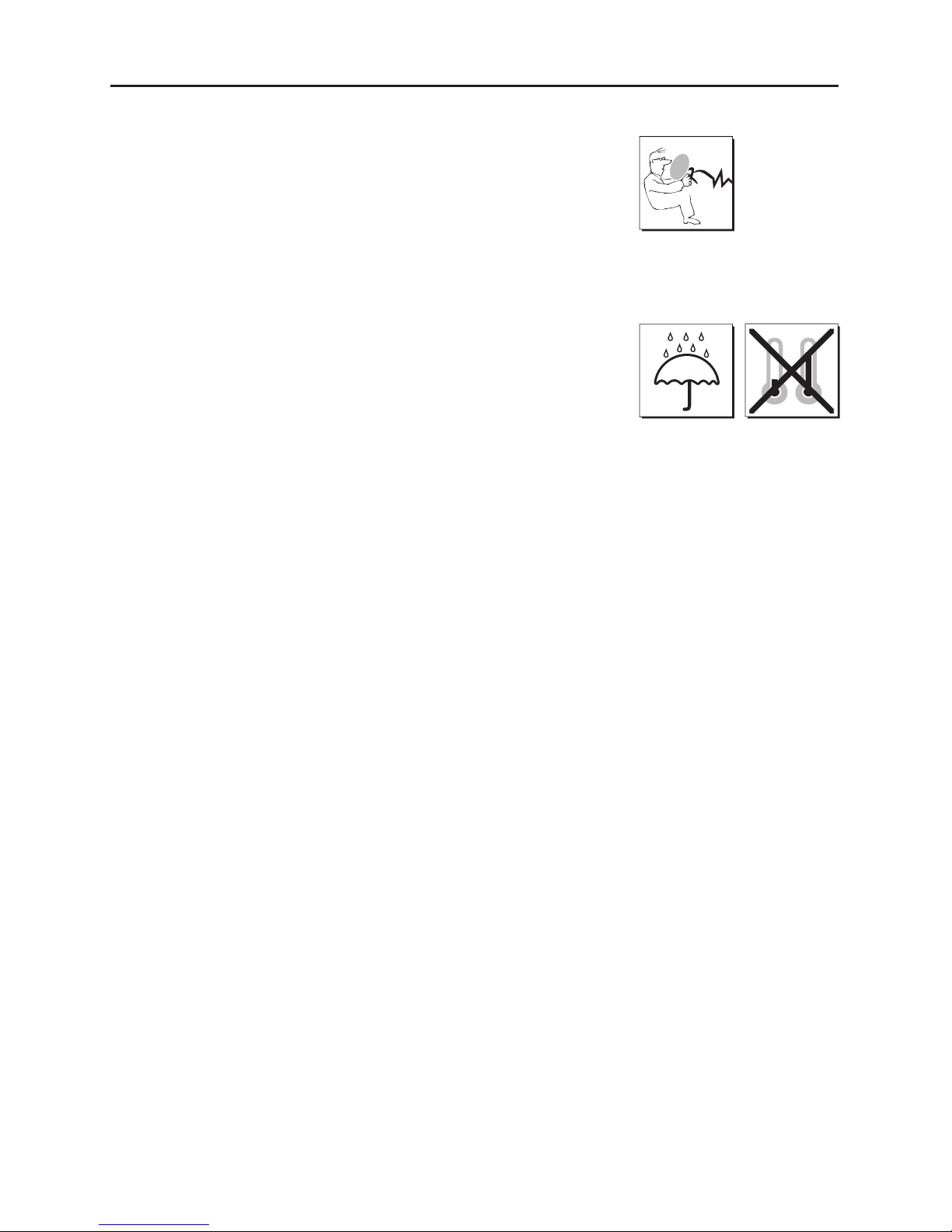
Please lay the cables in a way that they do not lie/hang unsecured in
the vehicle and that they may not influence the conducting of the vehi-
cle. When laying a cable, please take care that it is not under traction
stress but that it has some tolerance. Avoid crushing the cable as da-
mages of the insulation can be caused by friction/rubbing.
Step 6:
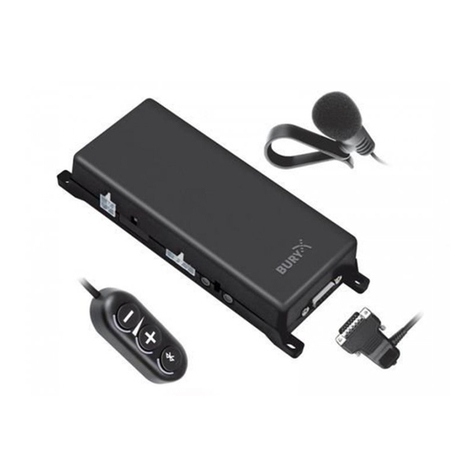
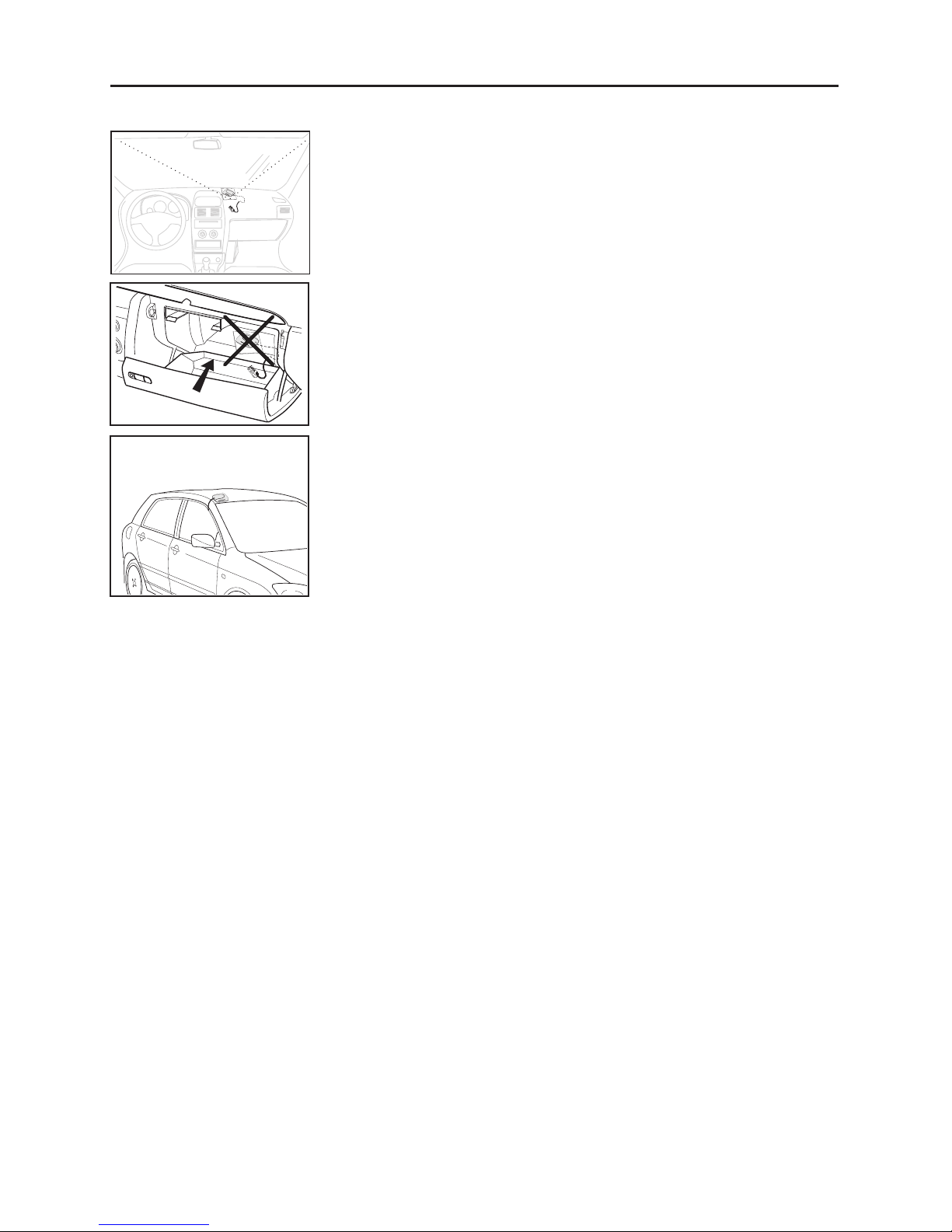
Install the electronics box at a convenient place in the vehicle. This can
e.g. be behind the radio, in the glove box, or in the centre console.
Please mind that you can access the connections of the box without
difficulty. Before connecting the components to the electronics box you
should branch off the battery for safety reasons. In doing so, take into
account that there might be a radio coding (confer radio manual).
Important:
Please install the electronics box behind a cover or so-X
mewhere you can only reach by opening or unfastening a
protective cover / a cover. The terminal box must not hang
loosely in the vehicle.