CR2032 3V
Lithium Battery
Remove
Isolation
Strip
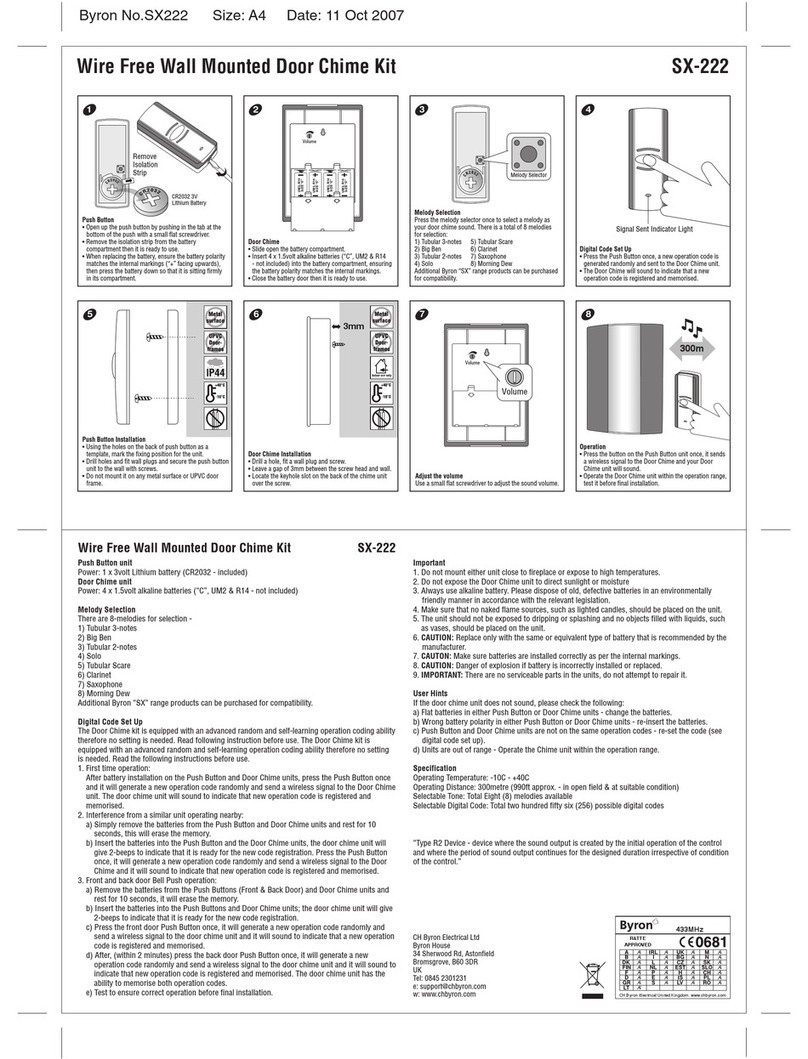
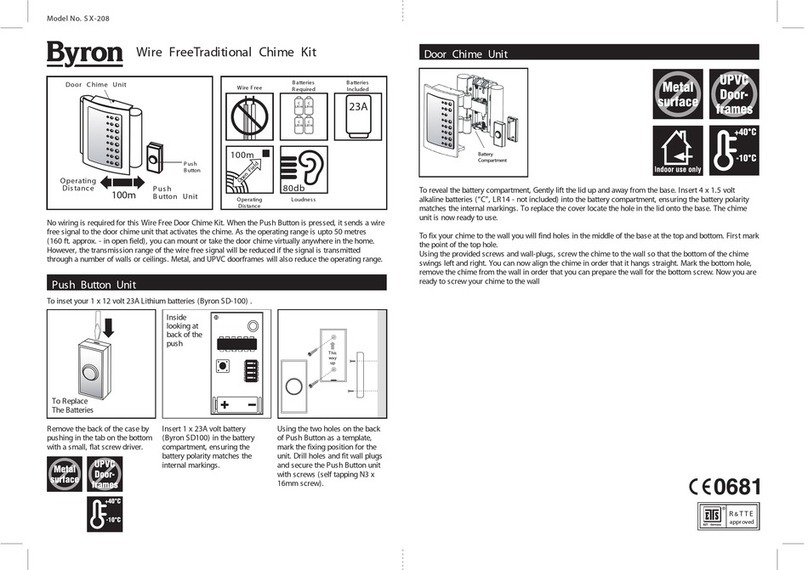
Push Button
• Open up the push button by pushing in the tab on the
bottom of the push with a small flat screwdriver.
• Remove the isolation strip from the battery
compartment then it is ready to use.
• When replacing the battery, ensure the battery polarity
matches the internal markings (“+” facing upwards),
then press the battery down so that it is sitting firmly in
its compartment.
Victorian Bell
Insert 4 x 1.5volt alkaline batteries (“C”, UM2 & LR14
- not included) into the battery compartment at the back
of the Bell unit, ensuring the battery polarity matches the
internal markings.
IMPORTANT: NOT TO BE USED WITH A TRANSFORMER
Push Button Installation
• Using the holes on the back of push button as a
template, mark the fixing position for the unit.
• Drill holes and fit wall plugs and secure the push button
unit to the wall with screws.
• Do not mount it on any metal surface or UPVC door
frame.
Door Chime Installation
• Drill two holes, fit a wall plugs and screws.
• Leave a gap of 3mm between the screw head and wall.
• Locate the keyhole slots on the back of the chime unit
over the screws.
Operation
• Press the button on the Push Button unit once, it sends
a wireless signal to the Bell unit, the Bell unit will sound.
• Operate the Bell unit within the operation range, test it
before final installation.
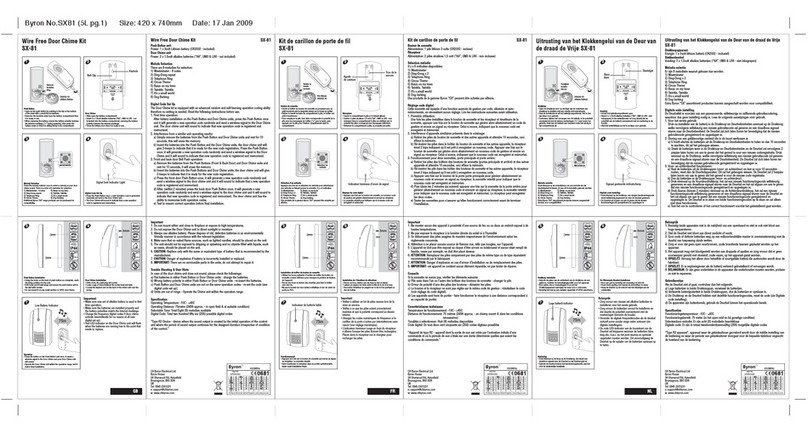
Digital Code Set Up
• Press the Push Button once, a new operation code is
generated randomly and sent to the Chime unit.
• The Bell unit will sound to indicate that a new operation
code is registered and memorised.
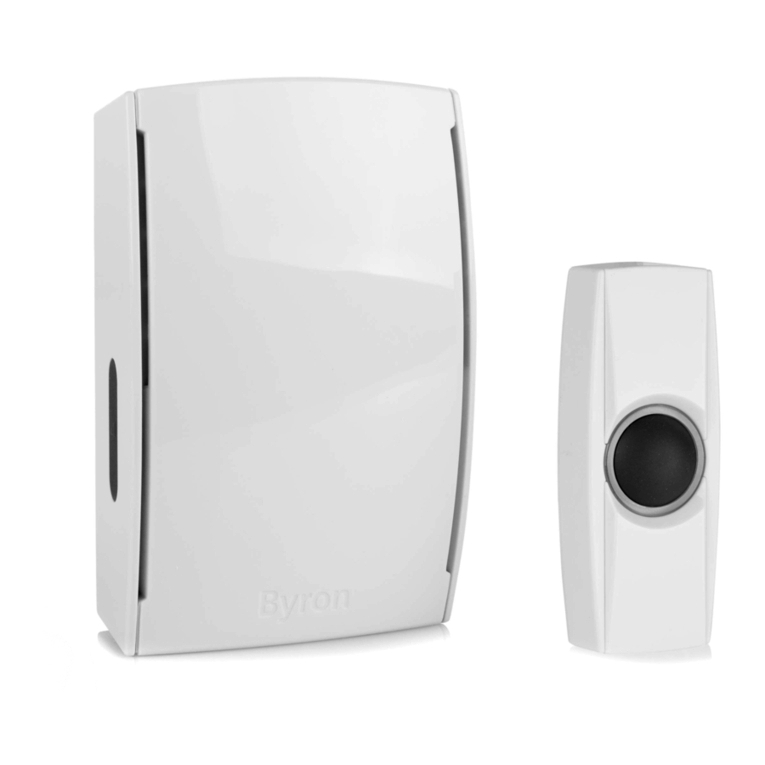
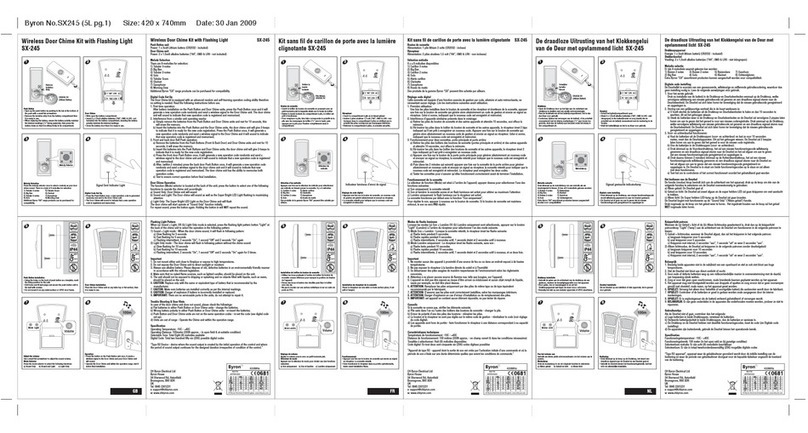
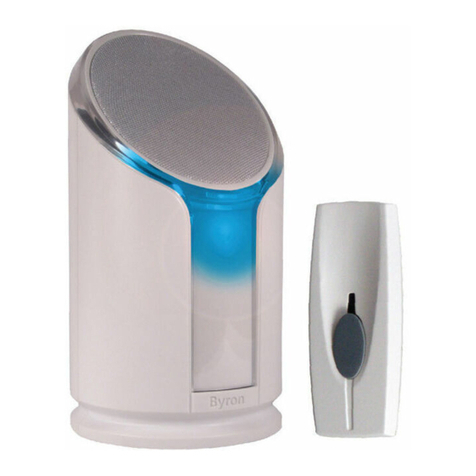
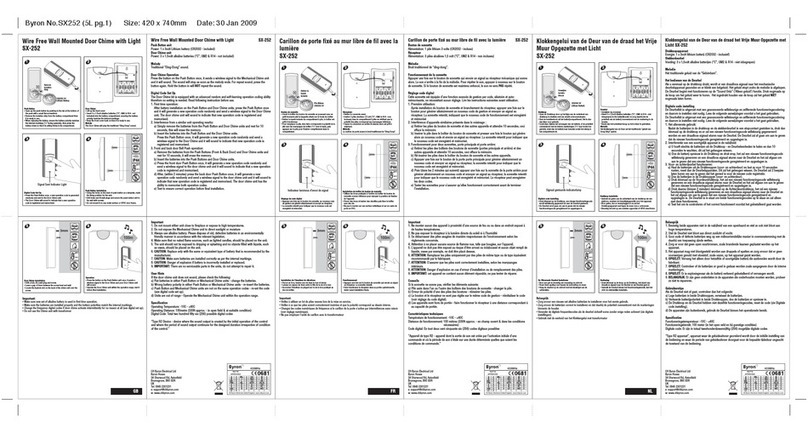
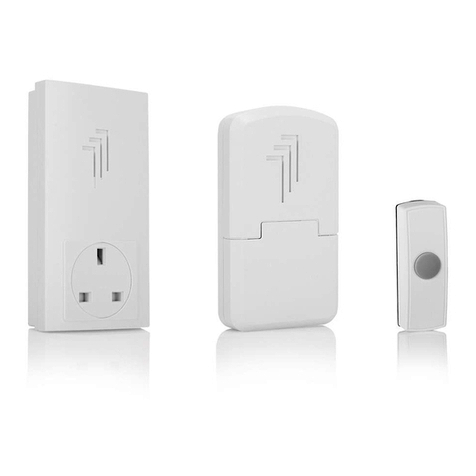
Wire Free Victorian Bell Kit SX-60i
Wire Free Victorian Bell Kit SX-60i
100m
1 2 3 4
56
Push Button unit
Power: 1 x 3volt Lithium battery (CR2032 - included)
Door Chime unit
Power: 4 x 1.5volt alkaline batteries (“C”, UM2 & R14 - not included)
Door Chime Operation
Press the button on the Push Button once, it sends a wireless signal to the Victorian Bell unit and it
will sound. For repeat sound, press the button again. Hold the button in will NOT repeat the sound.
Digital Code Set Up
The Victorian Bell kit is equipped with an advanced random and self-learning operation coding
ability therefore no setting is needed. Read the following instructions before use.
1. First time operation:
After battery installation on the Push Button and Victorian Bell units, press the Push Button once
and it will generate a new operation code randomly and send a wireless signal to the Victorian
Bell unit. The Bell unit will sound to indicate that a new operation code is registered and
memorised.
2. Interference from a similar unit operating nearby:
a) Simply remove the batteries from the Push Button and Victorian Bell units and rest for 10
seconds, this will erase the memory.
b) Insert the batteries into the Push Button and Victorian Bell units. Press the Push Button once,
it will generate a new operation code randomly and send a wireless signal to the Victorian Bell
and it will sound to indicate that a new operation code is registered and memorised.
3. Front and back door Push Button operation:
a) Remove the batteries from the Push Buttons (Front & Back Door) and Victorian Bell units and
rest for 10 seconds, this will erase the memory.
b) Insert the batteries into the Push Buttons and Victorian Bell units. Press the front door Push
Button once, it will generate a new operation code randomly and send a wireless signal to the
Victorian Bell unit and it will sound to indicate that a new operation code is registered and
memorised.
c) After, (within 2 minutes) press the back door Push Button once, it will generate a new
operation code randomly and send a wireless signal to the Victorian Bell unit and it will sound
to indicate that a new operation code is registered and memorised. The Victorian Bell unit has
the ability to memorise both operation codes.
d) Test to ensure correct operation before final installation.
Important
1. Do not mount either unit close to fireplace or expose to high temperatures.
2. Do not expose the Victorian Bell unit to direct sunlight or moisture
3. Always use alkaline battery. Please dispose of old, defective batteries in an environmentally
friendly manner in accordance with the relevant legislation.
4. Make sure that no naked flame sources, such as lighted candles, should be placed on the unit.
5. The unit should not be exposed to dripping or splashing and no objects filled with liquids, such
as vases, should be placed on the unit.
Byron No.SX60i Size: A4 Date: 15 Oct 2007
6. CAUTION: Replace only with the same or equivalent type of battery that is recommended by the
manufacturer.
7. CAUTION: Make sure batteries are installed correctly as per the internal markings.
8. CAUTION: Danger of explosion if battery is incorrectly installed or replaced.
9. IMPORTANT: There are no serviceable parts in the units, do not attempt to repair it.
User Hints
If the Bell unit does not sound, please check the following:
a) Flat batteries in either Push Button or Victorian Bell units - change the batteries.
b) Wrong battery polarity in either Push Button or Victorian Bell units - re-insert the batteries.
c) Push Button and Victorian Bell units are not on the same operation codes - re-set the code (see
digital code set up).
d) Units are out of range - Operate the Victorian Bell unit within the operation range.
Specification
Operating Temperature: -10C - +40C
Operating Distance: 100metre (330ft approx. - in open field & at suitable condition)
Selectable Digital Code: Total two hundred fifty six (256) possible digital codes
“Type R2 Device - device where the sound output is created by the initial operation of the control
and where the period of sound output continues for the designed duration irrespective of condition
of the control.”
Important:
• Make sure new set of alkaline battery is used in first
time operation.
• Make sure the batteries are installed properly and
the battery polarities match the internal markings.
• Change the frequency digital codes if door chime
activate intermittently for no reason at all (see
digital set up).
• Do not use the Chime unit with transformer
433MHz
R&TTE
APPROVED
CH Byron Electrical United Kingdom. www.chbyron.com
CH Byron Electrical Ltd
Byron House
34 Sherwood Rd, Astonfield
Bromsgrove, B60 3DR
UK
Tel: 0845 2301231
w: www.chbyron.com
‘C’ / LR14’ ‘C’ / LR14’
‘C’ / LR14’
‘C’ / LR14’
3mm