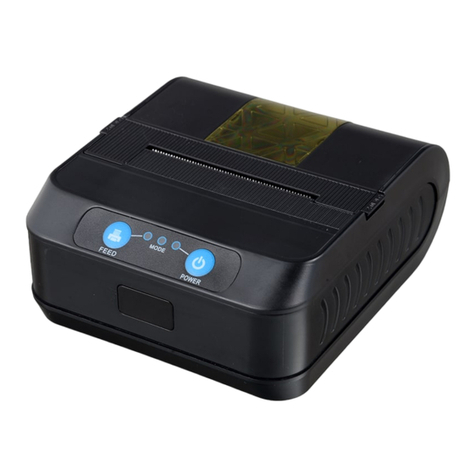
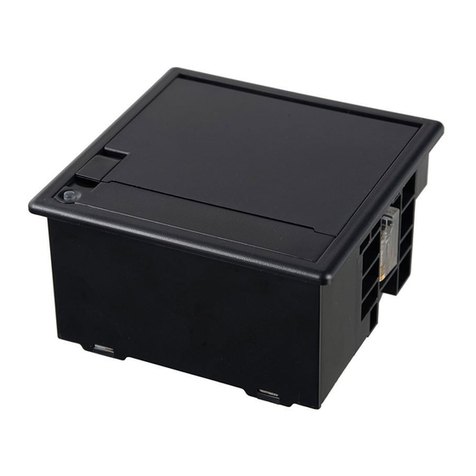
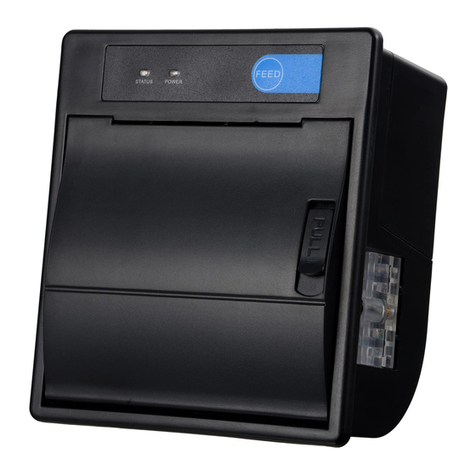
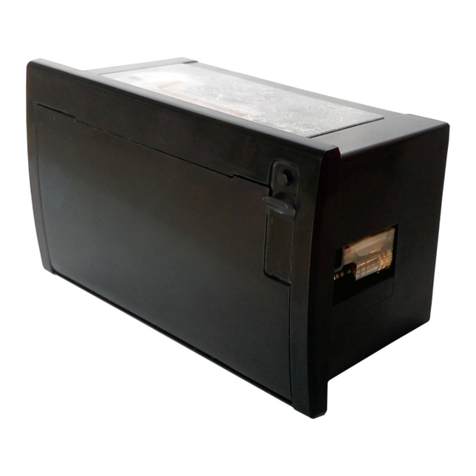
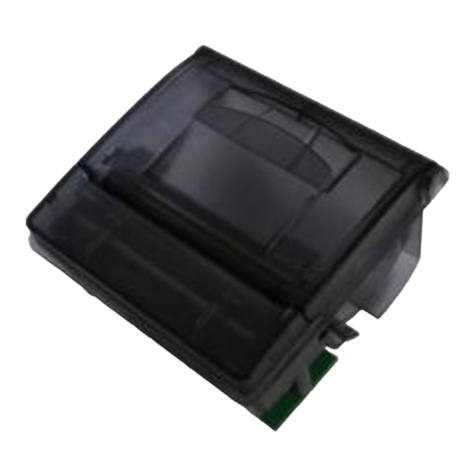
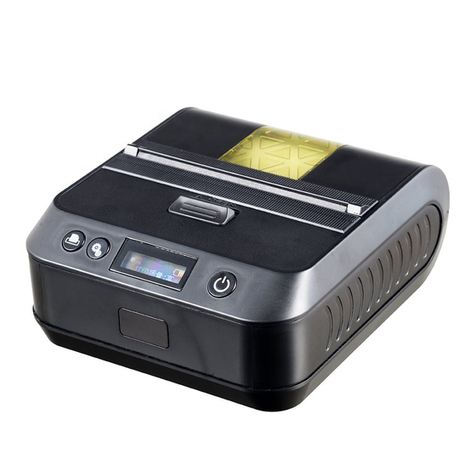
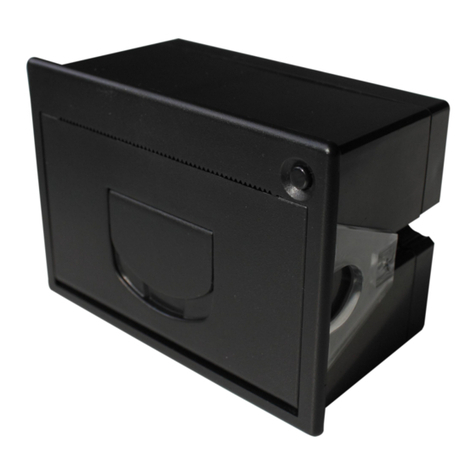
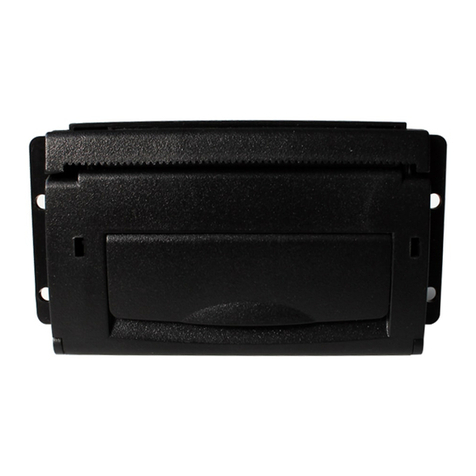
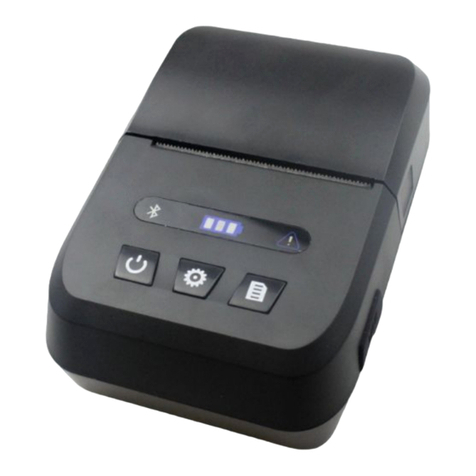
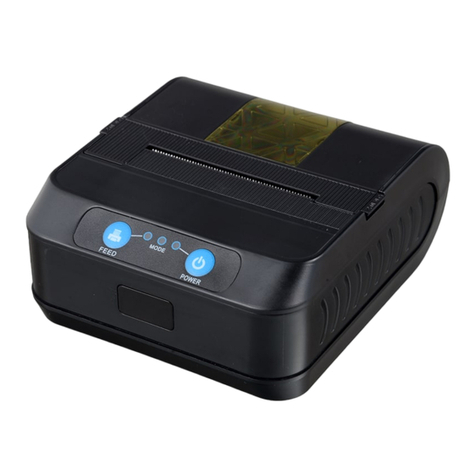
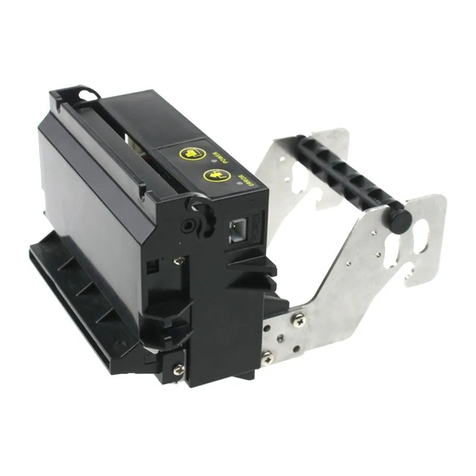
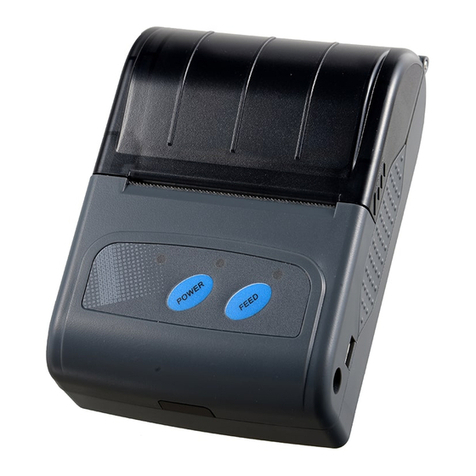
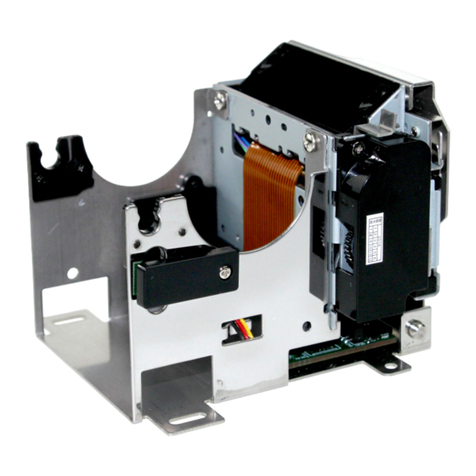
CSN-A1 user manual
Set the Angle of Chinese character word space.......................................................26
Set up the Chinese characters to print mode combination.....................................27
Set Chinese mode......................................................................................................... 27
Exit Chinese character mode....................................................................................... 28
Set and cancel under line of Chinese character mode............................................28
Set and cancel under line of Chinese character mode............................................28
Selecting international character set...........................................................................29
Select character code....................................................................................................29
③Graphic printing command....................................................................................... 31
Fill Graphics vertical module data............................................................................... 31
Print Graphics horizontal module data....................................................................... 33
Define downloaded bitmap........................................................................................... 34
Print downloaded bitmap.............................................................................................. 35
Define NV bitmap........................................................................................................... 36
Print NV bitmap.............................................................................................................. 39
Print bitmap..................................................................................................................... 40
Print MSB bitmap........................................................................................................... 40
④Tab Commands.......................................................................................................... 42
Horizontal tab..................................................................................................................42
Horizontal tab position setting......................................................................................42
⑤bar code command.................................................................................................... 43
bar code readable character(HRI) print position setting..........................................43
bar code readable character(HRI)font type selection.............................................. 43
bar code height setting.................................................................................................. 44
bar code width setting................................................................................................... 44
bar code printing.............................................................................................................45
⑥Printing QR code.......................................................................................................50
Mode type of QR code.................................................................................................. 50
Setting error correction level of QR code...................................................................50
Store QR code data to data buffer.............................................................................. 51
Printing QR code............................................................................................................ 51
Setting QR code graph information.............................................................................52
⑦Status querying Commands.....................................................................................55
Transmission status....................................................................................................... 55
Transit theprinter status to host................................................................................... 56
Transit printer ID.............................................................................................................57
Select peripherals.......................................................................................................... 58
Real-time transmission status......................................................................................59
Real-time pulse...............................................................................................................63
⑧Commands in page print mode............................................................................... 63
Forms feed...................................................................................................................... 63
Data print in page print mode.......................................................................................64
Page print mode select................................................................................................. 64
Line print mode select................................................................................................... 65