manuals.online logo
Brands
  1. Home
  2. •
  3. Brands
  4. •
  5. Corsair
  6. •
  7. Computer Accessories
  8. •
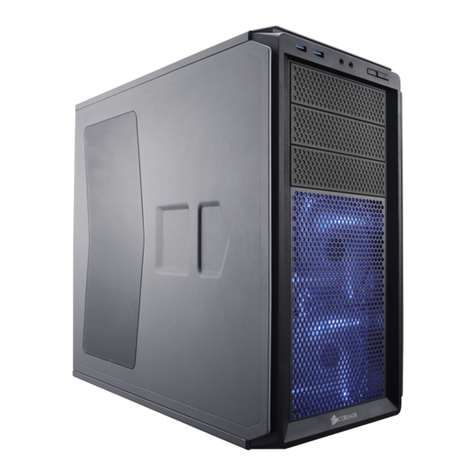
  9. Corsair 500R User manual

Corsair 500R User manual

Other Corsair Computer Accessories manuals
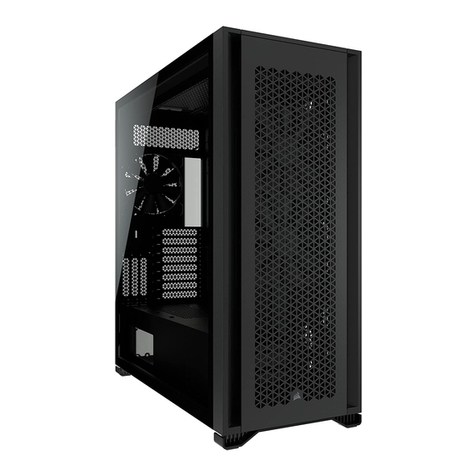
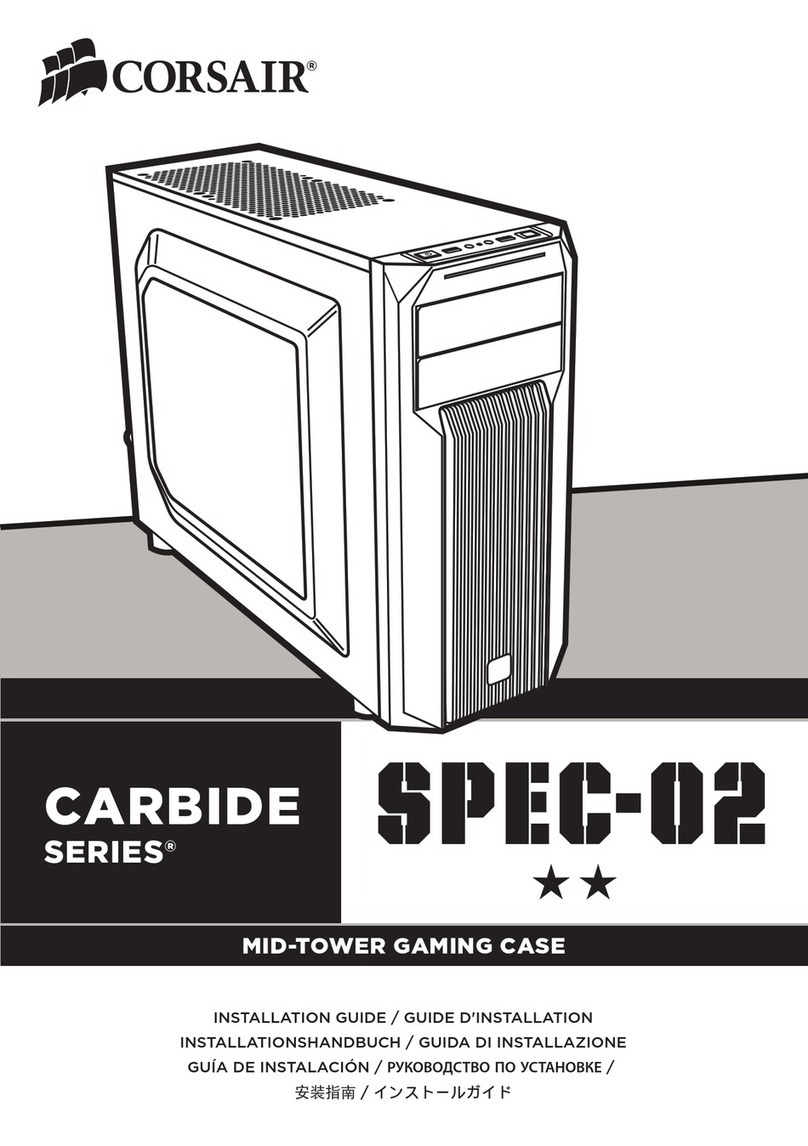
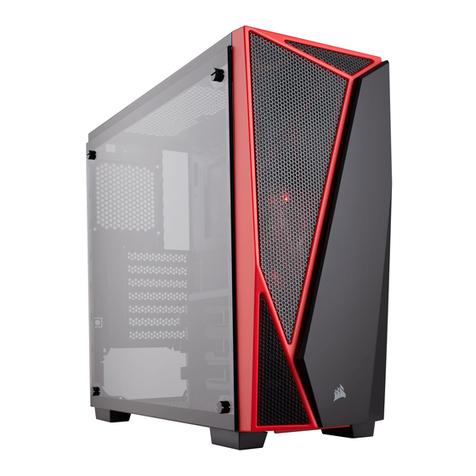
Corsair Carbide series User manual

Corsair

Corsair Carbide series User manual

Corsair AIR540 User manual

Corsair

Corsair AIR540 User manual

Corsair CC650DW User manual

Corsair

Corsair CC650DW User manual

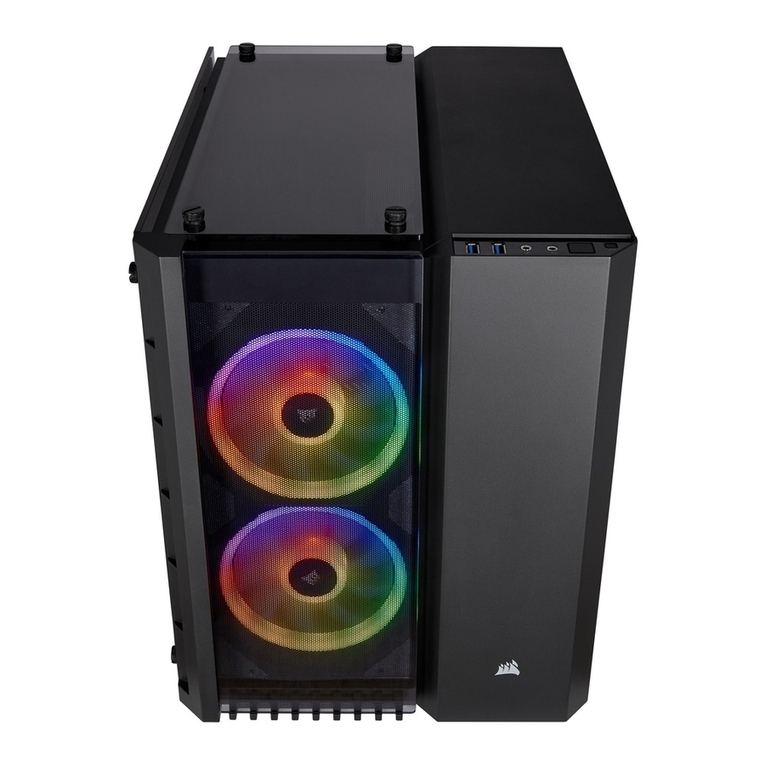
Corsair CRYSTAL 680X RGB User manual

Corsair

Corsair CRYSTAL 680X RGB User manual

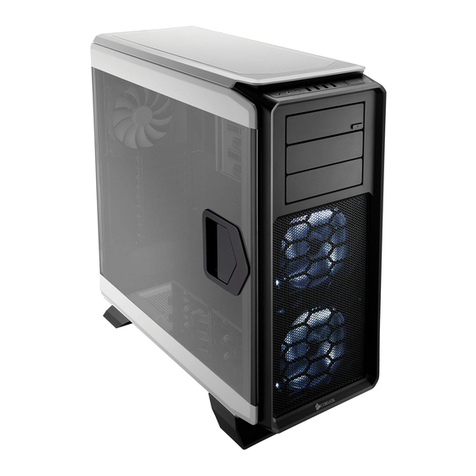
Corsair 760T User manual

Corsair

Corsair 760T User manual

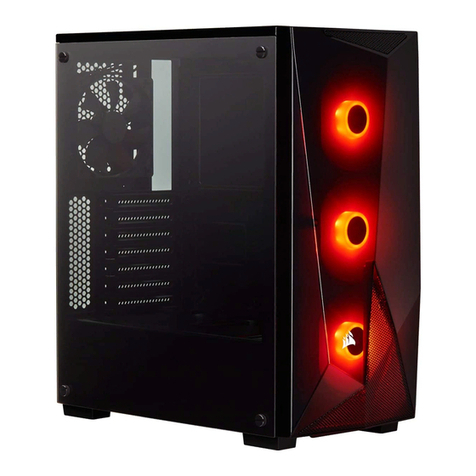
Corsair SPEC-OMEGA User manual

Corsair

Corsair SPEC-OMEGA User manual

Corsair CC600T User manual

Corsair

Corsair CC600T User manual

Corsair Carbide series User manual

Corsair

Corsair Carbide series User manual

Corsair Carbide Series 270R User manual

Corsair

Corsair Carbide Series 270R User manual

Corsair SPEC-04 User manual

Corsair

Corsair SPEC-04 User manual

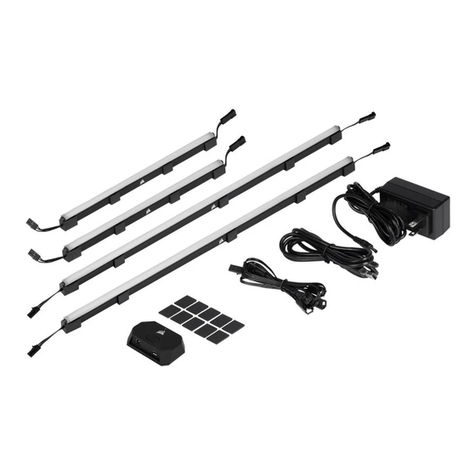
Corsair iCUE ELITE User manual

Corsair

Corsair iCUE ELITE User manual

Corsair 200r User manual

Corsair

Corsair 200r User manual

Corsair Carbide series User manual

Corsair

Corsair Carbide series User manual

Corsair SERIES 600 User manual

Corsair

Corsair SERIES 600 User manual

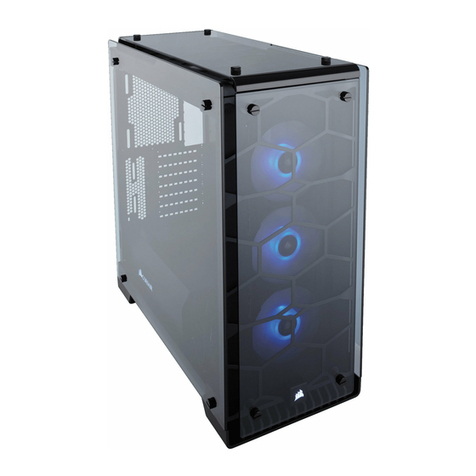
Corsair CRYSTAL SERIES 570X User manual

Corsair

Corsair CRYSTAL SERIES 570X User manual

Corsair MM1000 User manual

Corsair

Corsair MM1000 User manual
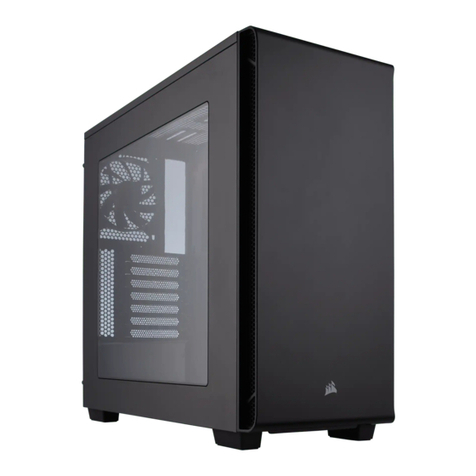
Corsair 7000D User manual

Corsair

Corsair 7000D User manual

Corsair iCUE LC100 User manual

Corsair

Corsair iCUE LC100 User manual

Corsair CARBIDE SERIES 400 User manual

Corsair

Corsair CARBIDE SERIES 400 User manual

Corsair LL120 RGB User manual

Corsair

Corsair LL120 RGB User manual

Corsair 230T User manual

Corsair

Corsair 230T User manual

Corsair Carbide Series SPEC-02 User manual

Corsair

Corsair Carbide Series SPEC-02 User manual

Corsair Carbide series User manual

Corsair

Corsair Carbide series User manual
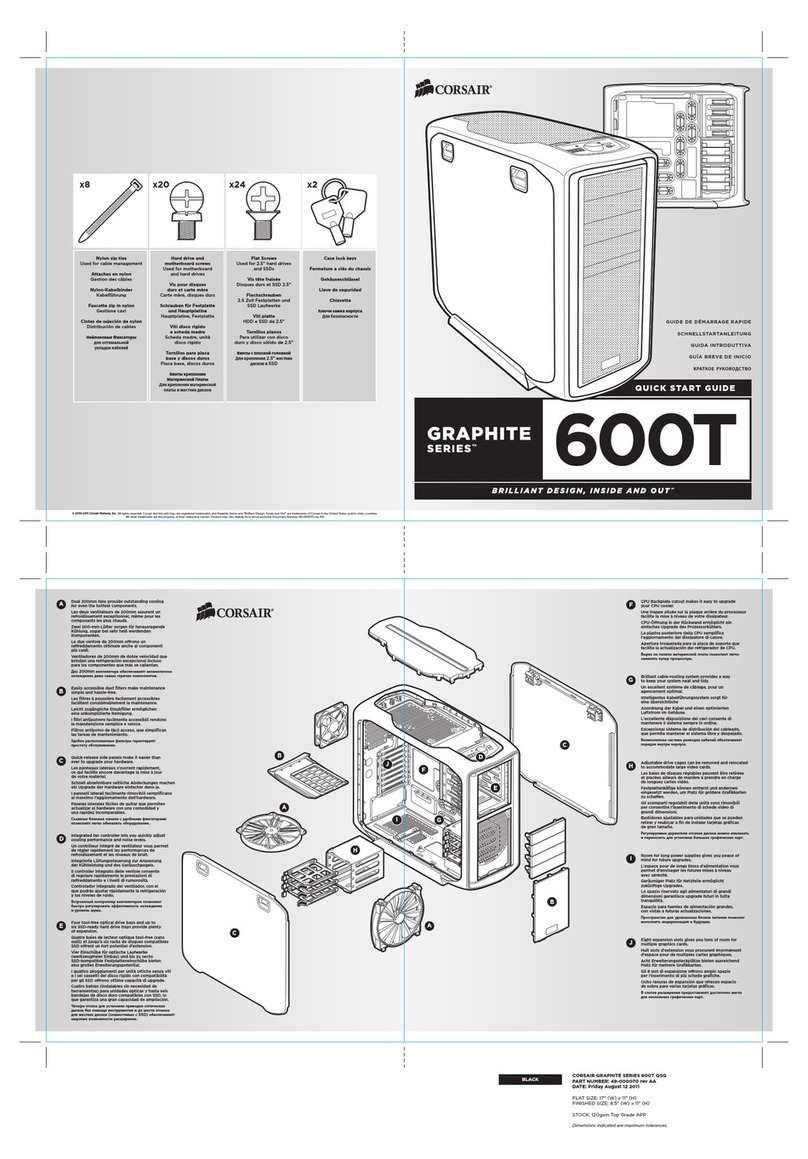
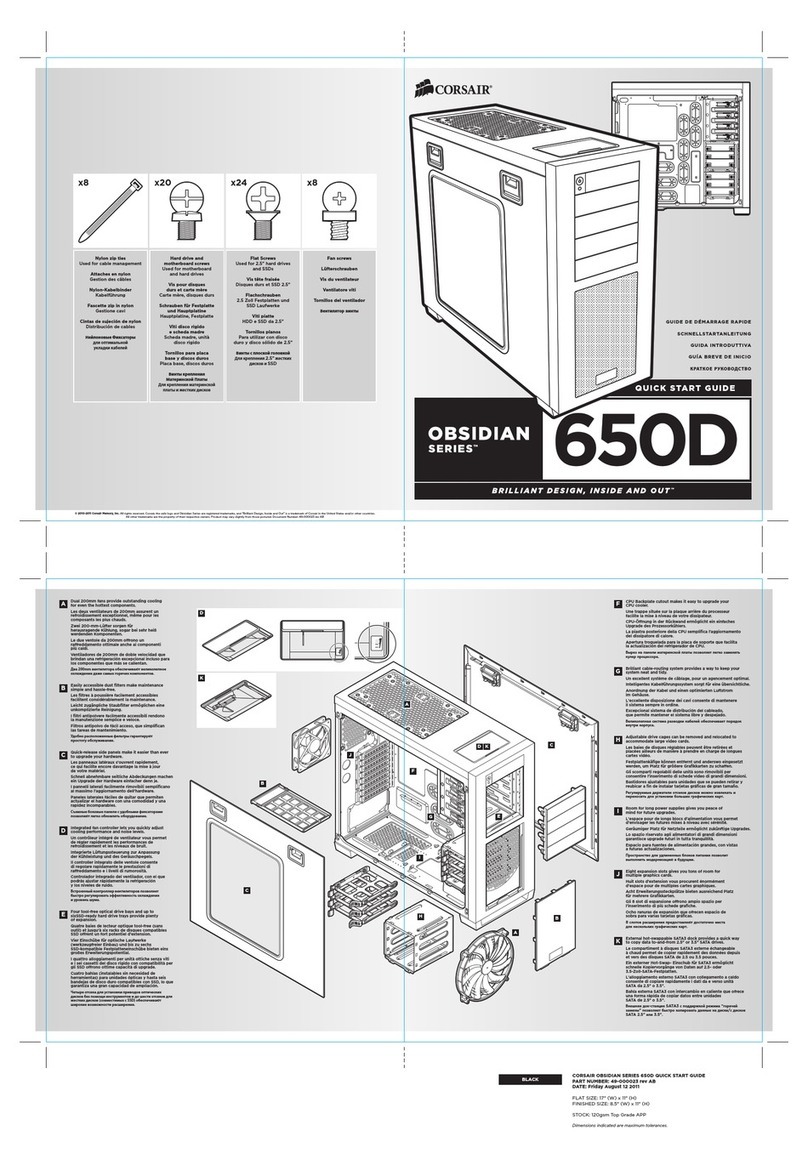
Corsair Obsidian Series User manual

Corsair

Corsair Obsidian Series User manual

Popular Computer Accessories manuals by other brands

Netstor NA255A user manual

Netstor

Netstor NA255A user manual

perixx PERIDUO-610 user manual

perixx

perixx PERIDUO-610 user manual

Cherry PURE JD-0100 operating manual

Cherry

Cherry PURE JD-0100 operating manual

Cool-Icam DICK II user manual

Cool-Icam

Cool-Icam DICK II user manual

Motorola ATRIX user guide

Motorola

Motorola ATRIX user guide

HP USB Media Docking Station specification

HP

HP USB Media Docking Station specification

Cherry B.UNLIMITED 3.0 user manual

Cherry

Cherry B.UNLIMITED 3.0 user manual

Bartec TC 7 Series user guide

Bartec

Bartec TC 7 Series user guide

Philips SPC3540 Specifications

Philips

Philips SPC3540 Specifications

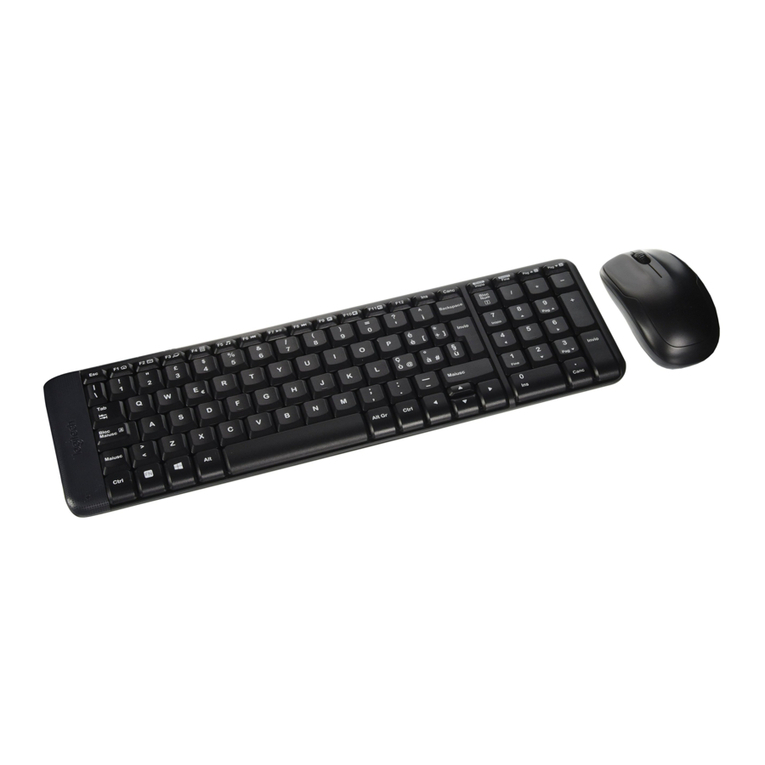
Logitech mk220 user manual

Logitech

Logitech mk220 user manual

Vivo MOUNT-KB05-4DW instruction manual

Vivo

Vivo MOUNT-KB05-4DW instruction manual

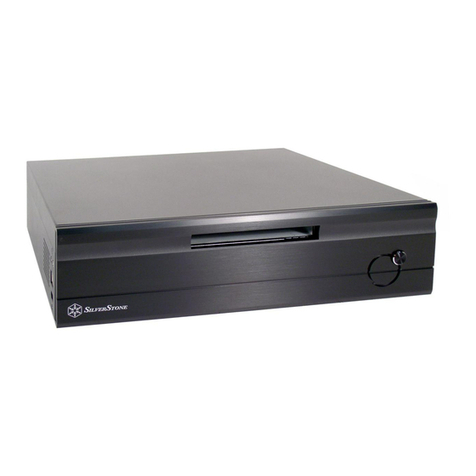
SilverStone LC02 manual

SilverStone

SilverStone LC02 manual

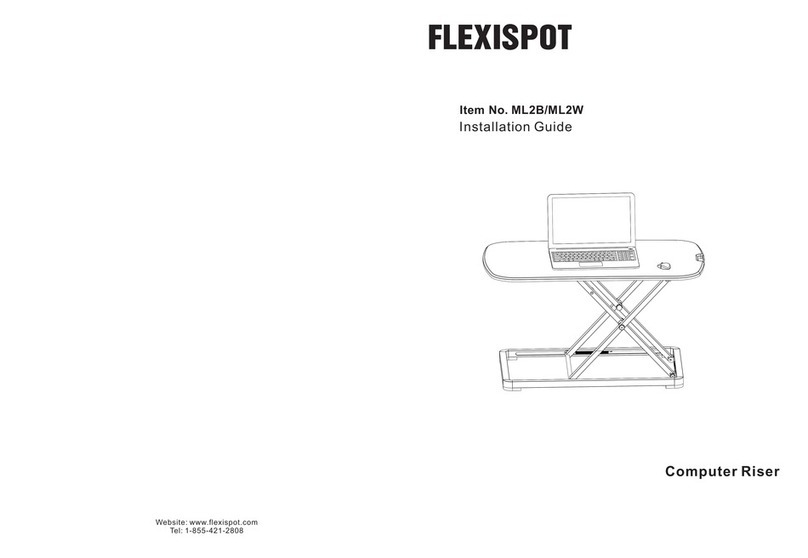
Flexispot ML2B installation guide

Flexispot

Flexispot ML2B installation guide

Hamlet UNIVERSAL COVER 101 KBT2 user manual

Hamlet

Hamlet UNIVERSAL COVER 101 KBT2 user manual

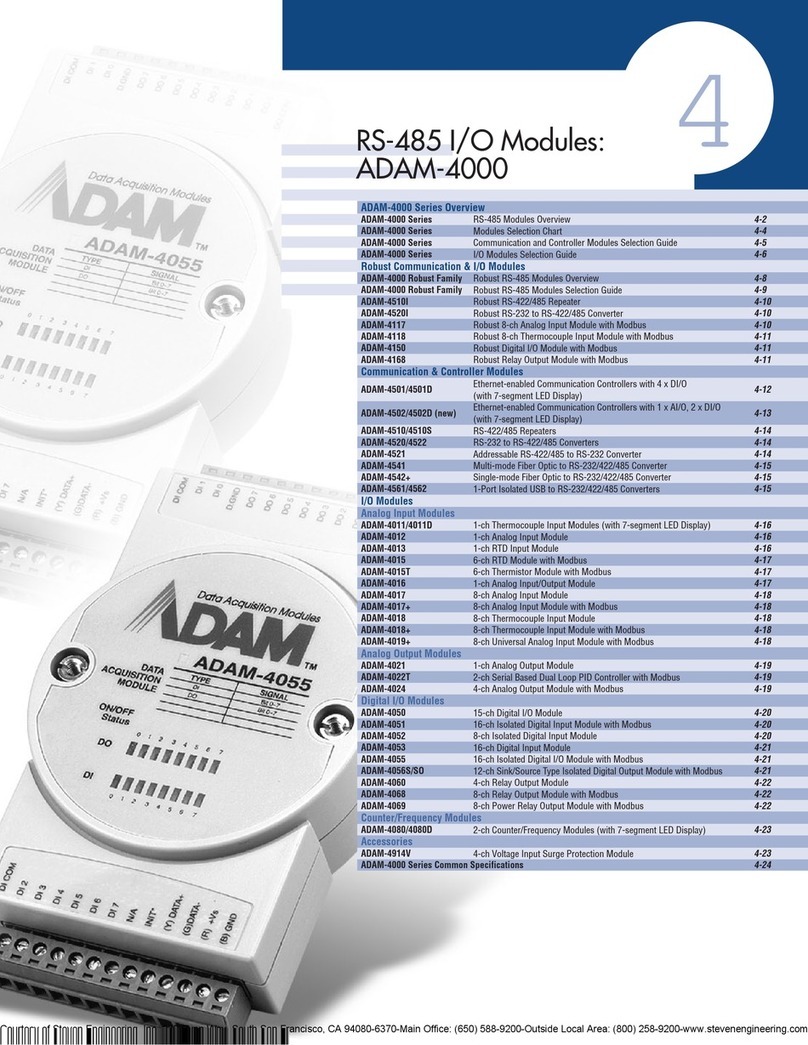
Adam Equipment RS-485 manual 

Adam Equipment

Adam Equipment RS-485 manual 

Sven Base 305 сombo instructions

Sven

Sven Base 305 сombo instructions

Hama 108310 Operating	 instruction

Hama

Hama 108310 Operating instruction

SpeechWare FlexyMike FMK03 user manual

SpeechWare

SpeechWare FlexyMike FMK03 user manual

manuals.online logo
manuals.online logoBrands
  • About & Mission
  • Contact us
  • Privacy Policy
  • Terms and Conditions

Copyright 2025 Manuals.Online. All Rights Reserved.

QUICK START GUIDE
Copper stand o Used for M/B tray
Motherboard screw Used for motherboard and hard drives
HDD and ODD screw Used for optical drives, hard drives and SSDs
PSU screw Used for power supply
Fan screw Used for fans; can be used on all fan locations
Wire mount Used for cable management
Nylon Zip Ties Used for cable management
USB 3.0 to USB 2.0 adapter
A
A
B
B
C
C
D
D
E
E
E
F
F
G
G
H
H
I
I
Eight (8) expansion slots give you awesome
multiple-GPU options.
Adjustable drive cages can be removed and
relocated to accommodate large video cards.
USB 3.0 front panel to get the most from today’s
modern high-speed peripherals.
Two white-LED 120mm fans included (with LED
on/o switch) for cold air intake, one 120mm rear
fan for hot air exhaust.
Up to ten (10) fan mount locations for 120mm
fans; six are also 140mm compatible.
CPU backplate cutout makes it easy to upgrade
your CPU cooler.
Brilliant cable routing system provides a way
to keep your system neat and tidy.
Four (4) tool-free optical drive bays.
Room for long power supplies means you
have lots of headroom for a high-performance
gaming system.