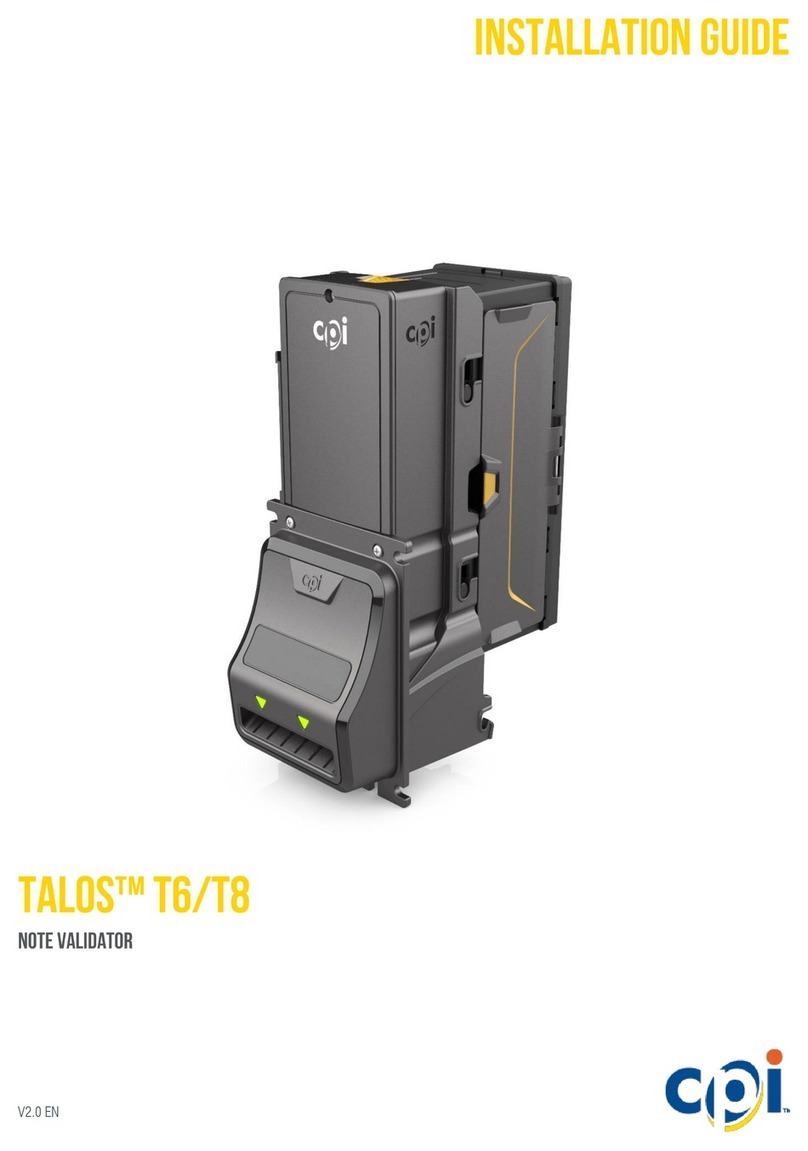
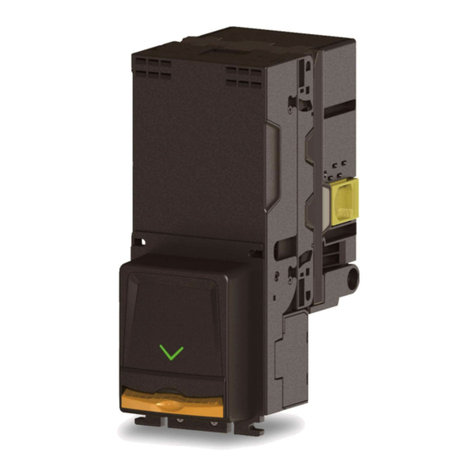
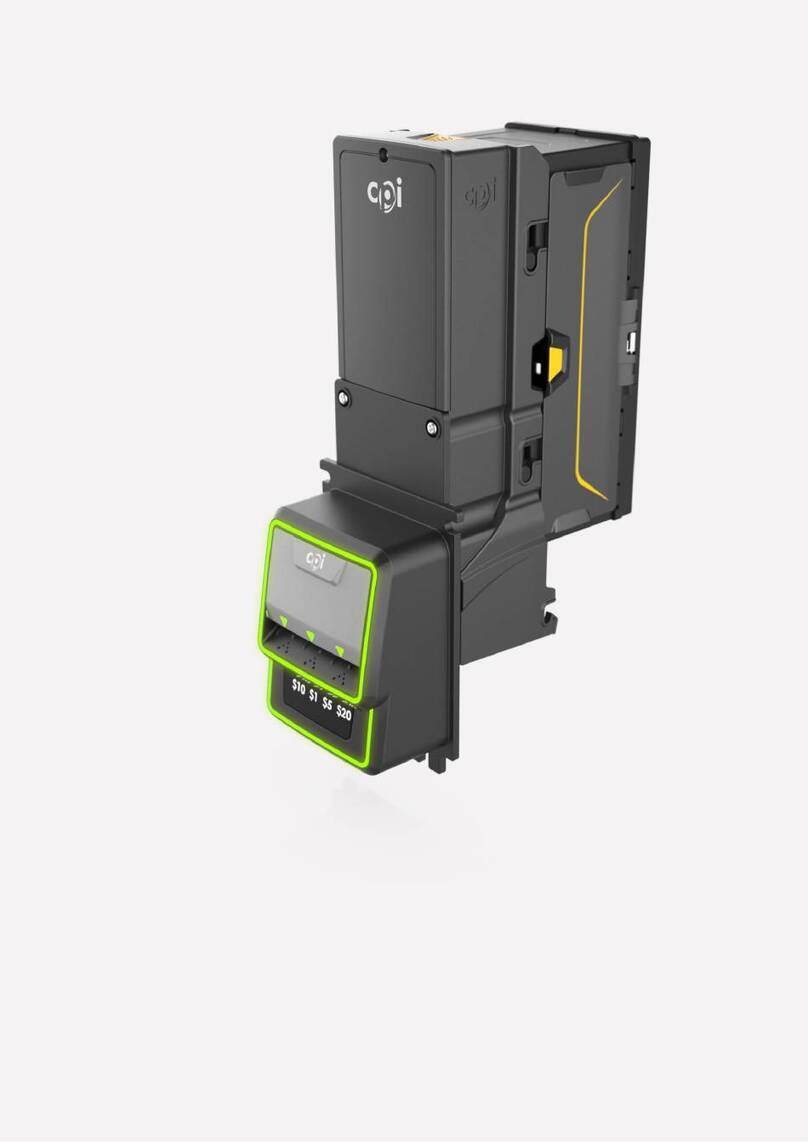
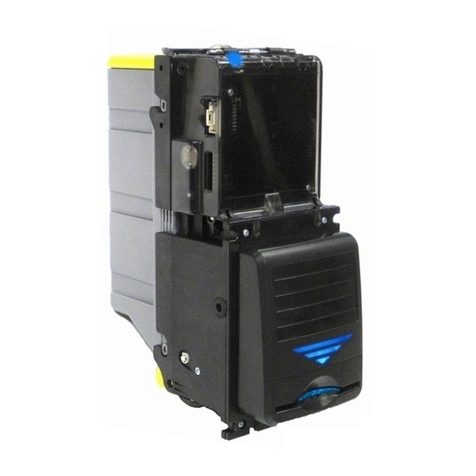
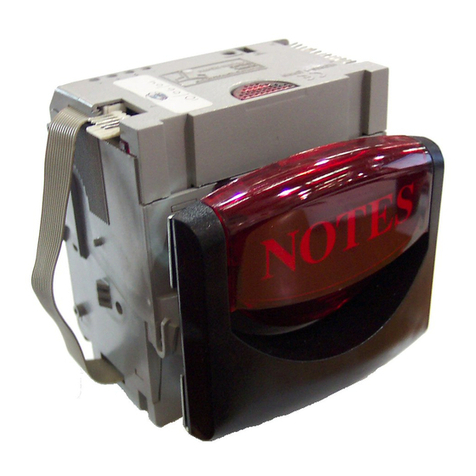
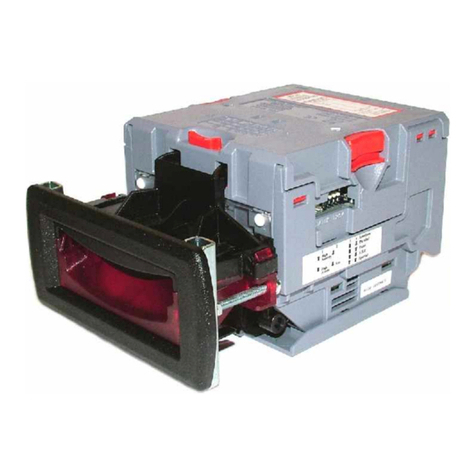
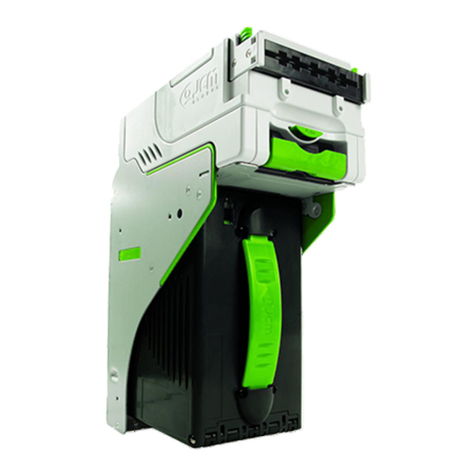
CPI CashCode SLB-1045 User manual

5. General Specifications:
CURRENCY AND INTERFACES See Software Description document
ELECTRICAL SPECIFICATION:
Operating
Voltage
Maximum Operating
Current
Maximum Current
12 V DC
Idle: 300 mA
Bill processing: 1.3 A
Short spike (50 mS or less): 6.0 A
Long spike (200 mS or less): 4.0 A
5 V DC
Stable average: 200 mA
Use only current limiting CSA or UL recognized CLASS 2 Power Supply.
OPERATING TEMPERATURE: -0 to +50 degrees Celsius
TOTAL WEIGHT: 4.0 kg
FEATURES: Bulk Loading Head, Standard Optics,
Tract width 71mm, Mounting Bracket’s
Tract with Extended Exit Path,
Adapter
ENCLOSURE: SL Bill Validator with Mounting Bracket
User's Guide
Software description
Crane Payment Innovations
www.CranePI.com
2017 Crane Payment Innovations PT# UG-SLB-1045_G1 03/17
SL Bill Validator
User’s Guide
Single Width Bulk Loading Validator with Extended
Mounting Bracket and Adapter
Hardware part #
SLB-1045
The Part Number on the Label includes Hardware
Part Number and Software Part Number.
Example
SLB-1045 AAXX-XXXX
Software Part Number
Hardware Part Number
1. Typical DIP Switches Setting
To access switches open the back lid. Switches are located on the right side of
the lid, as observed from the bezel. The “up” state is defined as the switch
position closer to the top cover of the lid.
SW. #1
“Down” State
“Up” State
Default
SW 1.1
1-st Bill Enable controlled by host
1-st bill Disable
down
SW 1.2
2-nd Bill Enable controlled by host
2-nd Bill Disable
down
SW 1.3
3-rd Bill Enable controlled by host
3-rd Bill Disable
down
SW 1.4
4-th Bill Enable controlled by host
4-th Bill Disable
down
SW 1.5
5-th Bill Enable controlled by host
5-th Bill Disable
down
SW 1.6
6-th Bill Enable controlled by host
6-th Bill Disable
down
SW 1.7
7-th Bill Enable controlled by host
7-th Bill Disable
down
SW 1.8
8-th Bill Enable controlled by host
8-th Bill Disable
down
SW#2
“Down” State
“Up” State
Default
SW 2.1
Four Way
One Way
down
SW 2.2
High security disabled
High security enabled
down
SW 2.3
19200 bps data rate
9600 bps data rate
down
SW 2.4
Not used
Not used
down
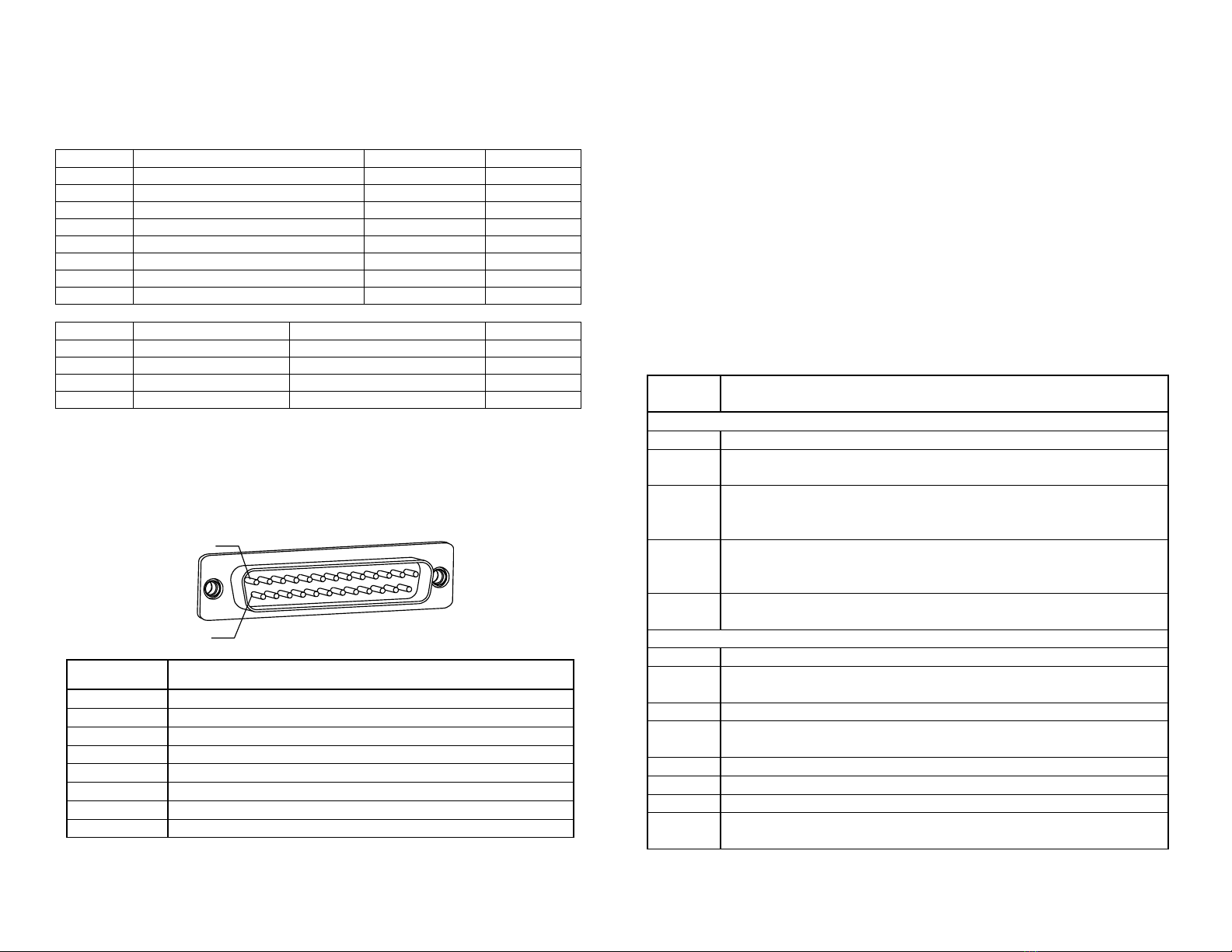
2. Interface Connector Pinout
Mating Connector:
DB25 generic male connector
14
1
Terminal
Circuit
1,2
+12 V
14,15
Power ground
3
Do not connect
11
Reset
12
Host Tx output
13
Host Rx input
24
Signal ground
other
Not used
3. Power connections
+12 V lines must be connected together directly at the connector.
Power ground lines must be connected together directly at the connector,
thus forming a power ground star point; both 5V and 12V power sources
must use this star point.
Signal ground may not be connected to power ground star point; it should be
connected to the host signal ground instead.
Bus reset line, host Rx and Tx lines are all RS232 signal level lines.
4. Diagnostics
Count the number of flashes and compare with the diagnostic chart below:
## of
flashes
Malfunction
Boot-related flashes (green flashes on red background)
1
Memory write error –check memory stick for proper contact
2
Firmware set incomplete –please obtain the missing part and
install
3
A required card is missing –please install the card required;
normally reported when the main firmware component is
missing/corrupt
4
Update policy violation –please install the card required to
regain policy rights; most common reason –a ONE UPDATE
or NDEG card is missing
5
Generic error –a fatal boot error, please contact technical
support
Operation flashes (red flashes on dark background)
1
Box removed –please verify the drop box is secured in place
2
Boot invocation error –please verify that a required card is in
place
3
Box full –check the drop box and make sure it’s not full
4
Stacker plate stuck –verify that drop box is fully inserted and
stacker plate has room to move inside the drop box
6
Optical sensor failure –contact technical support
7
Magnetic sensor failure –contact technical support
11
Bill jam –please verify the bill pathway is clear
14
Firmware integrity problem –please verify that all firmware
components are installed
Other CPI Bank Note Validator manuals