7
ENGLISH
OPERATING INSTRUCTIONS
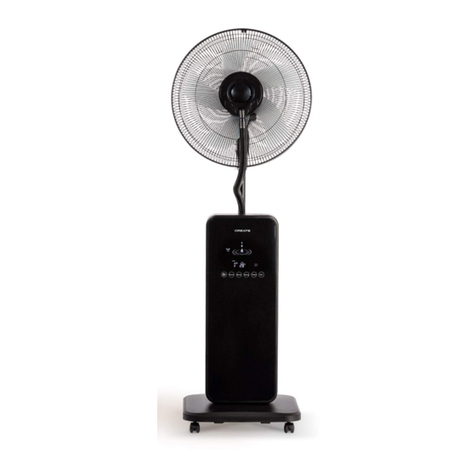
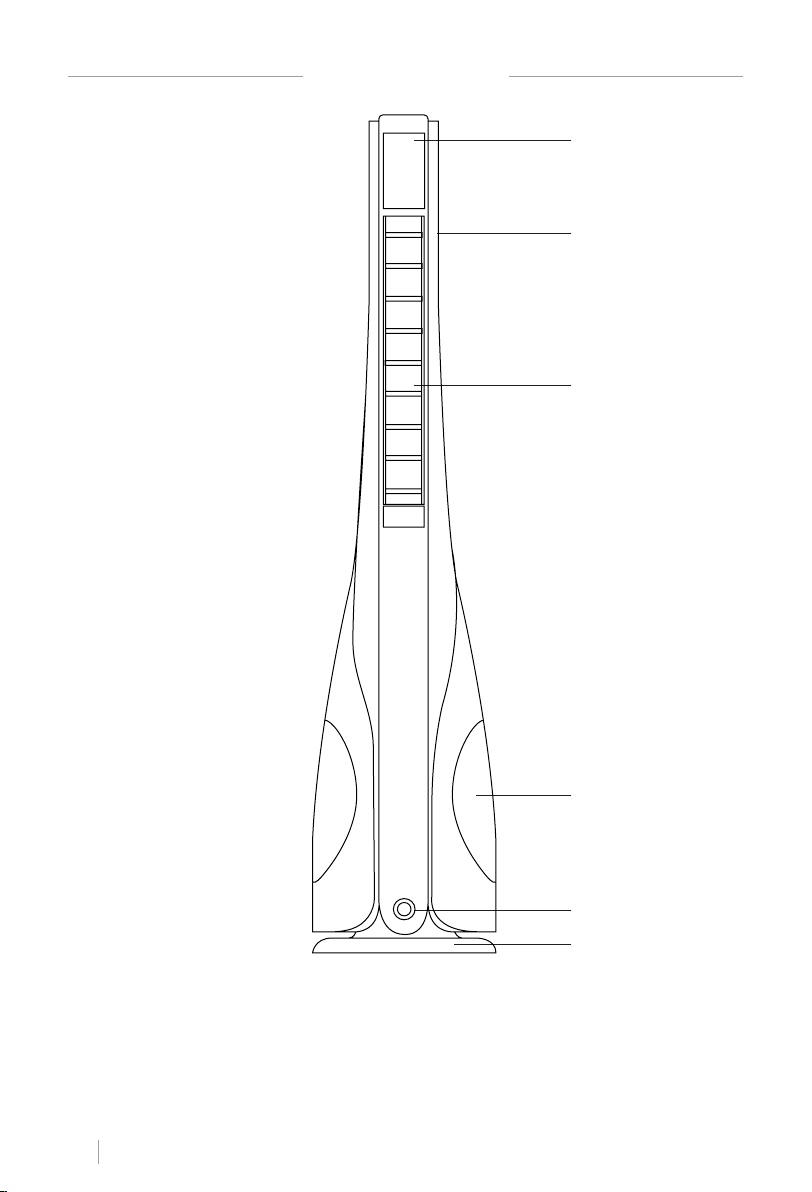
You can operate the appliance using the LED touch screen located on the front of the ap-
pliance.
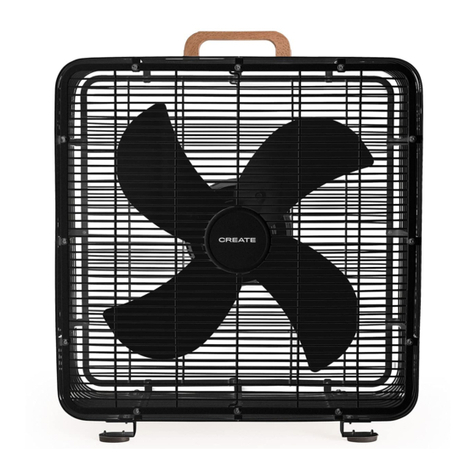
Place the fan on a stable at surface and plug it into a 220 - 240V~A.C. electrical outlet.
The LED screen will display the current room temperature.
• Clock: In standby mode, press the power button for three seconds, the buttons
will start ashing. Use the button to adjust the hours from 1 to 24 and the pbutton
to adjust the minutes from 0 to 59. When you have set the desired time, wait for ve sec-
onds and then the clock will stop ashing.
Note: the clock can only be set in standby mode, it can’t be set during operation.
• ON Timer: In standby mode, press the button and it will start ashing, then the room
temperature display will change to “1”. You can now use the same button to set the timer
between 1 and 24 hours. Once you have set the desired time, wait for ve seconds, the
light will stop ashing and the room temperature will appear again.
Note: When the ON timer is set, the product will turn on automatically at the pre-set time, it
will run continuously for 6 hours and then it will automatically turn itself off. The user can
stop the ON timer function at any time.
• Power: Turn the fan on by pressing the button. To turn the fan off, press and hold the
button for three seconds.
• Speed: Press the button, and then the , button, the room temperature display will
change to “1”. You can now use the button to select the desired speed (1-12). Once you
have already selected the speed, the light will ash for ve more seconds and the
room temperature will appear again.
• Mode: Press the button and then the , button, the temperature display will show
the mode “NA” (natural mode)/SL (sleep mode). Once you have chosen your preferred
mode, wait for ve seconds, the light will stop ashing and the room temperature will
appear again. Long-press button for three seconds to start the ION mode.
• OFF Timer: Press the button, and then the , lbutton, the room temperature display
will change to “1”. Press the button and set the timer from 1 to 12 hours. Once you have
set the desired time, wait for ve seconds, the light will stop ashing and the room
temperature will appear again.
• Oscillation: Press the , button, then press the button and the unit will start oscillat-
ing. Press the button again to turn off the oscillation feature.
• LED light: To turn on the LED light, turn on the appliance and then press and hold the
button. To turn it off, press and hold again.
The LED display will stay lit for 30 seconds once you have adjusted all the settings, then it will
dim and go into standby mode. To turn it back on you can press the button.