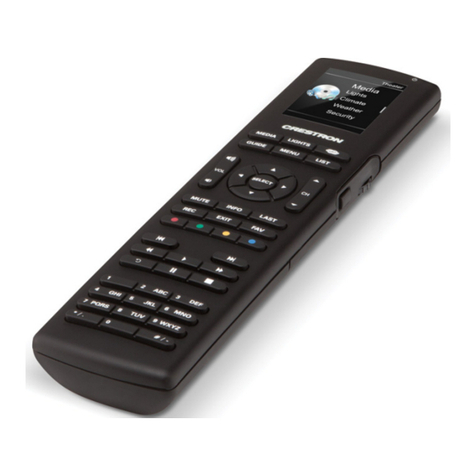
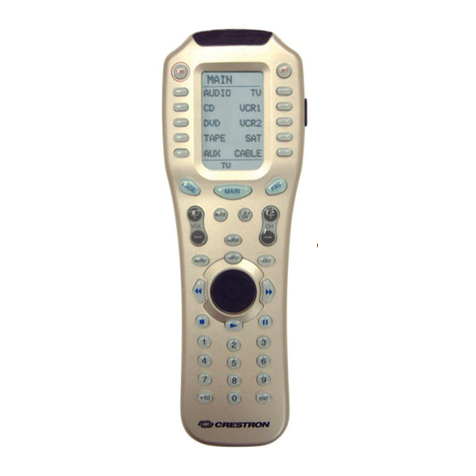
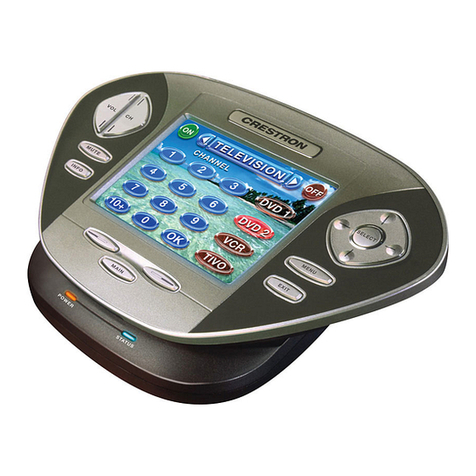
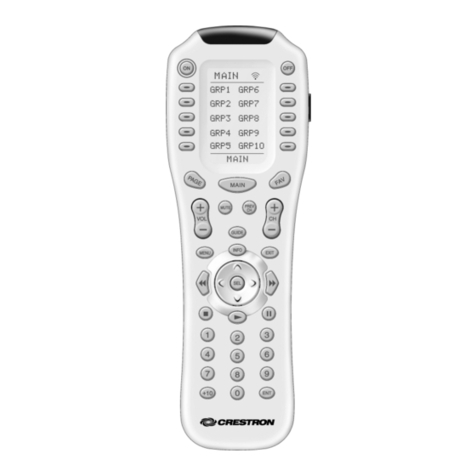
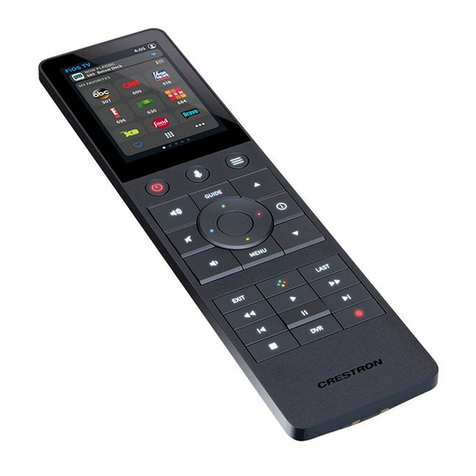
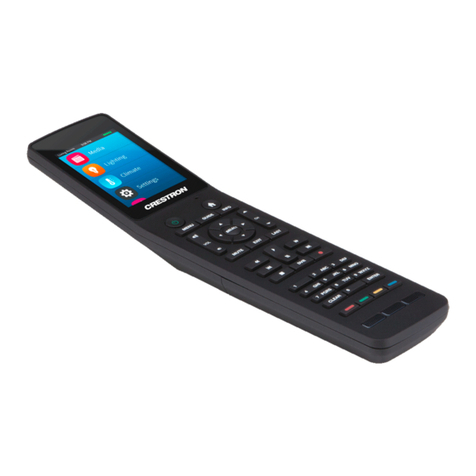
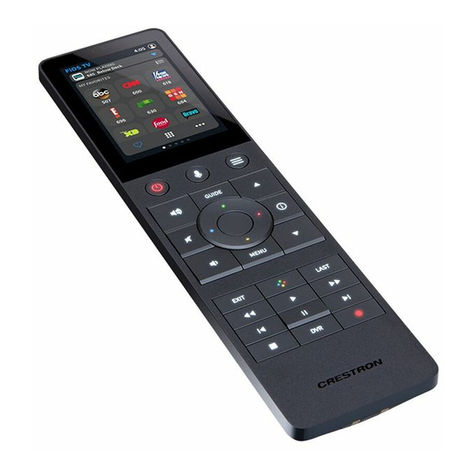
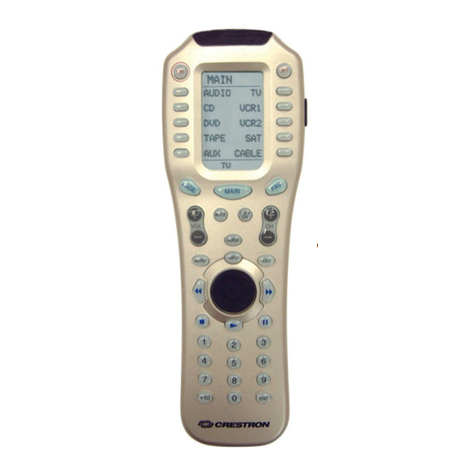
Crestron TPMC-4XG-B Isys i/O™ Handheld WiFi Touchpanel
Contents
Isys i/O™ Handheld WiFi Touchpanel: TPMC-4XG-B 1
Introduction ...............................................................................................................................1
Features and Functions................................................................................................1
Applications.................................................................................................................3
Specifications ..............................................................................................................4
Physical Description....................................................................................................7
Industry Compliance .................................................................................................11
Setup ........................................................................................................................................12
Identity Code .............................................................................................................12
Power.........................................................................................................................12
Configuring the Touchpanel...................................................................................... 13
General Use and Safety .............................................................................................20
Recommended Cleaning............................................................................................21
Programming Software............................................................................................................22
Earliest Version Software Requirements for the PC .................................................22
Programming with Crestron SystemBuilder.............................................................. 22
Programming with SIMPL Windows ........................................................................22
Programming with VisionTools Pro-e....................................................................... 24
Embedded Applications.............................................................................................28
Uploading and Upgrading........................................................................................................ 30
Establishing Communication.....................................................................................30
Programs, Projects and Firmware.............................................................................. 31
Program Checks ........................................................................................................ 32
Problem Solving ......................................................................................................................33
Troubleshooting......................................................................................................... 33
Reference Documents................................................................................................34
Further Inquiries ........................................................................................................ 35
Future Updates .......................................................................................................... 35
Software License Agreement................................................................................................... 36
Return and Warranty Policies ..................................................................................................38
Merchandise Returns / Repair Service ...................................................................... 38
CRESTRON Limited Warranty.................................................................................38
Operations Guide – DOC. 6749B Contents •i