EnglishDeutsch
 logo
Brands
  1. Home
  2. •
  3. Brands
  4. •
  5. Crestron
  6. •
  7. Transmitter
  8. •
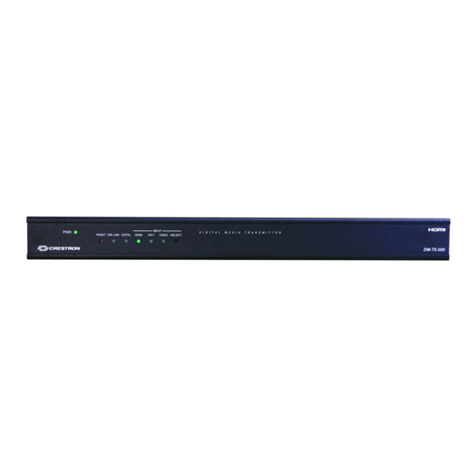
  9. Crestron DM-TX-201-S Dimensional drawing

Crestron DM-TX-201-S Dimensional drawing

This manual suits for next models

2

Other Crestron Transmitter manuals

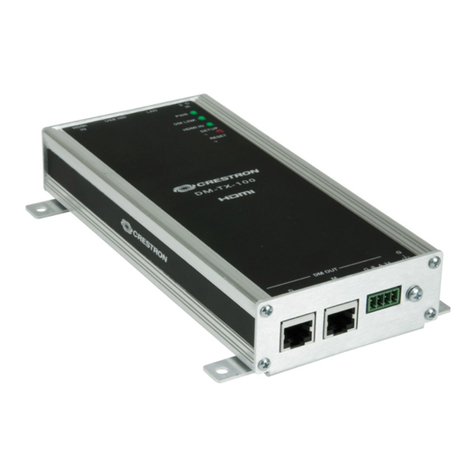
Crestron DigitalMedia DM-TX-100F User manual

Crestron

Crestron DigitalMedia DM-TX-100F User manual

Crestron IM-TCC How to use

Crestron

Crestron IM-TCC How to use

Crestron HD-TXC-4KZ-101 User manual

Crestron

Crestron HD-TXC-4KZ-101 User manual

Crestron DM-TX-4K-202-C Owner's manual

Crestron

Crestron DM-TX-4K-202-C Owner's manual

Crestron DM-TX-200-C-2G User manual

Crestron

Crestron DM-TX-200-C-2G User manual

Crestron DM-TX-4KZ-202-C User manual

Crestron

Crestron DM-TX-4KZ-202-C User manual

Crestron DigitalMedia DM-TX-300N User manual

Crestron

Crestron DigitalMedia DM-TX-300N User manual

Crestron DigitalMedia HD-TX-4KZ-421-CHGR User manual

Crestron

Crestron DigitalMedia HD-TX-4KZ-421-CHGR User manual

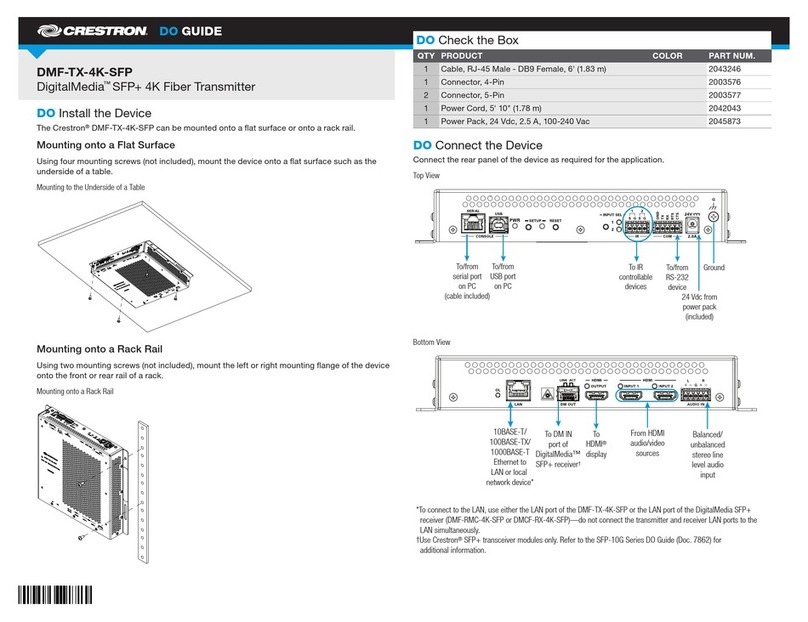
Crestron DigitalMedia DMF-TX-4K-SFP Dimensional drawing

Crestron

Crestron DigitalMedia DMF-TX-4K-SFP Dimensional drawing

Crestron HD-TXCA-4KZ-101 User manual

Crestron

Crestron HD-TXCA-4KZ-101 User manual

Crestron DM-TX-4KZ-100-C-1G User manual

Crestron

Crestron DM-TX-4KZ-100-C-1G User manual

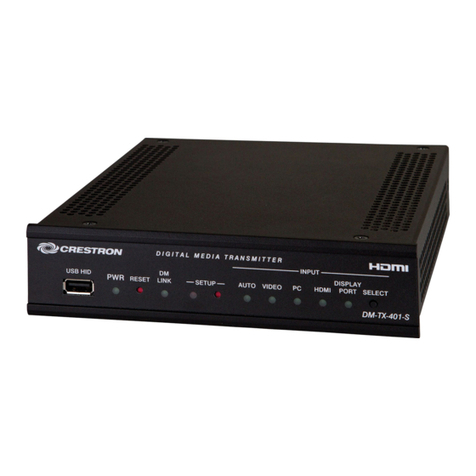
Crestron DM-TX-401-S User manual

Crestron

Crestron DM-TX-401-S User manual

Crestron HD-TXA-4KZ-101-1G User manual

Crestron

Crestron HD-TXA-4KZ-101-1G User manual

Crestron DM-TX-200-C-2G Dimensional drawing

Crestron

Crestron DM-TX-200-C-2G Dimensional drawing

Crestron DM-TX-4KZ-202-C Dimensional drawing

Crestron

Crestron DM-TX-4KZ-202-C Dimensional drawing

Crestron DM Lite HD-TX-4KZ-101 User manual

Crestron

Crestron DM Lite HD-TX-4KZ-101 User manual

Crestron DigitalMedia 8G+ DM-TX-4KZ-100-C-1G User manual

Crestron

Crestron DigitalMedia 8G+ DM-TX-4KZ-100-C-1G User manual

Crestron DM-TX1-4K-C-1G User manual

Crestron

Crestron DM-TX1-4K-C-1G User manual

Crestron DigitalMedia DMCF-TX-4K-SFP Dimensional drawing

Crestron

Crestron DigitalMedia DMCF-TX-4K-SFP Dimensional drawing

Crestron IM-WCC How to use

Crestron

Crestron IM-WCC How to use

Crestron DM-TX-4K-100-C-1G Dimensional drawing

Crestron

Crestron DM-TX-4K-100-C-1G Dimensional drawing

Crestron DM-TX-4K-202-C User manual

Crestron

Crestron DM-TX-4K-202-C User manual

Crestron DM-TX-201-C User manual

Crestron

Crestron DM-TX-201-C User manual

Crestron IM-TCCV Quick start guide

Crestron

Crestron IM-TCCV Quick start guide

Popular Transmitter manuals by other brands

NIVELCO EasyTREK SCA-300 Series Programming manual

NIVELCO

NIVELCO EasyTREK SCA-300 Series Programming manual

Honeywell 5816WMBR installation instructions

Honeywell

Honeywell 5816WMBR installation instructions

Kamstrup READy MTU Installation and operation guide

Kamstrup

Kamstrup READy MTU Installation and operation guide

Omega ZW Series user guide

Omega

Omega ZW Series user guide

ABB Field 264H Instructions for installation

ABB

ABB Field 264H Instructions for installation

Alinco DJ-V17T Service manual

Alinco

Alinco DJ-V17T Service manual

Dejero EnGo 3x manual

Dejero

Dejero EnGo 3x manual

Rosemount 4600 Reference manual

Rosemount

Rosemount 4600 Reference manual

Speaka Professional 2342740 operating instructions

Speaka Professional

Speaka Professional 2342740 operating instructions

trubomat GAB 1000 instruction manual

trubomat

trubomat GAB 1000 instruction manual

Teledyne Analytical Instruments LXT-380 instructions

Teledyne Analytical Instruments

Teledyne Analytical Instruments LXT-380 instructions

Rondish UT-11 quick start guide

Rondish

Rondish UT-11 quick start guide

MG 10JRE instruction manual

MG

MG 10JRE instruction manual

Burkert 8177 operating instructions

Burkert

Burkert 8177 operating instructions

Firetide HotPort 3203 Hardware installation guide

Firetide

Firetide HotPort 3203 Hardware installation guide

Tele Radio T9-02 User instructions

Tele Radio

Tele Radio T9-02 User instructions

Rotronic HygroFlex HF3 Series user guide

Rotronic

Rotronic HygroFlex HF3 Series user guide

Jamara FCX6 Pro Tel Instruction

Jamara

Jamara FCX6 Pro Tel Instruction

https://manuals.online logo
https://manuals.online logoBrands
  • About & Mission
  • Contact us
  • Privacy Policy
  • Terms and Conditions

Copyright 2026 Manuals.Online. All Rights Reserved.

DO GUIDE
DO Check the Box
QTY PRODUCT PART NUM.
1 Power Pack, 24 Vdc 0.75 A, 100-240 Vac 2045865
Not Included: Cables, Mounting Screws
DO Connect the Device
Connect the device as appropriate for the installation. Refer to illustrations through .
Connections to the DM-TX-201-S Front Panel
Connections to the DM-TX-201-S2 Front Panel
DM-TX-201-S/DM-T X-201-S2
DigitalMedia 8G™ Fiber Transmitters 201
DO Install the Device
The DM-TX-201-S and DM-TX-201-S2 can be mounted onto a at surface or onto a rack rail.
Mounting onto a Flat Surface
Using four mounting screws (not included), mount the device onto a at surface such as a wall
or a ceiling. Mounting of the device on a wall is shown in illustration .
Mounting onto a Flat Surface
Mounting onto a Rack Rail
The DM-TX-201-S and DM-TX-201-S2 mount onto the front or rear rail of a rack. Position either
the left or right mounting ange of the device so that the holes align with the holes in the rack.
Then, secure the device to the rack using two rack mounting screws (not included). Mounting of
the right ange of the device is shown in illustration .
Mounting onto a Rack Rail
Ground
LAN:
10BASE-T/
100BASE-TX
Ethernet to local
network device
DM OUT SMF/LC:
To DM switcher,
receiver, or other
DM device
HDMI OUT:
HDMI digital
video/audio output
24 VDC:
From power
pack (included)
LAN:
10BASE-T/
100BASE-TX
Ethernet to local
network device
Ground
DM OUT MMF/SC:
To DM®switcher,
receiver, or other
DM device
HDMI OUT:
HDMI®digital
video/audio output
24 VDC:
From power
pack (included)
DO GUIDE
As of the date of manufacture, the products have been tested and found to comply with specications for CE marking.
This product is Listed to applicable UL Standards and requirements tested by Underwriters Laboratories Inc.
Ce produit est homologué selon les normes et les exigences UL applicables par Underwriters Laboratories Inc.
Federal Communications Commission (FCC) Compliance Statement
This device complies with part 15 of the FCC Rules. Operation is subject to the following two conditions:
(1) This device may not cause harmful interference, and (2) this device must accept any interference received, including interference
that may cause undesired operation.
CAUTION: Changes or modications not expressly approved by the manufacturer responsible for compliance could void the user’s
authority to operate the equipment.
NOTE: This equipment has been tested and found to comply with the limits for a Class B digital device, pursuant to part 15 of the
FCC Rules. These limits are designed to provide reasonable protection against harmful interference in a residential installation.
This equipment generates, uses and can radiate radio frequency energy and, if not installed and used in accordance with the
instructions, may cause harmful interference to radio communications. However, there is no guarantee that interference will not
occur in a particular installation.
If this equipment does cause harmful interference to radio or television reception, which can be determined by turning the
equipment off and on, the user is encouraged to try to correct the interference by one or more of the following measures:
• Reorient or relocate the receiving antenna
• Increase the separation between the equipment and receiver
• Connect the equipment into an outlet on a circuit different from that to which the receiver is connected
• Consult the dealer or an experienced radio/TV technician for help
Industry Canada (IC) Compliance Statement
CAN ICES-3(B)/NMB-3(B)
The products are class 1 laser products. They comply with safety regulations of IEC-60825-1, FDA 21 CFR
1040 11 and FDA 21 CFR 1040 10.
WARNING: Visible and invisible laser radiation when open. Avoid direct exposure to beam.
NOTE: Plug the included dust cap into the optical transceiver when the ber optic cable is unplugged.
The specic patents that cover Crestron products are listed at patents.crestron.com. The product warranty can be found at www.crestron.com/warranty.
Crestron, the Crestron logo, Crestron Toolbox, DigitalMedia, DigitalMedia 8G, and DM are either trademarks or registered trademarks of Crestron Electronics, Inc. in the United States and/or
other countries. HDMI is either a trademark or registered trademark of HDMI Licensing LLC in the United States and/or other countries. UL and the UL logo are either trademarks or registered
trademarks of Underwriters Laboratories, Inc. in the United States and/or other countries. Other trademarks, registered trademarks, and trade names may be used in this document to refer
to either the entities claiming the marks and names or their products. Crestron disclaims any proprietary interest in the marks and names of others. Crestron is not responsible for errors in
typography or photography.
This document was written by the Technical Publications department at Crestron.
©2016 Crestron Electronics, Inc.
DOC. 7758B (2043305) 11.16
Specications subject to change without notice.
DO Set the IP Address
The conguration of the transmitter within the Crestron®DigitalMedia 8G™ system determines
how the IP address of the transmitter is set:
• If the transmitter connects to a DigitalMedia™ switcher, the transmitter is congured by the
switcher automatically.
• If the transmitter connects to a DigitalMedia 8G ber receiver, the transmitter uses its own
conguration settings. By default, DHCP (Dynamic Host Conguration Protocol) is enabled.
If it is desired that the default IP address be assigned to the transmitter, hold down the
SETUP button while the unit boots up. The default IP address 192.168.1.237 overwrites
the current setting. To manually set a different IP address, use the Crestron Toolbox™
application.
DO Learn More
Visit the website for additional information and the latest rmware updates. To learn
more about this product, use a QR reader application on your mobile device to scan
the QR image.
Crestron Electronics
15 Volvo Drive, Rockleigh, NJ 07647
888.CRESTRON | www.crestron.com
DM-T X-201-S
DM-T X-201-S2
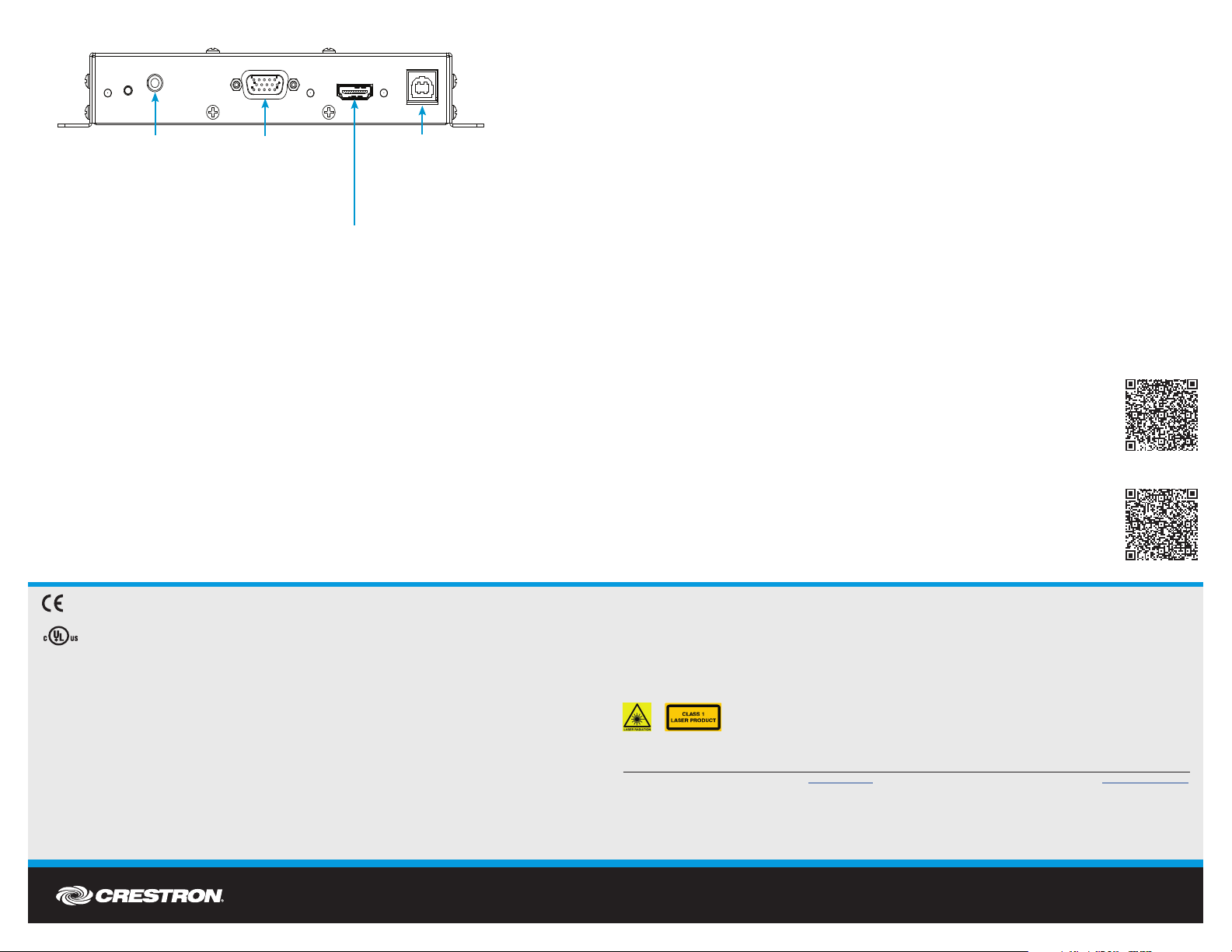
USB HID:
From USB host
interface of USB
HID-compliant
host device
HDMI IN:
HDMI digital
video/audio input
RGB IN:
RGB (VGA),
component,
S-video, or
composite
video input
AUDIO IN:
Unbalanced stereo
line level input

Connections to the DM-TX-201-S and DM-TX-201-S2 Rear Panel