IQ-PIP-USP2/CN
Page 7
IQ-PIP-USP2/CN Reference Manual
ILLUSTRATIONS
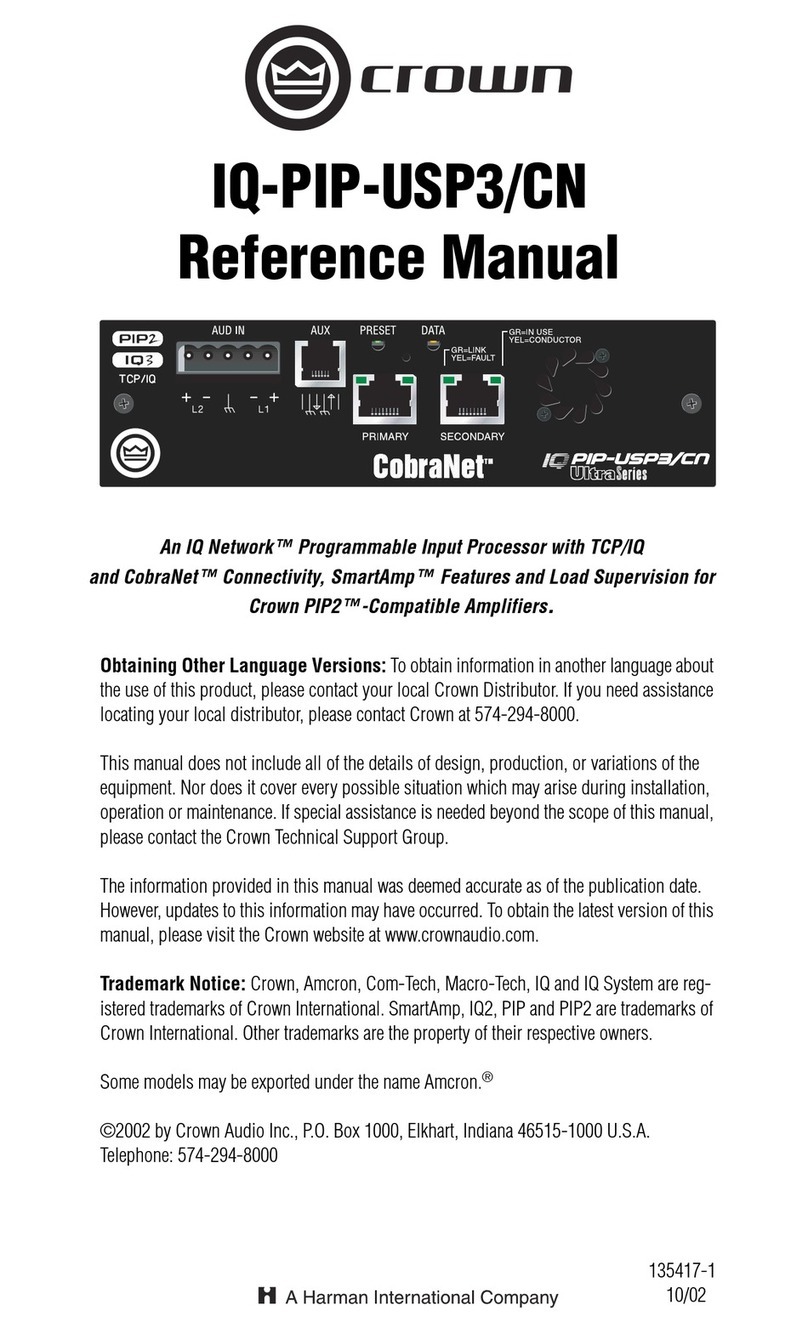
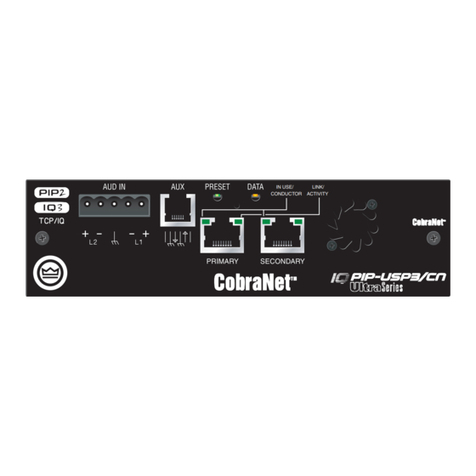
1.1 IQ-PIP-USP2/CN ront Panel ......... 8
2.1 IQ-PIP-USP2/CN Controls,
Connectors and Indicators .......... 10
3.1 Address Switch (S1) ................... 11
3.2 Installing the IQ-PIP-USP2/CN .... 12
3.3 Standard IQ Bus Wiring “Loops” 13
3.4 RJ-45 Mating Plug ...................... 14
3.5 RJ-45 Output to Barrier Block Input . 14
3.6 RJ-45 Output to Din input. ......... 14
3.7 RJ-45 Input to Barrier
Block Output. ............................... 15
3.8 RJ-45 Input to Din Output. ......... 15
3.9 RJ-45 Output to RJ-45 Input. ..... 15
3.10Network Cable with Installed Core16
4.1 Indicators .................................... 18
9.1 Aux Input Modes ......................... 34
10.1 Basic Control Panels ................... 38
10.2 General Control Tab .................... 39
10.3 Presets Control Tab ..................... 40
10.4 Error Reporting Control Tab ........ 41
10.5 Load Supervision Control Tab ..... 42
10.6 Signal Path Control Tab .............. 43
10.7 CobraNet Setup Control Tab ....... 44
10.8 CobraNet Input Control Tab ........ 45
10.9 CobraNet Output Control Tab ...... 45
10.10 Star Network Topology .............. 47
10.11 Multi-Star Topology ................... 48
10.12 The Internal AUX Circuit ............ 51
10.13 A Sample AUX Output Circuit .... 52
10.14 Q-factor vs.Bandwidth ............... 54
10.15 RJ-11 & RJ-45 Pin Assignments .... 55
10.16 IQ Address Switch (S1) Settings
from 0 through 83 ...................... 56
10.17 IQ Address Switch (S1) Settings
from 84 through 167 .................. 57
10.18 IQ Address Switch (S1) Settings
from 168 through 250 ................ 58
10.19 IQ-PIP-USP2/CN Signal low
Block Diagram ............................. 59
8.8 Test Indicator ............................... 33
8.9 Low/Normal/High Indicator ......... 33
8.10 Z Avg Monitor .............................. 33
9 Utilities ............................. 34
9.1 User Presets ................................ 34
9.2 Memory Backup .......................... 34
9.3 AUX Output .................................. 34
9.4 AUX Input .................................... 34
10 Working With IQ ................... 36
10.1 A Closer Look at IQ ...................... 36
10.2 IQ-PIP-USP2/CN User Interface ... 38
10.3 IQ Bus Wiring .............................. 46
10.4 A Closer Look at CobraNet ........... 47
10.5 Using the AUX Connector ............ 50
10.6 Load Supervision Applications .... 52
10.7 Q- actor Calculation .................... 54
10.8 Working with RJ-11 and RJ-45
Connectors .................................. 55
10.9 IQ Address Tables ........................ 55
10.10 Signal low Block Diagram ......... 59
11 Specifications ..................... 60
11.1 General ........................................ 60
11.2 IQ Bus Data Communication ........ 60
11.3 Audio ........................................... 61
11.4 IQ System Data Acquisition ......... 61
12 Factory Service .................... 62