DoCash Lite D User manual

Universal Currency Detector
Детектор подлинности банкнот
DoCash Lite D
РУССКИЙ
ENGLISH
User Manual
Руководство по эксплуатации

TABLE OF CONTENTS
1
www.docash.de
Safety precautions 2
Purpose of the detector 3
Declaration of Conformity 3
Specification 4
Design of the device 5
Exterior 5
Control panel 6
Regulators and connectors on the back panel 6
Types of control provided by DoCash DVM Lite D (new)
7
Operational procedure 7
Warranty 8
Transportation and storage
9
Complete set
10
Maintenance 8

Safety precautions
ATTENTION!
Please read this manual carefully before you start to operate the detector.
User is required to comply with safety precautions while operating any
apparatus of this type:
Effect any service activity only after the power supply cable is
disconnected from the outlet!
If the detector has been transported and stored under low
temperature conditions, it is required to maintain the detector at
least two hours under indoor temperature before switching it on.
To avoid break-off or damage of the cable, it is required to hold on
the power supply plug while putting it on and out from the outlet.
Also avoid such actions when your hands are wet - it may cause in
electric shock.
This manual reflects relevant information at the time of publication and
may not include later alterations.
www.docash.de
2

Thank you for choosing DoCash cash handling techniques.
DoCash is a wide range of special cash handling equipment for retail trade
and financial organizations. DoCash is a brand for simple and reliable
banknote and coin counters, universal and automatic currency detectors,
vacuum packaging machines, etc. You will find any further information at
www.docash.de.
Purpose of the detector
DoCash Lite D detector has been designed for visualization of the presence
and location of infra red marks on banknotes and securities of any types.
Use of the detector allows to increase identity rate of conclusions made with
regard to authenticity of examined specimen.
Declaration of Conformity
The detector conforms to the following safety requirements:
- BS EN 60950-1:2006+A2:2013, EN 50 081-1: 1992 and EN 50 082-1:
1992;
- Low Voltage Directive 73/23/EEC and amending Directive 93/68/EEC and
EMC Directive 89/336/EEC and amending Directives 92/31/EEC and 93/68/
EEC;
- ROHS Directive 2002/95/EC;
- General - GOST IEC 60950-1-2011, Electromagnetic compatibility - GOST
R 51318.22-2006.
3
www.docash.de
RoHS

Specification
4
Power supply 220 V, 50 Hz
AC/DC adapter is a part of
a complete set
Power consumption below 12 W
Temperature operating range from +5°Сto +35°С
Display LCD, 4,3”
Overall dimensions, mm 165х130х255
Net weight, kg 0,6
IR emittance specter 850/940 nm
Colors white, gray
www.docash.de

1Detector’s body
2Lens of infrared camera
Place objects to be inspected in the operational zone
under the camera’s lens
3LСD display to show image
4Control panel
Design of the device
Exterior
5
1
2
3
4
www.docash.de

6
www.docash.de
Control panel
Regulators and connectors on the back panel
Switching the device
Switching the video
Review of the special
element “M”
Brightness, contrast and
saturation (for video
magnifier) regulator
Power supply connector and several connectors for external devices and
DoCash ar e located on the back panel of the detector .
Power supply connector
Connector for magnifier/combined MG/IR sensor
Connector for magnifier/combined MG/IR sensor
Connector for video magnifier

Types of control provided by DoCash Lite D
Universal detectors DoCash Lite D ensure the following types of control:
Visualization of infra red marks
Visualization of special element «М»
Operational procedure
1. Put the detector on flat horizontal surface.
2. Connect power module to the corresponding connector of the detector (see
the section “Regulators and connectors on the back panel”).
Connect the power supply observing the requirements to detector’s supply (220
V, 50 Hz).
3. Switch the detector on by press on the key
The device will switch into scanning in infrared mode.
4. Press key on the control panel to observe «М» marks and infrared areas.
To disable this function press “M” on control panel once again.
5. To select the adjustment of brightness, contrast and saturation (for video
magnifier), and auto-off timer setting, press key . For adjusting use the
keys and .
6. Switch off the detector pressing key on the control panel.
For details of security features of genuine banknotes see “Security features of
banknotes» brochures for USD, EUR, RUB. Or please see other special
reference books for other currencies.
7www.docash.de

8
Maintenance
If observing all the user manual regulations, additional regulations are not
required. Keep the device clean. Use only special wet cloth (destined for
cleaning of office equipment) for cleaning detector’s body. For cleaning
detector’s display use only special cloths and agents destined for LCD-
displays cleaning.
Warranty
Manufacturer guarantees perfect operation of the detector during 12
months from the delivery date subject to compliance with the conditions of
use and storage indicated in this manual and additional conditions specified
in the Warranty Coupon.
Manufacturer is free from any obligation for the detector malfunction
caused by improper transportation, storage and use, as well as mechanical
damage.
www.docash.de

Transportation and storage
When transporting and storing the detector please pay attention to symbols
on the package.
When transporting the permissible temperature is –30°С- +50°С. Storage
of the detector is allowed at temperature +1°С- +40°Сand relative
humidity of up to 80 % (at 25°С), non-condensing.
The detector shelf life: 2 years.
9
www.docash.de
Table of contents
Languages:
Other DoCash Security Sensor manuals
DoCash
DoCash Vega User manual
DoCash
DoCash Golf User manual
DoCash
DoCash DVM BIG D User manual
DoCash
DoCash Micro User manual
DoCash
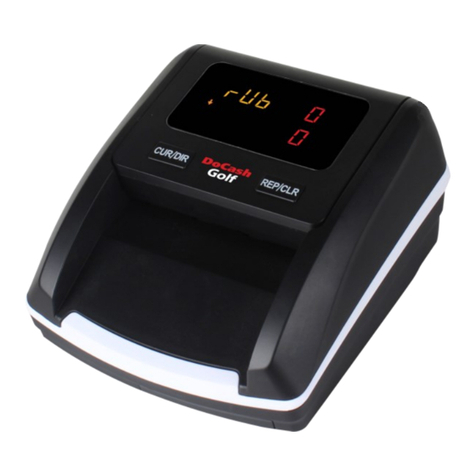
DoCash Golf User manual
DoCash
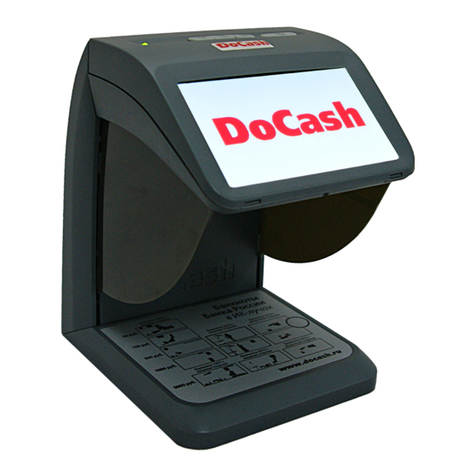
DoCash mini Combo User manual
DoCash
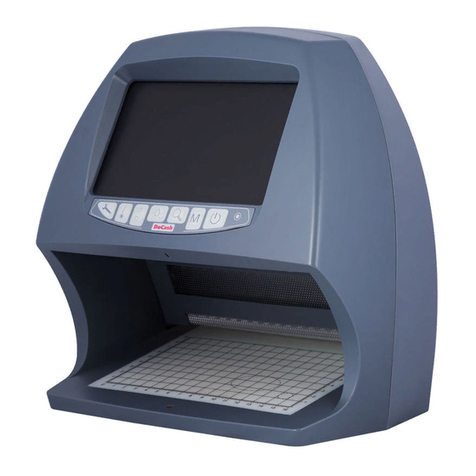
DoCash BIG D User manual
DoCash
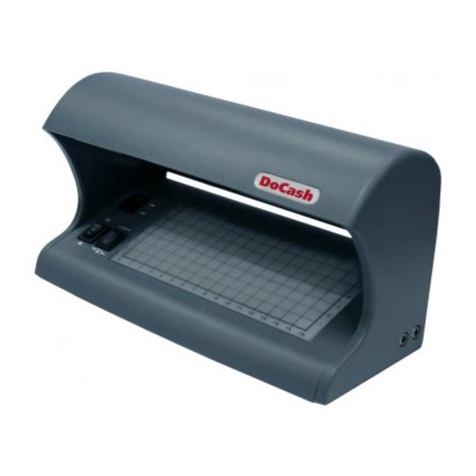
DoCash 500 Series User manual
DoCash
DoCash Vega User manual
DoCash
DoCash BIG Series User manual