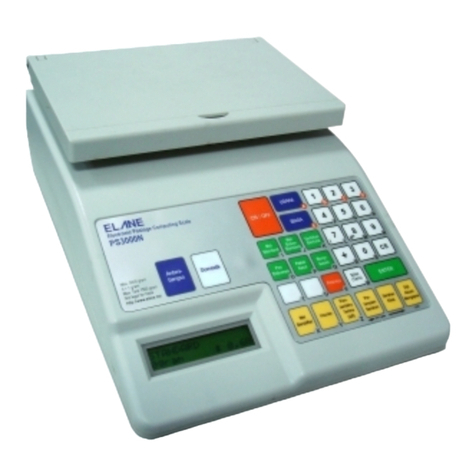
Pressing this key selects and displays the cost of Overseas Airmail Standard Letter postal service. It is also
used to change destination for overseas mail services like Air Parcel, Sea Parcel, ECI and Express Post.
Pressing this key selects and displays the cost of Domestic Standard Letter postal service.
Pressing this key selects and displays the Parcel service charges.
Pressing this key selects and displays the Express Post Parcel service charges.
Press this key when you have completed keying in requested information. It can also be used to manually
add further amounts to the displayed postage.
Pressing this key will de-select any add-on services selected (i.e. Cert, INSD, ADD etc.). It also clear the
requests for input or act as a backspace key when entering information according to the mode the scale is in.
Pressing this key switches the scale on. Pressing it again will switch it off if the weight shown on the display
is "0gram" or will tare the weight (i.e. set it to zero) if a positive weight is displayed.
Pressing this key selects and displays the cost of Express Post Envelope ,Satchel or Int‟l Non Prepaid
services. It also serves as letter "A".
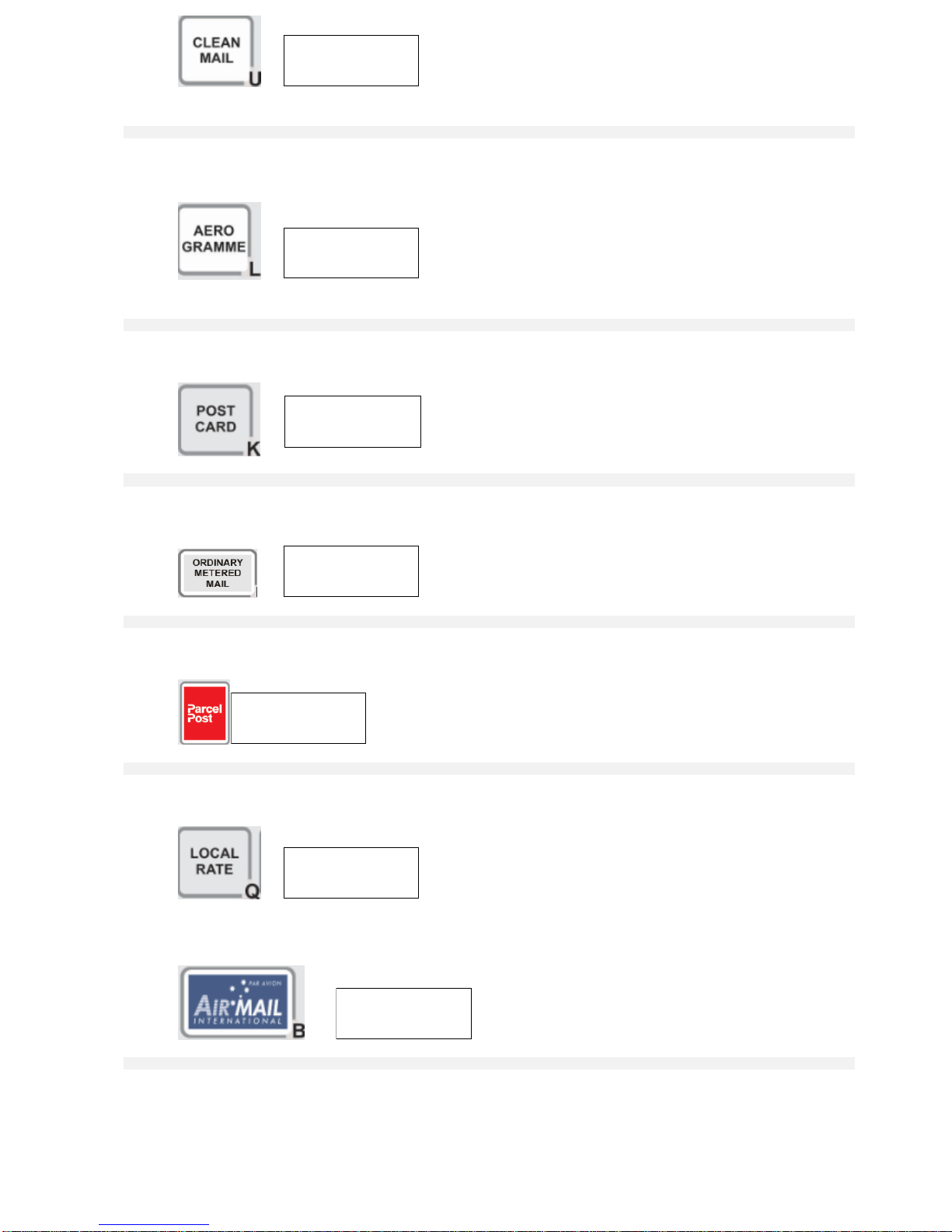
Pressing this key selects and displays the cost of posting by Airmail to the required destination in overseas
mail. When in domestic service, pressing this key selects and displays the cost of Air Parcel for items over
500g. It also serves as letter "B".
This key serves as the figure "1", the letter "C". It also serves as an "information" key, to display any
supplementary services selected and/or destination country.
This key serves as figure "2", the letter "D" and also switches the keyboard tone on/off.
This key serves as the figure "3" and the letter "E". It is also used to display rates inclusive of GST.
Pressing this key selects and displays the cost of posting by Ordinary Metered Mail. It also serves as letter
"F".
This key serves as figure "4" and the letter "G". This also serves as zone key for New Zealand when using
Airmail Letter international service.
This key serves as figure "5" and the letter "H". This also serves as zone key for Asia Pacific when using
Airmail Letter international service.
This key serves as figure "6" and the letter "I". This also serves as zone key for Rest of the World when
using Airmail Letter international service.
Pressing this key selects and displays the cost of Large Letter (non-standard letter) postal service both for
Domestic. It also serves as letter "J".
Pressing this key selects and displays the cost of Postcard postal service. It also serves as letter "K".
Pressing this key selects and displays the cost of Aerogramme postal service. It also serves as letter "L".
This key serves as figure "7" and the letter "M".
This key serves as figure "8" and the letter "N". Pressing this key will also prompt you to manually enter the
desired weight for the current postal service (depending on model).
This key serves as figure "9" and the letter "O".
Pressing this key selects and displays the cost of Surface (by sea) postal service. It also serves as letter "P".
Pressing this key selects and displays the cost of Local Parcel rate. It also serves as letter "Q".
Pressing this key selects and displays the cost of Parcels lodged at the post office within 50 km of the
delivery office. It also serves as letter "R".
This key serves as the figure "0" and the letter "S". It is also used to enter the dimensions for cubic charging
computation for domestic parcels.
Pressing this key enters the Zone selection mode. Press the Left or Right arrow keys followed by the Enter
key to select the desired destination. It is activated only during the Postcode/Zone Entry. This key also
serves as letter "T".
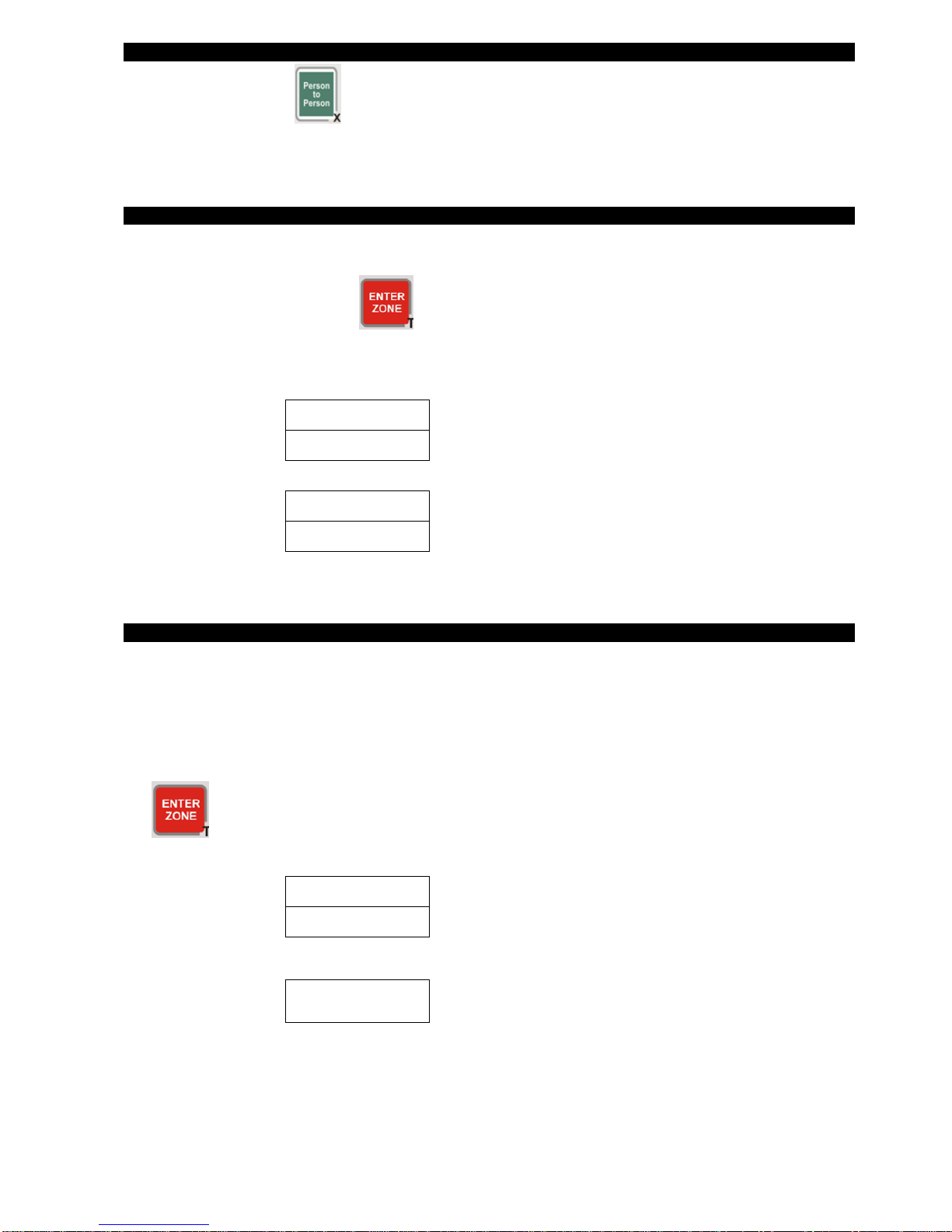
This key serves as letter "U". It also activates the Clean Mail service from Standard and Large Letter
services up to 125g.
Pressing this key selects and displays the Barcoded and Metered Letter rates. To get Small Letter Barcoded
and Metered rates, press the Australia key and then press the Barcoded and Metered key. To get Large
Letter Barcoded and Metered rates, press the Large Letter key and then press the Barcoded and Metered
key. It also serves as letter "V".
Pressing this key will display the “Frank and Metered” rates. It also serves as letter "W".
Press this key when you wish to add on charge for proof of posting and delivery to the article. It also serves
as letter "X" when in input mode. This key is also used to display the 8-digit serial number of your scale.
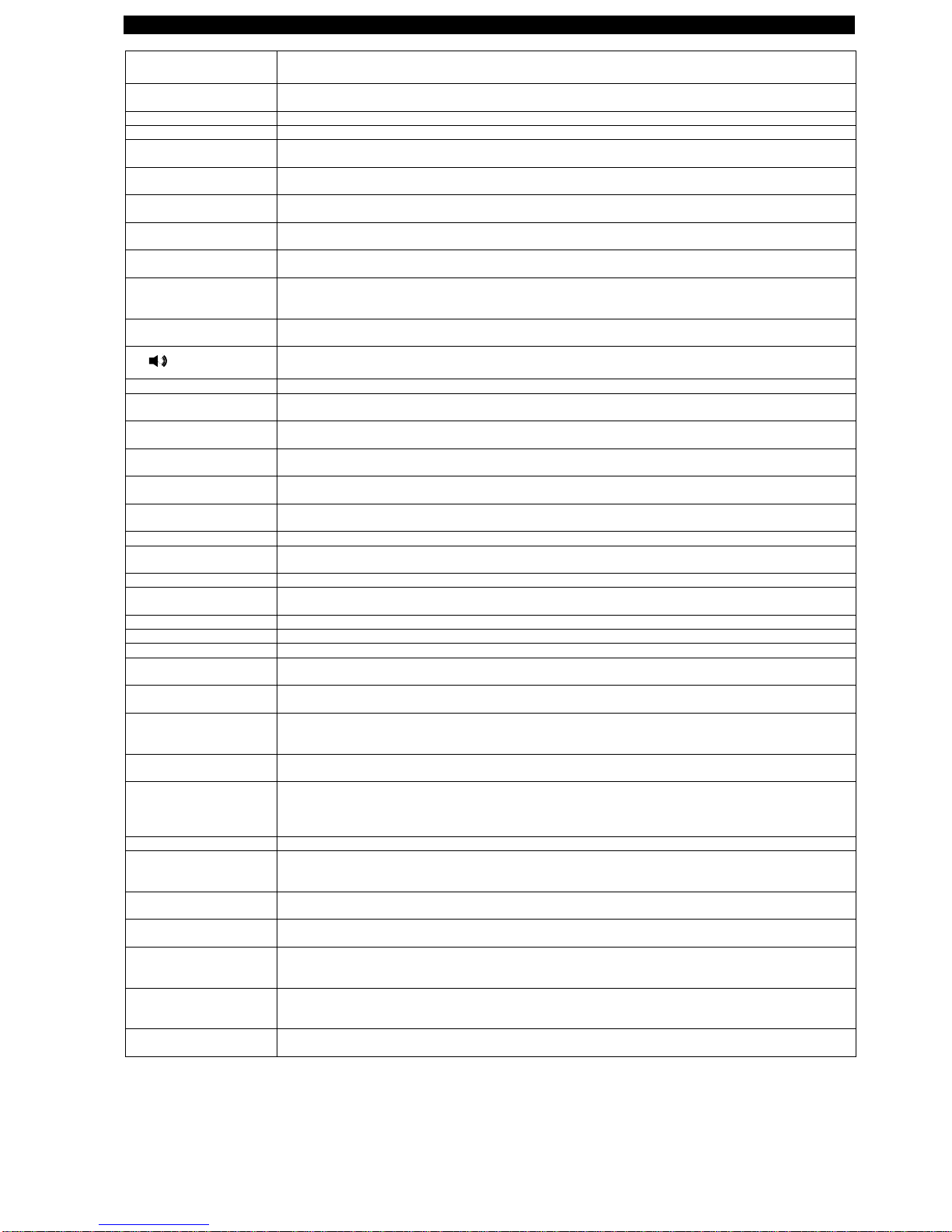
Press Person to Person key during startup and scale displays “Selftest…..”.
Press this key when you wish to add on Insurance cover (value must be over $100.00 to $5000) to the
article. It also serves as letter "Y" when in input mode.
DC (DELIVERY
CONFIRMATION)/Z
Press this key when you wish to add on receive advice to the article. It also serves as letter "Z".
Press this key when you wish to add on the charges for fully documented hand to hand delivery with special
dispatch and transmission arrangements. It also used to add spaces when entering information and to
browse down the City (Domestic) or Country (Overseas) database according to the scale mode.
CASH ON DELIVERY
(COD)/SEARCH
Pressing this key when you wish to add on the charges for postal and article collection from the addressee. It
also enables you to enter the name of the destination country (Overseas) if you are unsure of the code
reference.
ECI Express Courier
International
Pressing this key selects and displays the cost of Express Courier International postal service (formerly
called EMS –Express Mail Service). It toggles between ECI Documents and ECI Merchandise.