manuals.online logo
Brands
  1. Home
  2. •
  3. Brands
  4. •
  5. Elmdene
  6. •
  7. Power Supply
  8. •
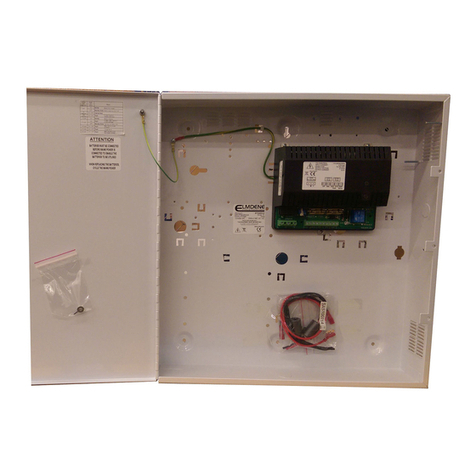
  9. Elmdene 2401ST User manual

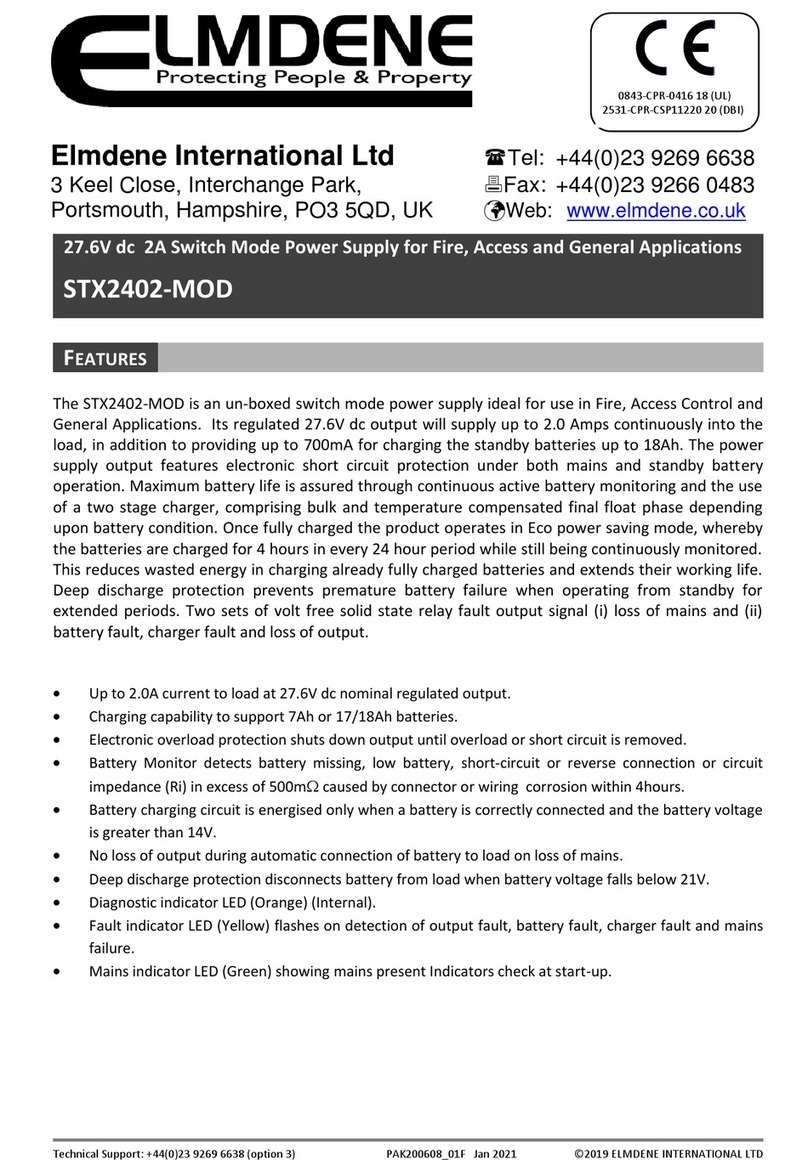
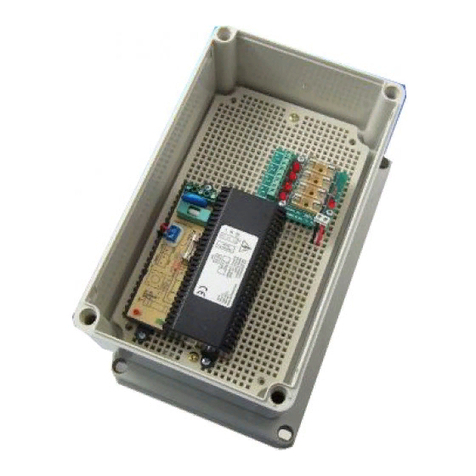
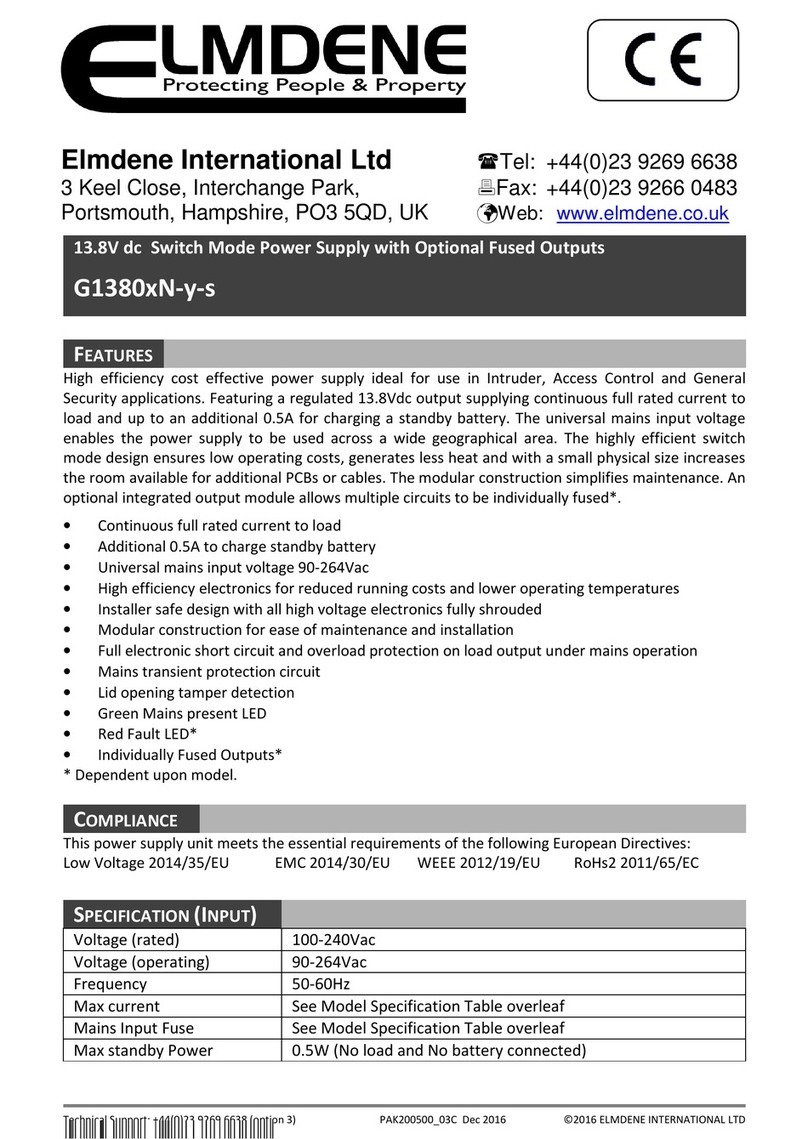
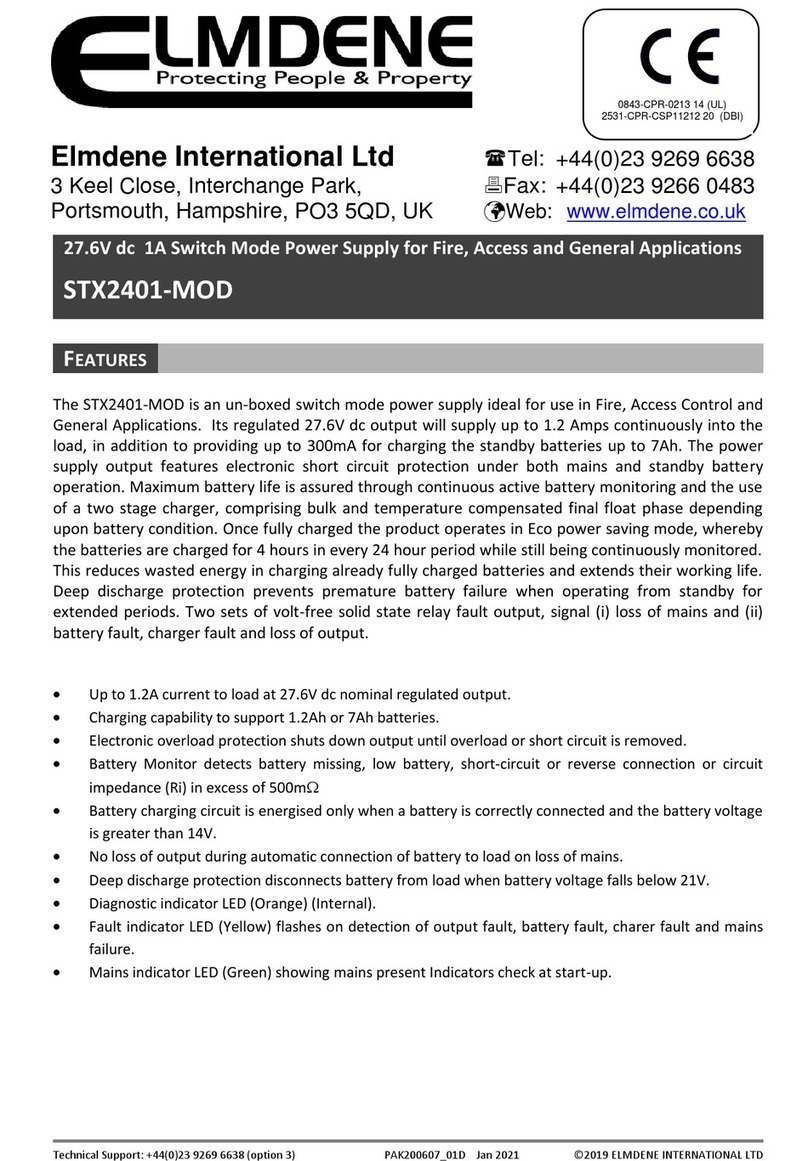
Elmdene 2401ST User manual

Other manuals for 2401ST

1

Other Elmdene Power Supply manuals

Elmdene 2402STE User manual

Elmdene

Elmdene 2402STE User manual

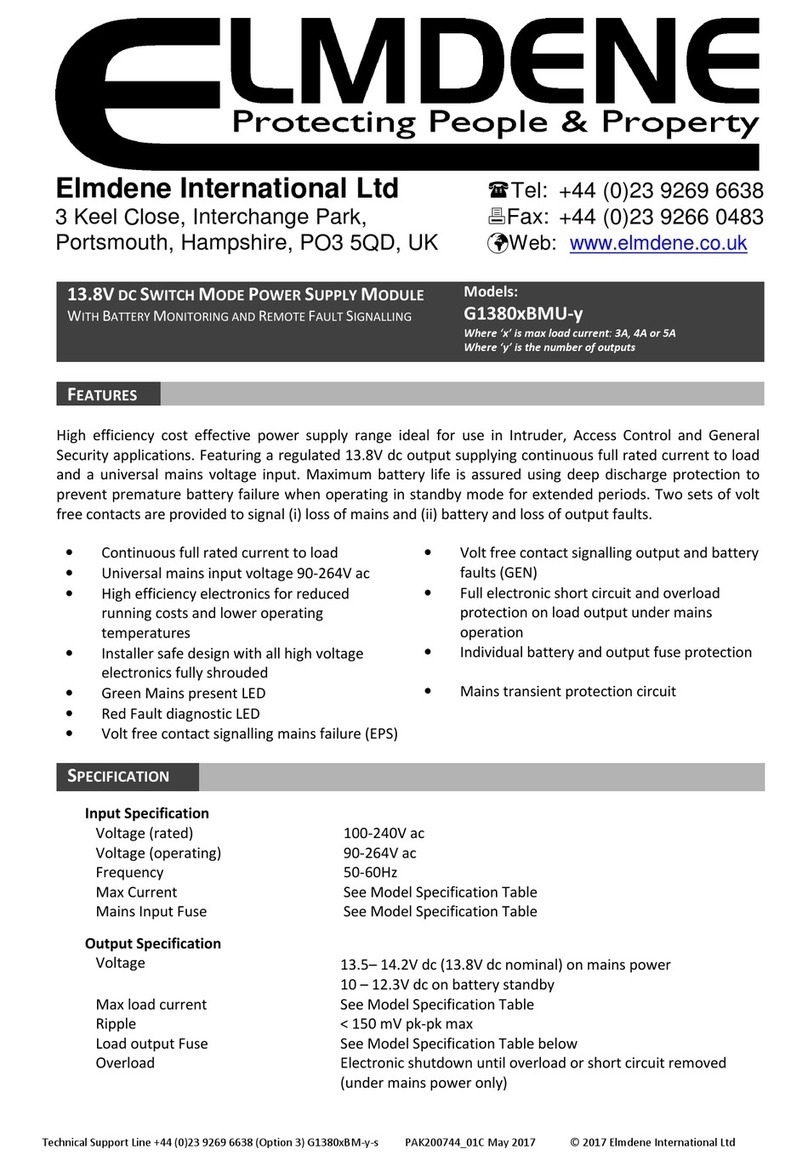
Elmdene G1380 BMU-y Series User manual

Elmdene

Elmdene G1380 BMU-y Series User manual

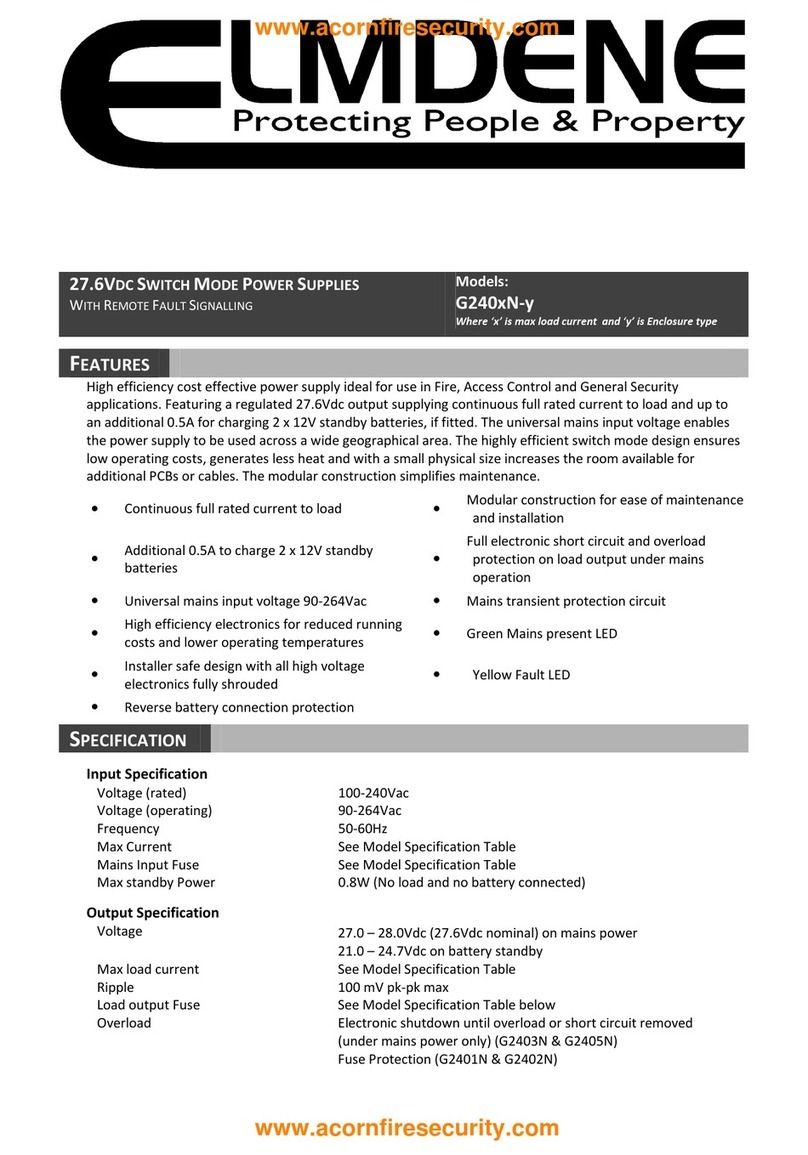
Elmdene 2405ST Series User manual

Elmdene

Elmdene 2405ST Series User manual

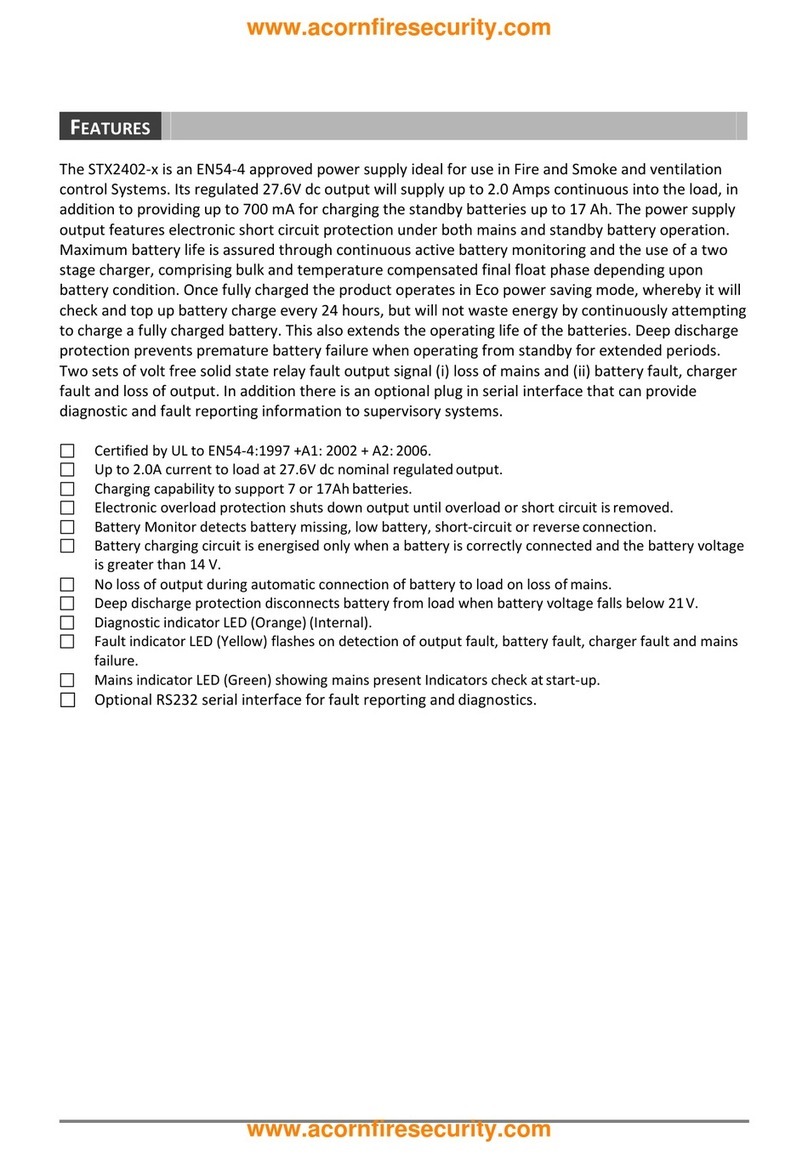
Elmdene STX2401-C User manual

Elmdene

Elmdene STX2401-C User manual

Elmdene EN3-34-U User manual

Elmdene

Elmdene EN3-34-U User manual

Elmdene G13804NU User manual

Elmdene

Elmdene G13804NU User manual

Elmdene 2401ST User manual

Elmdene

Elmdene 2401ST User manual

Elmdene VRS124000-P Series User manual

Elmdene

Elmdene VRS124000-P Series User manual

Elmdene G2410BMU User manual

Elmdene

Elmdene G2410BMU User manual

Elmdene STX2405-MOD User manual

Elmdene

Elmdene STX2405-MOD User manual

Elmdene STX2401-MOD User manual

Elmdene

Elmdene STX2401-MOD User manual

Elmdene 2405STE User manual

Elmdene

Elmdene 2405STE User manual

Elmdene STX2410-H User manual

Elmdene

Elmdene STX2410-H User manual

Elmdene STX2402 Series User manual

Elmdene

Elmdene STX2402 Series User manual

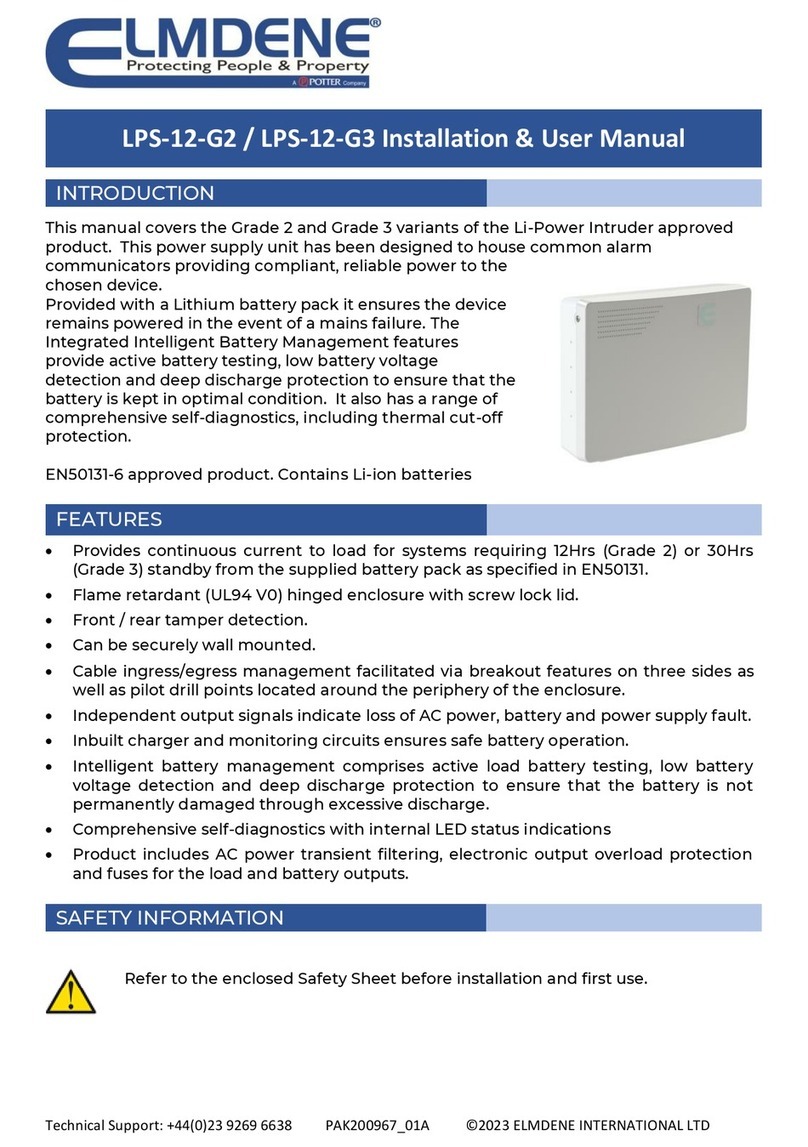
Elmdene LPS-12-G2 Instruction Manual

Elmdene

Elmdene LPS-12-G2 Instruction Manual

Elmdene STX2410-MOD User manual

Elmdene

Elmdene STX2410-MOD User manual

Elmdene 20182423N User manual

Elmdene

Elmdene 20182423N User manual

Elmdene STX2402-MOD User manual

Elmdene

Elmdene STX2402-MOD User manual

Elmdene G1380xN-y-s Series User manual

Elmdene

Elmdene G1380xN-y-s Series User manual

Elmdene G2410BM-E User manual

Elmdene

Elmdene G2410BM-E User manual

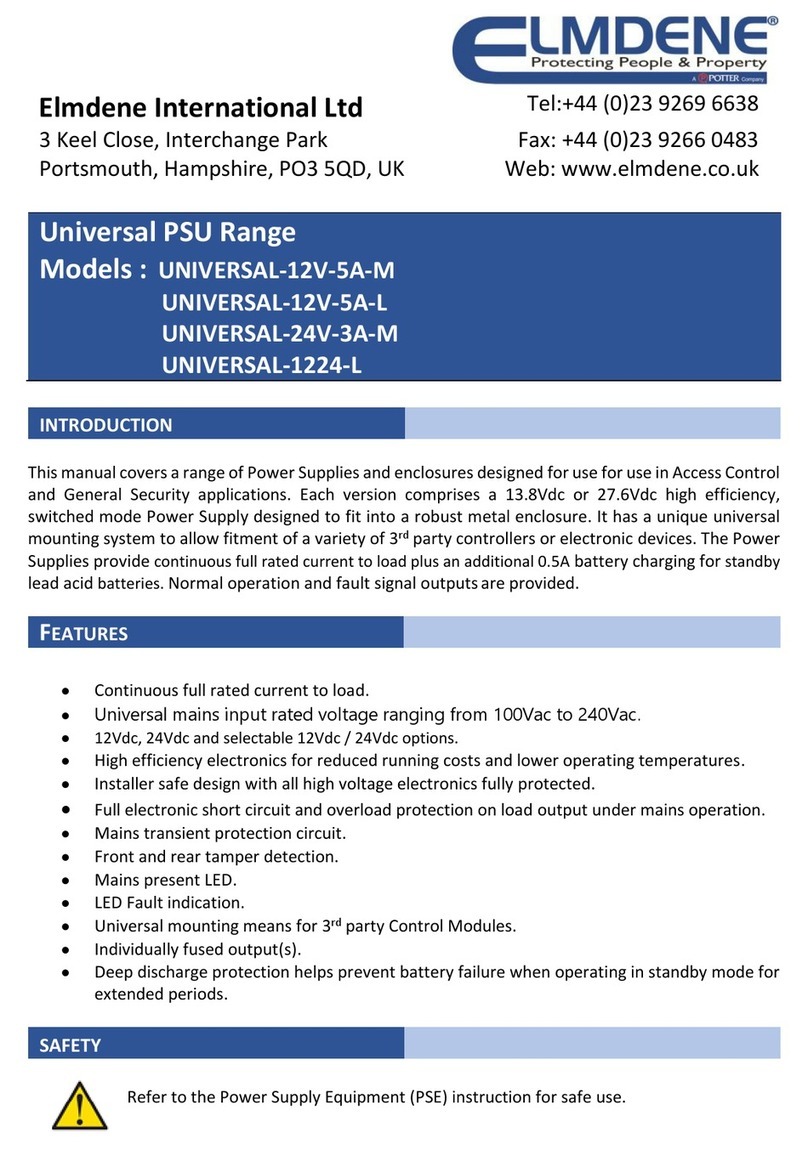
Elmdene UNIVERSAL-12V-5A-M User manual

Elmdene

Elmdene UNIVERSAL-12V-5A-M User manual

Elmdene G240 BM Series User manual

Elmdene

Elmdene G240 BM Series User manual

Elmdene POE1230-C User manual

Elmdene

Elmdene POE1230-C User manual

Elmdene G240 N Series User manual

Elmdene

Elmdene G240 N Series User manual

Popular Power Supply manuals by other brands

Monacor PS-12CCD instruction manual

Monacor

Monacor PS-12CCD instruction manual

VOLTIMA MagicBox 15 Installation and operating instructions

VOLTIMA

VOLTIMA MagicBox 15 Installation and operating instructions

Miller Auto Deltaweld 452 owner's manual

Miller

Miller Auto Deltaweld 452 owner's manual

BCP PUOUBK How to install

BCP

BCP PUOUBK How to install

HC 2210 manual

HC

HC 2210 manual

Agilent Technologies 6032A Service manual

Agilent Technologies

Agilent Technologies 6032A Service manual

Puls CT5.241 installation manual

Puls

Puls CT5.241 installation manual

OCZ ZX1250W Technical specifications

OCZ

OCZ ZX1250W Technical specifications

iseg ECH 238 manual

iseg

iseg ECH 238 manual

Agilent Technologies 6631B Service manual

Agilent Technologies

Agilent Technologies 6631B Service manual

Power XXL A Series instruction manual

Power

Power XXL A Series instruction manual

Renogy PHOENIX 300 user guide

Renogy

Renogy PHOENIX 300 user guide

HP 6200B Operating and service manual

HP

HP 6200B Operating and service manual

Epson Stylus Scan 2500 Product information sheet

Epson

Epson Stylus Scan 2500 Product information sheet

Pulsar GREEN POWER CCTV PoE POE044816 manual

Pulsar

Pulsar GREEN POWER CCTV PoE POE044816 manual

Puls MiniLine ML50.100 instruction manual

Puls

Puls MiniLine ML50.100 instruction manual

Puls AS-Interface SLA4.100 installation manual

Puls

Puls AS-Interface SLA4.100 installation manual

Kenwood PS-60 instruction manual

Kenwood

Kenwood PS-60 instruction manual

manuals.online logo
manuals.online logoBrands
  • About & Mission
  • Contact us
  • Privacy Policy
  • Terms and Conditions

Copyright 2025 Manuals.Online. All Rights Reserved.

2401ST
QUICK START GUIDE
You must read the full product guide before installation
OUTPUT MONITORING
2x INDIVIDUAL OUTPUT
DUAL-PATH
MAINS
SUPPLY
++
- - + -
2x LOAD
OUTPUTS
T T
12V
BATTERY
+ - 12V
BATTERY
+ -
MAINS FUSE
GEN EPS
FAULT OUTPUTS
FAULT OUTPUTS
COM / NO / NC
FUSE #1 FUSE #2
Indicator Functional states
1 - Mains status •Fault (Yellow)
•OK (Green)
2 - Battery status •Battery Fault (Yellow)
•Charging (Flashing Green)
•Battery Charged (Green)
3 - Fault status •No Fault(s) (Off)
•GEN (PSU) Fault (Flashing Yellow)
4 - Diagnostic ID •See ‘Status and Fault-Diagnostic LED
Indication’ table
5 – Output 1 status •Fault (Yellow)
•OK (Green)
6 – Output 2 status •Fault (Yellow)
•OK (Green)
TEMPERATURE SENSOR
PAK200624_01A July 2019Technical Support 02392 696638 #3
-
LOAD OUTPUT
+
LOAD 1
-+
LOAD 2
SERIES BATTERY LINK
LED 4* Condition Possible Cause Action
Diagnostic
(DIAG)
Flash x1 No Output
Output fuse fail or
Output overload or
Short circuit
Check and replace output fuse.
Disconnect and test output load.
Flash x2
No Battery
Low Battery Volts
Battery disconnected or
Battery heavily discharged
Check battery connections
Check battery fuse.
Check battery condition / replace
battery.
Flash x3 Battery Fault.
High impedance in battery
connection or
Battery internal fault (detected
during load test)
Check battery connections for
corrosion. Replace battery if aged.
Flash x4 Charger Fault. Internal failure of battery charger Return to manufacturer.
Flash x5
Battery Temperature
Probe Fault.
Battery temperature monitor
disconnected or damaged &
PSU running in Safe Mode
Check temperature sensor connections
and condition of sensor.
Replace if suspect
Flash x6 Dual Path Fault.
Fault in output connections to the
load
(DUAL-PATH mode active ONLY)
Check all cables between PSU and load.
EPS relay GEN relay Condition Possible Cause Action
(COM TO N/C)
CLOSED
(COM TO N/C)
CLOSED Normal operation. Mains present &
Battery healthy None
(COM TO N/C)
OPEN
(GEN TO N/C)
CLOSED Standby Mode. Mains lost &
Battery driving load Investigate loss of mains
(COM TO N/C)
CLOSED
(GEN TO N/C)
OPEN Fault Present.
Blown fuses or
Battery fault or
Internal PSU fault or
Investigate fault source using
diagnostic LED &
Rectify fault where possible
(EPS TO N/C)
OPEN
(GEN TO N/C)
OPEN PSU Shutdown. Mains lost or
Standby battery exhausted.
Restore mains as soon as
possible.
2401ST
LED INDICATION
AND FAULT DIAGNOSTICS
Technical Support 02392 696638 #3
FAULT DIAGNOSTIC LED GUIDE
FAULT RELAY GUIDE
*when LED 4 is flashing, LEDs 1,5 OR 6 may be Green or Yellow
OP1≠OP2
DUAL-PATH ACTIVE
DUAL-PATH MODE FAULT SIGNALLING
-
PSU LOAD OUTPUT
1 & 2
+
DUAL PATH LOAD INPUT
-+
-+
•FAULT SIGNALLED
WHEN MORE THAN
10% IMBALANCE
BETWEEN PATHS
REF: EN54-13 5.3.4.1
SFAULT & 5.3.4.2 PFAULT
VALUES
+
-
*Equipment must be have 2 separate power inputs capable of
withstanding a short to ground on one path
COM / NO / NC
HEALTY
COM / NO / NC
FAULT
FAULT RELAY STATES
PAK200624_01A July 2019