manuals.online logo
Brands
  1. Home
  2. •
  3. Brands
  4. •
  5. Fisher-Price
  6. •
  7. Baby Accessories
  8. •
  9. Fisher-Price Y3630 Owner's manual

Fisher-Price Y3630 Owner's manual

Other manuals for Y3630

3

Other Fisher-Price Baby Accessories manuals

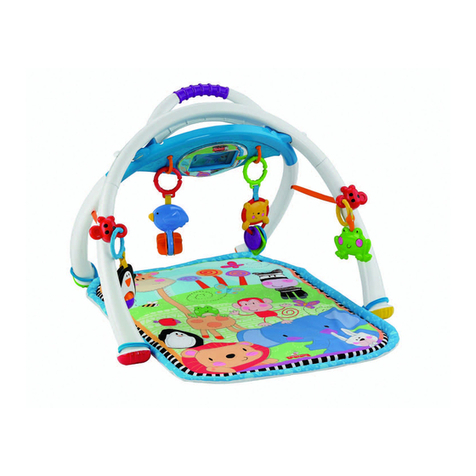
Fisher-Price HMJ55 User manual

Fisher-Price

Fisher-Price HMJ55 User manual

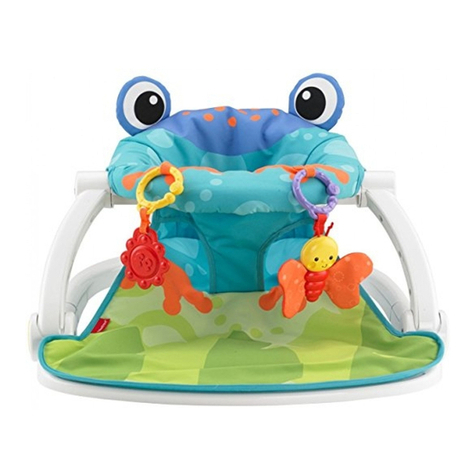
Fisher-Price FPR21 User manual

Fisher-Price

Fisher-Price FPR21 User manual

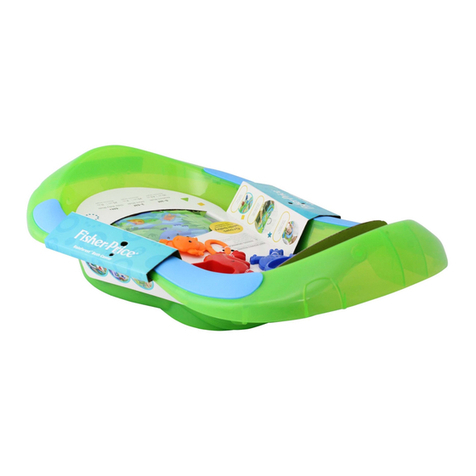
Fisher-Price Zoo Party Jumperoo User manual

Fisher-Price

Fisher-Price Zoo Party Jumperoo User manual

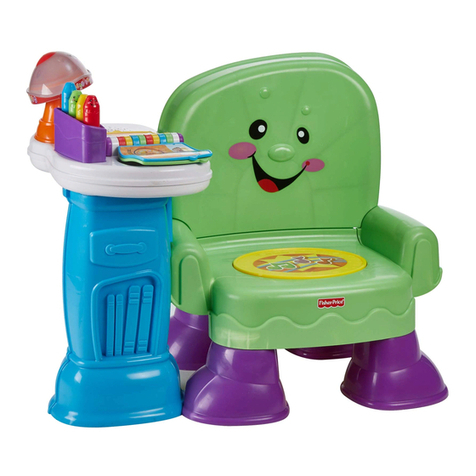
Fisher-Price W9740 User manual

Fisher-Price

Fisher-Price W9740 User manual

Fisher-Price CHN44 User manual

Fisher-Price

Fisher-Price CHN44 User manual

Fisher-Price HLV82 User manual

Fisher-Price

Fisher-Price HLV82 User manual

Fisher-Price Y4476 User manual

Fisher-Price

Fisher-Price Y4476 User manual

Fisher-Price G2623 User manual

Fisher-Price

Fisher-Price G2623 User manual

Fisher-Price N0860 User manual

Fisher-Price

Fisher-Price N0860 User manual

Fisher-Price PORTABLE ENTERTAINER 79070 User manual

Fisher-Price

Fisher-Price PORTABLE ENTERTAINER 79070 User manual

Fisher-Price CHP99 User manual

Fisher-Price

Fisher-Price CHP99 User manual

Fisher-Price Lullabye Birdies G5892 User manual

Fisher-Price

Fisher-Price Lullabye Birdies G5892 User manual

Fisher-Price CHM32 User manual

Fisher-Price

Fisher-Price CHM32 User manual

Fisher-Price W2783 User manual

Fisher-Price

Fisher-Price W2783 User manual

Fisher-Price Miracles and Milestones Track & Play Center User manual

Fisher-Price

Fisher-Price Miracles and Milestones Track & Play Center User manual

Fisher-Price 73528 User manual

Fisher-Price

Fisher-Price 73528 User manual

Fisher-Price 73465 User manual

Fisher-Price

Fisher-Price 73465 User manual

Fisher-Price W2242 User manual

Fisher-Price

Fisher-Price W2242 User manual

Fisher-Price L7347 User manual

Fisher-Price

Fisher-Price L7347 User manual

Fisher-Price Y4476 User manual

Fisher-Price

Fisher-Price Y4476 User manual

Fisher-Price CBW09 User manual

Fisher-Price

Fisher-Price CBW09 User manual

Fisher-Price Brilliant Basics K6670 User manual
Fisher-Price

Fisher-Price Brilliant Basics K6670 User manual

Fisher-Price GKJ13 User manual

Fisher-Price

Fisher-Price GKJ13 User manual

Fisher-Price C1454 User manual

Fisher-Price

Fisher-Price C1454 User manual

Popular Baby Accessories manuals by other brands

Radiant TH23F operating instructions

Radiant

Radiant TH23F operating instructions

Playskool Busy Bath instructions

Playskool

Playskool Busy Bath instructions

Britax JETTA manual

Britax

Britax JETTA manual

Affinity ROOKIE instruction manual

Affinity

Affinity ROOKIE instruction manual

BEBE CONFORT BabyFix manual

BEBE CONFORT

BEBE CONFORT BabyFix manual

Childcare Galaxy manual

Childcare

Childcare Galaxy manual

Baninni BABYWALKER PIO BNBW009 manual

Baninni

Baninni BABYWALKER PIO BNBW009 manual

MONTESSORI ROOM Waldorf Rocker Assembly instructions

MONTESSORI ROOM

MONTESSORI ROOM Waldorf Rocker Assembly instructions

osann Marty Klimax manual

osann

osann Marty Klimax manual

Philips AVENT 690863016 null

Philips AVENT

Philips AVENT 690863016 null

Swereco 144971 Direction of use

Swereco

Swereco 144971 Direction of use

Leander Cradle Assembly

Leander

Leander Cradle Assembly

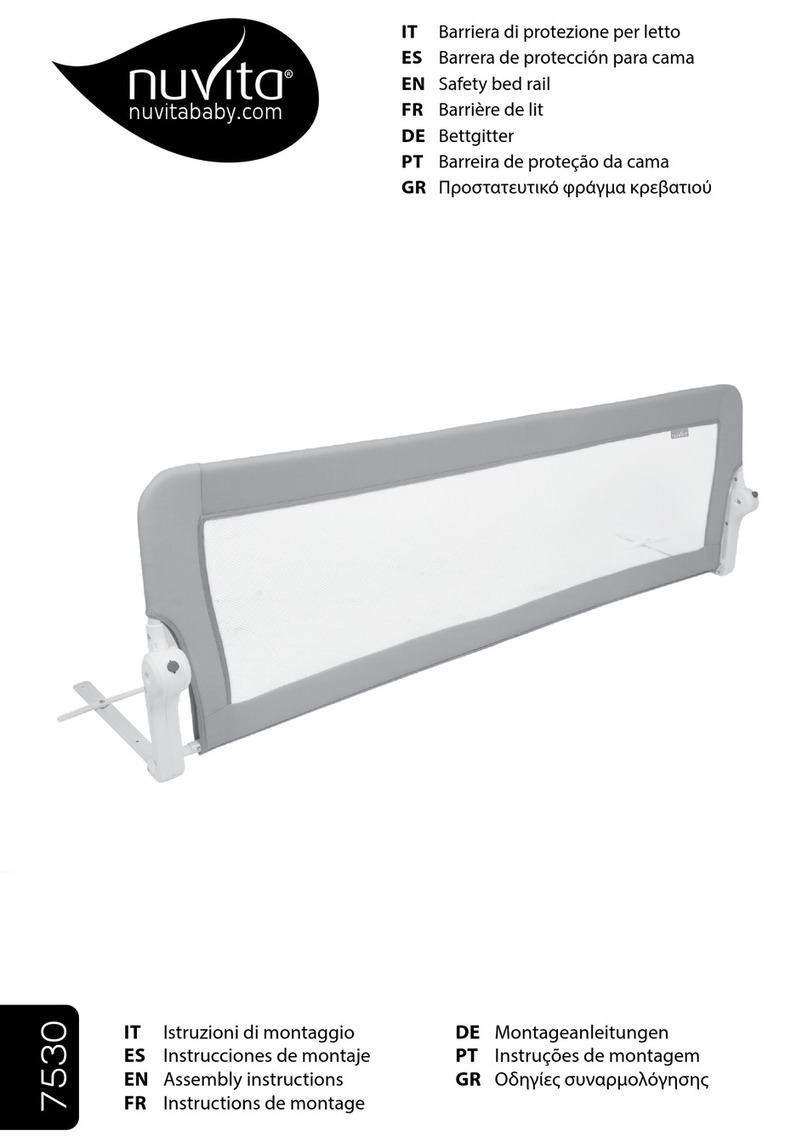
nuVita 7530 Assembly instructions

nuVita

nuVita 7530 Assembly instructions

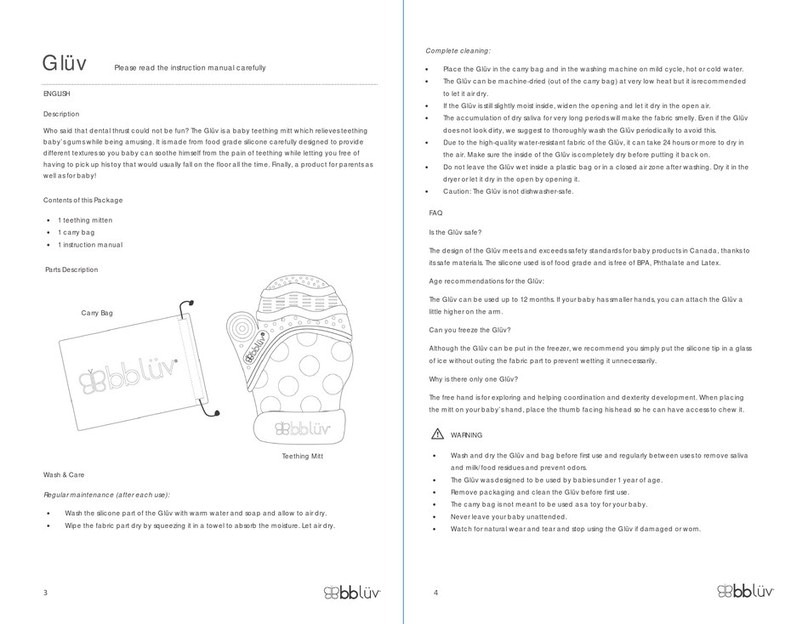
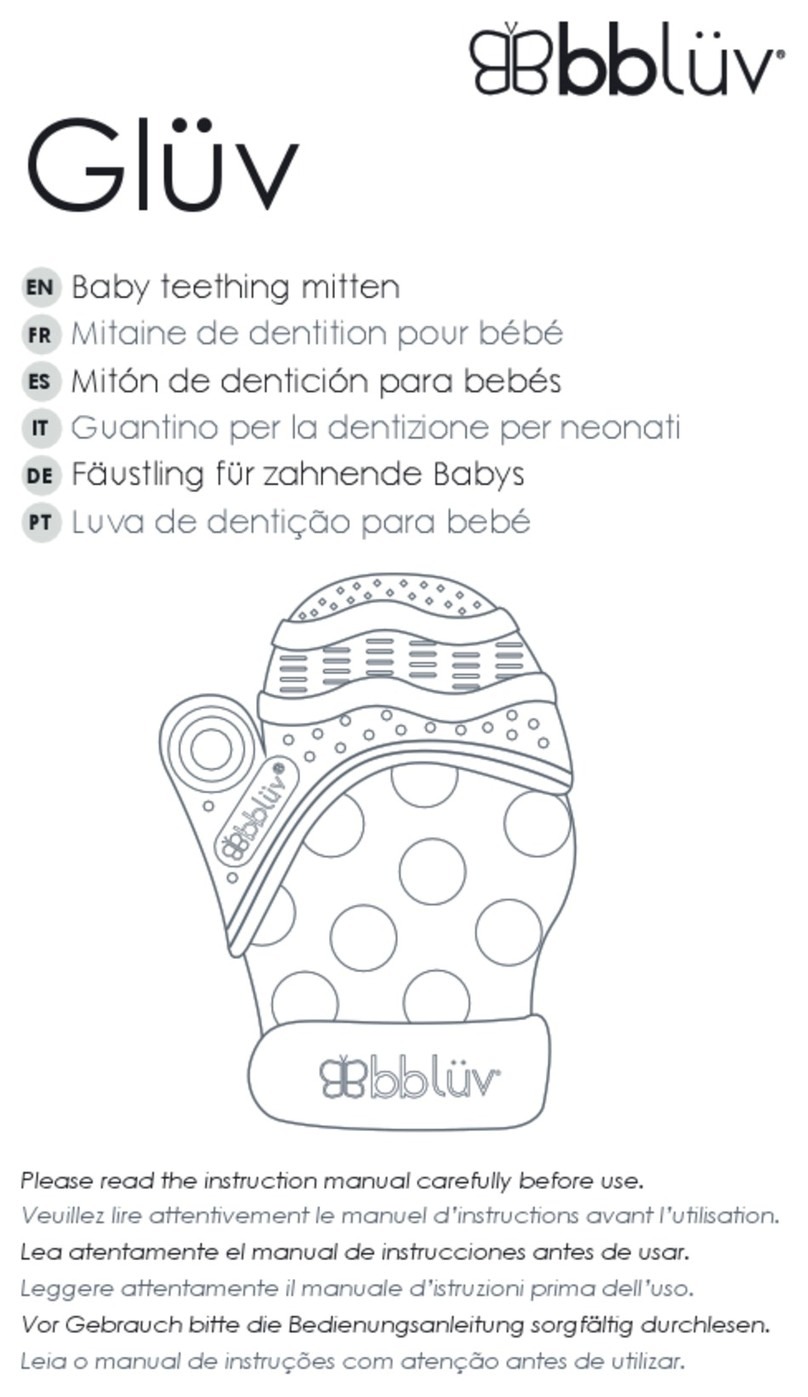
bbluv Glüv instruction manual

bbluv

bbluv Glüv instruction manual

bbluv Glüv instruction manual

bbluv

bbluv Glüv instruction manual

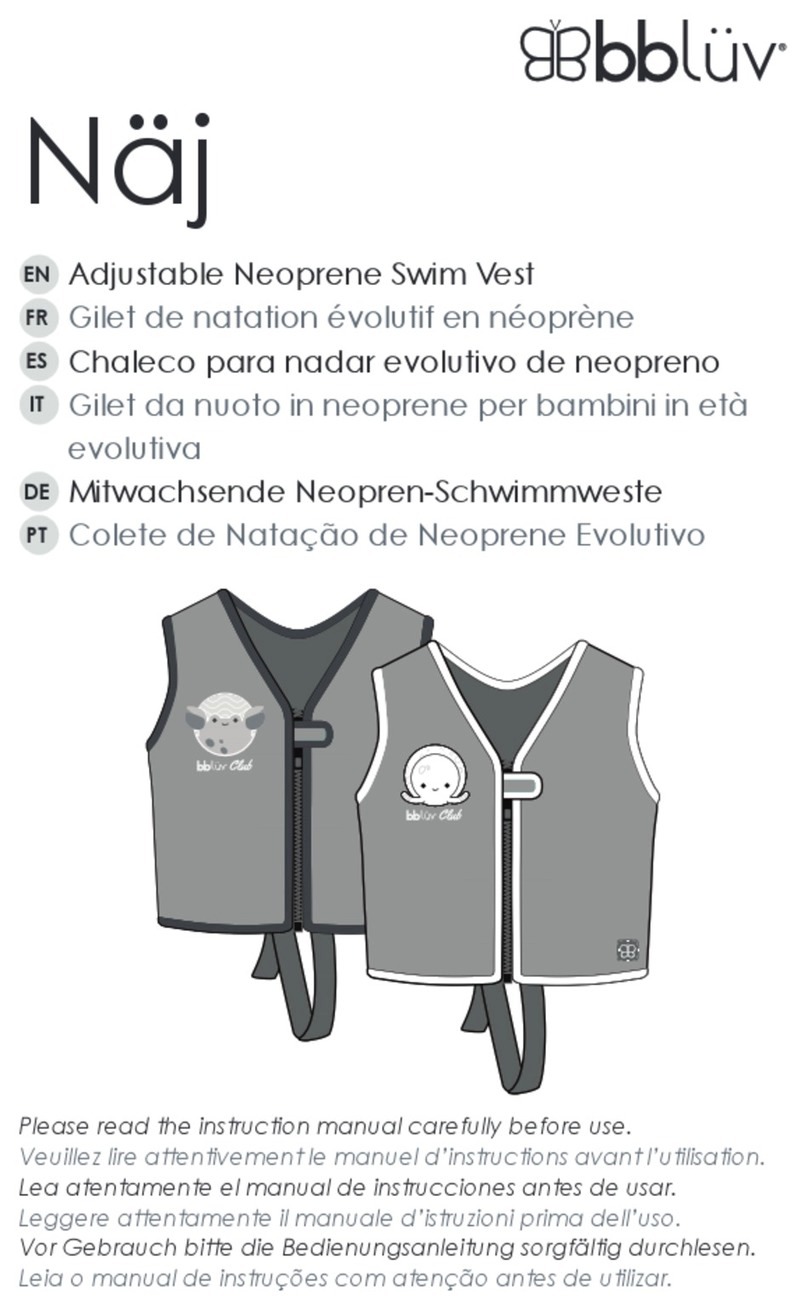
bbluv Näj instruction manual

bbluv

bbluv Näj instruction manual

bbluv Glüv manual

bbluv

bbluv Glüv manual

Chicco NEXT2DREAMS instruction manual

Chicco

Chicco NEXT2DREAMS instruction manual

manuals.online logo
manuals.online logoBrands
  • About & Mission
  • Contact us
  • Privacy Policy
  • Terms and Conditions

Copyright 2025 Manuals.Online. All Rights Reserved.

1
fisher-price.com
Y3630
Tummy-Time
Juega boca abajo
Jeu sur le ventre
De Bruços
On-the-go Fun
Juega de paseo
Jeu en promenade
Diversão no Caminho
Sit-at-Play
Juega sentado
Jeu assis
Brincadeira Sentada
2
UNITED STATES
1-800-432-5437. Fisher-Price, Inc.,
636 Girard Avenue, East Aurora,
NY 14052. Hearing-impaired
consumers: 1-800-382-7470.
CANADA
Questions? 1-800-432-5437.
Mattel Canada Inc., 6155 Freemont Blvd.,
Mississauga, Ontario L5R 3W2.
MÉXICO
Importado y distribuido por Mattel
de México, S.A. de C.V., Miguel de
Cervantes Saavedra No. 193, Pisos 10
y 11, Col. Granada, Delegación Miguel
Hidalgo, C.P. 11520, México, D.F.
R.F.C. MME-920701-NB3.
Tels.: 59-05-51-00 Ext. 5206
ó 01-800-463-59-89.
CHILE
Mattel Chile, S.A., Avenida Américo
Vespucio 501-B, Quilicura, Santiago.
Tel.: 1230-020-6213.
VENEZUELA
Mattel de Venezuela, C.A.,
RIF J301596439, Ave. Mara,
C.C. Macaracuay Plaza, Torre B,
Piso 8, Colinas de la California,
Caracas 1071. Tel.: 0-800-100-9123.
ARGENTINA
Mattel Argentina, S.A., Curupaytí 1186,
(1607) – Villa Adelina, Buenos Aires.
Tel.: 0800-666-3373.
COLOMBIA
Mattel Colombia, S.A., calle 123#7-07
P.5, Bogotá. Tel.: 01800-710-2069.
PERÚ
Mattel Perú, S.A., Av. Juan de Arona
# 151, Centro Empresarial Juan de
Arona, Torre C, Piso 7, Oficina 704,
San Isidro, Lima 27, Perú.
RUC: 20425853865. Reg. Importador:
02350-12-JUE-DIGESA.
Tel.: 0800-54744.
BRASIL
Importado por : Mattel do Brasil Ltda.-
CNPJ : 54.558.002/0001-20 - Rua
Verbo Divino, 1488 - 2º. Andar -
04719-904 - Chácara Santo Antônio -
São Paulo - SP – Brasil. Serviço de
Atendimento ao Consumidor (SAC):
0800-550780 - [email protected].
Apple, the Apple logo, iPhone®and iPod touch®are trademarks of Apple Inc.,
registered in the U.S. and other countries. App Store is a service mark of Apple Inc.
Apple, le logo Apple, iPhone®et iPod touch®sont des marques d’Apple Inc.,
déposées aux États-Unis et dans d’autres pays. App Store est une marque de service d’Apple Inc.
©2013 Mattel. All Rights Reserved. Tous droits réservés.
® and ™ designate U.S. trademarks of Mattel, except as noted.
® et ™ désignent des marques de Mattel aux États-Unis, sauf indication contraire.
PRINTED IN CHINA/IMPRIMÉ EN CHINE Y3630pr-0824
3
Consumer Information
Información al consumidor
Renseignements pour les consommateurs
Informações ao consumidor
• Please keep these instructions for
future reference, as they contain
important information.
• Adult setup is required.
• This product is compatible with the
iPhone®, iPhone®3G/3GS, iPhone®
4/4S, iPhone®5 mobile digital device,
iPod touch®2nd, 3rd, 4th and 5th
generation. Device not included.
• Only use this product with your
iPhone®or iPod®device properly
inserted and locked in the case.
Remove any other cases or bumpers
from the device before inserting it in
this case.
• Periodically check this product and
your device for damage or cracks.
Do not use if either is damaged
or broken. Follow your device’s
instructions for use and care.
• Do not use alcohol or ammonia based
cleaners on the door.
• Wipe this product with a clean, damp
cloth. Do not immerse.
• Guardar estas instrucciones para
futura referencia, ya que contienen
información de importancia acerca de
este producto.
• Requiere preparación por un adulto.
• Este producto es compatible con
los dispositivos digitales celulares
iPhone®, iPhone®3G/3GS, iPhone®
4/4S y iPhone®5, así como con los
dispositivos iPod touch®2da, 3era,
4ta y 5ta generación. Dispositivo
no incluido.
• Solo usar este producto con
el dispositivo iPhone®o iPod®
correctamente insertado y bloqueado
en el estuche. Quitar cualquier otro
estuche o protección del dispositivo
antes de insertarlo en este estuche.
• Revisar periódicamente que este
producto y el dispositivo no tengan
daños ni rajaduras. No usar el
producto si cualquiera de los dos
está dañado o roto. Seguir las
instrucciones del dispositivo en
cuanto al uso y cuidado del mismo.
• No limpiar la tapa con limpiadores
a base de alcohol o amoníaco.
• Limpiar este producto con un paño
limpio, húmedo. No sumergirlo.
4
• Conserver ce mode d’emploi pour s’y
référer en cas de besoin car il contient
des informations importantes.
• Le produit doit être assemblé par
un adulte.
• Ce produit est compatible avec les
appareils iPhone®, iPhone®3G/3GS,
iPhone®4/4S, iPhone®5, iPod touch®
2e, 3e, 4e et 5e génération. Appareil
non inclus.
• N’utiliser ce produit qu’avec un
iPhone®ou un appareil iPod®
correctement inséré et verrouillé dans
le compartiment. Retirer tout autre étui
ou protection anti-choc de l’appareil
avant de l’insérer dans cet étui.
• Vérifier régulièrement que le produit
et l’appareil ne présentent aucun
dommage ou fissure. Ne pas utiliser
si l’un ou l’autre est endommagé
ou cassé. Suivre le mode d’emploi
de l’appareil pour l’utilisation et
l’entretien.
• Ne pas utiliser de nettoyants à base
d’alcool ou d’ammoniaque sur
le couvercle.
• Nettoyer le produit avec un chiffon
propre et humide. Ne pas immerger.
• Por favor, guarde estas instruções
para futura referência, pois contêm
informações importantes.
• Somente um adulto deve instalar
e manusear o produto.
• Este produto é compatível com os
dispositivos digitais móveis iPhone®,
iPhone®3G/3GS, iPhone®4/4S,
iPhone®, iPod touch®2nd, 3rd,
4th e 5th generation. Aparelhos
não incluídos.
• Só use este produto com o iPhone®
ou iPod®encaixado corretamente
e travado no suporte. Remova outros
estojos ou capas antes de colocar
o aparelho neste produto.
• Sempre avalie o produto e o seu
aparelho para ver se tem danos
ou rachaduras. Não use se estiver
danificado ou quebrado. Siga as
instruções de uso e cuidado
do aparelho.
• Não use limpadores a base de acool
ou amônia na porta.
• Limpe o produto com um pano limpo
e seco. Não mergulhe o produto
na água.
5
Unlock the Door Abre la tapa
Ouvrir le couvercle Destrave a porta
12
3
Press
Presiona
Appuyer
Aperte
Lift
Lift
Abre
Abre
Soulever
Soulever
Levante
Levante
Turn
Turn
Gira
Gira
Tourner
Tourner
Vire
Vire
• While pressing the knob 1, turn it 2
and lift to remove the door 3.
• Mientras presionas el botón 1,
gíralo 2y abre la tapa para
retirarla 3.
• Tout en appuyant sur le bouton 1,
le tourner 2puis le soulever pour
retirer le couvercle 3.
• Ao apertar a fechadura 1, vire 2
e levante para remover a porta 3.
6
Insert Your Device Introduce el dispositivo
Insérer l’appareil Coloque o seu aparelho
Hint: If you’d like to block your child
from pressing the home button, follow
the instructions below.
Atención: seguir las instrucciones
de abajo para que el bebé no pueda
presionar el botón de inicio.
Remarque : Pour empêcher l’enfant
d’appuyer sur le bouton principal,
suivre les instructions suivantes.
Observação: Se você gosta de
bloquear a o botão inicial, siga as
instruções deste passo.
Clear Protective Strip
Cinta protectora transparente
Bande de protection transparente
Película protetora transparente
Home Button
Botón de inicio
Bouton principal
Botão Inicial
• Turn your device power ON.
• Insert the device with the home
button on the same side as the clear
protective strip on the door.
• Prende el dispositivo.
• Mete el dispositivo con el botón de
inicio del mismo lado que la cinta
protectora transparente de la tapa.
• Mettre l’appareil en marche.
• Insérer l’appareil en plaçant le bouton
principal du même côté que la bande de
protection transparente du couvercle.
• Ligue o aparelho.
• Insira o aparelho com o botão
inicial do mesmo lado que a película
protetora transparente.
7
Home Button
Botón de inicio
Bouton principal
Botão Inicial
Clear Protective Strip
Cinta protectora transparente
Bande de protection transparente
Película protetora transparente
Hint: If you’d like to allow your child
to press the home button, follow the
instructions below.
Atención: seguir las instrucciones de
abajo para que el bebé pueda presionar
el botón de inicio.
Remarque : Pour permettre à l’enfant
d’appuyer sur le bouton principal,
suivre les instructions suivantes.
Observação: Se você gosta de
bloquear a o botão inicial, siga as
instruções abaixo.
• Turn your device power ON.
• Insert the device with the home button
on the opposite side of the clear
protective strip on the door.
• Prende el dispositivo.
• Mete el dispositivo con el botón de
inicio del lado opuesto de la cinta
protectora transparente de la tapa.
• Mettre l’appareil en marche.
• Insérer l’appareil en plaçant le
bouton principal du côté opposé
à la bande de protection transparente
du couvercle.
• Ligue o aparelho.
• Insira o aparelho com o botão
inicial do lado oposto da película
protetora transparente.
8
Lock the Door Cierra la tapa
Fermer le couvercle Trave a porta
Push
Presiona
Pousser
Empurre
Pousser
Empurr
e
p
mp
• At an angle, fit the tabs on the door
into the slots in the case.
• En ángulo, ajusta las lengüetas de la
tapa en las ranuras del estuche.
• De biais, insérer les languettes du
couvercle dans les fentes de l’étui.
• Inclinando, encaixe as linguetas da
porta nas aberturas da capa.
• Push the door to lock in place. Make
sure you hear a “snap”.
• Presiona la tapa para cerrarla en su
lugar. Asegúrate de oír un clic.
• Pousser le couvercle pour le
verrouiller. S’assurer d’entendre
un déclic.
• Empurre a porta para travar no lugar.
Certifique-se de ouvir um “estalo”.
9
Fisher-Price®Apps
Aplicaciones de Fisher-Price
Applications Fisher-Price
Aplicativos Fisher-Price
• Scan the QR code above with your
iPod®or iPhone®to download our
the Fisher-Price®Laugh & Smile and
Roly Poly Animals apps from the
App StoreSM (no purchase necessary)
for interactive fun!
Note: The apps are compatible with
iPhone®3GS, iPhone®4/4S, iPhone®
5, iPod touch®3rd, 4th and 5th
generation only.
• Upload your own photos and music
in the Laugh & Smile app for baby to
watch and listen!
• Play with animals in the Roly Poly
Animals app. Tilt the case to make
the animals move or tap the screen to
change animals!
• Usa tu iPod®o iPhone®para escanear
el código QR de arriba y bajar de la
tienda App StoreSM las aplicaciones
gratis Laugh & Smile y Roly Poly
Animals de Fisher-Price (sin costo
alguno) ¡para diversión interactiva!
Nota: las aplicaciones solo son
compatibles con iPhone®3GS, iPhone®
4/4S, iPhone®5, iPod touch®3era, 4ta
y 5ta generación.
• ¡Sube tus propias fotos y música en la
aplicación Laugh & Smile para que el
bebé las vea mientras escucha música!
• Juega con los animales en la
aplicación Roly Poly Animals. ¡Inclina
el estuche para que los animales
se muevan o toca la pantalla para
cambiar de animales!
10
• Scanner le code QR ci-dessus avec
l’iPod®ou l’iPhone®pour télécharger
les applications Fisher-Price (Laugh
& Smile et Roly Poly Animals - en
anglais seulement) à partir de l’App
StoreSM (aucun achat requis) pour un
jeu interactif.
Remarque : Ces applications sont
compatibles avec iPhone®3GS,
iPhone®4/4S, iPhone®5, iPod touch®
de 3e, 4e et 5e génération uniquement.
• Transférer des photos et de la
musique dans l’application Laugh &
Smile pour le plaisir de bébé!
• Jouer avec des animaux dans
l’application Roly Poly Animals.
Incliner l’étui pour faire bouger les
animaux ou toucher l’écran pour
changer d’animal!
• Leia o código QR com seu iPod®ou
iPhone®para baixar os aplicativos
Laugh & Smile e Roly-Poly Animals
da Fisher-Price na App StoreSM para
criar muita diversão interativa
(não é necessário comprar).
NOTA: Aplicativos compatíveis com
iPhone®3GS, iPhone®4/4S, iPhone®5,
iPod touch®3rd, 4th e 5th generation.
• Carregue suas fotos e música no
aplicativo Laugh & Smile para o bebê
ouvir e ver!
• Brinque com animais no aplicativo
Roly-Poly Animals. Incline a capa para
mover os animais ou toque na tela
para mudar os animais!