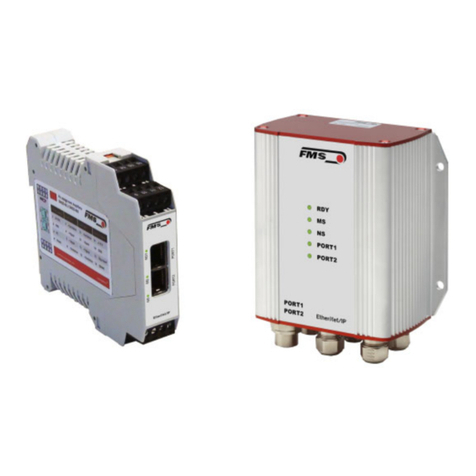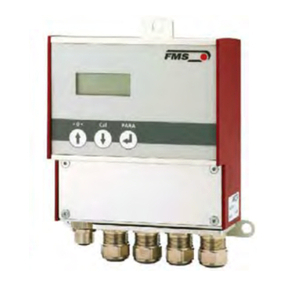
Operating Manual EMGZ321
2
Table of Contents
1Safety Instructions .................................................................................... 4
1.1 Description Conditions 4
1.2 List of Safety Instructions 4
2System Description.................................................................................... 6
2.1 Functional Description 6
2.2 EMGZ321 Amplifier and its Subunits 6
2.3 EMG321 Sub Types 8
3Quick Installation Guide .......................................................................... 9
3.1 Preparations for Set-up 9
3.2 Installation Procedure 9
4Installation and Wiring .......................................................................... 10
4.1 Mounting the Force Measuring Roller 10
4.2 Mounting the EMGZ321 10
4.3 Wiring the Tension Monitoring System 11
4.4 Screw Terminal Arrangement 12
4.5 Connection of the Cable Shield 13
4.6 Digital Inputs 13
4.7 Relays Outputs 14
4.8 Opening the Housing 14
5Configuring the System .......................................................................... 15
5.1 Description of the Operating Panel 15
5.2 Preparations for System Configuration 16
The default setting for the language is English. 16
6Operation ................................................................................................. 18
6.1 Operating the EMGZ321 over the Front Panel 18
6.2 Display Value Selection State 19
6.3 Offset Compensation Procedure 19
6.4 Calibration Methods 20
6.5 Calibration Procedure: 20
7Parameter Setting over the Front Panel ............................................... 22
7.1 Basic Instructions for Parameter Setting 22
7.2 Amplifier Parameter Group 23
7.3 Description of Amplifier Parameters 24
7.4 Outputs Parameter Group 25
7.5 Description of Output Parameters 27
7.6 Relay Parameter Group 29
7.7 Description of Relay Parameters 31
7.8 System Parameter Group 33
7.9 Description System Parameters 36
7.10 Reset to Default Parameters 38
7.11 Complete Parameter List 39
8Parameter Setting via a PC .................................................................... 42
8.1 Parameterisation in an Ethernet Network via Web Browser 43