9
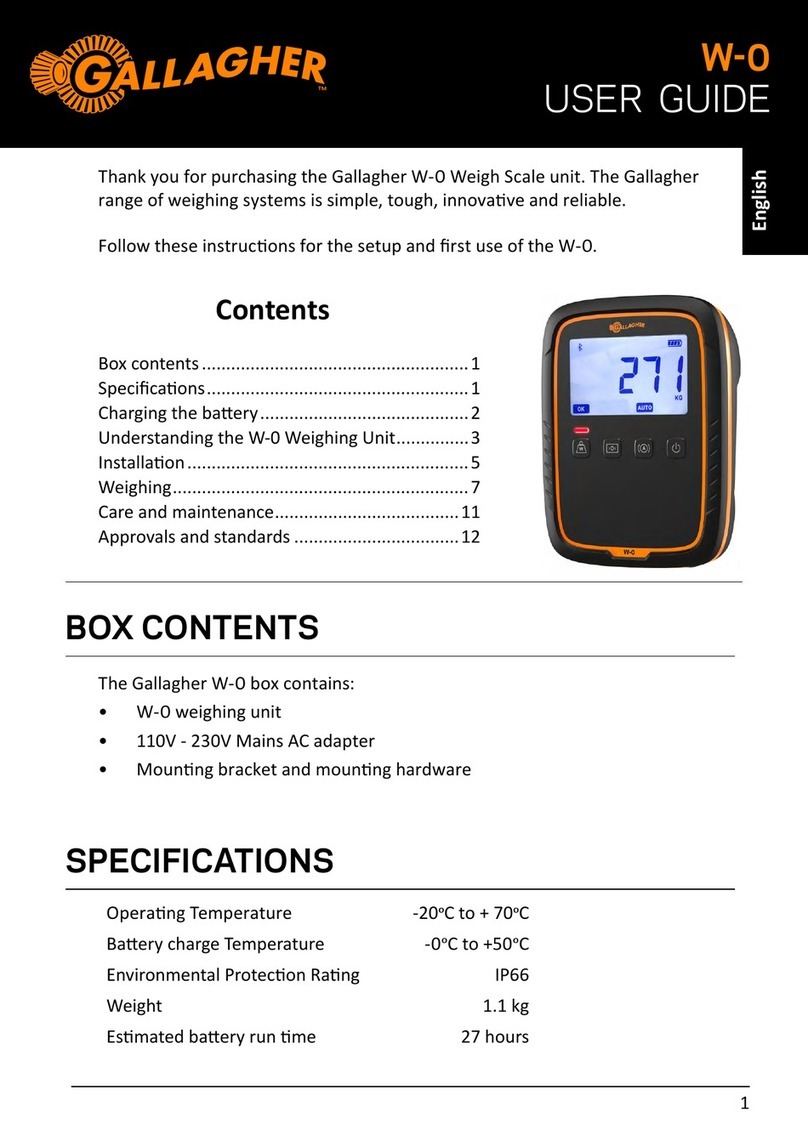
Gallagher W-Weigh Scale Quick Start Guide
English
Weighing animals
1. Load the first animal onto the plaorm. Ensure the animal is enrely
supported by the plaorm - no hooves on the ground - and that no object is
resng on the animal.
2.
In AUTO mode • the W-0 will automacally start weighing
• when the weight becomes stable it will lock and
remain on screen unl the animal leaves the
plaorm.
• For App users: type in a VID number (if you want
to record this. Either tap VID or tap the AcƟons
buon > Add VID.
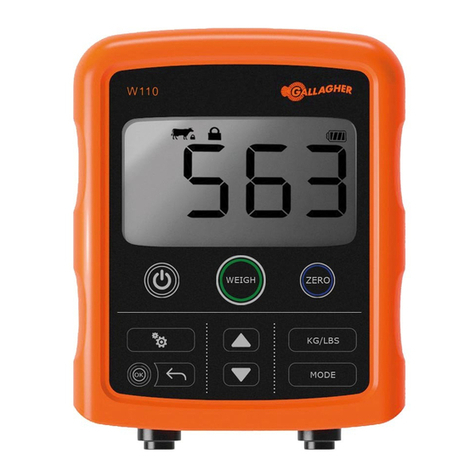
In Manual mode • press the Weigh buon to start weighing. When
the weight becomes stable it will lock and remain
on screen unl the animal leaves the plaorm.
• For App users: type in a VID number (if you want
to record this). Either tap VID or tap the AcƟons
buon > Add VID.
Important: If the weight displayed does not always return to 0.0 aer weighing,
check for dirt or manure that may have been leon the plaorm.
The W-0 can be re-zeroed by pressing the >0< (Zero) buon.
• When the weight locks, there will be a beep from the scale and a red light
above the Weigh buon displays briefly.
For App users: the mobile device will beep and vibrate. The weight will be
recorded in the session on the app.
• In either mode, you can re-weigh an animal by pressing Weigh aer a
successful weight lock.
Start a Weighing Session on the W-0 scale:
If you are weighing animals without the Animal Performance app, once the scale is
turned on and weight displayed is zero, you can start weighing your animals. Refer
to Weighing Animals (below).
Note: If using the scale only, animal weights are not recorded.