manuals.online logo
Brands
  1. Home
  2. •
  3. Brands
  4. •
  5. Hubbell
  6. •
  7. Cables And Connectors
  8. •
  9. Hubbell INSULGRIP HBL3200RS2W User manual

Hubbell INSULGRIP HBL3200RS2W User manual

Other Hubbell Cables And Connectors manuals

Hubbell GAI-TRONICS 400-005 User manual

Hubbell

Hubbell GAI-TRONICS 400-005 User manual

Hubbell MINI-QUICK H MS FA1 Series User manual

Hubbell

Hubbell MINI-QUICK H MS FA1 Series User manual

Hubbell KILLARK MC Series Instruction Manual

Hubbell

Hubbell KILLARK MC Series Instruction Manual

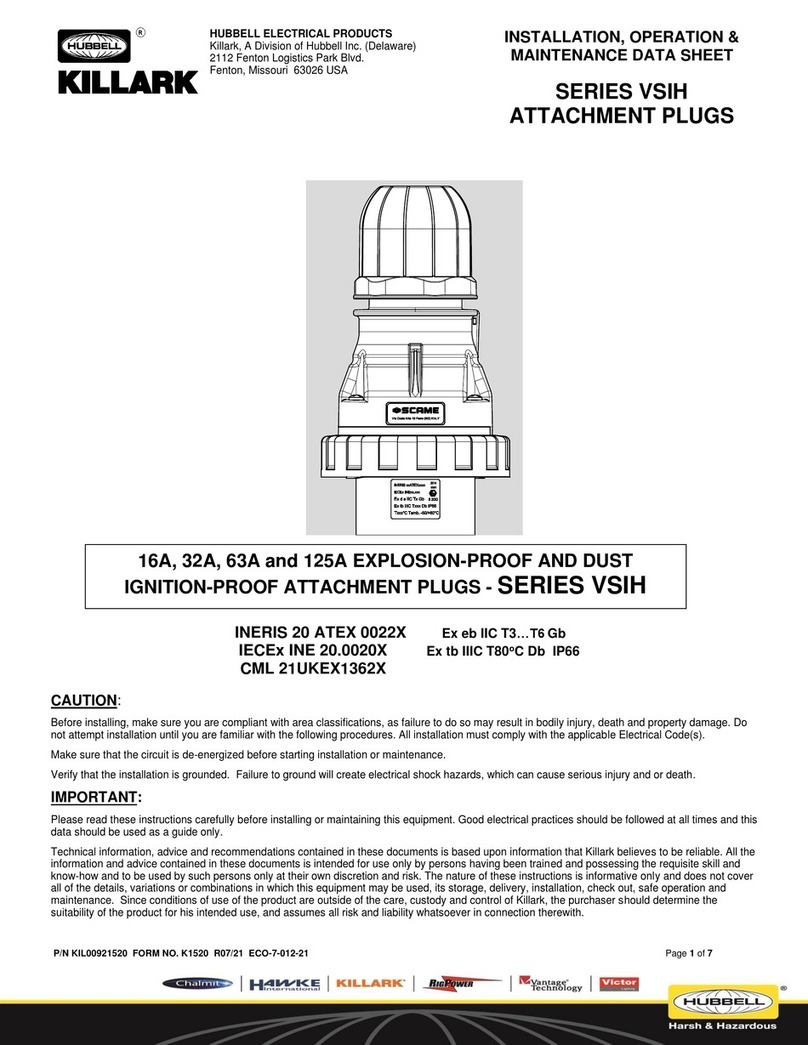
Hubbell KILLARK VSIH Series Owner's manual

Hubbell

Hubbell KILLARK VSIH Series Owner's manual

Hubbell GLEASON 602152 User manual

Hubbell

Hubbell GLEASON 602152 User manual

Hubbell IS628BT Manual

Hubbell

Hubbell IS628BT Manual

Hubbell Gleason Reel P28 Application guide

Hubbell

Hubbell Gleason Reel P28 Application guide

Hubbell 16A User manual

Hubbell

Hubbell 16A User manual

Hubbell WSB985BK User manual

Hubbell

Hubbell WSB985BK User manual

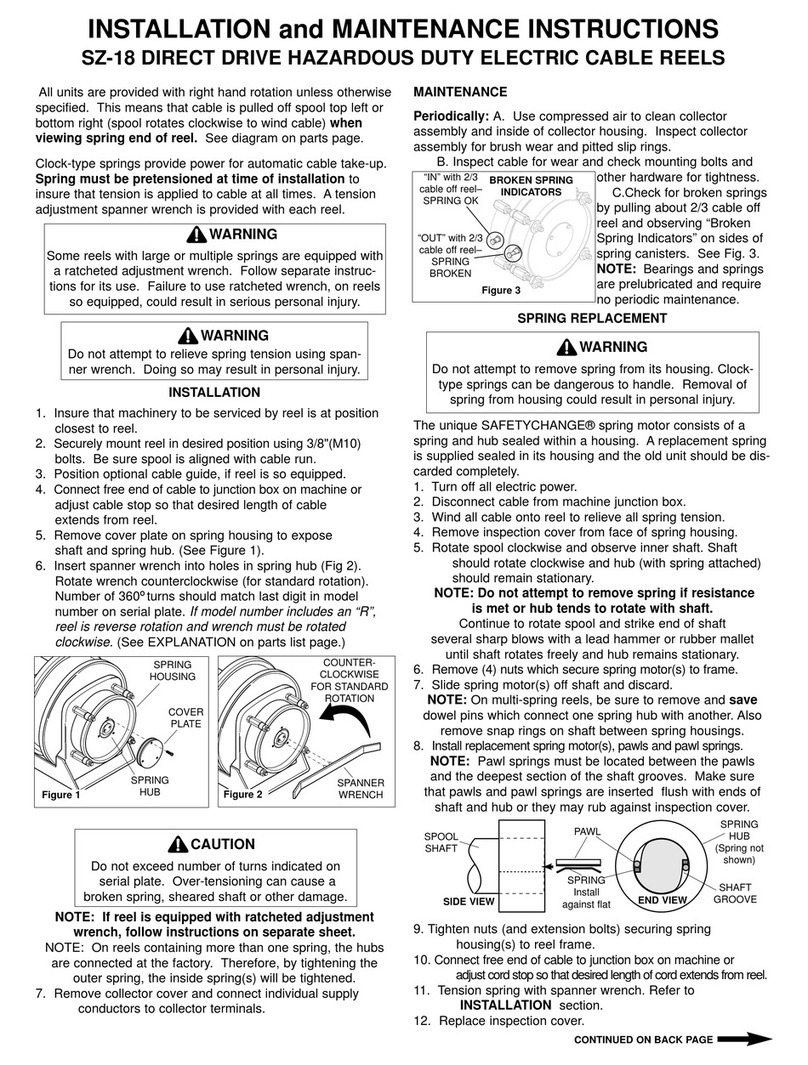
Hubbell Gleason Reel SZ-18 User manual

Hubbell

Hubbell Gleason Reel SZ-18 User manual

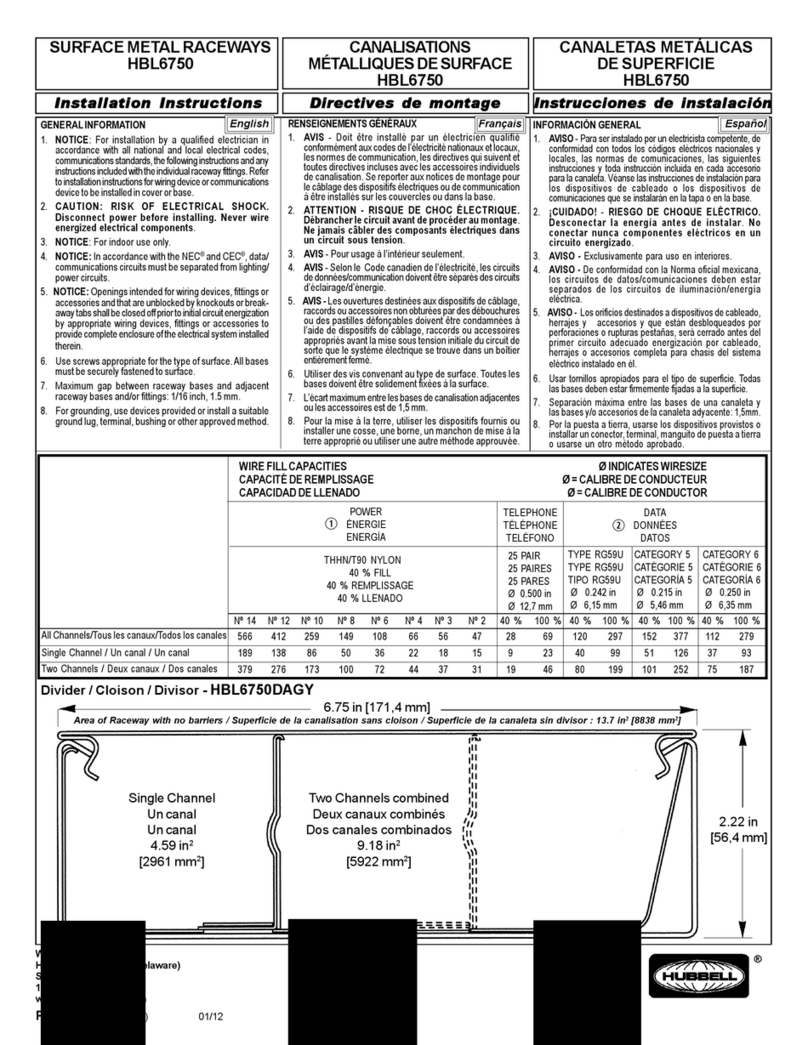
Hubbell HBL6750 User manual

Hubbell

Hubbell HBL6750 User manual

Hubbell HPS/RFL User manual

Hubbell

Hubbell HPS/RFL User manual

Hubbell SAFETY-SHROUD TWIST-LOCK User manual

Hubbell

Hubbell SAFETY-SHROUD TWIST-LOCK User manual

Hubbell HBLC40123 User manual

Hubbell

Hubbell HBLC40123 User manual

Hubbell Insulgrip User manual

Hubbell

Hubbell Insulgrip User manual

Hubbell 228FTV Manual

Hubbell

Hubbell 228FTV Manual

Hubbell 50 AMP TWIST-LOCK User manual

Hubbell

Hubbell 50 AMP TWIST-LOCK User manual

Hubbell HBLI35103Y User manual

Hubbell

Hubbell HBLI35103Y User manual

Hubbell 4-PLEX User manual

Hubbell

Hubbell 4-PLEX User manual

Hubbell 50 AMP TWIST-LOCK User manual

Hubbell

Hubbell 50 AMP TWIST-LOCK User manual

Popular Cables And Connectors manuals by other brands

Philips SWA6310 Specifications

Philips

Philips SWA6310 Specifications

StarTech.com CRJ4550PK quick start guide

StarTech.com

StarTech.com CRJ4550PK quick start guide

Nohau EMUL-IP2K-PC user guide

Nohau

Nohau EMUL-IP2K-PC user guide

Foxun SX-SP144E-HD4K2K operating instructions

Foxun

Foxun SX-SP144E-HD4K2K operating instructions

Philips SWA3305W Specifications

Philips

Philips SWA3305W Specifications

opticis Stretch DVIM1-1P0x user manual

opticis

opticis Stretch DVIM1-1P0x user manual

Volkswagen VAS 6558A operating manual

Volkswagen

Volkswagen VAS 6558A operating manual

NEXIBO N-13 user manual

NEXIBO

NEXIBO N-13 user manual

CYP PU-1H3HBTL Operation manual

CYP

CYP PU-1H3HBTL Operation manual

Allen-Bradley 1784-u2dhp installation instructions

Allen-Bradley

Allen-Bradley 1784-u2dhp installation instructions

Global Caché Flex Link Blaster quick start

Global Caché

Global Caché Flex Link Blaster quick start

Hauppauge USB-Live2 Quick installation guide

Hauppauge

Hauppauge USB-Live2 Quick installation guide

Fenix MPSV 15 installation manual

Fenix

Fenix MPSV 15 installation manual

BEGA 71 085 manual

BEGA

BEGA 71 085 manual

Tesla HPWC installation manual

Tesla

Tesla HPWC installation manual

GAMERON LUXURY TV CABLE instruction manual

GAMERON

GAMERON LUXURY TV CABLE instruction manual

molex Milli-Grid Dual row 87568 Series operating instructions

molex

molex Milli-Grid Dual row 87568 Series operating instructions

Burndy Continental Industries thermOweld CRE-7 instructions

Burndy

Burndy Continental Industries thermOweld CRE-7 instructions

manuals.online logo
manuals.online logoBrands
  • About & Mission
  • Contact us
  • Privacy Policy
  • Terms and Conditions

Copyright 2025 Manuals.Online. All Rights Reserved.

®
PD1654 (Page 1) Rev. 07/07
English
GENERAL INFORMATION
1. CAUTION:RISK OF ELECTRIC SHOCK. Disconnect power before installation or maintenance.
2. NOTICE: For installation only by a qualified electrician in accordance with national and local
electrical codes and the following instructions.
3. CAUTION: USE COPPER CONDUCT ORS ONLY. Use stranded conductors only .
4. Check that the device’s type and rating are suitable for the application.
5. Select the conductor size from National Electrical Code ® Table 400-5B or Canadian Electrical
Code Table 12A.
Rated for use with Type G, W portable cords or equivalent with COPPER conductors only .
6. The plug is rated Type 3,4, and 4X when connected to an equivalently rated connector or receptacle
when using the locking ring. The receptacle and connector are rated Type 3,4, and 4X when the
cap is in the closed position or connected to an equivalently rated plug when using the locking
ring.
ELECTRICAL RATING: Max. Voltages: 600 VAC, 250 VDC.
PLUG, CONNECTOR & RECEPTACLE INSTALLATION
1. Check the rating on the label to insure that it is correct
for the installation.
2. Select cable of suitable ampacity and temperature
rating (see Table 1).
3. Select cord end with proper conductor color
orientation that matches terminal location. Shear cord
cleanly. Do not strip away cord jacket or remove
conductor insulation at this time.
4. To disassemble Plug (see figure 1)
• Remove ground screw (12).
• Remove retaining ring(1) and interior assembly(2)
from plug body(3).
• Loosen clamp guide set screw(4) and turn clamp guide assembly(5) to remove from plug body .
To disassemble Connector (see figure 2)
• Remove adapter set screw(12) and connector adapter(13) from connector nose(17).
• Remove mounting screws(16), ground strap(14), keying ring(15) and interior assembly(2).
• Loosen clamp guide set screw(4) and turn clamp guide assembly(5) to remove from adapter(13).
To disassemble Recept acle (see figure 3)
• Remove mounting screws(16), ground strap(14) w/screw (for S tyle 2), keying ring(15) and
interior assembly(2).
• Slide keying ring(15) over power cable.
Do not disassemble interior assembly .
*For plugs & connectors
*5. Slide clamp guide(5) with cable clamps(6) (see figure 4 for proper inserts) and one grommet
washer(7) over power cable. (Select proper grommet washer with respect to cable size).
*6. See figure 5 for cable gaging strip to determine how many "inner layers" of the onion skin
grommet(8) are to REMAIN or remove "inner layers" until the grommet slips over power cable.
Remove one layer at a time by pushing through and tearing off.
*7. Place onion skin grommet(8) over power cable. For plugs place plug body(3) with locking
ring(9) and for connectors, place keying ring(15) over power cable.
8. Strip cable jacket 4" and each conductor 1 1/4".
9. Twist wire strands together on each conductor .
DO NOT TIN CONDUCTORS .
10. NOTE: Crossing one ungrounded conductor (Line) over the grounded conductor (Neutral)
may be necessary with five-wire devices.
11. Insert conductors into the proper terminals according to the established wiring pattern. The grounding
terminal (earthing) is indicated by a green marking, a "G" or the earthing symbol. The neutral
terminal (grounded) is to be marked with PERMANENT white coloration by installer in accordance
with National Electrical Code ® Section 200-9. See figure 6 for S tyle 1 and S tyle 2 wiring.
12. Tighten terminal screws to a torque of 17 lb•ft.
13. TAKE CAUTION THAT THERE ARE NO STRAY WIRE STRANDS.
14. To reassemble Plug (see figure 1)
• Slide interior assembly into(2) into plug body(3) aligning the internal plug body key and insulator
key slot. Place retaining ring(1) into the plug body slot.
• Install ground screw (12). Torque to 24 lb.-in.
To reassemble Connector (see figure 2)
• Slide interior assembly(2) into connector nose(17), align keying ring(15) with interior key slot,
and align mounting holes of ring with connector nose.
• Install mounting screws(16) and ground strap(14). Screw adapter(13) onto connector nose(17)
and torque adapter set screw (12) to 15 to 20 lb•in.
To reassemble recept acle (see figure 3)
• Slide interior assembly(2) into receptacle housing. Place and align keying ring(15) with the
key slot in the interior and align mounting holes with receptacle.
• Install mounting screws and ground strap with screw (for S tyle 2).
*For Plugs & Connectors
*15. Slide onion skin grommet(8) down power cable into plug body(3). Place grommet washer in clamp
guide and screw clamp guide onto plug body . Torque clamp guide set screw(4) to 15 to 20 lb•in.
*16. Torque cable clamp screws (1 1) to a minimum of 50 lb•in, alternating sides to prevent binding.
For Receptacle
Mount with gasket(18) using bolts(20) and torque to 30 to 40 lb•in. There must be a tight seal
between housing and back box to assure a weatherproof, oil tight and hosedown water tight fit.
INSULINSUL
INSULINSUL
INSULGRIPGRIP
GRIPGRIP
GRIP®®
®®
® PIN & SLEEVE PIN & SLEEVE
PIN & SLEEVE PIN & SLEEVE
PIN & SLEEVE
PLPL
PLPL
PLUGUG
UGUG
UG,,
,,
, CONNECT CONNECT
CONNECT CONNECT
CONNECTOR & RECEPTOR & RECEPT
OR & RECEPTOR & RECEPT
OR & RECEPT AA
AA
ACLECLE
CLECLE
CLE
200 Amp • Style 1 & 2200 Amp • Style 1 & 2
200 Amp • Style 1 & 2
INSTINST
INSTINST
INSTALLAALLA
ALLAALLA
ALLATIONTION
TIONTION
TION
OPERAOPERA
OPERAOPERA
OPERATIONTION
TIONTION
TION
MAINTENMAINTEN
MAINTENMAINTEN
MAINTENANCEANCE
ANCEANCE
ANCE
TABLE 1
DEVICE AWG/ CORD O.D.
TYPE COND RANGE (in)
200 Amp 1/3 to 1.00 - 2.50
Style 2:2P+G 250 kcmil/3
200 Amp 1/4 to 1.00 - 2.50
Style 1:3P 250 kcmil/4
Style 2:3P+G
200 Amp 1/5 to 1.00 - 2.50
Style 1:4P 250 kcmil/5
A wire pattern MUST be used so that the same color insulated conductor is put into the same
numbere contact opening in all plugs, receptacles & cable connectors in the system. This
requirement provides correct polarity for the system to avoid causing personal injury and/or
equipment damage.
CAUTION
The equipment grounding path between the receptacle housing and back box must be
established and verified. Star washers are included for use under the mounting bolt
heads to help achieve ground continuity .
CAUTION
DO NOT connect to power before conducting the following Electrical T ests:
• Test continuity of wiring to verify correct phasing and grounding connections.
• Measure insulation resistance to be sure the system does not have any short circuits or
unwanted grounds.
CAUTION

PD1654 (Page 2) Rev. 07/07
MAINTENANCE
Electrical and mechanical inspection of all components must be performed regularly. It is recommended
that inspection be performed monthly . Lubricate threads periodically .
• Inspect all contact wire terminals for tightness. Discoloration due to excessive heat is an indicator
of possible problems and should be thoroughly investigated and rep aired as necessary.
• Check grounding and bonding for correct installation and secure connection.
• Check gaskets for deterioration.
• Clean exterior surfaces making sure nameplates remain legible.
• Inspect clamp guide assembly and cable grip tightness to ensure proper cable gripping.
• Inspect interior parts and replace those which are broken or excessively worn.
• Check all contacts for signs of excessive arcing or burning.
An Electrical Preventive Maintenance Program as described in the National Fire Protection Association
Bulletin NFPA No. 70B is recommended in addition to these required maintenance procedures.
Electrical power supply MUST BE OFF before and during installation or maintenance.
DISCONNECT primary power source and LOCK OUT. Installation and maintenance
procedure must be performed by a trained and competent electrician.
CAUTION

If any parts of the plug, receptacle or connector appear to be missing, broken or show
signs of damage, DISCONTINUE USE IMMEDIATELY! Do not modify these devices in any
way. Replace with new device. Failure to do so could cause serious personal injury and/or
equipment damage.
WARNING
(6)
(11)
(5)
(4)
(3) (9)
(7) (8)
POWER
CABLE
(1)
(2)
PLASTIC
SHEATH
(11) (5) (8)
(2)(6) (13)
(7)
POWER
CABLE
(12)
(17)
(16)
(15)
(14)
GROUND TERMINAL
(STYLE 1 ONLY) PLASTIC
SHEATH
(4)
FIGURE 1 • PLUG
FIGURE 2 • CONNECTOR
FIGURE 3 • RECEPTACLE
(18)
(20)
(19)
(16) (2)
(15)
PLASTIC
SHEATH
(14)
STYLE 1 units ground the portable device and the
plug via the grounding conductor and the plug
shroud to the receptacle detent spring clips and
housing. The receptacle is grounded by virtue of
its being an integral part of the conduit system. All
contacts are current carrying.
STYLE 2 units have an extra (grounding) contact which
forms a parallel circuit with the circuit formed by the
plug shroud and receptacle detent spring clips.
FIGURE 6 STYLE 1 STYLE 2
RECEPTACLE
PLUG
Portable Cable
4-Conductor
Grounding
thru conduit
system
Factory installed
grounding strap
4th
(grounding)
wire, if desired
RECEPTACLE
PLUG
Portable Cable
4-Conductor
Grounding thru
conduit system
Equipment grounding
connected to plug shell
Equipment grounding
connected to plug shell
CABLE DIAMETER RANGE FOR 200 AMP
PLUGS & CABLE CONNECTORS
AMPERES
200
CABLE DIA. RANGE (IN.)
1.00-2.50
“Inner
Layers”
”SOLID” Side
“Inner Layer”
Pushed
Thru and Removed
Cable Gaging Strip
UseTo Determine
How Many “Inner
Layers” Are To
REMAIN.
FIGURE 5
INSERT TO USE
Small & Large
Large Only
Neither
CABLE DIA. RANGE (IN.)
1.00-1.50
1.50-2.00
2.00-2.50
Clamp Screw
Clamp
Clamp Insert - Small
Clamp Insert - Large
Clamp Guide
FIGURE 4