Apps and Features
Relaxation Mode: Your iTouch Air 3 allows you to take the edge off on those
stressful days by incorporating Relaxation mode into your smartwatch. In this mode, your
smartwatch helps you distress by assisting you in performing deep breathing exercises.
To begin, navigate to the ‘Relax’ icon on your smartwatch and tap on it. Once in relaxation mode,
you will see your current heart rate and a play button. Tap on the play button to begin. Once started,
the watch will explain when to take a ‘Deep Breath’ and when to exhale. The watch will vibrate when
you need to exhale/inhale as well to allow you to perform this mode with your eyes closed. The watch
will do this several times before the session ends. To begin again, you will just need to hit the play but-
ton in this mode.
Power Saving Mode: Battery life matters to everyone and getting the most out of your watch is
important. This is why your iTouch Air 3 smartwatch is equipped with a Power Saving Mode. To turn
this feature on, navigate to the settings option on your device and tap on it. Then tap on Power Saving.
From here, you can toggle this feature on and off.
When active, your watch vibrations will be disabled and your brightness will be reduced to the lowest
setting. Turning this feature off will return you to your original brightness and vibration settings. You
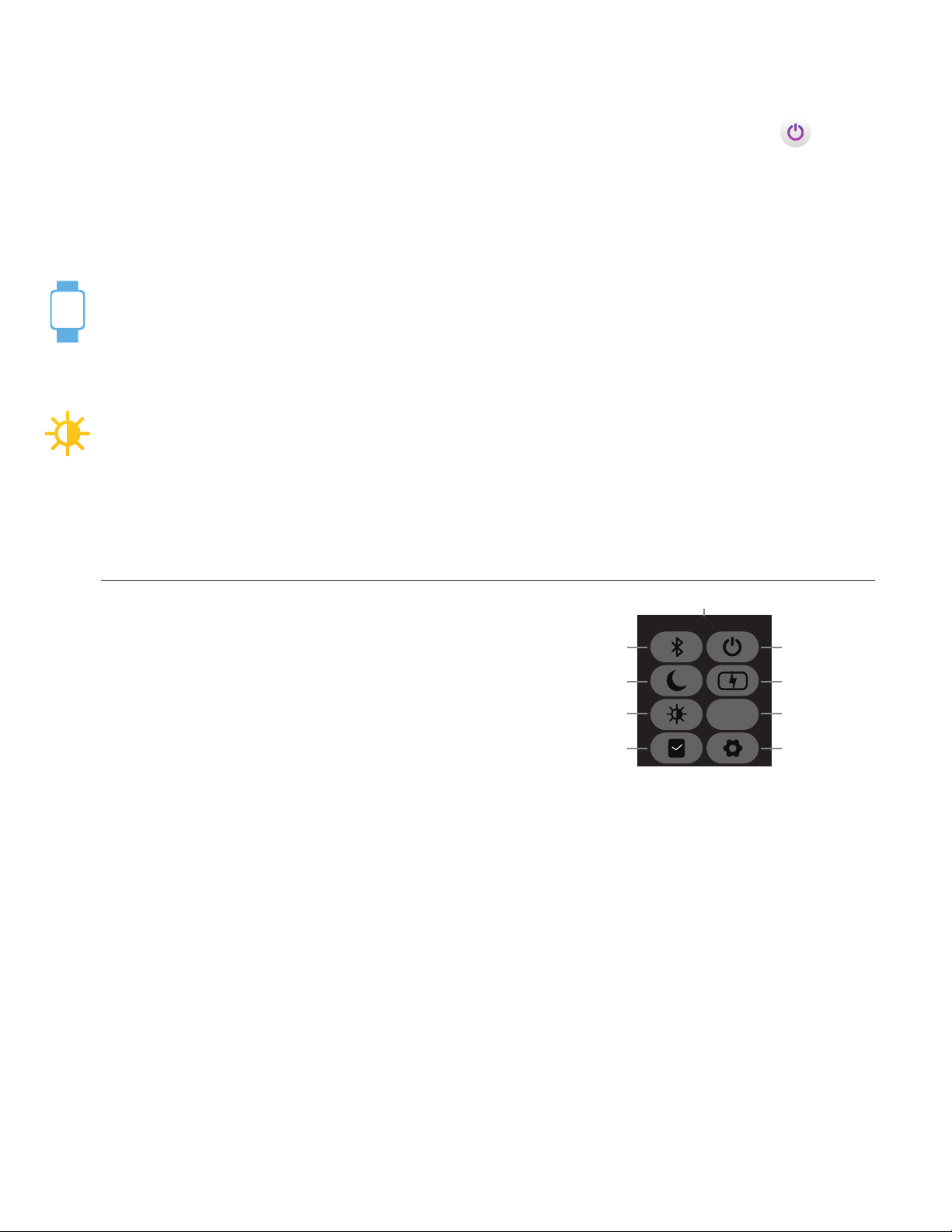
can quickly toggle this feature on/off as well by swiping down from your main clock face to reveal the
quick toggles/notification panel and tapping on the battery icon with a thunderbolt in it.
*When your watch reaches 25% battery life, your watch will automatically pull up this screen and allow
you to turn this function on.
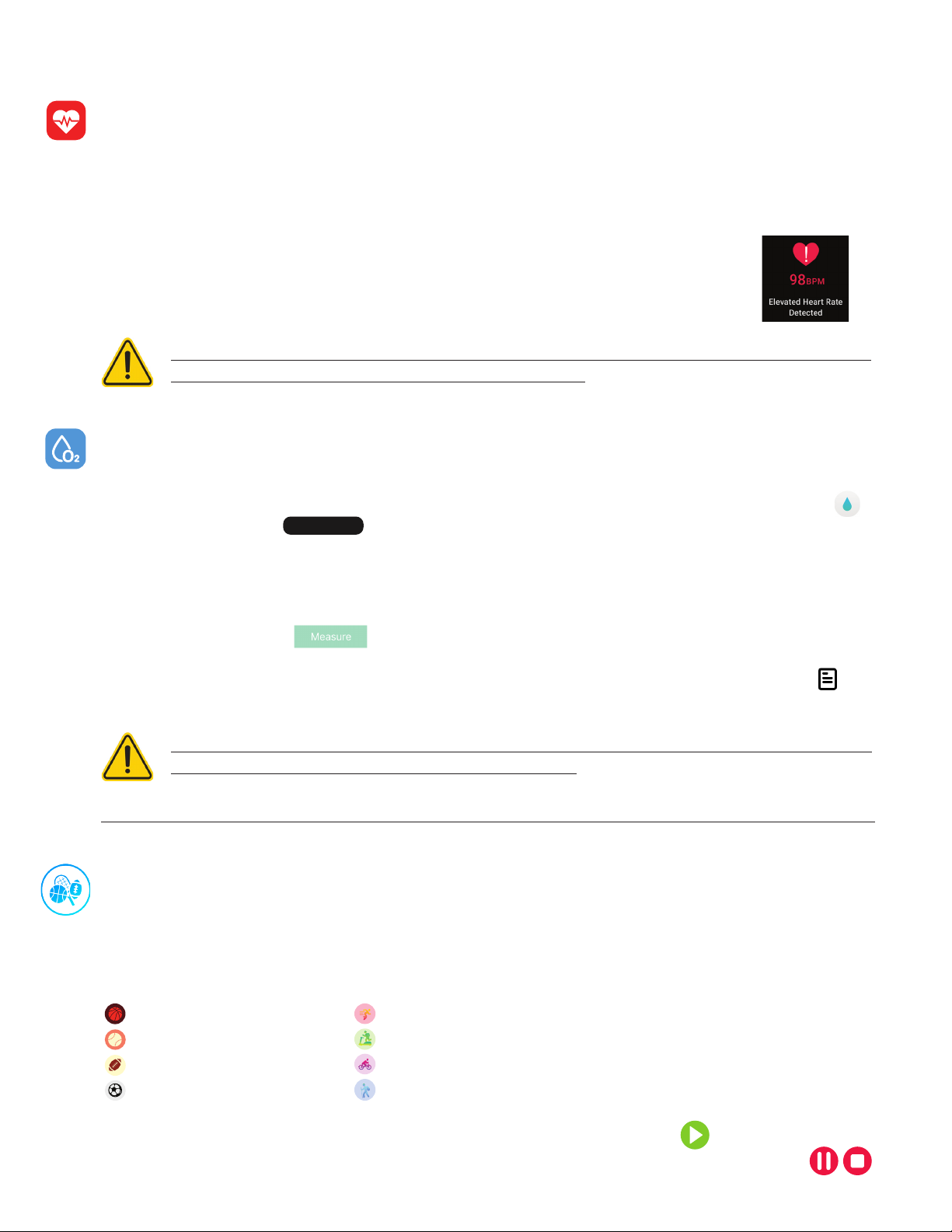
24 Hour Continuous Heart Rate Detection: Once you put your iTouch Air 3
device on, after one minute, the device will begin detecting your heart rate automatically.
Your heart rate will be monitored 24/7 as it’s being worn and will be able to be seen at
any time right from your wrist.
Tap ‘Tap to Record’ to record the heart rate you’re currently observing on your watch.
The watch will vibrate once done and show a message stating ‘Recording Complete’. It will then take
you to the second screen within the heart rate application on your watch. This screen shows your
three most recently recorded heart rate values and when they were taken.
The last screen in the heart rate app on your watch shows a graph of your average heart
rate and will show your highest recorded heart rate value and your lowest recorded value.
Within the iTouch Wearables app, on the home page (dashboard), you will see a section for the 24/7
heart rate. Clicking on this will reveal your current average heart rate, highest and lowest heart rate
records, last 7 day trends for your heart rate and more (Make sure your smartwatch is connected to
your device to view this data). While your watch monitors your Heart Rate every second, the app
will show you an average heart rate record based on heart rate readings it takes from the watch
every 30 minutes as you wear the watch.
You can learn more about heart rate data analysis and what your movement state can tell you about
your fitness intensity as well in the iTouch Wearables app. This data will automatically sync with your
app when your iTouch Air 3 is within Bluetooth range of your smartphone.