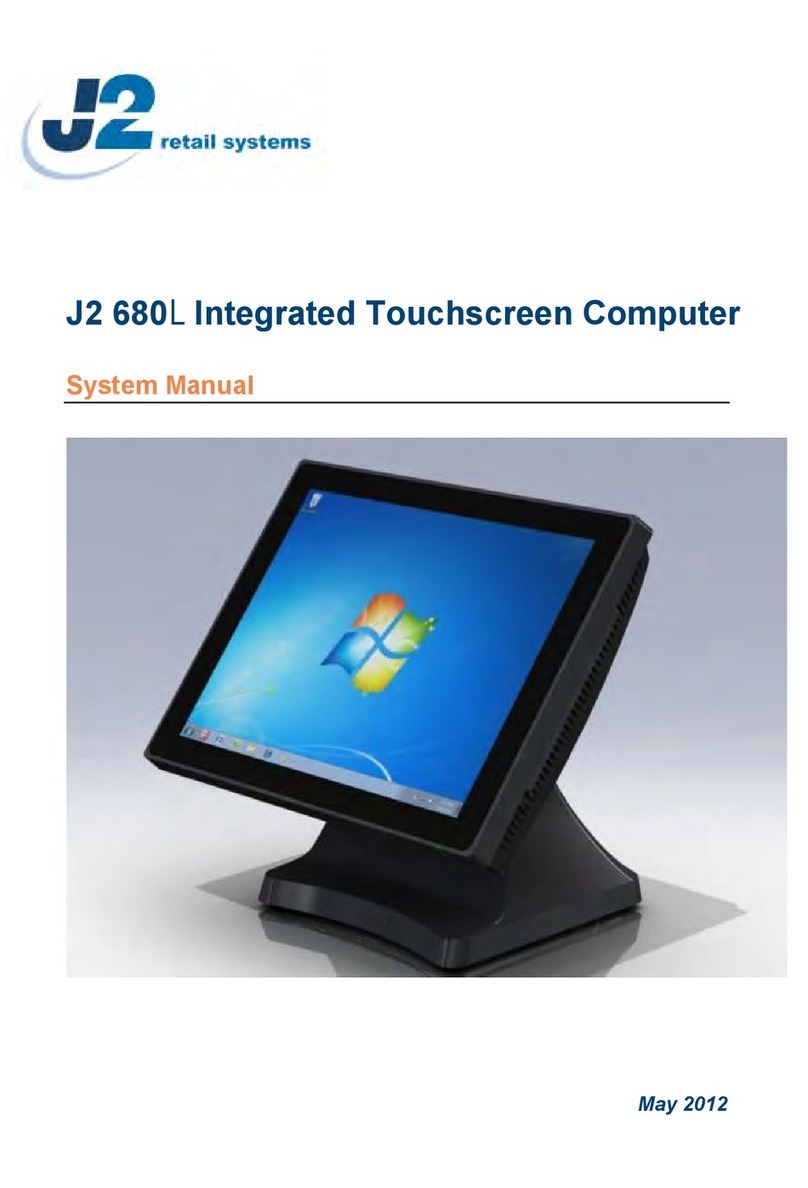
J2 680 System Manual
Version 1.0 May 11, 2012
Contents
Overview............................................................................................................................ 6
Specification....................................................................................................................... 8
Features............................................................................................................................ 10
Intel’s Desktop Processor Socket LGA 1155 ............................................................... 10
Hot Swappable RAID/ Dual Hard Drives..................................................................... 10
PoweredUSB Ports / Power Port................................................................................... 10
UPS............................................................................................................................... 11
Printer Power Port......................................................................................................... 11
Cooling System............................................................................................................. 11
Fan-Off Mode ............................................................................................................... 11
Versatility...................................................................................................................... 11
System .............................................................................................................................. 12
Configurations............................................................................................................... 12
Processor Support ......................................................................................................... 12
Processors currently supported on the 680 ................................................................... 13
I/O Ports........................................................................................................................ 14
Off / On Button............................................................................................................. 14
Hard Disks .................................................................................................................... 15
Zero Bezel Touch Screen.............................................................................................. 15
System Board................................................................................................................ 16
LCD Display................................................................................................................. 16
Secondary Video Port(s)............................................................................................... 16
Serial ports .................................................................................................................... 18
PoweredUSB Ports........................................................................................................ 19
Kensington Security Slot .............................................................................................. 20
Audio............................................................................................................................. 21
Printer Power Port......................................................................................................... 21
Cash Drawer Port.......................................................................................................... 22
CMOS Clear.................................................................................................................. 24
Power Supply................................................................................................................ 24
Typical Power Consumption 680.................................................................................. 25
Service.............................................................................................................................. 26
Removing the Head from the Base............................................................................... 26
Removing the Power Supply ........................................................................................ 27
VESA Mounting ........................................................................................................... 28
Optional Wall Mount Bracket Installation.................................................................... 29
Removing the Back Cover............................................................................................ 30
Changing the System Board.......................................................................................... 31
Adding Memory............................................................................................................ 33
Changing the Processor................................................................................................. 33
Accessing the HDD/SDD Drives.................................................................................. 34