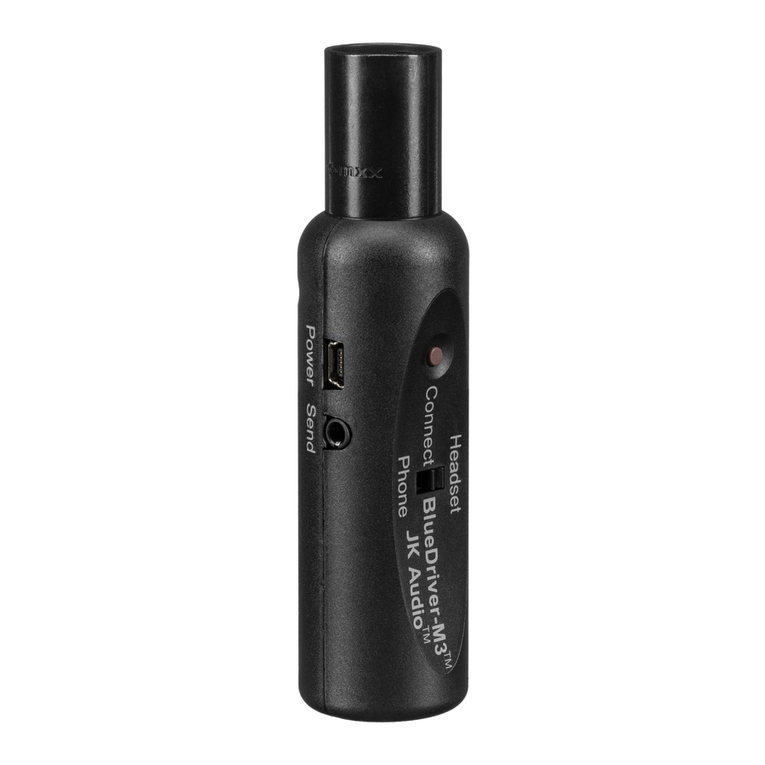
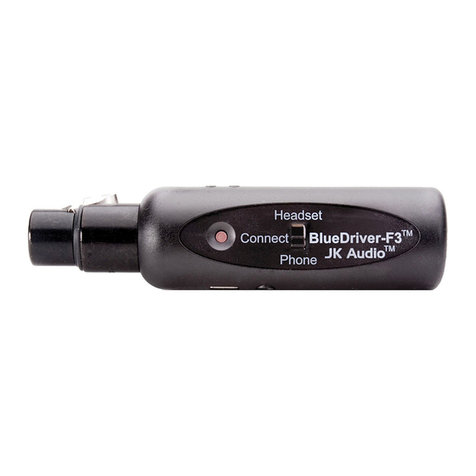
Forget the XLR jack and jump right
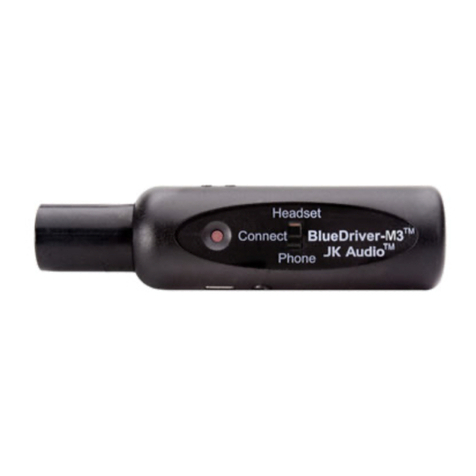
to the 3.5 mm socket. The “Headset”
mode of BlueDriver-M3 connects to
Bluetooth headphones or wireless
speakers, and transmits full 20 kHz
audio bandwidth Stereo A2DP audio.
Simply connect the supplied cord
between the SEND mini jack on your
BlueDriver-M3 and the line level or
headphone output jack of your audio
TRANSMIT BLUETOOTH STEREO A2DP AUDIO
4
source, then pair to your Bluetooth
headphones or speakers. Keep in
mind that Bluetooth A2DP processing
adds a 150 millisecond delay, so this
application is more appropriate for pre-
recorded or broadcast applications that
do not have a live mic or interactive
conversation. A2DP is a one-way
transmission, with nothing coming back
on the return channel.
OR
B
A
A
A
A
Need a short range point-to-point
intercom during your next live event?
Simply plug BlueDriver-M3 into
any mic level input of your mixer or
console. Pair to your favorite Bluetooth
Headset (View our Facebook page
for a Discussion on our headset
recommendation). This setup allows
voice-band bi-directional audio up to 30
feet from the BlueDriver.
BLUETOOTH HEADSET AS A TALKBACK INTERCOM
3
BThe mini cable provided with your
BlueDriver allows you to connect a
line out or headphone output of your
console to the SEND jack on the
BlueDriver-M3. This signal goes back
to the headset, so make sure you don’t
send your voice back to yourself. See
the last page of this document or the
Article section on our website for a
quick primer on “Mix-Minus”.
1311 East 6th Street
Sandwich, IL 60548 USA
Phone: 815 786 2929
Toll Free: 800 552 8346
www.jkaudio.com
Copyright © 2010
JK Audio™
TELEPHONE AUDIO INTERFACE PRODUCTS
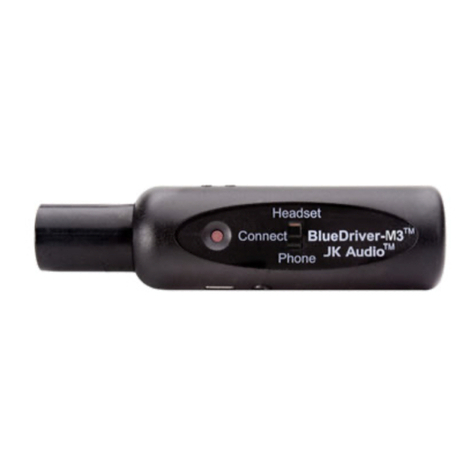
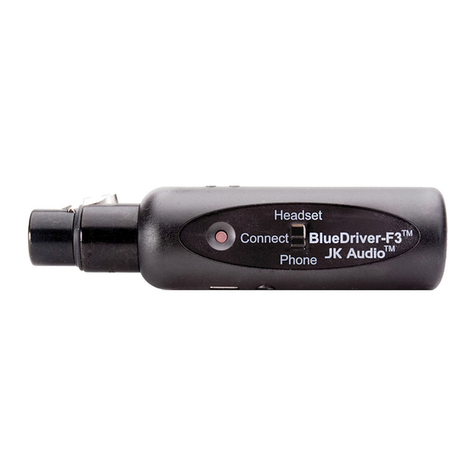
BlueDriver-M3™
WIRELESS AUDIO INTERFACE
CONNECT APPLICATIONS