6BlueDriver-F3 Wireless Audio Interface
Bluetooth Wireless Technology
Bluetooth Wireless Technology 7
Bluetooth Wireless Technology
Disconnecting from a Device
To disconnect from any Bluetooth
wireless technology enabled device
and turn the power off, simply hold the
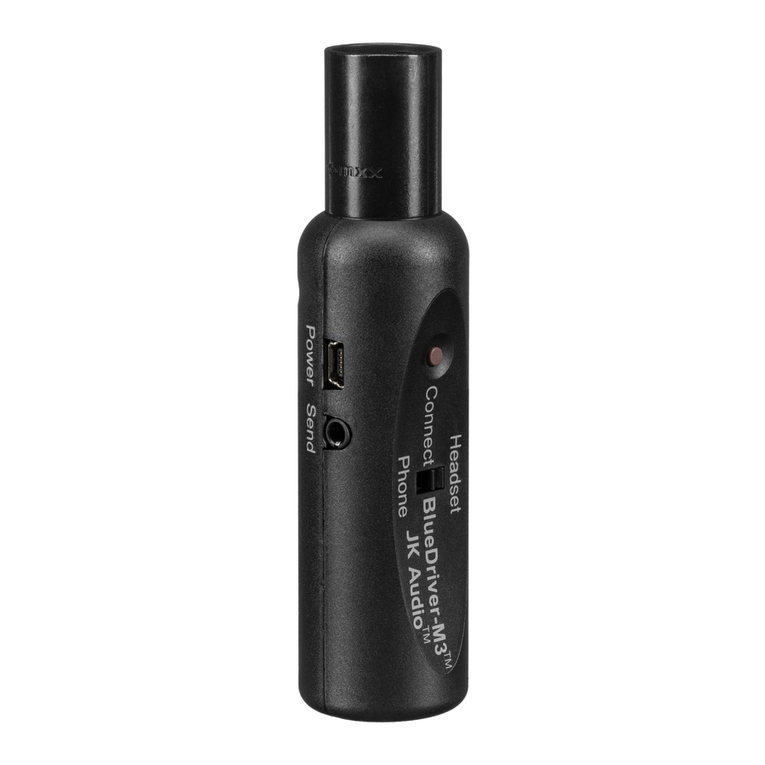
Connect Button until the blue LED
turns off (approx. 5seconds).
Connection History
BlueDriver retains the most recent
8 headset and 8 phone devices in
memory. To clear connection history
and return to factory default, with the
blueDriver powered off, set the switch
to the Headset or Phone position, then
hold the Connect Button in for at
least 20 seconds. After resetting, the
BlueDriver will return to Pairing Mode.
Pairing Mode
When in Pairing Mode, the blue
LED will ash rapidly at a rate
of 100ms on, 100ms off. While
in pairing mode, any Bluetooth
wireless technology enabled
device within range can pair with
your BlueDriver. Once the pairing
process is complete the unique
device ID is stored in Connection
History. Subsequent connections
can be made automatically from
Idle Mode.
Idle Mode
To connect from Idle Mode, hold
the Connect Button for 2 seconds.
Upon release, the blue LED will
ash at a slow rate of 200ms on and
800ms off. In Idle Mode, BlueDriver
searches for paired devices.
Connected Mode
After bonding is complete, the blue
LED will ash at a slower rate of
1second on, 2seconds off. The
connection to that device is secure.
Status LED
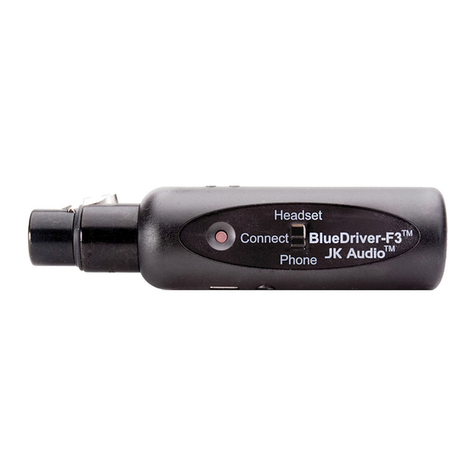
The blue LED on the side of the unit ashes in different sequences to indicate the
current connection status.
Reconnecting to Paired Devices
When reconnecting to a device that is
still in BlueDriver’s Connection History,
you may connect from Idle Mode.
While in Idle Mode, BlueDriver will
automatically connect to your paired
device within range.
When reconnecting to your cell phone,
the switch on BlueDriver should be set
to Phone.
When reconnecting to your Bluetooth
headset, the switch on BlueDriver
should be set to Headset.
Note: If left unused in Idle or Pairing
Mode, the BlueDriver will automatically
disconnect the Bluetooth connection in
two minutes and power off.