4
Features
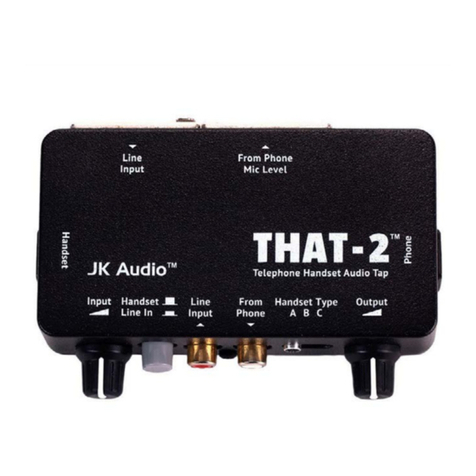
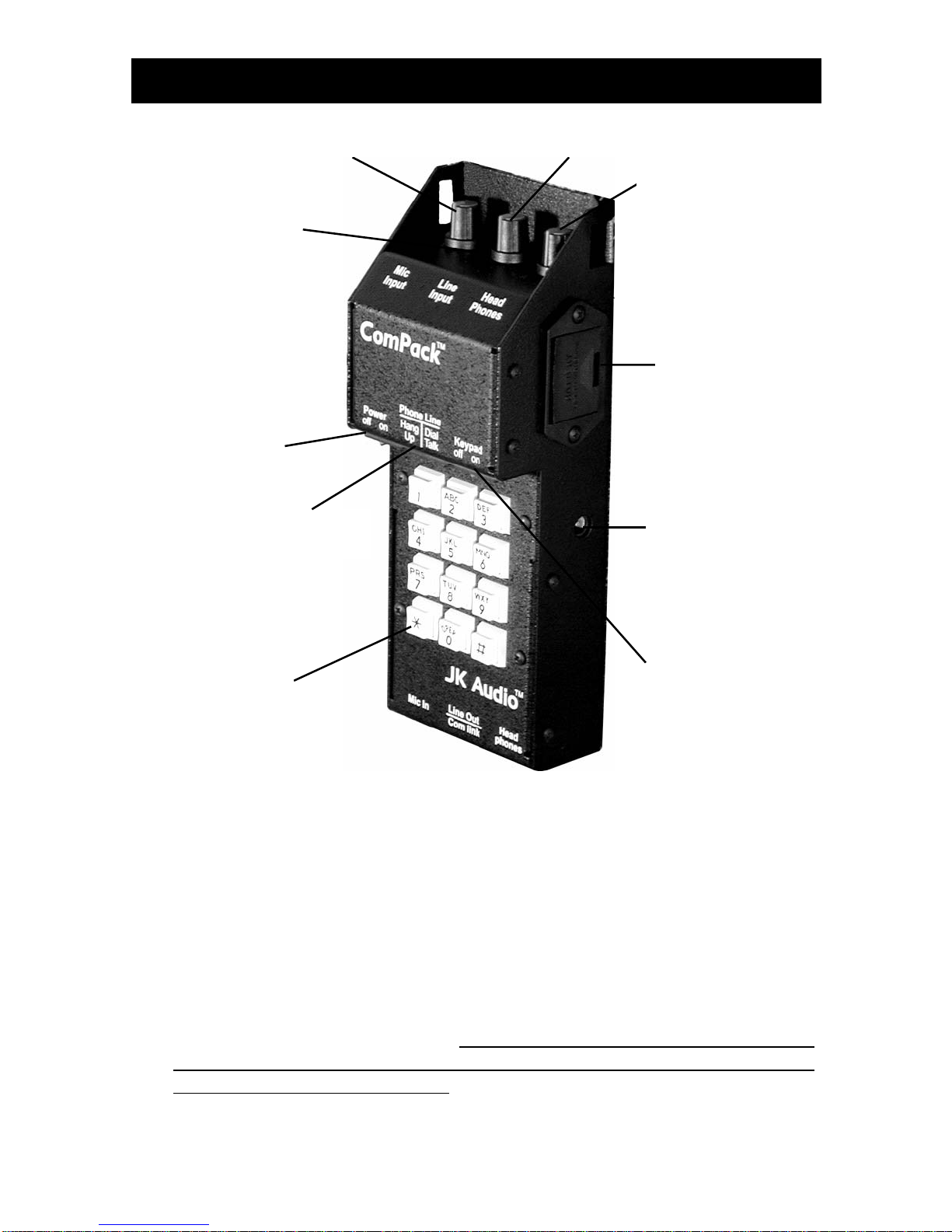
8. Handset Type Selector Switch
Select the handset microphone type of the telephone that ComPack is
connected to when using the PBX handset interface. Trial and error
works faster than a chart of handset types, but the following may help:
Switch Position Handset Microphone Type
A Electret
B Dynamic
C Carbon
9. Handset Interface
If you cannot get to an analog phone line or if the phone system is a
digital or analog PBX, ISDN, or a key telephone system, you can use
the built-in handset interface. Simply disconnect the handset from the
coily cord and plug the cord into the PBX Handset Interface Jack. Dial-
ing must be done with the existing telephone. Make sure to leave the
telephone handset off hook or your call will be disconnected. Do not
connect a handset to the ComPack; you must talk through your mic.
10. Phone Line Jack
Use this jack to connect to standard analog telephone lines or a fax /
modem adapter for analog cell phones. A 60” RJ-11 cable is provided
with the unit. This jack should not be connected directly to digital PBX or
ISDN phone systems.
11. Visual Ring Indicator
The Ring LED will flash when there is an incoming call from the phone
line. This feature is disabled when ComPack is being used with the
handset interface or the wireless phone interface.
12. Female XLR Input Level Control
The Mic Input volume control adjusts the level of audio from the female
XLR input. Adjustment of this control determines the level of audio you
send down the phone line from this input.*
13. 3.5 mm line input level control
The Line Input volume control adjusts the level of audio from the 3.5
mm input. Adjustment of this control determines the level of audio you
send down the phone line from this input.*
*The FCC requires that a limiter be present in any device that connects
to a phone line. The peak limiter within the ComPack will help to control
the audio level sent down the phone line so it does not exceed the
maximum audio level specified by the FCC.
14. Headphone Level Control
The headphone volume control adjusts the level of audio sent out the
1/4” headphone jack. Adjustment of this control will determine the level
of audio you hear in your headphones.