18 19
Adding measured time
Stop times may be added by pressing the start-stop pusher (D) again
after the initial measurement, instead of the reset pusher (E). The
chronoscope hands will then recommence from the stopped position.
Stop the chronoscope function by pressing the start-stop pusher (D)
again. You can continue the addition until the maximum stop time
is reached. To return the chronoscope hands to the starting position,
press the reset pusher (E).
Measuring split times
During the time measurement process it is possible to display a split
time without stopping the stopwatch process. To do so, start measure-
ment using the start-stop pusher (D). To read the split time press the
reset pusher (E). The time measurement continues in the background.
Pressing the reset pusher (E) again results in the chronoscope hands
advancing rapidly to catch up with the time that has elapsed. Further
interim times can be displayed by pressing the reset pusher (E). Stop
the chronoscope function by pressing the start-stop pusher (D) again.
The nal time is now displayed.To return the chronoscope hands to the
starting position, press the reset pusher (E).
Setting the date
Pull the crown into position B. Rotate the crown to the right to set the
date. Date alteration should not be performed between 8:00 p.m. and
3:00 a.m., as the date is automatically advanced by the movement
during this period and you could damage the advance mechanism. If
the month has less than 31 days, set the date manually to the rst day
of the following month.
2. Operating the chronoscope (stopwatch function)
Starting time measurement
Start the chronoscope function by pressing the start-stop pusher (D).
Stopping time measurement
Stop the chronoscope function by pressing the start-stop pusher (D)
again.
Resetting
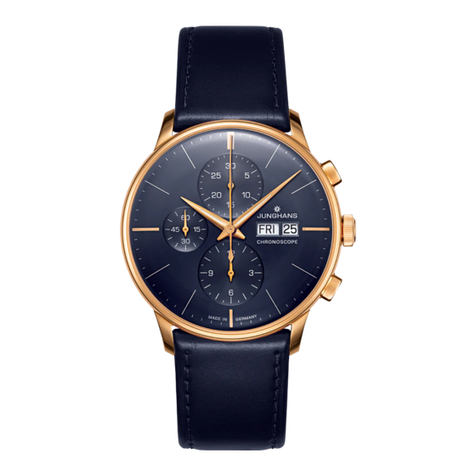
Press the reset pusher (E). The three chronograph hands (5, 6, 7) move
back to the starting position.