manuals.online logo
Brands
  1. Home
  2. •
  3. Brands
  4. •
  5. JVC
  6. •
  7. Car Video System
  8. •
  9. JVC KW-AV60 User manual

JVC KW-AV60 User manual

Other manuals for KW-AV60

1

Other JVC Car Video System manuals

JVC KW-M25BT User manual

JVC

JVC KW-M25BT User manual

JVC 0305MNMMDWJEIN User manual

JVC

JVC 0305MNMMDWJEIN User manual

JVC MRD900 - KV - DVD Player User manual

JVC

JVC MRD900 - KV - DVD Player User manual

JVC KV-V8 Guide

JVC

JVC KV-V8 Guide

JVC K1027 User manual

JVC

JVC K1027 User manual

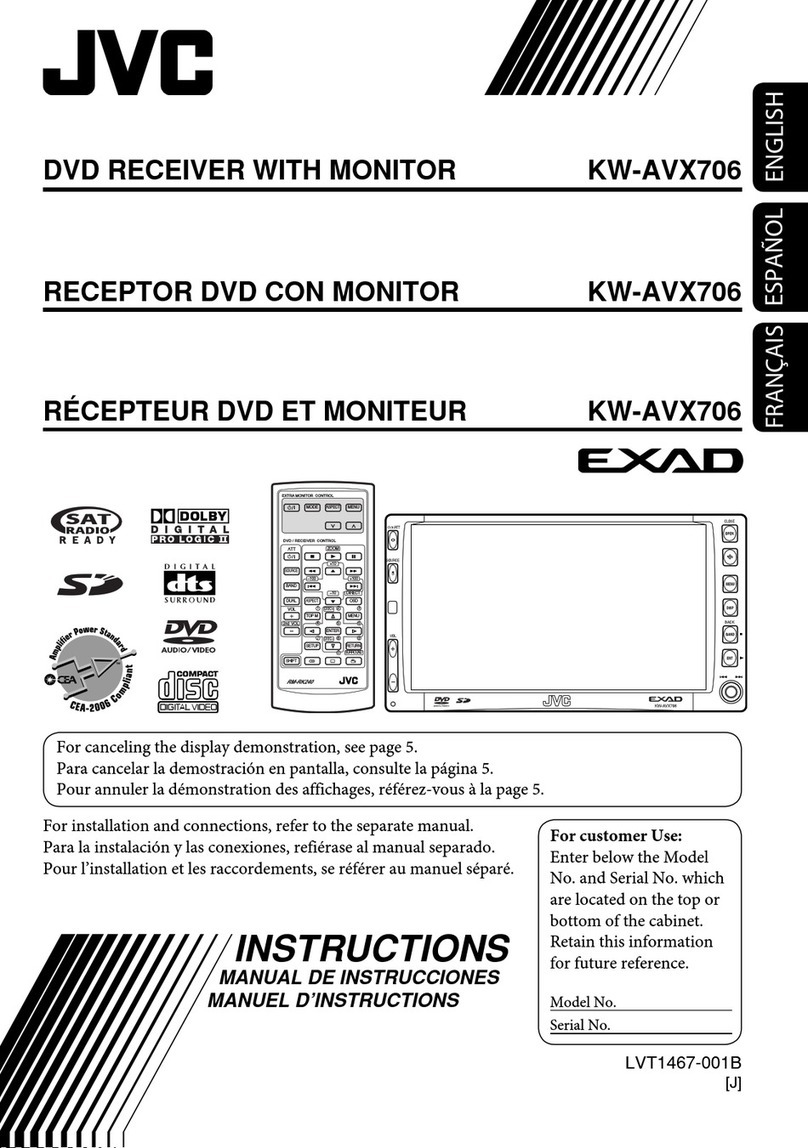
JVC EXAD KW-AVX706 User manual

JVC

JVC EXAD KW-AVX706 User manual

JVC KW-NT3HDT Guide

JVC

JVC KW-NT3HDT Guide

JVC KV-MH6510E User manual

JVC

JVC KV-MH6510E User manual

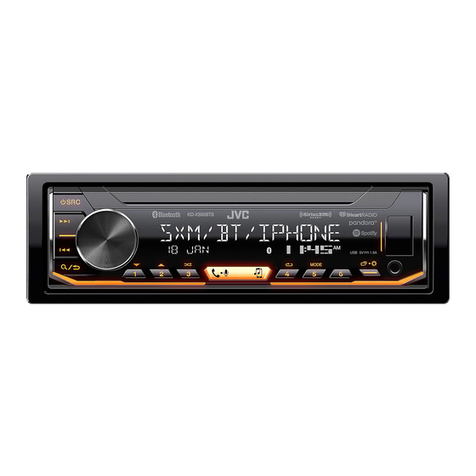
JVC KD-X360BTS User manual

JVC

JVC KD-X360BTS User manual

JVC KW-NT500HDT User manual

JVC

JVC KW-NT500HDT User manual

JVC KV-C1J Guide

JVC

JVC KV-C1J Guide

JVC KW-NSX1 User manual

JVC

JVC KW-NSX1 User manual

JVC KD-R726 Guide

JVC

JVC KD-R726 Guide

JVC KD-AV7010 - DVD Player With LCD Monitor User manual

JVC

JVC KD-AV7010 - DVD Player With LCD Monitor User manual

JVC KV-MR9010 User manual

JVC

JVC KV-MR9010 User manual

JVC Car LCD Monitor KV-M70 User manual

JVC

JVC Car LCD Monitor KV-M70 User manual

JVC KW-AVX716 Guide

JVC

JVC KW-AVX716 Guide

JVC Exad KD-AVX33 Guide

JVC

JVC Exad KD-AVX33 Guide

JVC KW-M745DBT User manual

JVC

JVC KW-M745DBT User manual

JVC KW-AV50 User manual

JVC

JVC KW-AV50 User manual

JVC KV-MR9010 User manual

JVC

JVC KV-MR9010 User manual

JVC KW-XG812 User manual

JVC

JVC KW-XG812 User manual

JVC KD-AV31 User manual

JVC

JVC KD-AV31 User manual

JVC Car LCD Monitor KV-M70 User manual

JVC

JVC Car LCD Monitor KV-M70 User manual

Popular Car Video System manuals by other brands

Farenheit MD-1510CM instruction manual

Farenheit

Farenheit MD-1510CM instruction manual

Mazda Connect manual

Mazda

Mazda Connect manual

RCA DRC97983 Manual de usuario

RCA

RCA DRC97983 Manual de usuario

Panasonic CY-VHD9401U Service manual

Panasonic

Panasonic CY-VHD9401U Service manual

Stinger HEIGH10 RB10RAM13B installation manual

Stinger

Stinger HEIGH10 RB10RAM13B installation manual

Alpine IVA-W203 - 6.5" Touch Screen 2-DIN DVD In-Dash... owner's manual

Alpine

Alpine IVA-W203 - 6.5" Touch Screen 2-DIN DVD In-Dash... owner's manual

Eonon E1057 instructions

Eonon

Eonon E1057 instructions

Milion D2223 user manual

Milion

Milion D2223 user manual

Metra Electronics 99-8153 installation instructions

Metra Electronics

Metra Electronics 99-8153 installation instructions

Voxx Electronics HR8MA1 owner's manual

Voxx Electronics

Voxx Electronics HR8MA1 owner's manual

Axxera AV604Bi quick start guide

Axxera

Axxera AV604Bi quick start guide

Clarion NX706E owner's manual

Clarion

Clarion NX706E owner's manual

Pyle view PLDN74BTi owner's manual

Pyle view

Pyle view PLDN74BTi owner's manual

Clarion NX602 quick start guide

Clarion

Clarion NX602 quick start guide

RCA DRC6296 - Twin 9" Mobile DVD System Manual Del Usuario

RCA

RCA DRC6296 - Twin 9" Mobile DVD System Manual Del Usuario

Fiat Uconnect 5.0 manual

Fiat

Fiat Uconnect 5.0 manual

Lanzar SVDVD5 owner's manual

Lanzar

Lanzar SVDVD5 owner's manual

Eonon E1060 instructions

Eonon

Eonon E1060 instructions

manuals.online logo
manuals.online logoBrands
  • About & Mission
  • Contact us
  • Privacy Policy
  • Terms and Conditions

Copyright 2025 Manuals.Online. All Rights Reserved.

AV Headunits
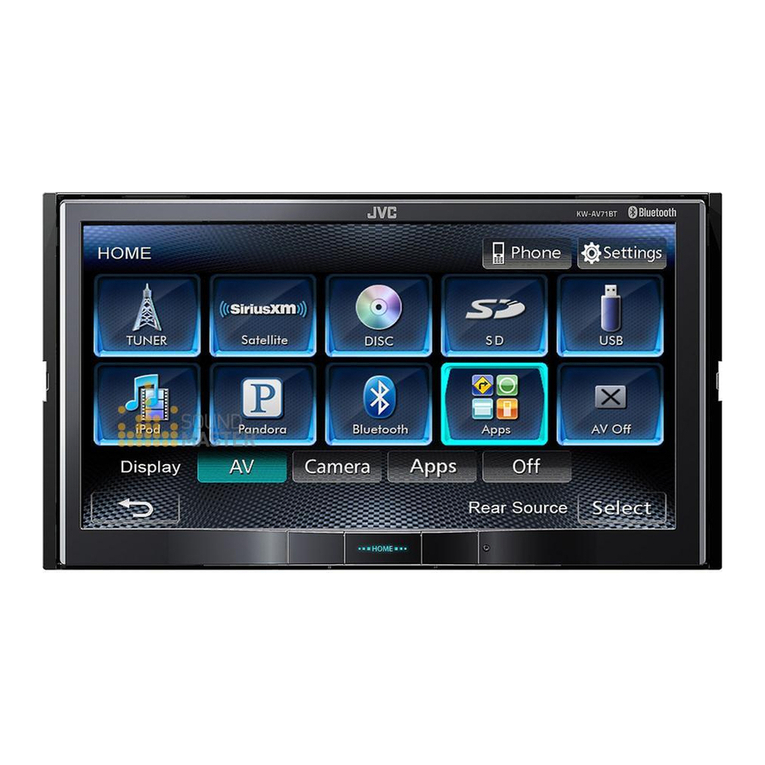
KW-AV60
DVD/CD/USB Receiver with 6.1-inch WVGA Touch Panel Monitor
The detachable 6.1-inch WVGA LCD touch panel offers clear images as well as security. Connect your smartphone for audio
playback and charging via 1A USB port. App Link Mode*1(for MotionX, supported apps) similarly enables iPod/iPhone app
control on the headunit. Control for Pandora Radio is also available on the AV receiver. Select the matching illumination from
over 30,000 colors. Other features include Front AUX, Bluetooth®Wireless Technology*2, and advanced EQ settings, as well as

SiriusXM Radio and rear-view camera with optional devices.

Key Benefits
*1 KS-U30 required for App Link Mode and iPod/iPhone video playback. Compatibility depends on iPod/iPhone.

*2 KS-BTA100 and 2 x RCA male phono to 3.5mm female mini-jack converter cable (not supplied) required. Available functions depend on cell phone.
Ready for
Bluetooth
®
Adapter
20W x 4
RMS
Multilingual
Display
MOS-FET
50W x 4
MP3/WMA/WAV
GIGA MP3 MULTI
2-Way Control
for iPod/iPhone
iPod Headunit
Recommended Features
Front AUX
AUDIO
(Front+Rear+Subwoofer)
3
Pre-Output
Full Digital
Full Speed Charging
1.0A
Support
Video
Playback
Rear-View
Camera
Ready
SiriusXM
Ready
Phone Paring
[Up to 5 Phones]
Multiple
Radio Broadcast
Data System
Touch
Panel
Touch
Panel
6.1”
WVGA
6.1”
WVGA
Detachable
Panel
Detachable
Panel
Wallpaper
Capture
Wallpaper
Capture
Phone Book
Access Profile
Audio
Streaming
& Control
✹Advanced Feature of JVC “App Link Mode” for iPod/iPhone
Your app collection is now part of the driving experience. Connect
an iPhone to a JVC multimedia receiver and watch it come alive on
your dashboard, with large detailed display as well as control of
your favorite apps. Audio works through your car speakers too.
*1 Audio control only for some apps *2 KS-U30 required
The following apps can be controlled:
KW-AV60 DVD/CD/USB Receiver with 6.1-inch WVGA Touch Panel Monitor
NTK-0884-05
✹Variable-Color Illumination
You can select from 8 presets/1 user
settings or 30,000 colors customizable
by RGB combinations.
8 Preset Colors!
Over 30,000
Customizable Colors
+
Cell phone
KS-BTA100
(optional)
✹Ready for Bluetooth®Adapter (KS-BTA100)
With the optional KS-BTA100 adapter,
you can enjoy the safety and
convenience of Bluetooth®Wireless
Technology such as hands-free calling,
voice dialing, and audio streaming.
The compact all-in-one adapter has
microphone/keys/LED functions, and
can be easily connected via the AUX.
Hands-Free Calls
- Voice Dialing
- Redial Call
- Private Mode
Audio Streaming
Noise/Echo Cancellation
✹Drive Change Mode for BlackBerry®
Listen to music from either internal (built-in memory) or external (SD)
sources on a compatible BlackBerry®, via USB connection. Some
Android devices are also compatible.
BlackBerryBlackBerry
Built-in Memory
External Memory (SD)
Selectable
✹USB Connection (G3 iPod/iPhone)
Enjoy digital audio/video from your iPod, iPhone, or USB
devices with full-speed 1A USB port providing playback
and charging. iPod Out allows quick and easy control through
enlarged iPod/iPhone screen on the headunit
*1 USB playback not supported for NTFS formatted devices. When partitions are
created, only the first partition can be read.
*2 For iPod/iPhone video playback and iPod Out, KS-U30 cables are required.
Please visit www3.jvckenwood.com/english/car for iPod/iPhone compatibility details.
1A Support
Maximum Power Output 50W x 4
Continuous Power Output (RMS) 20W RMS X 4 Channels at 4Ω
; 1.0% THD*1+ N
HPF*2(Front/Rear)
off/Through/40/60/80/100/120/150/180/220 (-12dB/oct)
LPF (Front/Rear) off/50/60/80/100/120/Through (-12dB/oct)
AV Input ✔
Video Input (Camera) ✔
Line Pre-Output Terminals 3 (Front + Rear + Subwoofer)
Center Channel Output -
Subwoofer Output with
Level/Frequency Control ✔
Subwoofer Output Level 4.0V
Subwoofer Gain Control -50 - +10dB
Composite Video Output ✔
Digital Output -
Load Impedance 4Ω(4 - 8Ωallowable)
Pre-Output Level/Impedance 4.0V/20kΩ
Video Output 1.0Vp-p/75Ω
2nd Audio Output -
Video Input 1.0Vp-p/75Ω
Audio Input 1.5V/20kΩ
Dimensions (W x H x D)
Installation Size 7 3/16” x 4 3/8” x 6 5/16” 182 x 111 x 160 mm
Panel Size 7 7/16” x 4 5/8” x 7/16” 188 x 117 x 10 mm
Detachable Face Plate 6 3/4” x 3 13/16” x 1 3/16” 171 x 96 x 30 mm
Key Specifications
*1Total Harmonic Distortion *2Set according to LPF figures.
Rear Panel
2012年版の画面ありますか?
✹Detachable Face Panel
With JVC headunits, you can easily remove the control panel
and take it with you for security. They are provided with
a convenient compact carrying case.
✹6.1-inch WVGA Monitor
The 6.1-inch WVGA LCD panel features 4 times more pixels than the QVGA, offering
comfortable viewing with clear and bright display for both images and GUI.
QVGA WVGA
More Detailed
6.1”
WVGA
6.1”
WVGA
App Link Mode Supported Apps
Web Text-to-Speech
Navigation Sound EffectDrive Alert
Traffic Information
Camera/Driving Record Internet Radio/Music Streaming
2 x RCA Male Phono to
3.5mm Female Mini-Jack
Converter Cable (Not Supplied)
KS-BTA100
(Optional)
Wireless Remote
Control (Optional)
RM-RK252P
Rear-View Camera
(Optional)
KV-CM20K
USB
Rear
iPodPortable
Audio Players
Connections
AUX-IN
Front
USB Memory
USB Cable
HDD
for Video Playback
(KS-U30)
for iPod/iPhone
Android*1
Mass Storage
Audio Streaming
AVRCP
iPhone
iPod Out
App Link Mode
Audio Streaming
AVRCP
Mass Storage
Drive Change Mode
Audio Streaming
AVRCP
BlackBerry®*1
*1 Compatibility depends on model
*2 Optional KS-BTA100 required
*2
*2*2
AV-IN
Rear
✹Rear-View Camera Ready
The dedicated video-in terminal allows
connection with an optional rear
view camera for a better view
behind your car.
KV-CM20K (Optional)
Image Sensor 1/4” Color CMOS
310 K
Ca. 0.9 lx
IP67 level
24 x 24 x 24.9 mm
9 m (1.5 + 6.5 + 1 m)
354” (59” + 256” + 39”)
130/101
Active Pixels
Minimum Illumination
Field of View
Dust & Water Proof
1” x 1” x 1”
Dimensions (W x H x D)
Cable
✹3-Band Parametric iEQ
You can adjust the center frequency, bandwidth, and levels for each of the 3 bands,
with user-friendly GUI operation on the wide screen.
For easy setup, 9 factory EQ presets and 3 user
settings are available. With Pro Mode, you can
fine-tune the sound to suit your ears.