DLB_A01N-BA-e-2011 9
3.2 Adjustment of temperature value
The temperature is measured at two selectable points and it is possible to correct it
there.
Invoke service function „Tmp Adj“, see chap. 3
Confirm by pressing the PRINT button. The current setting for the first
temperature point is displayed. Or leave it on factory setting 80°C or select a
desired temperature with the help of the navigation buttons (available 50-
130°C).
Confirm with the PRINT button, the first heat-up phase is started. The remaining
time is displayed.
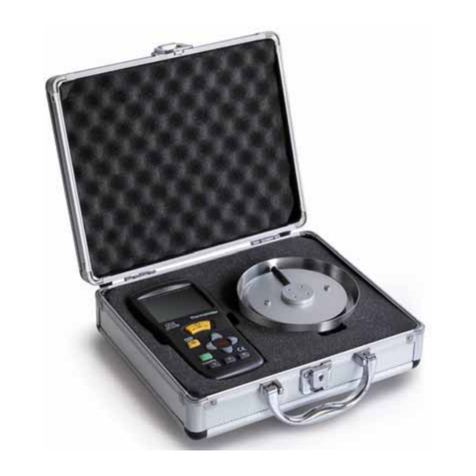
Temperature calibration for the first point takes 15 min. Compare the temperature
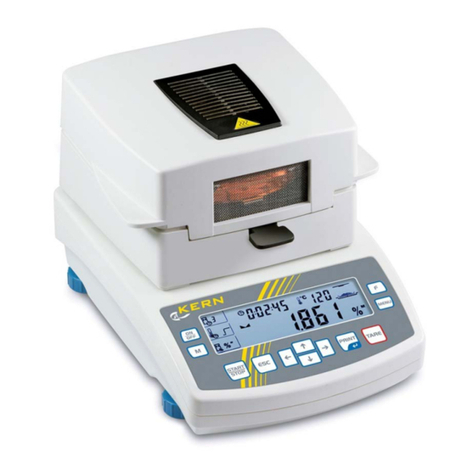
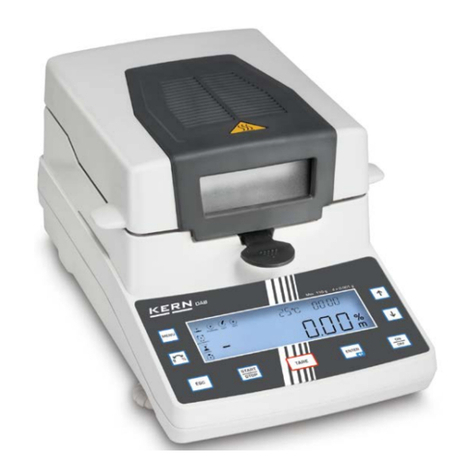
displayed on the DLB-A01N with that of the moisture analyzer. If the two values
do not match, correct them using the navigation buttons and confirm with the
PRINT button
.
The current setting for the second temperature point is displayed. Or leave it on
factory setting 150°C or select the desired temperature with the help of the
navigation buttons . The second temperature point has to be at least 30°C
over the first one, max. 160°C.
Confirm with the PRINT button, the second heat-up phase is started. The
remaining time is displayed.
Temperature calibration for the second point takes 15 min. Compare the
temperature displayed on the DLB-A01N with that of the moisture analyzer. If the
two values do not match, correct with the help of the navigation buttons .
Confirm by pressing the PRINT button. The adjustment is completed, the
appliance returns into the menu. Use the ON/OFF button to return into weighing
mode.