Set device in pairing mode
When the device is first turned on, it may automatically enter pairing mode which is
indicated by blue light blinking rapidly.
If not automatically in pairing mode when powered on, you can manually set the device in
pairing mode by pressing and holding the switch button for 6 seconds until the blue light
begins blinking rapidly.
Add device through network
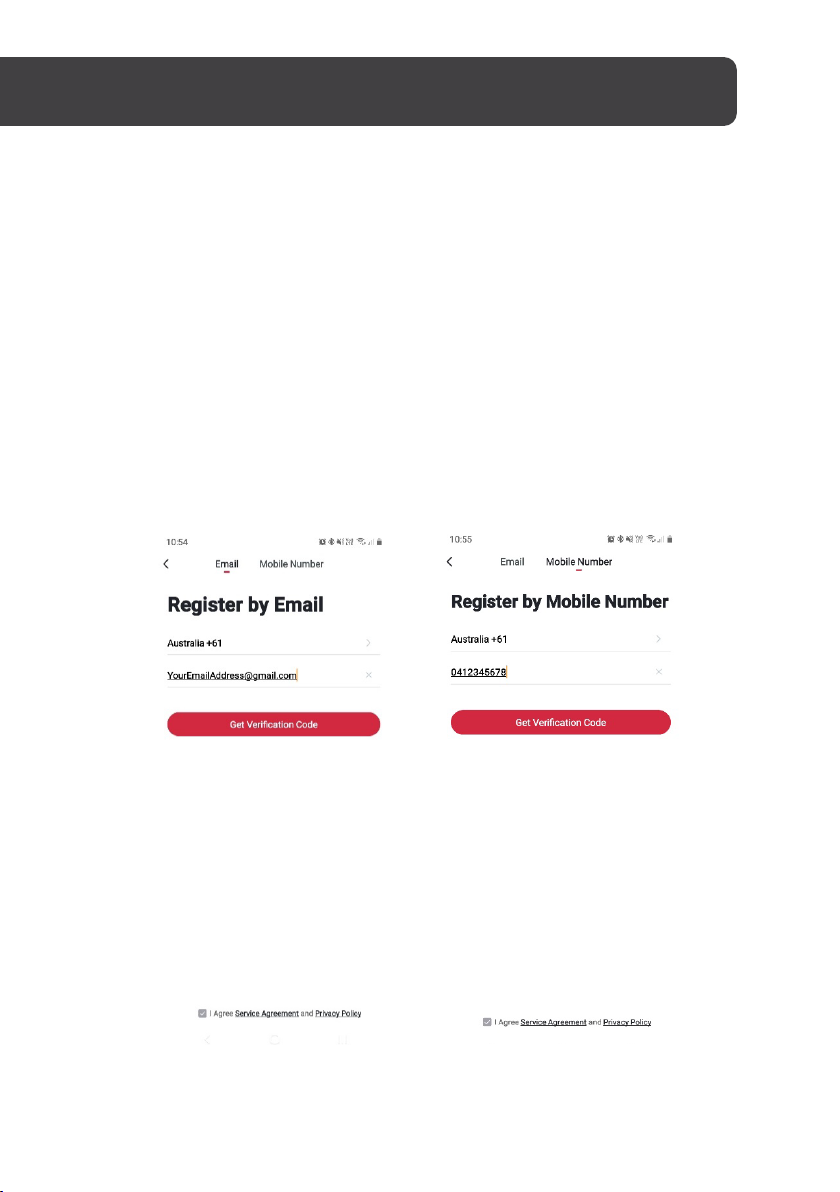
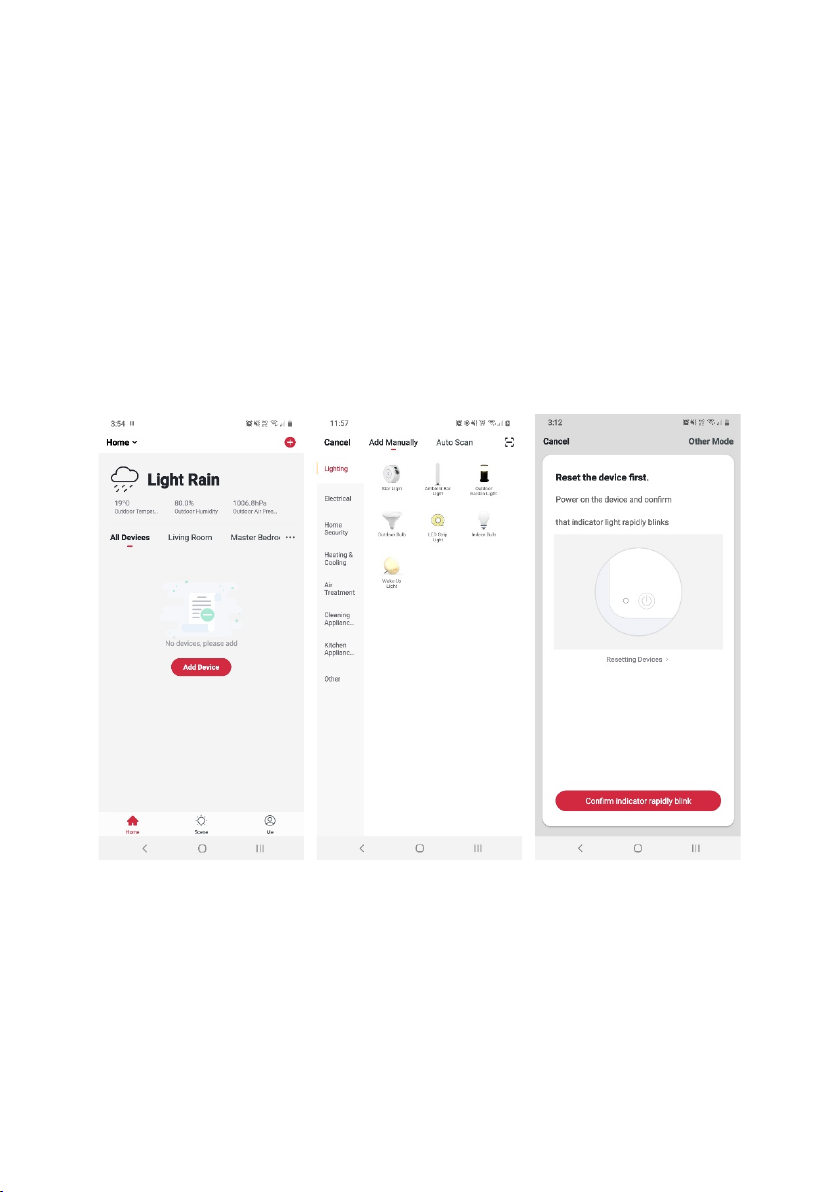
5. Once registered, tap “+” in the upper right corner of the app’s home page to add a
new device through the network.
6. Select the product type from the list of options in the app (Lighting > Star Light).
7. Ensure that the device is in pairing mode, with the projector light blinking blue, and
tap “Confirm indicator rapidly blink”.