EnglishDeutsch
 logo
Brands
  1. Home
  2. •
  3. Brands
  4. •
  5. Meatest
  6. •
  7. Test Equipment
  8. •
  9. Meatest 9010+ User manual

Meatest 9010+ User manual

Other Meatest Test Equipment manuals

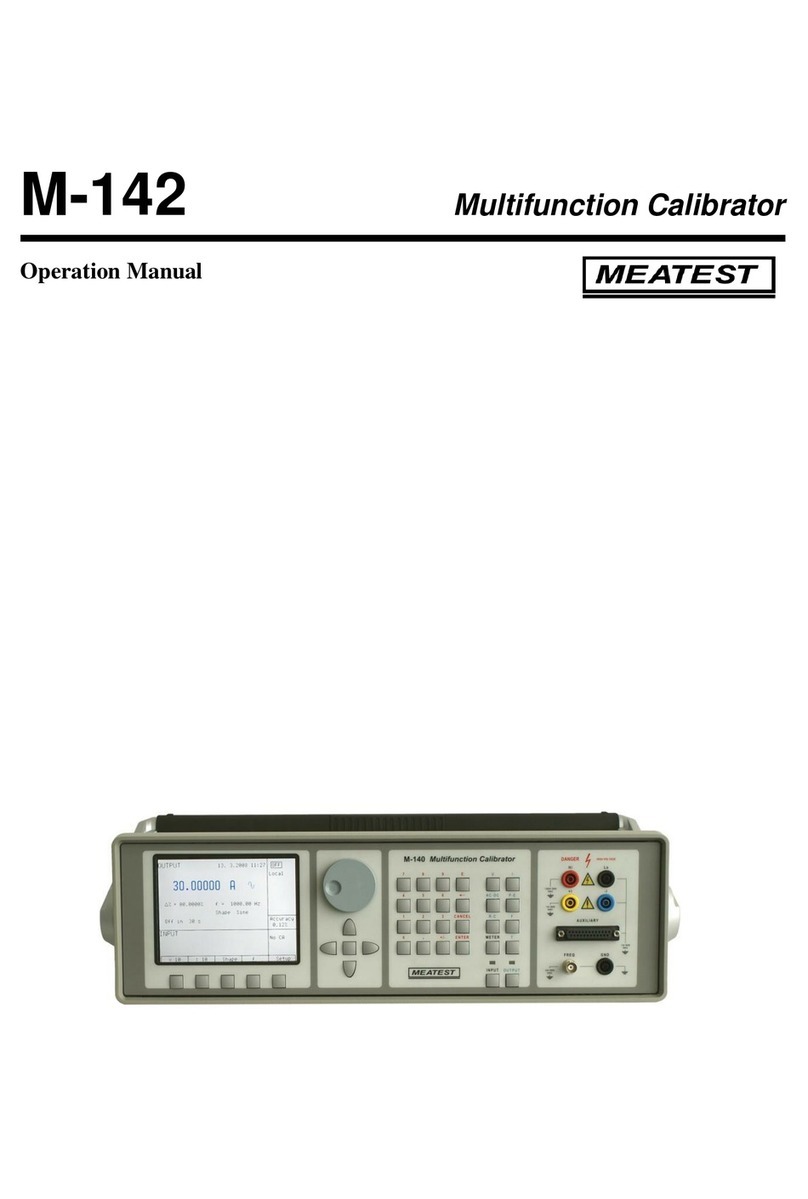
Meatest M-142 Installation manual

Meatest

Meatest M-142 Installation manual

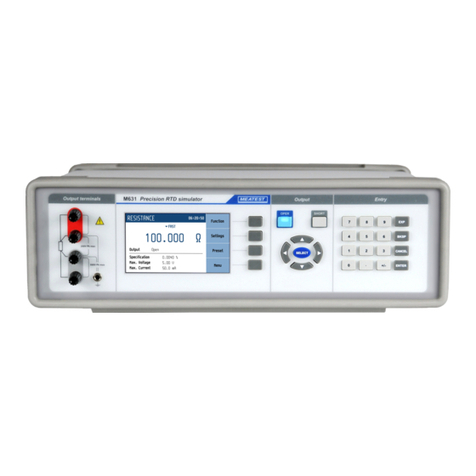
Meatest M631 User manual

Meatest

Meatest M631 User manual

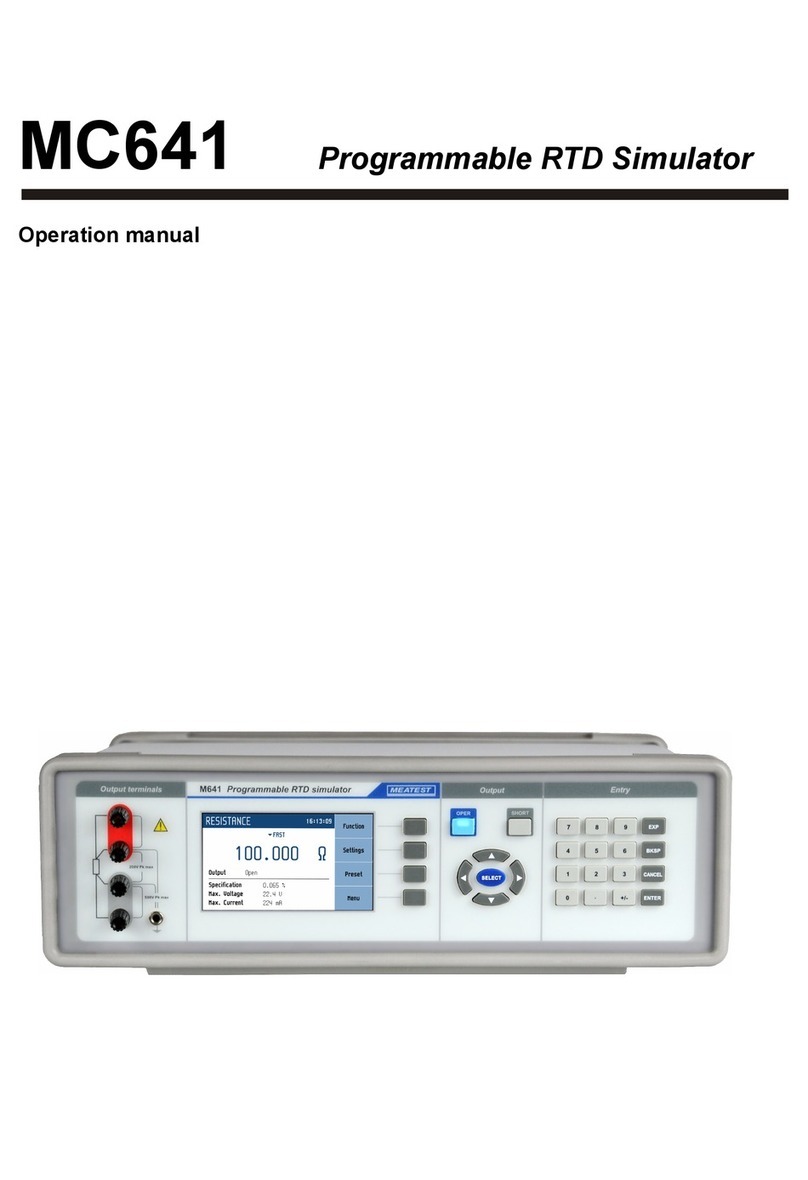
Meatest MC641 User manual

Meatest

Meatest MC641 User manual

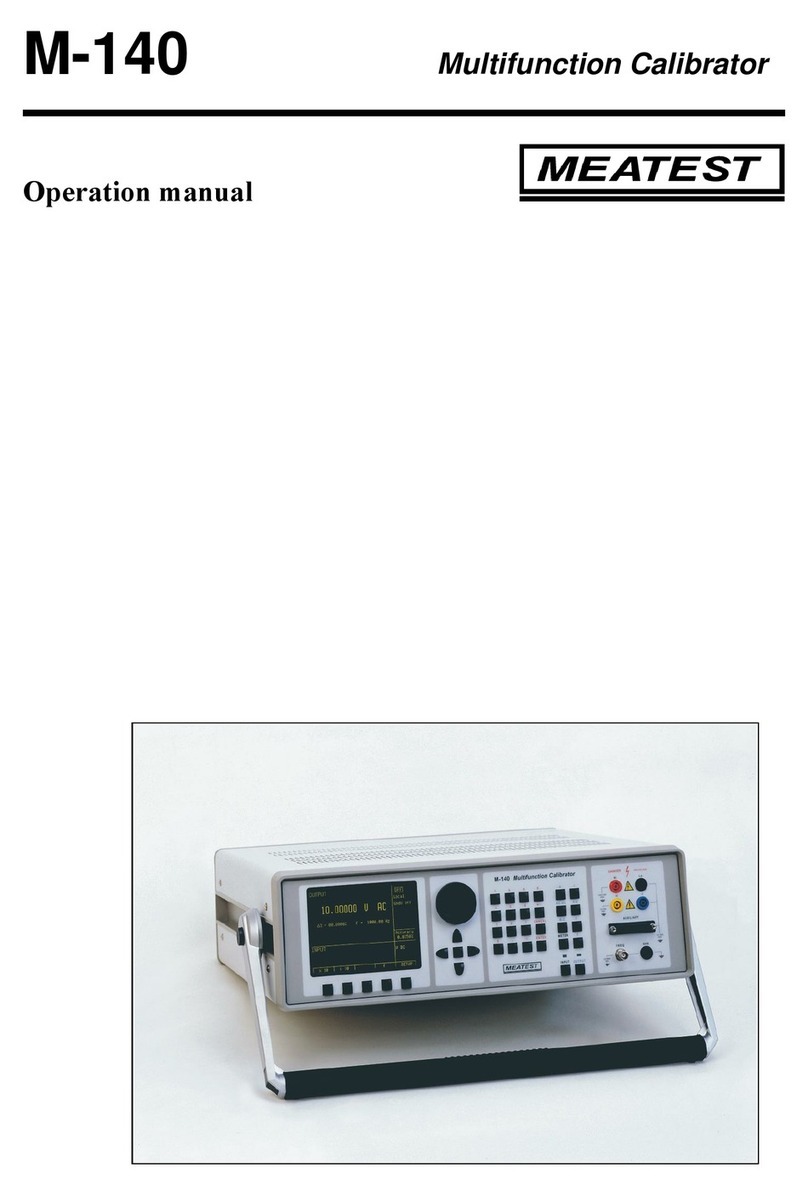
Meatest M-140 User manual

Meatest

Meatest M-140 User manual

Meatest M525 User manual

Meatest

Meatest M525 User manual

Meatest M505D User manual

Meatest

Meatest M505D User manual

Meatest M133C User manual

Meatest

Meatest M133C User manual

Meatest M143 User manual

Meatest

Meatest M143 User manual

Meatest 9010 User manual

Meatest

Meatest 9010 User manual

Meatest M133C User manual

Meatest

Meatest M133C User manual

Popular Test Equipment manuals by other brands

SMART KANAAD SBT XTREME 3G Series user manual

SMART

SMART KANAAD SBT XTREME 3G Series user manual

Agilent Technologies BERT Serial Getting started

Agilent Technologies

Agilent Technologies BERT Serial Getting started

Agilent Technologies N3280A user guide

Agilent Technologies

Agilent Technologies N3280A user guide

Lifeloc R.A.D.A.R. quick start guide

Lifeloc

Lifeloc R.A.D.A.R. quick start guide

Fluke T5-600 Service information

Fluke

Fluke T5-600 Service information

Mercury TSL01 user manual

Mercury

Mercury TSL01 user manual

MAHA MBT Series Original operating instructions

MAHA

MAHA MBT Series Original operating instructions

Fuji Electric P-61 instruction manual

Fuji Electric

Fuji Electric P-61 instruction manual

ETC SealerAtor user manual

ETC

ETC SealerAtor user manual

Skyfine ETHYWAY V2 user manual

Skyfine

Skyfine ETHYWAY V2 user manual

Appion G5 Twin Operation manual

Appion

Appion G5 Twin Operation manual

PCB Piezotronics 8159-0112A Installation and operating manual

PCB Piezotronics

PCB Piezotronics 8159-0112A Installation and operating manual

BW Technologies MicroDock II user manual

BW Technologies

BW Technologies MicroDock II user manual

Sun Nuclear 1027 user guide

Sun Nuclear

Sun Nuclear 1027 user guide

Biomark HPR LITE READER user manual

Biomark

Biomark HPR LITE READER user manual

Hioki 3169-20 instruction manual

Hioki

Hioki 3169-20 instruction manual

Ashcroft ATE-100 operating manual

Ashcroft

Ashcroft ATE-100 operating manual

Rohde & Schwarz RTA4000 user manual

Rohde & Schwarz

Rohde & Schwarz RTA4000 user manual

https://manuals.online logo
https://manuals.online logoBrands
  • About & Mission
  • Contact us
  • Privacy Policy
  • Terms and Conditions

Copyright 2026 Manuals.Online. All Rights Reserved.

Multifunction calibrator 9010+ is designed as universal calibration tool for electrical calibration
laboratories, covering most of their workload like multimeters, clamp meters, ohm meters, power meters
and power analysers, energy meters, transducers, insulation testers, process meters, scopes and many
others. High load capacity of voltage output (up to 50 mA) allows for calibration of high-consumption
analogue meters. Installed harmonic and non-harmonic shape signals allow for testing meter sensitivity
to distorted signals by a signal with various crest factor.
Advancing from previous M14x calibrator series, 9010+ can now calibrate even 1 GHz scopes, 1.5 kV
insulation testers and 1 MW power meters. On the other hand we kept all the popular functions including
complete transducer and external sensor calibration (strain gauge, pressure, torsion, force, etc.) using
built-in multimeter, automatic uncertainty calculation, remote control and easy recalibration.
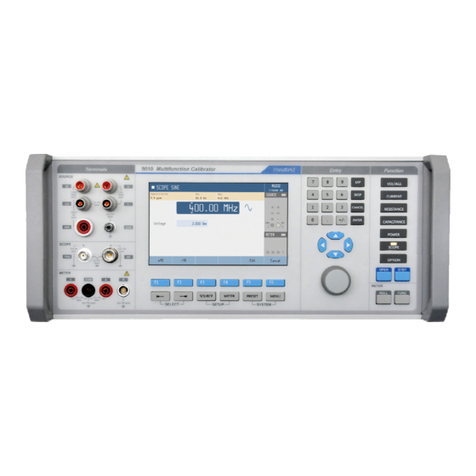
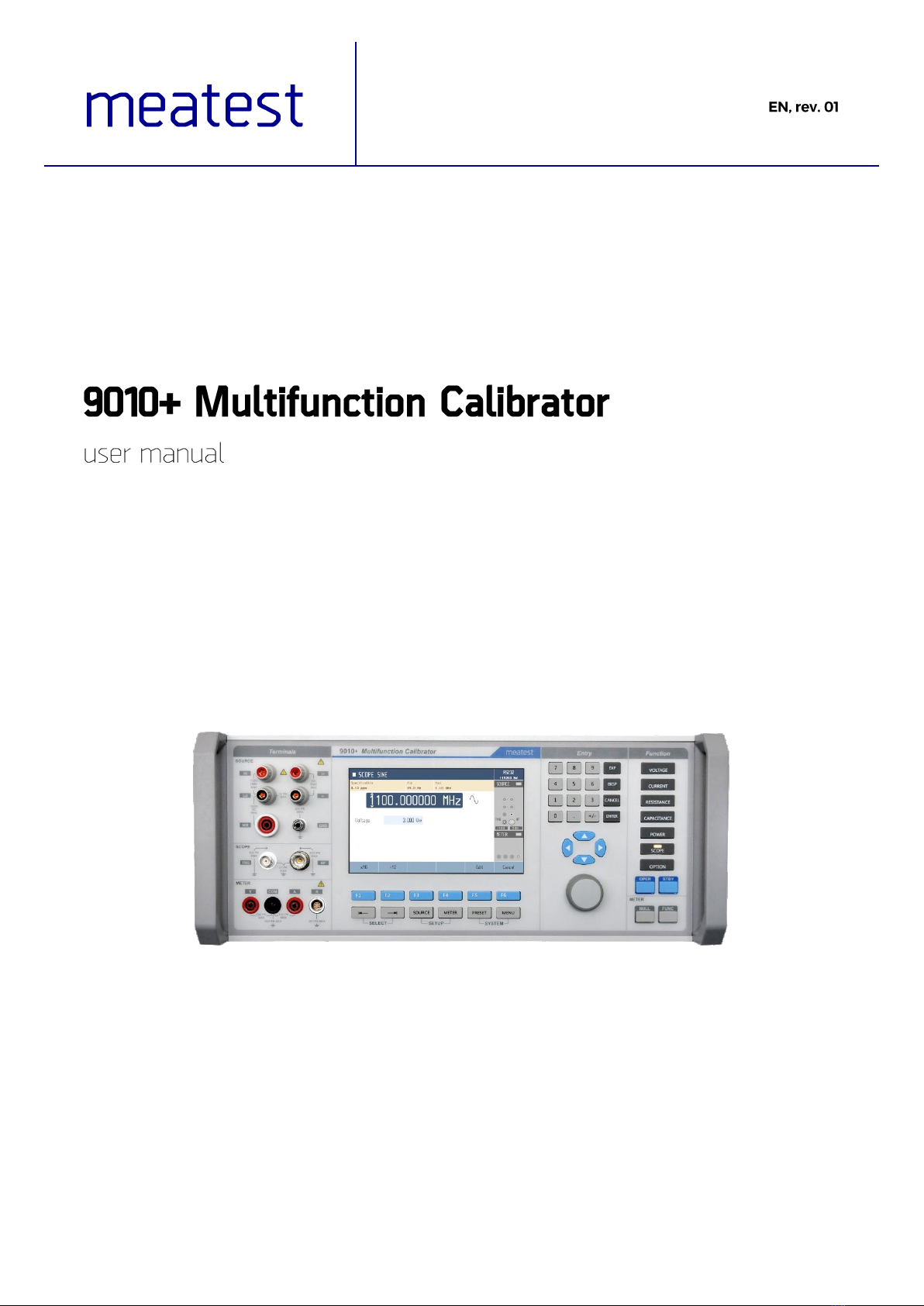
Main control segments of the calibrator are:
1. Output terminals
2. Display
3. Numeric and navigation keys
4. Function keys
5. Input terminals
6. Softkeys (sky blue) and menu keys (grey)
All input and output terminals are located on left side of front panel. Labels between terminals show
overall maximum voltage ratings in standby. Maximum voltage ratings during operation are usually
lower and exceeding them might cause damage to the calibrator! See Specifications for detailed ratings.
1. HI. Outputs set voltage in VOLTAGE and POWER functions, set resistance in 2W mode of
RESISTANCE and CAPACITANCE functions and force signal in 4W RESISTANCE mode.
All signals are relative to LO.
2. I+. Outputs set current in CURRENT and POWER functions and senses RESISTANCE in 4W
mode. All signals are relative to I-.
3. LO. Acts as zero potential in VOLTAGE, POWER, 2W RESISTANCE, 2W CAPACITANCE
and HVR functions. Also provides zero potential to force signal in 4W RESISTANCE mode.
4. I-. Acts as zero potential in CURRENT and POWER functions. Also provides zero potential to
sense signal in 4W RESISTANCE mode. I- terminal is floating up to 20 Vpk relative to the
Ground, SETUP menu allows you to ground this terminal with relay.
5. HIR. Outputs set resistance in HVR function (option HVR).
6. GND. Ground potential, galvanically connected with housing and mains PE wire.
7. TRG. Used as external trigger for SCOPE functions (option SCO).
8. SCO. Outputs all SCOPE function signals through N-type coaxial connector (option SCO).
9. V. Measures voltage and frequency signals in METER function, relative to COM (option MER).
10. R. Connector for 9000-60 Adapter and 91 Cold Junction Compensator only, don‘t connect any
other cables to this terminal! 9000-60 adapter is used for measurement of RTDs and 4W
resistance in METERfunction (option MER), 91 adapter is used for cold junction compensation
of thermocouples. Adapter terminals are described on the adapters themselves.
11. COM. Acts as zero potential for all METER functions (option MER).
12. A. Measures current signals in METER function, relative to COM (option MER).

Display is divided into several sections with following meaning:
1. Selected function. Symbol on the left indicates system status (standby, settling in, ►
running). There may be additional Warning symbols on the right:
a. Warm-up in progress. Calibrator is fully operational but it may be outside
specifications.
b. Overheated. Output terminals cannot be switched on until temperature falls below
safe limit. Set 10V DC and wait a few minutes until the symbol disappears.
c. Other error. Some functions may not be operational and/or outside specifications.
Go to “MENU/Information/Device status” to get detailed information.
2. Tooltip. Shows additionalinformation about selected parameter or main value. Information may
include uncertainty, range, description, limits (burdencurrent, compliance voltage), etc. Tooltip
is hidden when no parameter is selected.
3. Main value. Can be edited via numerical input, cursor keys or rotary knob. Symbol on the right
represents signal shape.
4. Auxiliary parameters. Youcan switch between parameters (andmain value) using and
buttons. Every function has different set of auxiliary parameters.
5. Softkey labels. Softkeys below the display change their function dynamically based on current
workspace, these labels describe Softkey functions at any given time.
6. Remote control. Shows active interface and its main parameter.
7. Output status. Indicates output status (grey means OFF, green means ON) and shows diagram
of active output terminals.
8. Input status. Indicates meter status (grey means disconnected, green means measuring) and
shows diagram of active input terminals.
9. Meter reading. Meter function can be changed using FUNC button in METER group.
There are 3 button groups in total on the front panel. Softkeys and menu buttons under the display,
function buttons on the right and numeric entry buttons with rotary knob and cursor buttons in between.
1. SELECT. Selects previous/next parameter on display. Selected parameter can be edited and
relevant tooltip is shown (if enabled). Press CANCEL to deselect a parameter.
2. SETUP. Enters/exits device menu. Device menu contains additional function parameters, see
chapter 3.2 or SETUP subchapters in chapter 4 for more details.
3. SYSTEM. Enters/exits main menu. Main menu contains all device-related settings, see menu
structure in chapter 3.
4. Softkeys. Buttons with context-specific functions. Current functions are shown on display, just
above the buttons.
1. Function buttons. Directly selects a calibrator function or toggles function
mode if the function is already selected (f.e. pushing VOLTAGE button in
voltage DC mode switches to voltage AC mode).
2. OPER. Turns output on according to selected function and parameters.
3. STBY. Turns output off.
4. NULL. Sets meter readout to zero by shifting offset of active meter
function.
5. FUNC. Toggles meter function.
Numeric and navigation buttons have dual function. In menus these buttons are used to list throughitems
(and buttons, knob rotation), select an item (ENTER button, OK softkey or knob push), enter a
value or exit menu item (CANCEL button, EXIT/CLOSE softkey).
Outside menus, numeric and navigation buttons are used to edit values of selected parameters. If no
parameter is selected, pressing any numeric or navigation button will select function’s main parameter.
Values can be edited with cursor keys and rotary knob as well. Use and buttons to shift through
digits and and buttons to increment or decrement that digit. Knob rotation works as either / 
or / buttons, knob push toggles between the two modes.
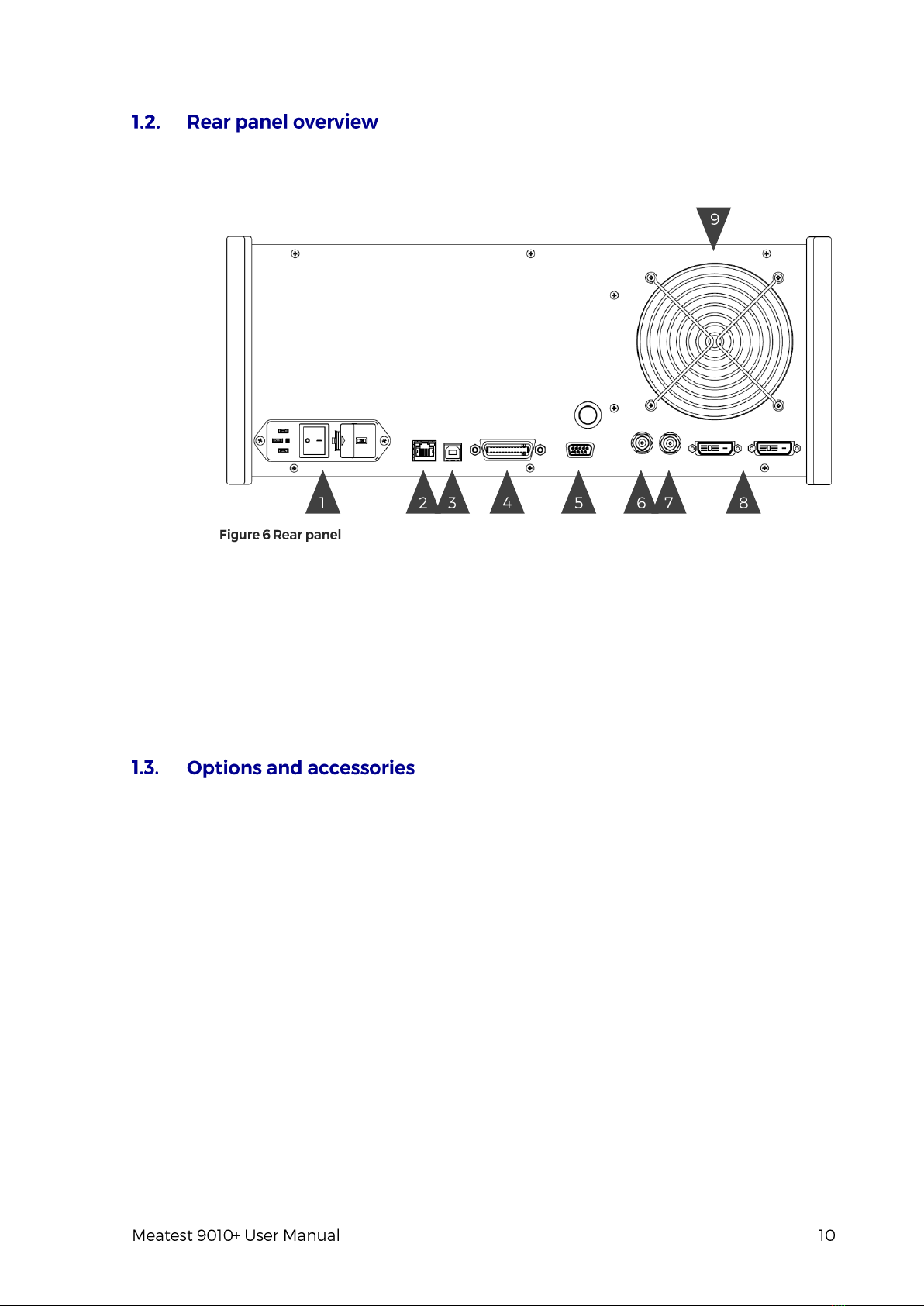
There is located power line entry module with power line fuse, power line voltage selector 115/230V
and power line switch. On the bottom side interface connectors RS-232, MSI and optionally LAN, USB
and IEEE488 on the rear panel.
1. Power cord module with power switch, fuse holder and 115/230 V voltage selector
2. RJ-45 (Ethernet) connector for remote control
3. USB connector for remote control
4. GPIB IEEE-488 connector for remote control
5. RS-232 connector
6. External signal synchronization input
7. External signal synchronization output
8. MSI connectors (2x) for control or synchronization with other Meatest devices
9. Fan outlet cover
Every 9010+ Multifunction Calibrator delivery includes following items:
-USB stick with user manual 1 pc
-Factory calibration certificate 1 pc
-Power cord (with European E-type plug, feel free to ask for other types when ordering) 1 pc
-Spare fuse (3.15A, 6.3A) 2 pcs
-RS232 cable 1 pc
-Test lead black 1 pc
-Test lead red 1 pc
Following accessory is not part of standard delivery and can be extra ordered:
-Option 91 Pt100 Cold junction compensator
-ISO17025 calibration certificate