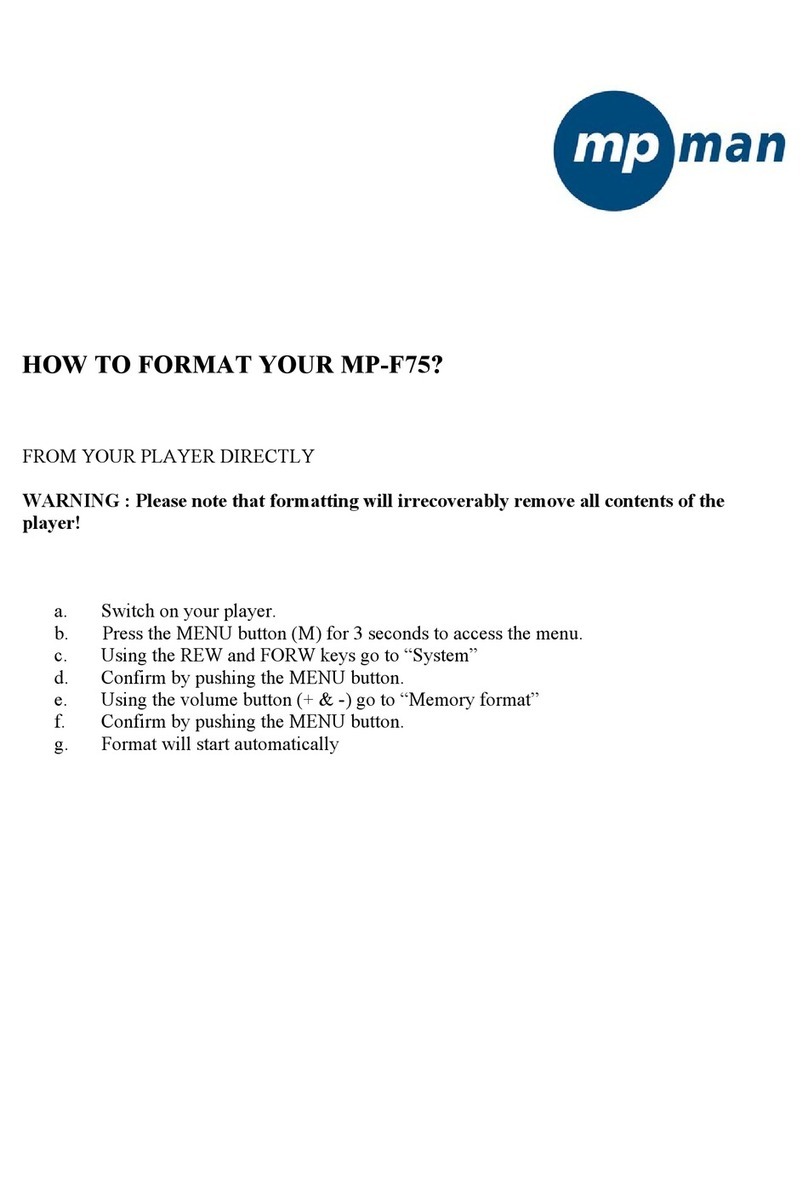
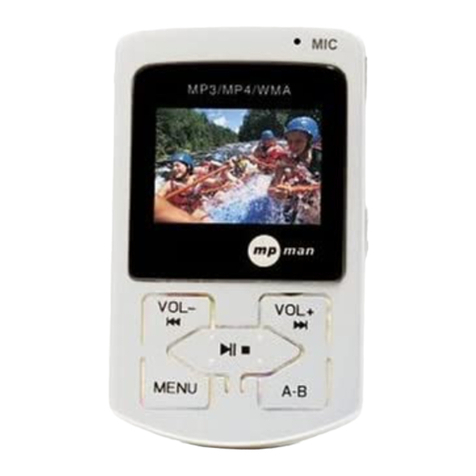
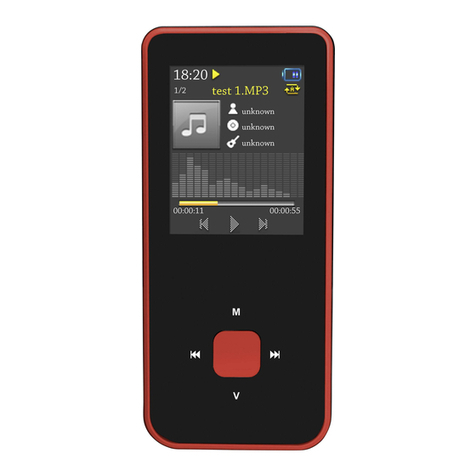
8
Fig.4
1. How to setup EQ adjustment, play mode, play duration and lyric synchronization?
??
?
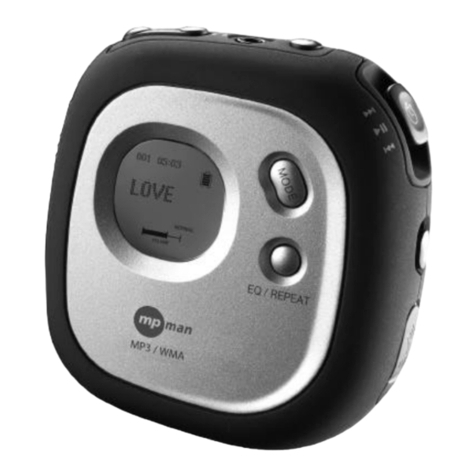
Press EQ key during play to shift between five preset EQ modes. EQ can be manually set in the EQ Adjustment
menu. (Fig 6.)
When playing a track, click “ MENU” key to enter Play Setup menu. (fig 5) Use “ “and” “ key to select setting and
press “ “ key to confirm. There are four settings in the Play Setup menu: EQ adjustment, play mode, play duration,
and lyric synchronization.
Fig.5 Fig.6 Fig.7
EQ adjustment: Gig 6. Click key “ ” and “ ” to shift to another audio frequency then press “vol +” or vol-” to adjust.
When done, press “ “ key to confirm and return to play menu. (WMA only supports setting of Play Mode & Lyric
Synchronization.)
Single track repeat: Repeat playing current track. (Icon “ “) Fig.5
Normal play: Keep playing from the current track in the play list to the last track. The screen will not display the
Repeat icon. (Fig. 7)
Repeat all: repeat playing all files in the play list or in the player. (Icon ) Fig. 4
Random Repeat: randomly playing tracks in the play list or in the player. Icon in Fig 3 will be displayed when
RandomRepeatisselected.
Duration setting: including repeating duration and starting time. Press ““and “ to shift between hour, minute and
second, then press key “vol” +”vol-” to adjust the highlighted value. The repeating duration is the specified repeating
time. If the starting time of the preset repeating time is not 0, the player will start playing from the specified time.
(WMA does not support this function.)
Lyric synchronization: Select “ON” and press ”“key to confirm your selection. Only tracks with lyric files will be able
to use this function. Lyric will not be displayed if the Lyric Synchronization is set to “OFF”.
2. How to use A - B repeating and timed repeating?
??
?
A - B repeating: While playing, press the “A-B” key to set the starting point, “ “ will be displayed. Press this key again
to set up the end point, “ “ will be displayed. Press the “A-B” key again to cancel the section repeat. The “ ”
symbol disappears and resumes to normal playback.