US60SE 108M Wireless USB Adapter User Guide
Chapter 1: Introduction
1.1 Overview of the product
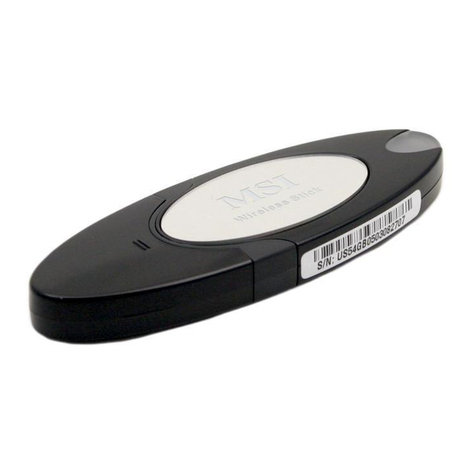
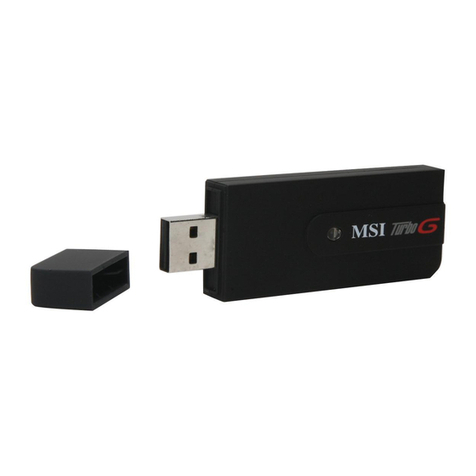
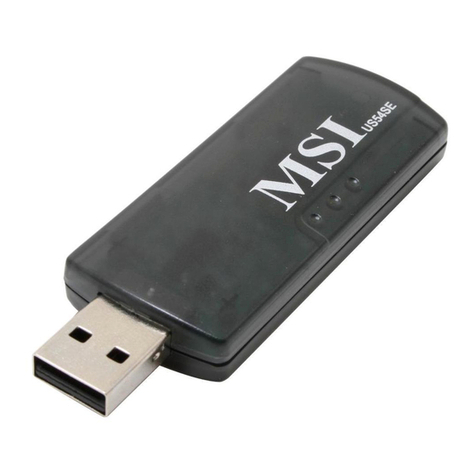
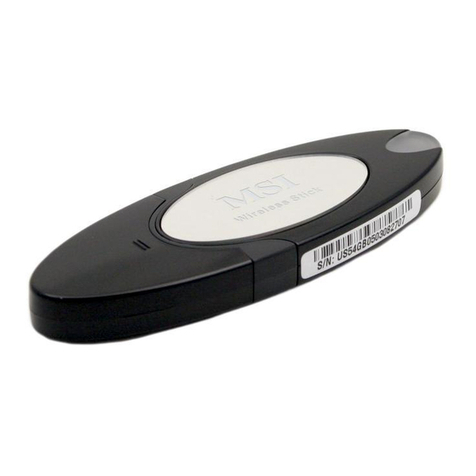
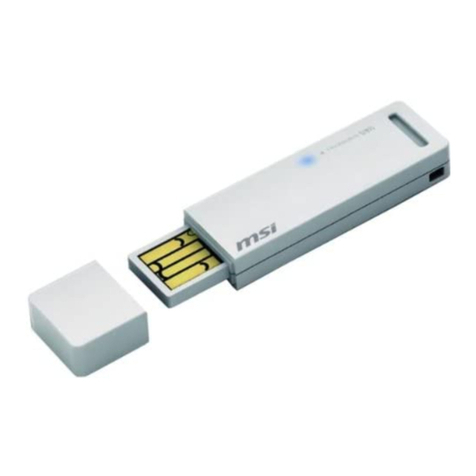
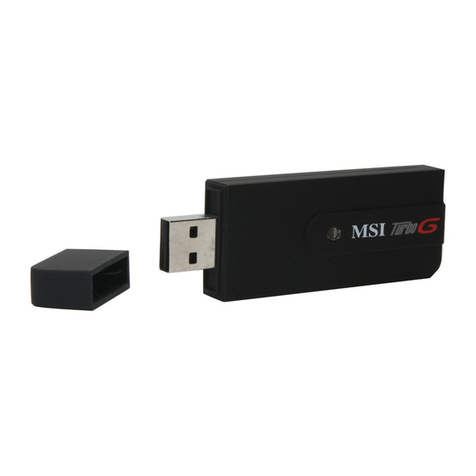
The MSI US60SE Wireless USB Adapter gives you the flexibility to install your PC or
notebook PC in the most convenient location available, without the cost of running
network cables.
The adapter's auto-sensing capability allows high packet transfer of up to 108Mbps for
maximum throughput, or dynamic range shifting to lower speeds due to distance or
operating limitations in an environment with a lot of electromagnetic interference. It can
also interoperate with all 11Mbps wireless (802.11b) products. Your wireless
communications are protected by up to 152-bit WEP and WPA encryption for high
security.
It adopts 2x to 3x eXtended RangeTM WLAN transmission technology so that
transmission distance is 2-3 times of traditional 11g/b solutions, up to 855.36m tested in
China. Transmission range is extended to 4-9 times.
It adopts 108M Super GTM WLAN Transmission Technology, which offers the highest
throughput performance available on the market today, link rates of up to 108Mbps. In
dynamic 108M mode, the device can attach 802.11b, 802.11g and 108Mbps Super GTM
devices at the same time in an integrated environment.
1.2 Features
¾Complies with IEEE802.11g, IEEE802.11b standards
¾Adopts 108M Super GTM and 2x to 3x eXtended RangeTM wireless LAN
transmission technologies
¾Supports WPA/WPA2 data security, IEEE802.1x authentication, TKIP/AES
encryption, 64/128/152-bit WEP encryption
¾Supports 108/54/48/36/24/18/12/9/6Mbps or 11/5.5/3/2/1Mbps wireless LAN data
transfer rates
¾Provides USB interface
¾Supports Ad-Hoc and Infrastructure modes
¾Supports roaming between access points when configured in Infrastructure mode
¾Ease to configure and provides monitoring information
¾Supports Windows 98Se, ME, 2000, XP
¾Internal Antenna
1.3 LED Status
LED Indications Status Working Status
Green Intermittently
The adapter is in an electricity saving status or
the adapter is already connected but is not
transmitting or receiving data.
Green Lit The adapter is on wake up status.
Green Flashing The adapter is transmitting and receiving data.
- 2 -