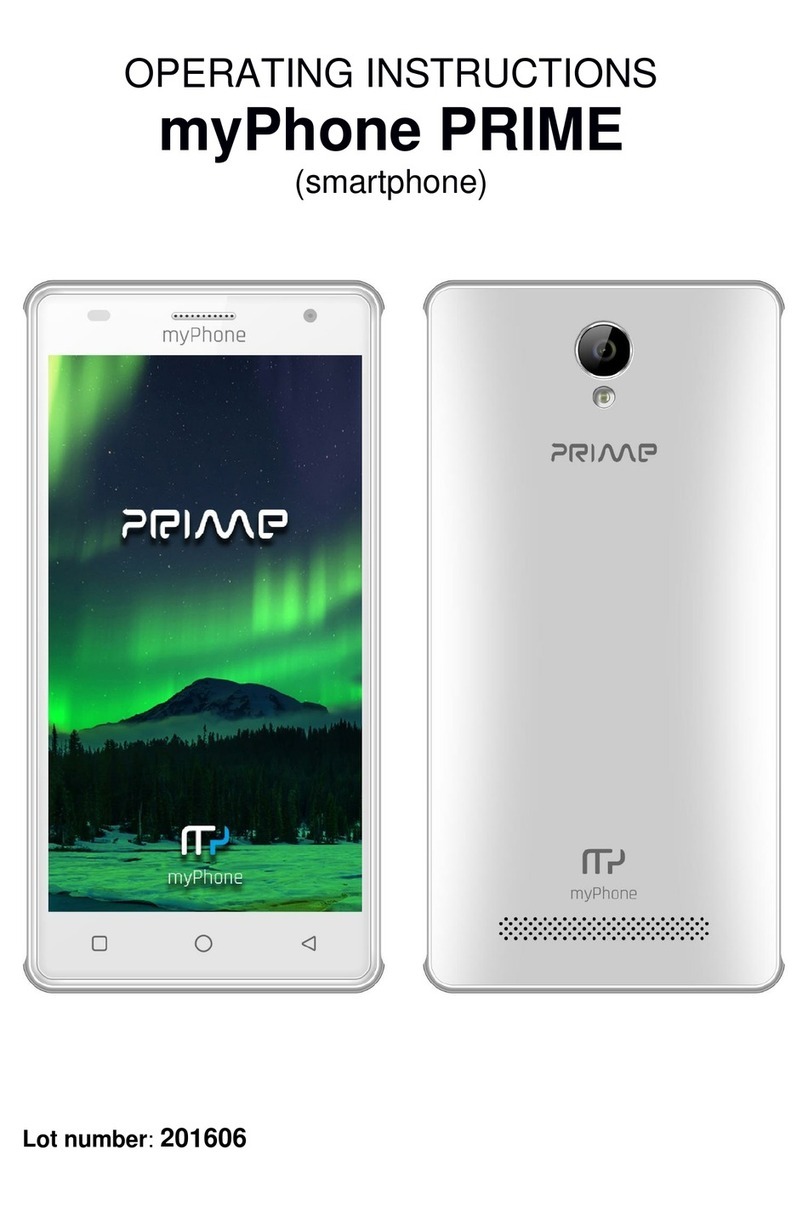
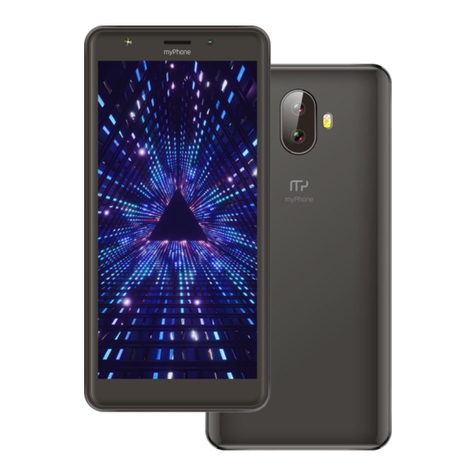
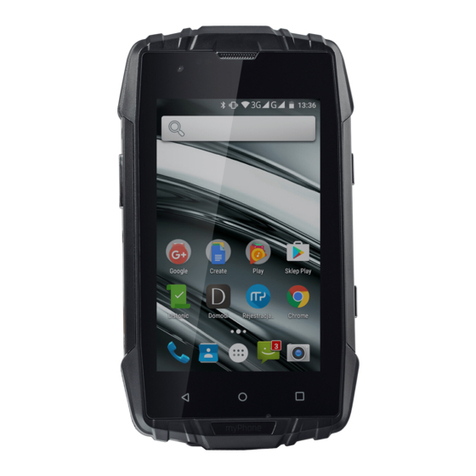
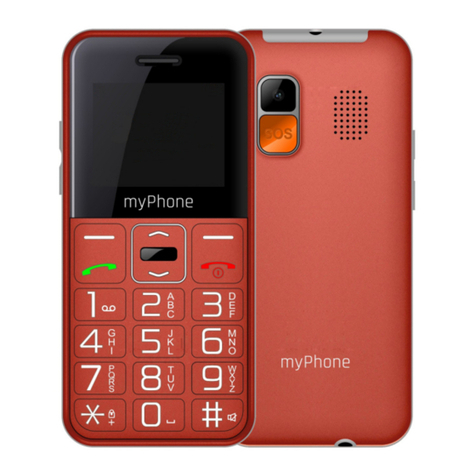
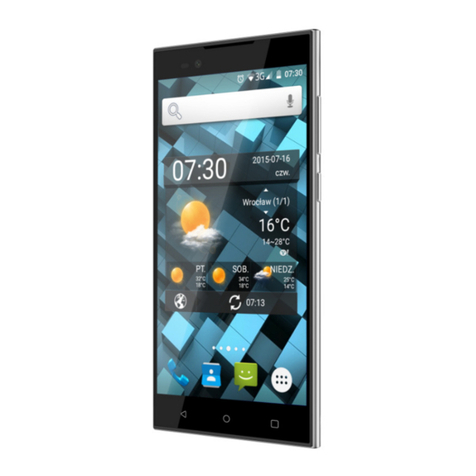
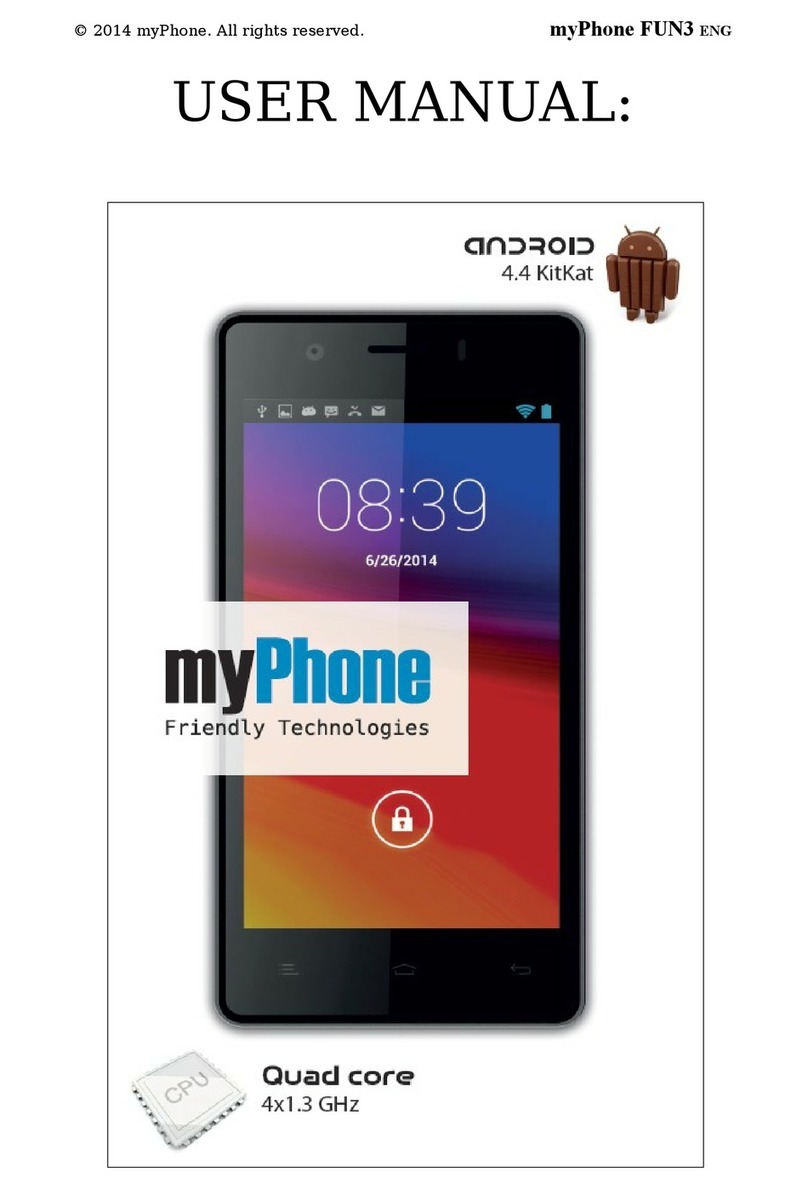
© 2017 myPhone. All rights reserved. Hammer Iron 2
2
6.2 nstallation of the memory card. ............................................................. 5
6.3 Charging the battery .................................................................................. 6
7. Appearance of the phone ...................................................................... 7
8. Buttons ....................................................................................................... 8
9. Using the touch screen ........................................................................... 9
9.1. Touch ........................................................................................................... 9
9.2 Swipe ............................................................................................................. 9
9.3 Triple click .................................................................................................... 9
9.4 Dotknięcie i przytrzymanie ...................................................................... 9
9.5 Slide in and out ........................................................................................ 10
10. Computer connection ......................................................................... 10
11. Applications ......................................................................................... 10
12. Adding contacts ................................................................................... 10
13. Communication .................................................................................... 11
13.1 Making calls ............................................................................................ 11
13.2 SMS - Messenger .................................................................................. 11
14. Bluetooth .............................................................................................. 11
15. nternet service .................................................................................... 11
16. TV area select ....................................................................................... 11
17. Smartphone software update by OTA ........................................... 12
18. Safe use of the battery ...................................................................... 12
19. Maintenance of the device................................................................ 13
20. Surroundings security......................................................................... 13
21. The use of the manual. ...................................................................... 13
21.1 Consents ................................................................................................. 13
21.2 Appearance ............................................................................................ 14
21.3 Trademarks ............................................................................................. 14
22. Correct disposal of used equipment ............................................... 14
23. Correct disposal of used battery ...................................................... 14
24. Specific absorption rate (SAR) .......................................................... 15
25. Declaration of conformity with European Union Directives ..... 15
2. Safety
Read these guidelines carefull . Not following them ma be dangerous or illegal.
—DO NOT RISK—
Do not switch on the phone when the use of mobile phones is prohibited or if
it might cause interference or danger.