manuals.online logo
Brands
  1. Home
  2. •
  3. Brands
  4. •
  5. NEC
  6. •
  7. Cordless Telephone
  8. •
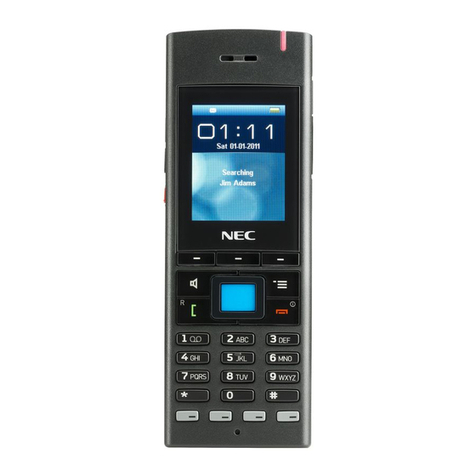
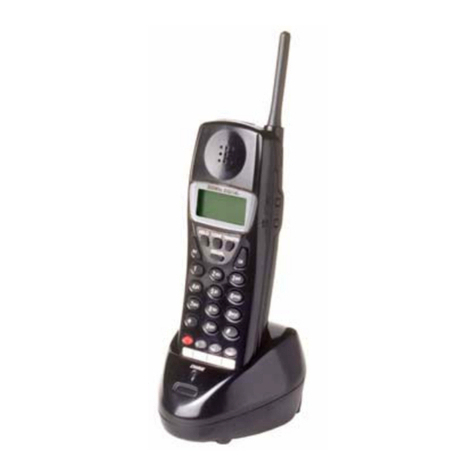
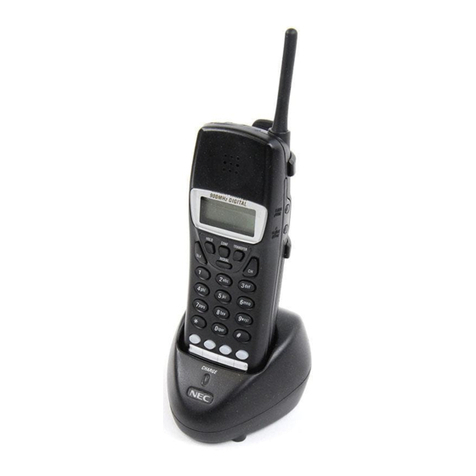
  9. NEC Dterm DTZ-8R-1 User manual

NEC Dterm DTZ-8R-1 User manual

Other manuals for Dterm DTZ-8R-1

1

Other NEC Cordless Telephone manuals

NEC IP3NA-BCH User manual

NEC

NEC IP3NA-BCH User manual

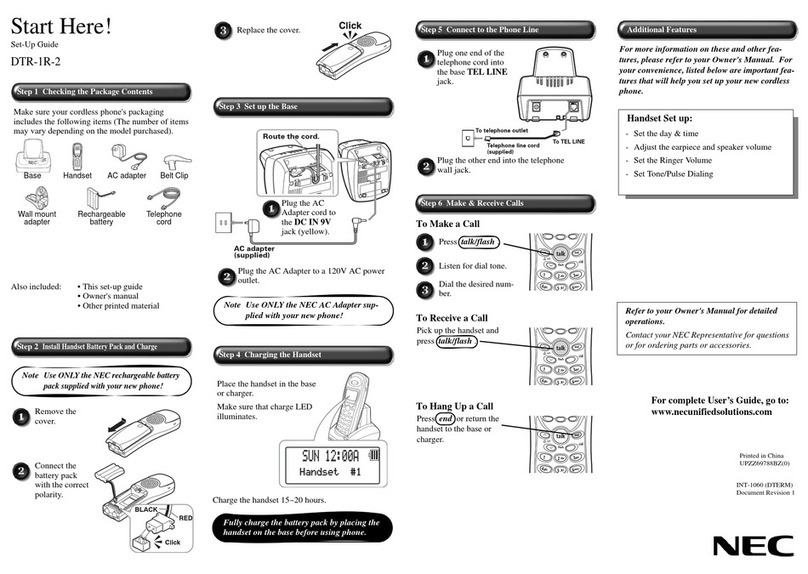
NEC DTR-IR-2 User manual

NEC

NEC DTR-IR-2 User manual

NEC Aspire User manual

NEC

NEC Aspire User manual

NEC NCS User manual

NEC

NEC NCS User manual

NEC Dterm Analog Cordless User manual

NEC

NEC Dterm Analog Cordless User manual

NEC DSX CORDLESS LITE II User manual

NEC

NEC DSX CORDLESS LITE II User manual

NEC DS1000 User manual

NEC

NEC DS1000 User manual

NEC 900i User manual

NEC

NEC 900i User manual

NEC G577 User manual

NEC

NEC G577 User manual

NEC Dterm PSIII User manual

NEC

NEC Dterm PSIII User manual

NEC DTH-4R-1 User manual

NEC

NEC DTH-4R-1 User manual

NEC IP3NA-12TXHBT User manual

NEC

NEC IP3NA-12TXHBT User manual

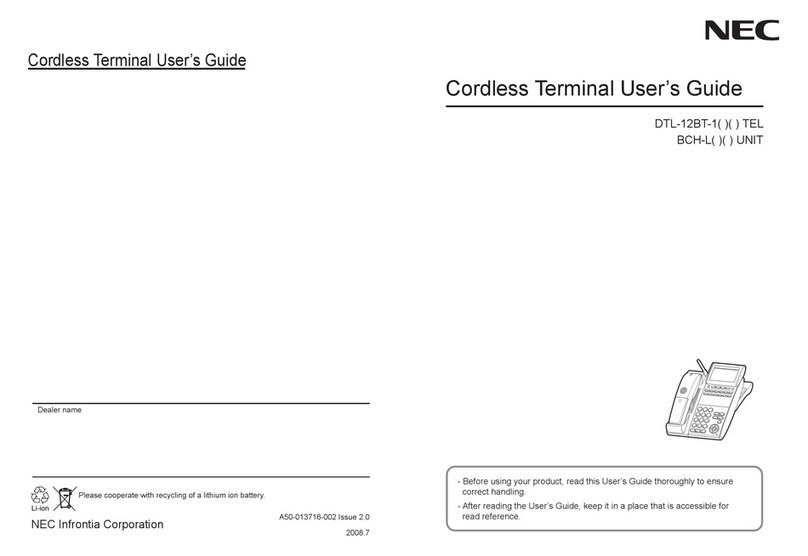
NEC DTL-12BT-1 - DT330 - Plus BCH Operating and installation instructions

NEC

NEC DTL-12BT-1 - DT330 - Plus BCH Operating and installation instructions

NEC AT-50P User manual

NEC

NEC AT-50P User manual

NEC DTL-8R-1G User manual

NEC

NEC DTL-8R-1G User manual

NEC DTR-1R-2 User manual

NEC

NEC DTR-1R-2 User manual

NEC SL1000 User manual

NEC

NEC SL1000 User manual

NEC Dterm Cordless Lite II User manual

NEC

NEC Dterm Cordless Lite II User manual

NEC G566 Operating and maintenance manual

NEC

NEC G566 Operating and maintenance manual

NEC Dterm I Series User manual

NEC

NEC Dterm I Series User manual

NEC MDview 232 User manual

NEC

NEC MDview 232 User manual

NEC Xen Topaz Instruction manual

NEC

NEC Xen Topaz Instruction manual
NEC DTH-4R-2 - CORDLESS Lite II BLAC User manual

NEC

NEC DTH-4R-2 - CORDLESS Lite II BLAC User manual

NEC Dterm Cordless II DTR-4R BK User manual

NEC

NEC Dterm Cordless II DTR-4R BK User manual

Popular Cordless Telephone manuals by other brands

Sony SPP-SS965 - Cordless Telephone operating instructions

Sony

Sony SPP-SS965 - Cordless Telephone operating instructions

Telstra Orb user guide

Telstra

Telstra Orb user guide

Mitel DT390 Quick reference guide

Mitel

Mitel DT390 Quick reference guide

GE 25830 user guide

GE

GE 25830 user guide

Uniden EXR2460 owner's manual

Uniden

Uniden EXR2460 owner's manual

BT DIVERSE 1010 user guide

BT

BT DIVERSE 1010 user guide

BT Graphite 1500 quick start guide

BT

BT Graphite 1500 quick start guide

3Com NBX Guide

3Com

3Com NBX Guide

Panasonic KX-TGK210HK operating instructions

Panasonic

Panasonic KX-TGK210HK operating instructions

Panasonic KX-TCA181EX installation manual

Panasonic

Panasonic KX-TCA181EX installation manual

BT FREESTYLE 3200 user guide

BT

BT FREESTYLE 3200 user guide

Panasonic KX-TG7301E operating instructions

Panasonic

Panasonic KX-TG7301E operating instructions

AUDIOLINE Splash 10x operating instructions

AUDIOLINE

AUDIOLINE Splash 10x operating instructions

Sanyo CLT-J70 instruction manual

Sanyo

Sanyo CLT-J70 instruction manual

Amplicomms BigTel 201 user manual

Amplicomms

Amplicomms BigTel 201 user manual

GE 26992 user guide

GE

GE 26992 user guide

AT&T E1812B user manual

AT&T

AT&T E1812B user manual

Sanyo CLT-670 instruction manual

Sanyo

Sanyo CLT-670 instruction manual

manuals.online logo
manuals.online logoBrands
  • About & Mission
  • Contact us
  • Privacy Policy
  • Terms and Conditions

Copyright 2025 Manuals.Online. All Rights Reserved.

How can I adjust transmit and receive volume in the DTZ-8R-1?
Press the Mute/Menu key followed by 1, 2, 3, # on the numeric keypad
When you see Service Menu in the display of the DTZ-8R-1, press the Down arrow until you see Audio
Gain Offset
When you see the arrow to the left of Audio Gain Offset, press the Select button
Service Menu
>HS Version
BU Version
Clear Setting
Audio Equalizer
Speed Dial
Service Menu
Speed Dial
Wordwrap
F8 Select
Quick Dial
>Audio Gain Offset
The default setting for Transmit and Receive Gain is 0
To modify the TX Gain, press the Up or Down Arrow to reach the desired level (+6, +4, +2, -2, -4, or -6)
Note – NTAC has found that setting this value to -6 has resolved issues with echo. Your adjustment
settings may differ with your particular environment.
To modify the RX Gain, press the Right Arrow button.
Audio Gain
Offset
>TX 0 RX 0
Audio Gain
Offset
>TX -6 RX 0
To modify the RX Gain, press the Up or Down Arrow to reach the desired level (+6, +4, +2, -2, -4, or -6)
After you assign the desired TX and RX Gain, press the Select/Enter button
Audio Gain
Offset
TX -6 RX 4
Audio Gain
Offset
TX -6 RX 4
Press the button under the word “Back” until you see the Home Screen. Make test calls. Continue to
modify as needed.
Audio Gain
Offset
TX -6 RX 4
Back