Oce cm4521 User manual
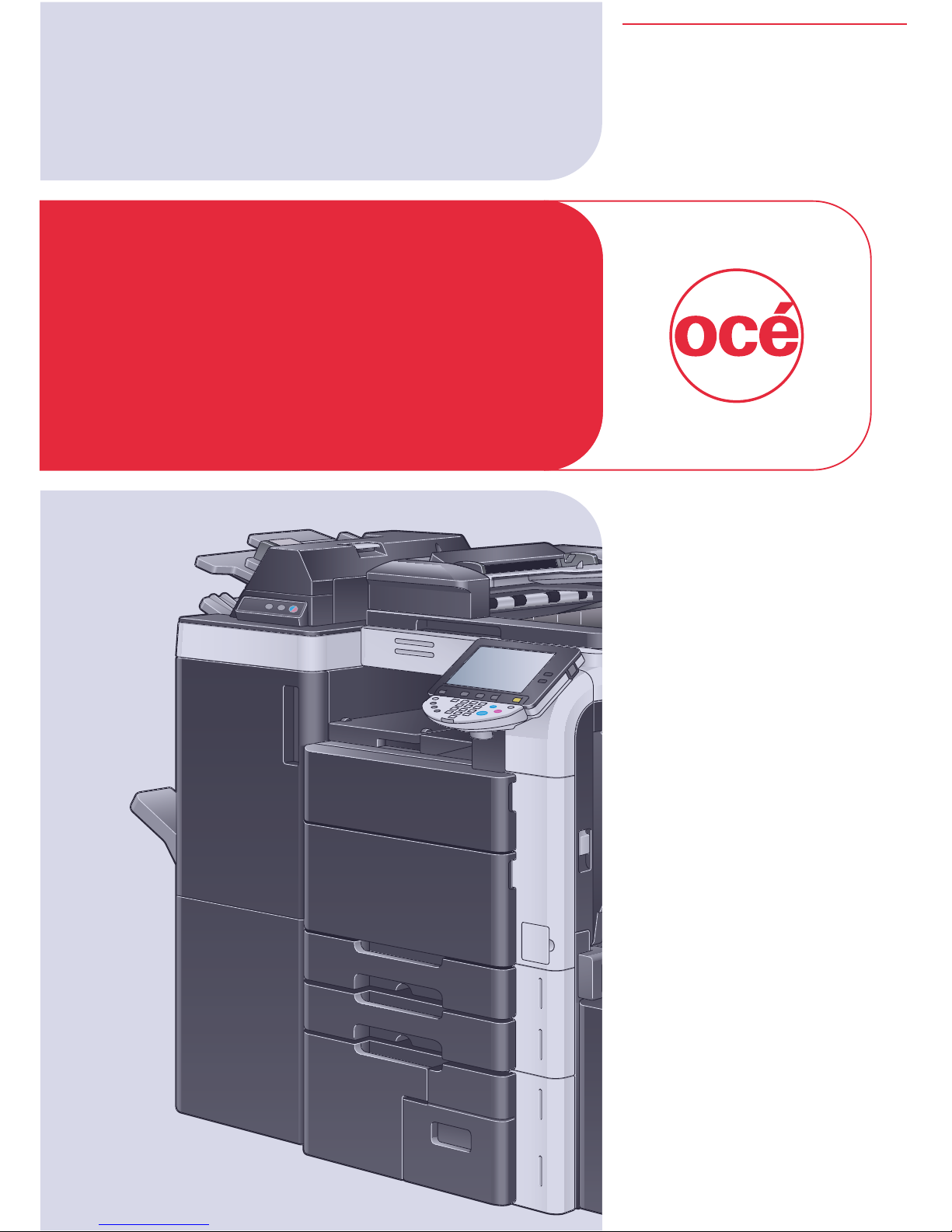
Printing for
Professionals
Océ
cm4521
Safety Information
& Getting Started

Introduction
cm4521 Safety Information and Getting Started 1
Thank you for selecting an Océ solution for your document produc-
tion and management needs. The following information will help you
get the most productive and reliable use out of your system.
Océ brand supplies are designed for Océ copiers, printers and fax
machines to ensure maximum product performance and quality.
Substituting other supplies may result in inferior image quality and
machine malfunction.
To order supplies call the Océ Supply Line:
1-800-462-6797 (US)
1-866-462-4478 (CAN)
01277 846 146 (UK)
Should your system develop a problem that cannot be remedied by
using the maintenance or troubleshooting procedures outlined in
this manual, please contact Océ Technical Support by calling:
1-800-243-5556 (US)
1-866-462-4478 (CAN)
08708 500 749 (UK)
For faster service, please have your machine model and serial num-
ber available before calling.
Serial Number:

Support Information
2 cm4521 Safety Information and Getting Started
This manual contains important safety information. To ensure that
this machine is used correctly and efficiently, carefully read this
manual before using the machine. The User’s Guides found on the
CD-ROM* provide details on the operation of the various functions
of the machine, precautions, and basic troubleshooting procedures.
The illustrations used in this manual and the User’s Guides on the
CD-ROM may appear slightly different from views of the actual
equipment.
Viewing PDF files found on the CD-ROM requires Adobe® Acro-
bat® ReaderTM. If you do not have Acrobat 5 or higher installed,
please visit www.adobe.com where you can download the free
software. After downloading, follow the instructions from Adobe for
installation.
Océ and the Océ logo are trademarks of Océ N.V., Registered in the
U.S. Patent and Trademark Office and/or other jurisdictions.
For sales, technical and account support, log on to:
www.oce.com

Contents
cm4521 Safety Information and Getting Started 3
Introduction ...............................................................Page 1
Support Information ..................................................Page 2
Contents ....................................................................Page 3
User’s Guides CD-ROM ............................................ Page 4
List of User’s Guides ................................................. Page 6
Legal Restrictions on Copying ..................................Page 8
Installation Precautions .............................................Page 9
Safety Information ................................................Page 9
Regulation Notices .............................................Page 13
Ozone Release ...................................................Page 16
Space Requirements ..........................................Page 18
Power Requirements ..........................................Page 19
Notes ..................................................................Page 20

User’s Guides CD-ROM
4 cm4521 Safety Information and Getting Started
Access the User’s Guides by following the quick and easy steps
listed below. Requires Adobe Acrobat 5 or Acrobat Reader 5 or
higher.
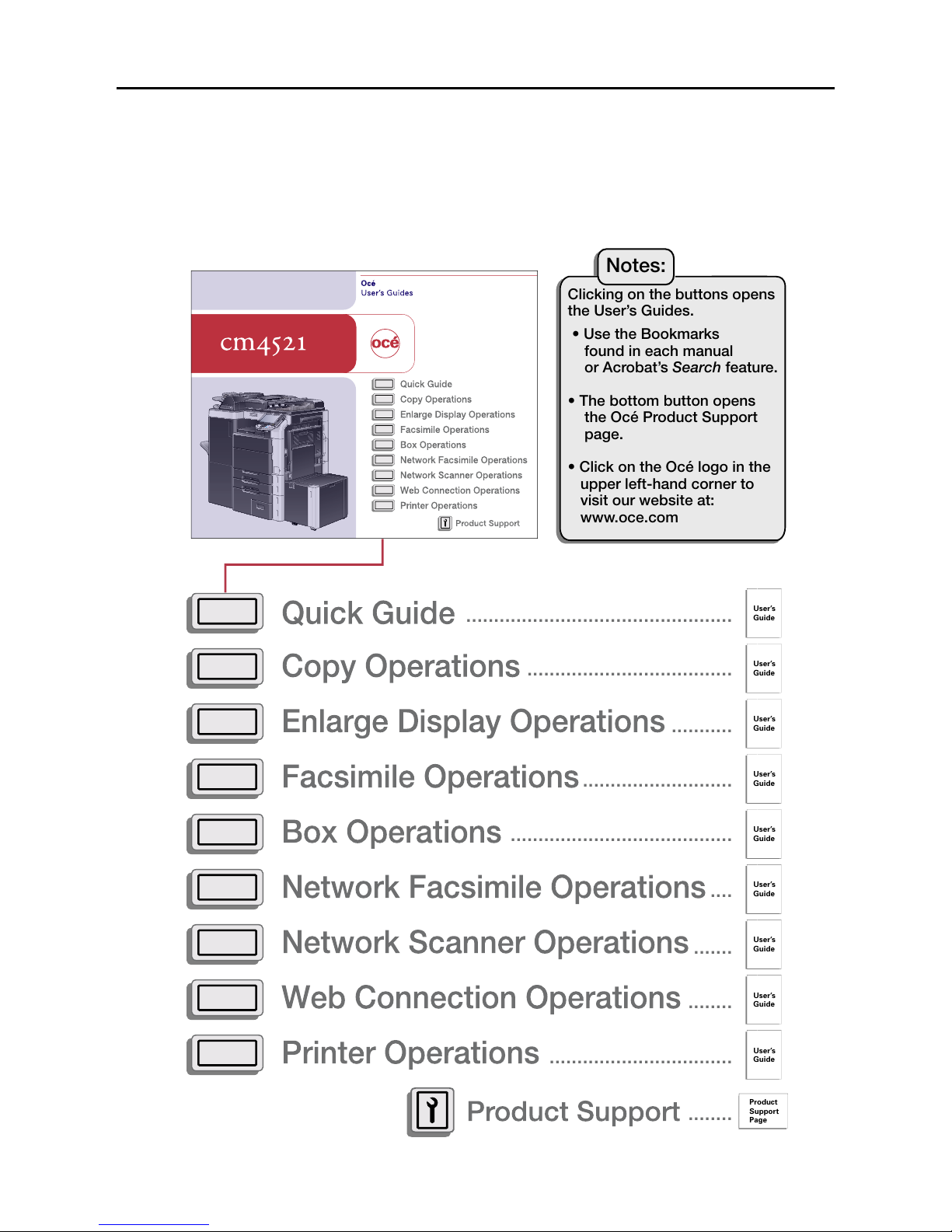
User’s Guides can be opened from the directory page. Each guide
will open in a separate window. The Contents pages in each manual
contain links which allow you to navigate throughout the document.
You can search the PDFs using Acrobat’s Search feature.
User’s Guides CD-ROM
cm4521 Safety Information and Getting Started 5

I
6 cm4521 Safety Information and Getting Started
List of User’s Guides
x-18 cm4521
Introduction to the User’s Guides
The User’s Guides for this machine include the Safety Information and Getting Started booklet and the User’s
Guide CD.
Introduction to the User’s Guide CD
The User’s Guide CD is included with this machine. In the initial screen, select the User’s Guide to be viewed,
and then check the details for the various functions.
Quick Guide [Copy/Fax/Scan/Box Operations]
This manual contains operating procedures and descriptions of the most frequently used functions, allowing the
machine to immediately be used.
In addition, this manual contains notes and precautions that should be followed for safe use of the machine.
Be sure to read this manual before using the machine.
User’s Guide [Enlarge Display Operations]
This manual contains details on operating procedures in Enlarge Display mode.
Refer to this manual for details on using copy, network scanner and fax functions in Enlarge Display mode.
Quick Guide [Print Operations]
This manual contains details of the printing functions that can be specified with the standard built-in printer
controller. Refer to this manual for basic operating procedures for the printing functions.
User’s Guide [Copy Operations]
This User’s Guide contains descriptions of Copy mode and maintenance operations. Refer to this User’s Guide
for details on paper and originals, convenient advanced copy operations, replacing consumables and
troubleshooting operations such as clearing paper misfeeds.
User’s Guide [Print Operations]
This User’s Guide contains descriptions on the printer functions that can be specified with the standard built-in
printer controller. Refer to this User’s Guide for details on operating procedures for using the printer functions.
User’s Guide [Box Operations]
This User’s Guide contains descriptions of Box mode operations using the hard disk. Refer to this User’s Guide
for details on saving, retrieving and moving Box documents.

List of User’s Guides
cm4521 Safety Information and Getting Started 7
cm4521 x-19
User’s Guide [Network Scanner Operations]
This User’s Guide contains descriptions for specifying standard network functions and operating procedures for
Scan mode functions. Refer to this User’s Guide for details on using network functions and the Scan to E-mail,
Scan to FTP and Scan to SMB operations.
User’s Guide [Web Connection Operations]
This User’s Guide contains descriptions on specifying machine settings from Web Connection using a Web
browser on a computer. Refer to this User’s Guide for details on operating procedures for using Web Connection.
User’s Guide [Fax Operations]
This User’s Guide contains descriptions of the G3 fax operations. Refer to this User’s Guide for details on using
G3 fax operations when the optional fax kit is installed.
User’s Guide [Network Fax Operations]
This User’s Guide contains descriptions on operating procedures for network faxing. Refer to this User’s Guide
for details on operating procedures for using Internet faxing and IP address faxing.
How to open the User Guide CD Main Menu
Double-click the CD icon, and then Directory to open the main menu.
2
Note
Adobe Reader is required in order to view these User’s Guides.

Introduction
x-50 C250
Legal Restrictions on Copying
Certain types of documents must never be copied with the purpose or intent
to pass copies of such documents off as the originals.
The following is not a complete list, but is meant to be used as a guide to
responsible copying.
<Financial Instruments>
-Personal checks
-Traveler’s checks
-Money orders
-Certificates of deposit
-Bonds or other certificates of indebtedness
-Stock certificates
<Legal Documents>
-Food stamps
-Postage stamps (canceled or uncanceled)
-Checks or drafts drawn by government agencies
-Internal revenue stamps (canceled or uncanceled)
-Passports
-Immigration papers
-Motor vehicle licenses and titles
-House and property titles and deeds
<General>
-Identification cards, badges, or insignias
-Copyrighted works without permission of the copyright owner
In addition, it is prohibited under any circumstances to copy domestic or for-
eign currencies, or works of art without permission of the copyright owner.
When in doubt about the nature of a document, consult with legal counsel.
!
Detail
In order to prohibit the illegal reproduction of certain documents, such as
paper currency, this machine is equipped with a counterfeit prevention
feature.
Due to the counterfeit prevention feature that this machine is equipped
with, images may be distorted.
Legal Restrictions on Copying
8 cm4521 Safety Information and Getting Started
C650 x-5
Safety information
This section contains detailed instructions on the operation and maintenance of this machine. To achieve
optimum utility of this device, all operators should carefully read and follow the instructions in this manual.
Please read the following section before connecting the machine to the supply. It contains important
information related to user safety and preventing equipment problems.
Please keep this manual in a handy place near the machine.
Make sure you observe all of the precautions appear in each section of this manual.
2
Note
Some parts of the contents of this section may not correspond with the purchased product.
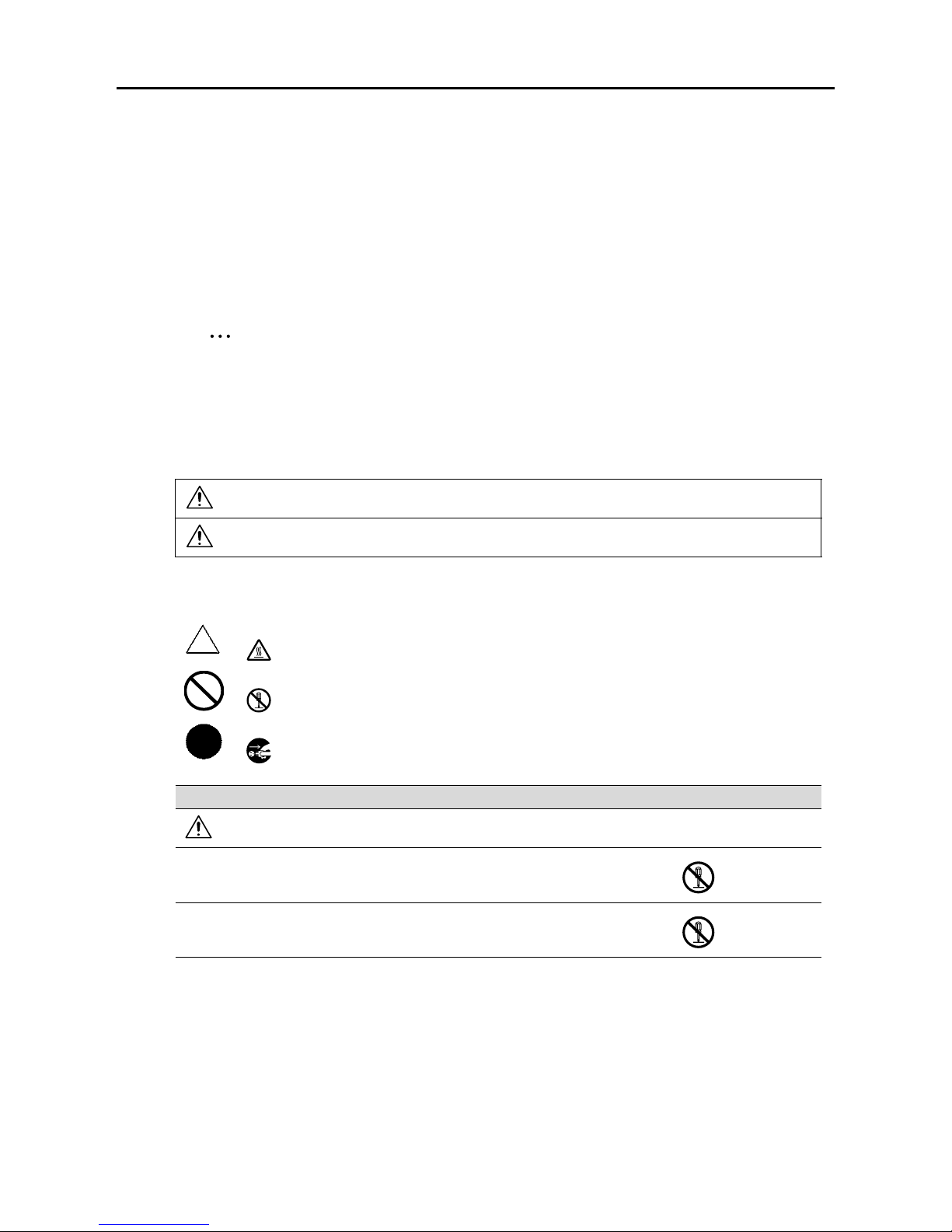
Warning and precaution symbols
The following indicators are used on the warning labels or in the manuals to categorize the level of safety
warnings.
Meaning of symbols
WARNING Ignoring this warning could cause serious injury or even death.
CAUTION Ignoring this caution could cause injury or damage to property.
A triangle indicates a danger against which you should take precaution.
This symbol warns against cause burns.
A diagonal line indicates a prohibited course of action.
This symbol warns against dismantling the device.
A solid circle indicates an imperative course of action.
This symbol indicates you must unplug the device
Disassemble and modification
WARNING
• Do not attempt to remove the covers and panels which have been fixed to the
product. Some products have a high-voltage part or a laser beam source inside
that could cause an electrical shock or blindness.
• Do not modify this product, as a fire, electrical shock, or breakdown could result.
If the product employs a laser, the laser beam source could cause blindness.
Installation and Operation Precautions
cm4521 Safety Information and Getting Started 9
Other manuals for cm4521
5
Table of contents
Other Oce All In One Printer manuals
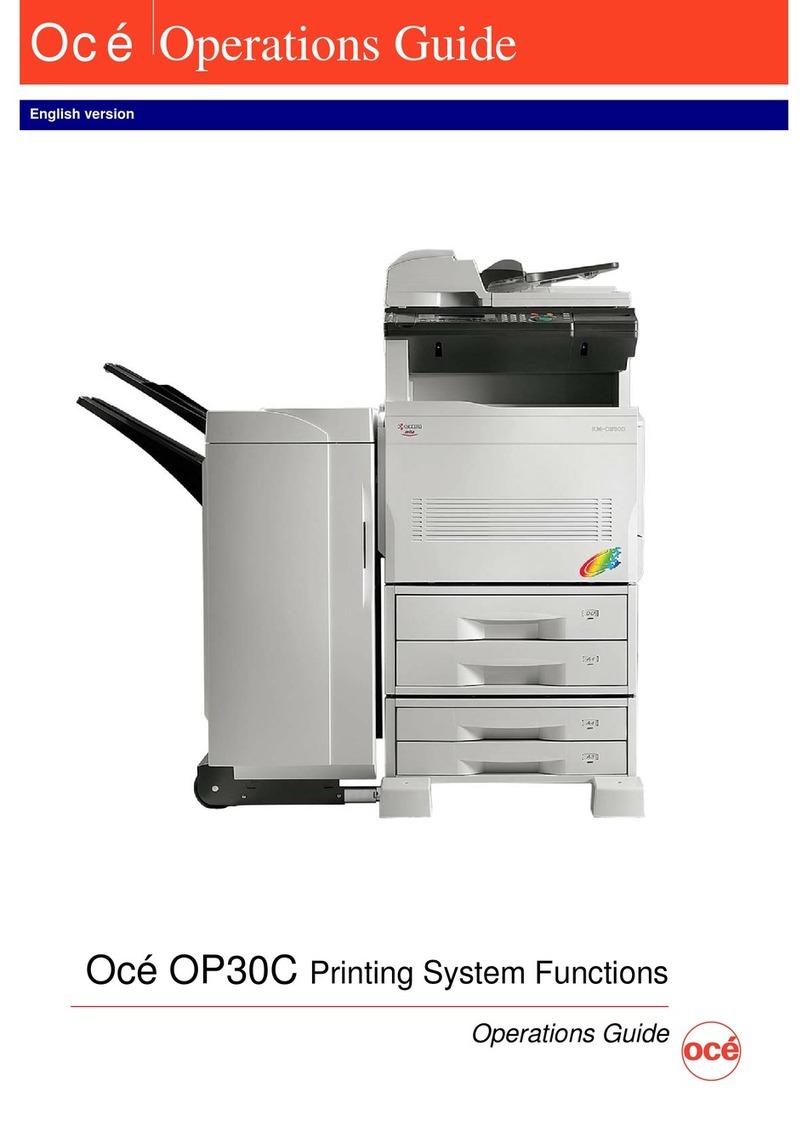





Oce
Oce ColorWave 300 User manual
Oce
Oce VarioPrint 1055 User manual
Oce
Oce im2330 User manual
Oce
Oce VarioLink 2222c User manual

Oce
Oce cm6520 User manual

Oce
Oce im4530 Configuration guide

Oce
Oce ColorWave 900 Owner's manual
Oce
Oce COLOR SYSTEM 110 Operator's manual

Oce
Oce VarioPrint 1105 User manual
Oce
Oce VarioLink 9522 User manual