Page 7
Using the microscope
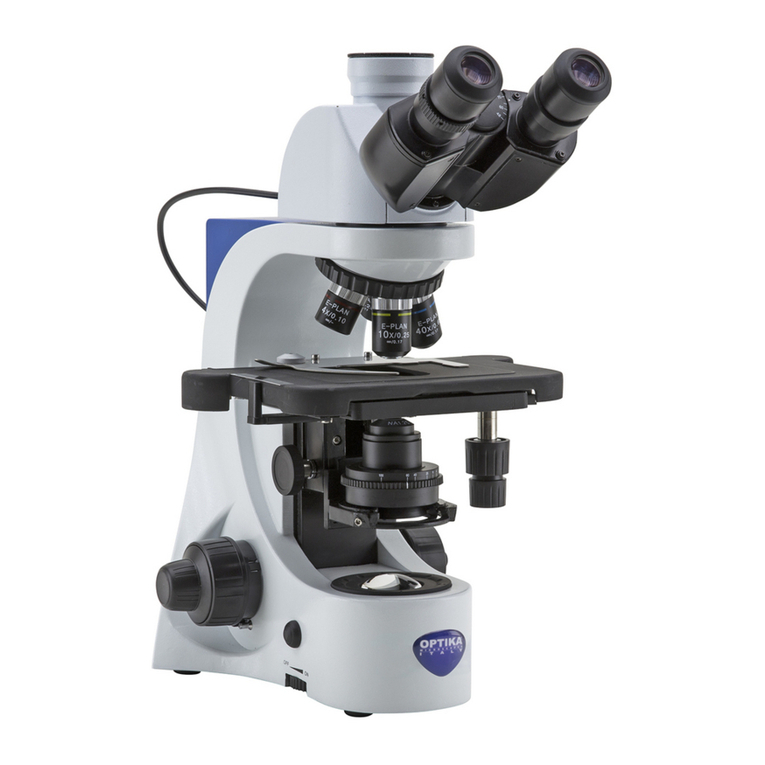
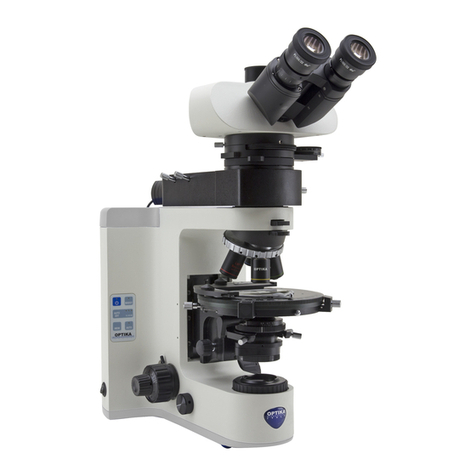
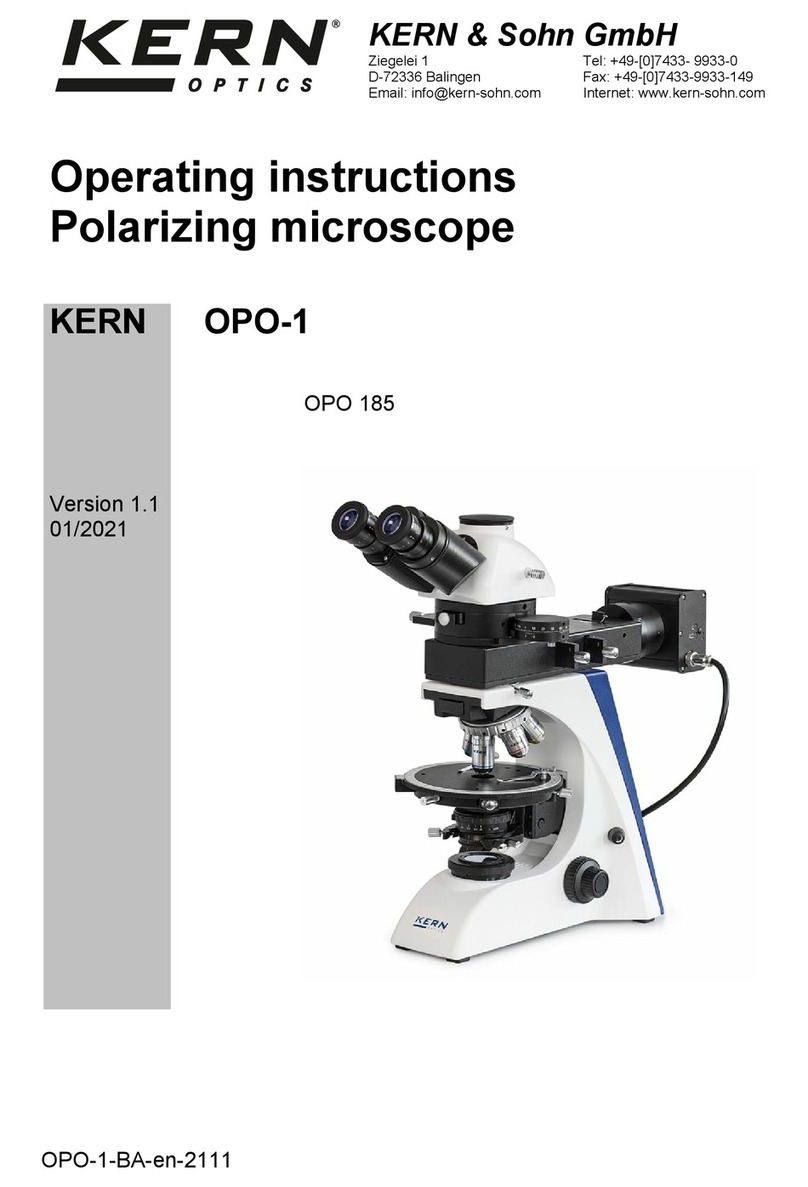
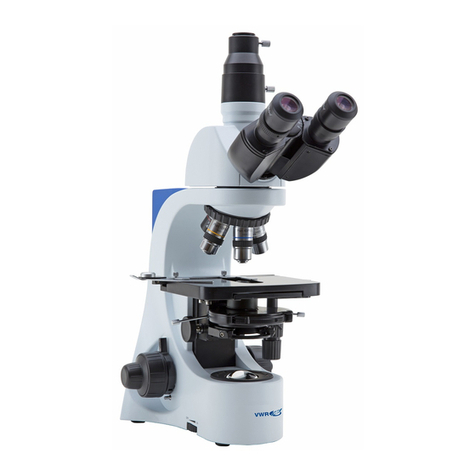
Adjust the observation head
Loosen the lock-screw, turn the observation head to a comfortable position for observation, and then lock the
lock-screw.
Place the specimen on the stage
Lock the specimen slide on the mechanical stage using the slide clamp. Ensure that the specimen is centred
over the stage opening by adjusting the coaxial knobs of the stage. A glass plate is provided in order to support
metallurgical samples.
LED lamp settings – Transmitted illumination
The microscope is tted with high brightness white LED illuminator. Press the selector switch on the back of the
main body to I position. Turn the brightness adjustment knob to a brightness suitable for observation.
LED lamp settings – Epillumination
The microscope is tted with high brightness white LED illuminator. Press the selector switch on the back of the
main body to II position. Turn the brightness adjustment knob to a brightness suitable for observation.
Adjust interpupillary distance
Hold the right and left parts of the observation head by both hands and adjust the interpupillary distance by turn-
ing the two parts until one circle of light can be seen.
Focus and diopter adjustment
Turn the dioptric adjustment ring on the left eye tube to the “0” position. Loosen the focus-stop knob, rotate the
coarse focusing knob to bring the slide into focus using an objective with a low magnication, and then lock the
focus-stop knob. Adjust the ne focusing knob to get the image sharp and clear while observing with your right
eye, then turn the left dioptric adjustment ring until a sharp and clear image can be observed also with the other
eye. Turn the tension-adjust-knob to get a suitable tension for the focus system. When the image is in focus, turn
the nosepiece to choose the objective you need.
Condenser adjustment
Turn the condenser adjustment knob to move the condenser up or down for a clear and uniform sample illumina-
tion. The two condenser centring screws can be used to centre the condenser.
Set the numerical aperture
Adjust the aperture of the iris diaphragm to set the numerical aperture of the illuminator, thus controlling image
contrast and resolution. There are two aperture diaphragms on the microscope: for transmitted light and for epil-
lumination light.
Adjust the eld diaphragm for epillumination
Move the lever on the metallographic attachment to fully close the eld diaphragm. Then slowly open it and stop
when the whole eld of view is illuminated. This condition prevents the light that falls outside the eld of view from
being scattered and producing noise.
Polarisation and colour lters
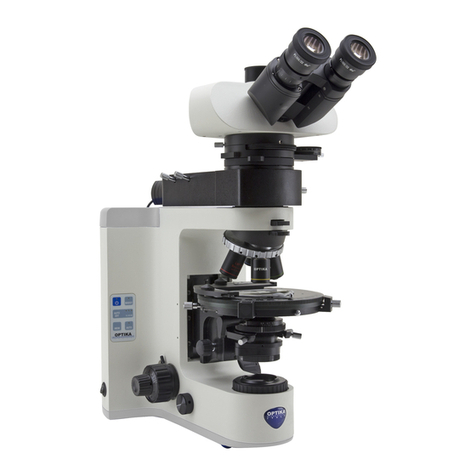
The blue, yellow and frosted glass lters can be inserted in the slot in the metallographic attachment, just in front
of the Led house. In the same slot you can insert the polarizer lter. The analyzer lter can be inserted in the slot
below the optical head, after removing the protection cap.
Turn the graduated wheel on the analyzer lter to perform polarisation analysis of your sample.