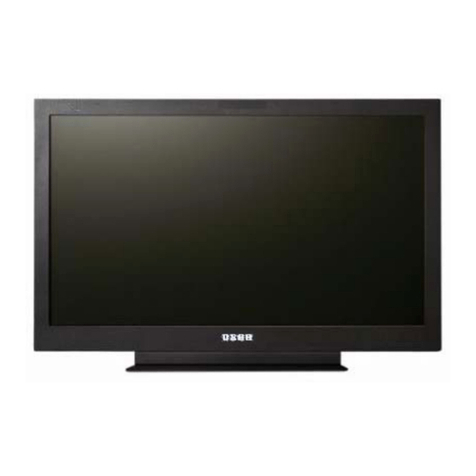
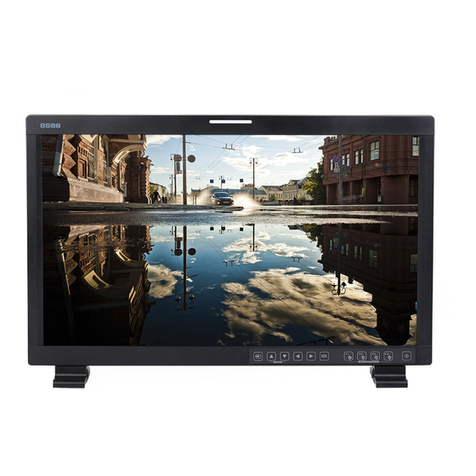
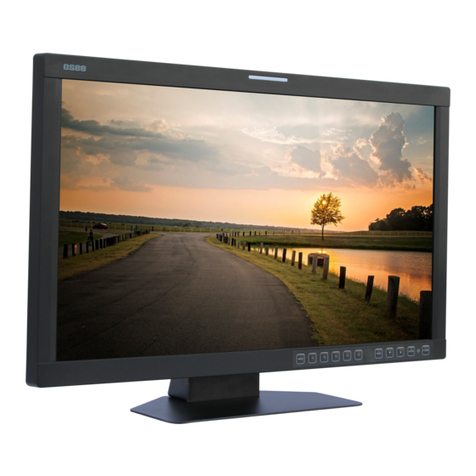
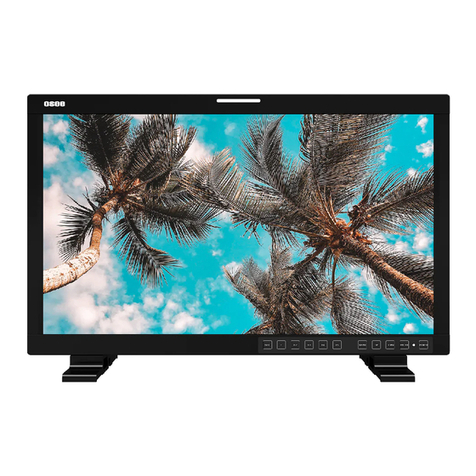
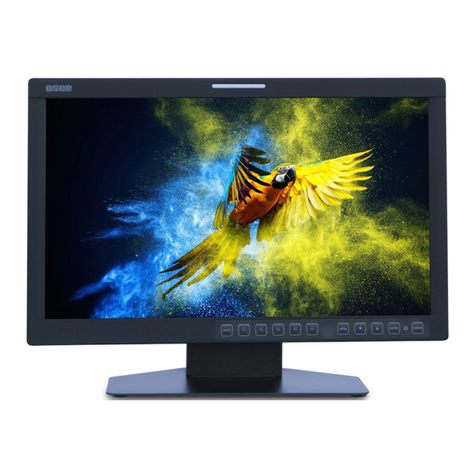
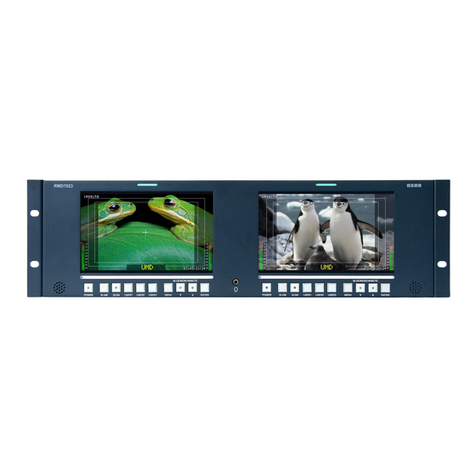
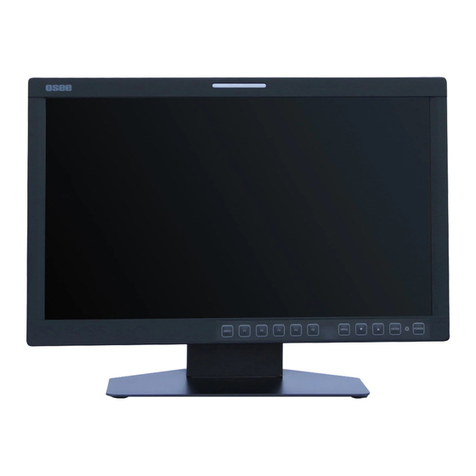
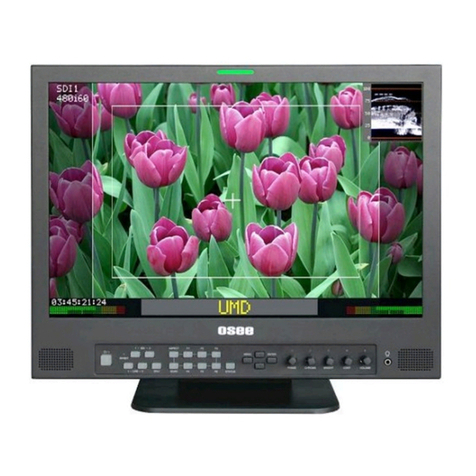
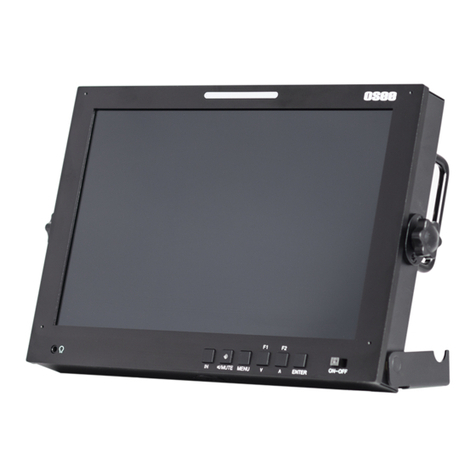
LMW-170 SERIES LCD MONITOR User Manual
—1—
Chapter 1 Product Overview
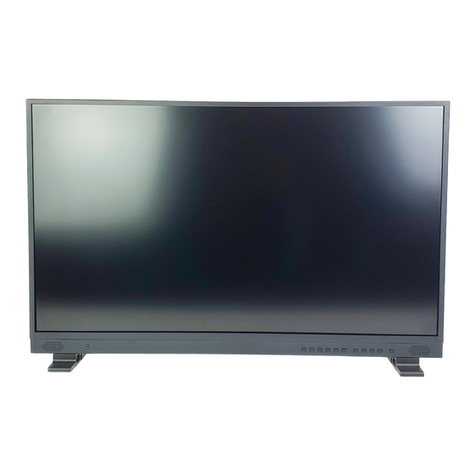
The LM170 is a cost-effective 17 inch LCD monitor that can be used for post production rooms,
broadcasters and mobile units, monitoring multi-format high definition video and audio.
The LM170 is equipped with 1920×1200 high resolution panel and capable of displaying 1080 format high
definition signal at native resolution. Advanced digital video processing technology such as precise 3D
de-interlace, scaling, Gamma and color correction is used to ensure high display quality.
The LM170H can accept Video, S-video, component, SDI and HDMI format SD/HD video signal as well as
VGA or DVI PC signal.
It has various On-Screen Display feature, can display 8 channels of audio meter, time code, UMD and tally
on the LCD panel. Other features like H/V delay, NATIVE, blue/mono display, area marker and safety
marker are standard for the monitor.
Features
1920×1200 Native Resolution Panel
High Quality Color Reproduction
VariousArea, Safety and Center Marker
H/V Delay, NATIVE, Blue/Mono Display
8 Channel Audio Meters, Time code,UMD, Tri-color Tally
Field upgradeable
Audio De-embedding for SDI Input
Build-in Speaker and Audio Line Output
Chapter 2 Unpacking and Installation
Unpack the LMW-170 Monitor and inspect for any apparent physical damage that may have occurred in
transit. In addition to the monitor, the packaging should contain a power cord, warranty card, and table
stand. Four M3 x 6mm screws for table stand, four M4 x 8mm screws are also provided for the optional
mount. Standard and optional accessories are covered in Chapter 8 of this manual.
We recommend you retain the shipping carton for future use.
1.When installing a mount option, please assure a soft and non-scratch surfaced is used to place the
monitor on.
2. Place the monitor on the soft surface screen face down for installation of table stand or mount.
3.Use the included M3x6mm screws to attach the table stand either option.
Use the included M4x8mm screws to attach the mount either option.
The table stand attaches on the rear bottom of the unit whilst the mount is located on the rear center.
Please refer to Chapter 3 for further reference.
4. Place the LMW-170 in the required location for operation.
5. Connect the required signals. For BNC connections use 75Ωrated connectors.
6.Connect A.C. Mains power using the included EIC power cord. Please ensure an Earth ground
present to ensure proper operation of the unit.
7.As a final step turn on the mains power using the toggle switch located on the rear of the LMW-170
above the power connection.