Table of Contents
Table of Contents................................................................................................................................................................................................................................................................4
VDS Oscilloscope Software Help.....................................................................................................................................................................................................................................1
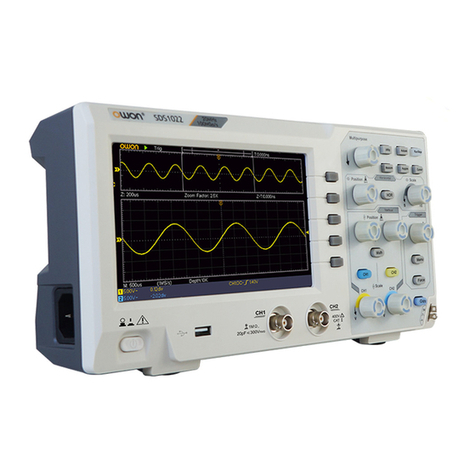
VDS1022(I)/ VDS2052(I).................................................................................................................................................................................................................................................1
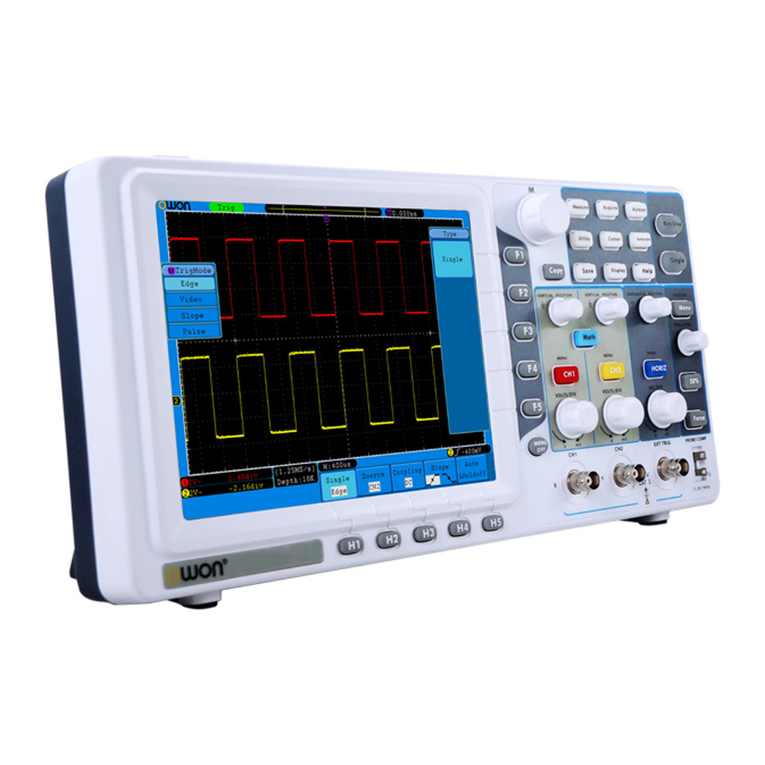
VDS2062/VDS3102.........................................................................................................................................................................................................................................................2
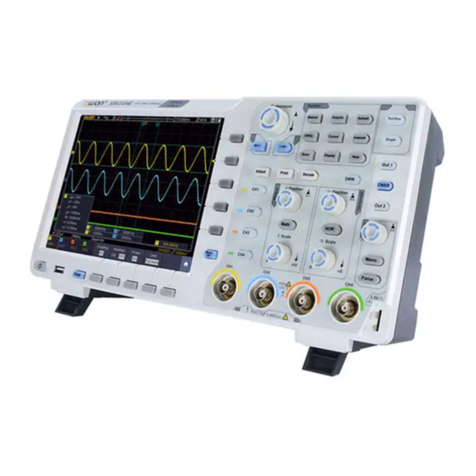
VDS2064/VDS3104.........................................................................................................................................................................................................................................................2
I. PC Software USB Driver Install Guide.................................................................................................................................................................................................................3
For Windows Vista or Windows 7.....................................................................................................................................................................................................................3
For Windows XP or Windows 2000..................................................................................................................................................................................................................7
II. User Interface........................................................................................................................................................................................................................................................10
III. Operations Instruction ........................................................................................................................................................................................................................................11
1.How to Set the Probe Attenuation Coefficient...........................................................................................................................................................................................11
2.How to Set the Vertical System...................................................................................................................................................................................................................12
3.How to Set the Horizontal System..............................................................................................................................................................................................................12
4.How to Set the Trigger System....................................................................................................................................................................................................................13
5.How to Set the Channels..............................................................................................................................................................................................................................15
6.How to Measure Automatically....................................................................................................................................................................................................................15
7.How to Implement Sampling Setup............................................................................................................................................................................................................17
8.How to Measure with Cursors .....................................................................................................................................................................................................................17
9.How to Set the Display System...................................................................................................................................................................................................................19
10.Use Mathematical Manipulation Function................................................................................................................................................................................................21
11.How to zoom the waveform........................................................................................................................................................................................................................23
12.How to do Pass/Fail test.............................................................................................................................................................................................................................25
13.How to Record and Play a Waveform......................................................................................................................................................................................................26
14.How to Implement the Utility setting.........................................................................................................................................................................................................27
15.How to Use Executive Buttons..................................................................................................................................................................................................................28
16.Use LAN Port...............................................................................................................................................................................................................................................29
IV. Technical Specifications.....................................................................................................................................................................................................................................32