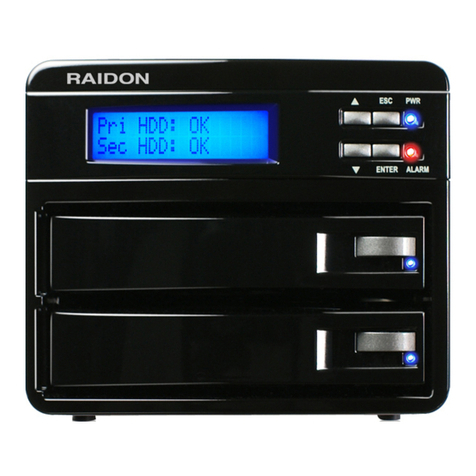
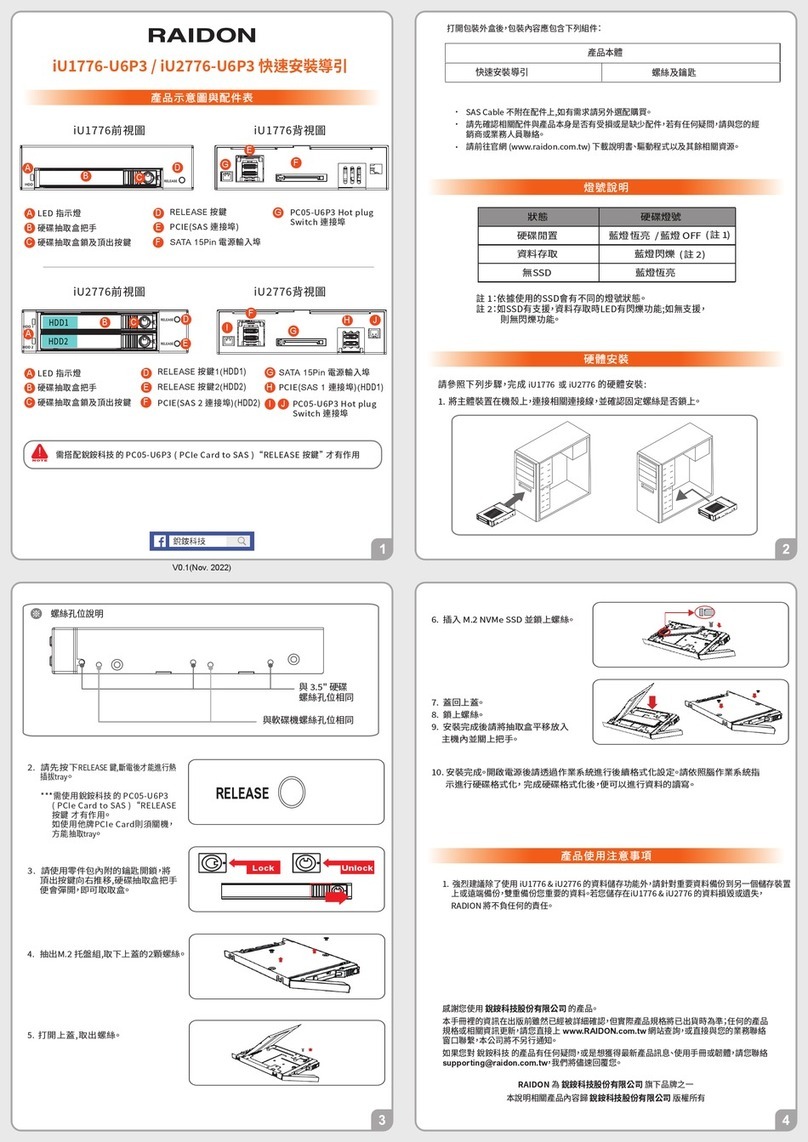
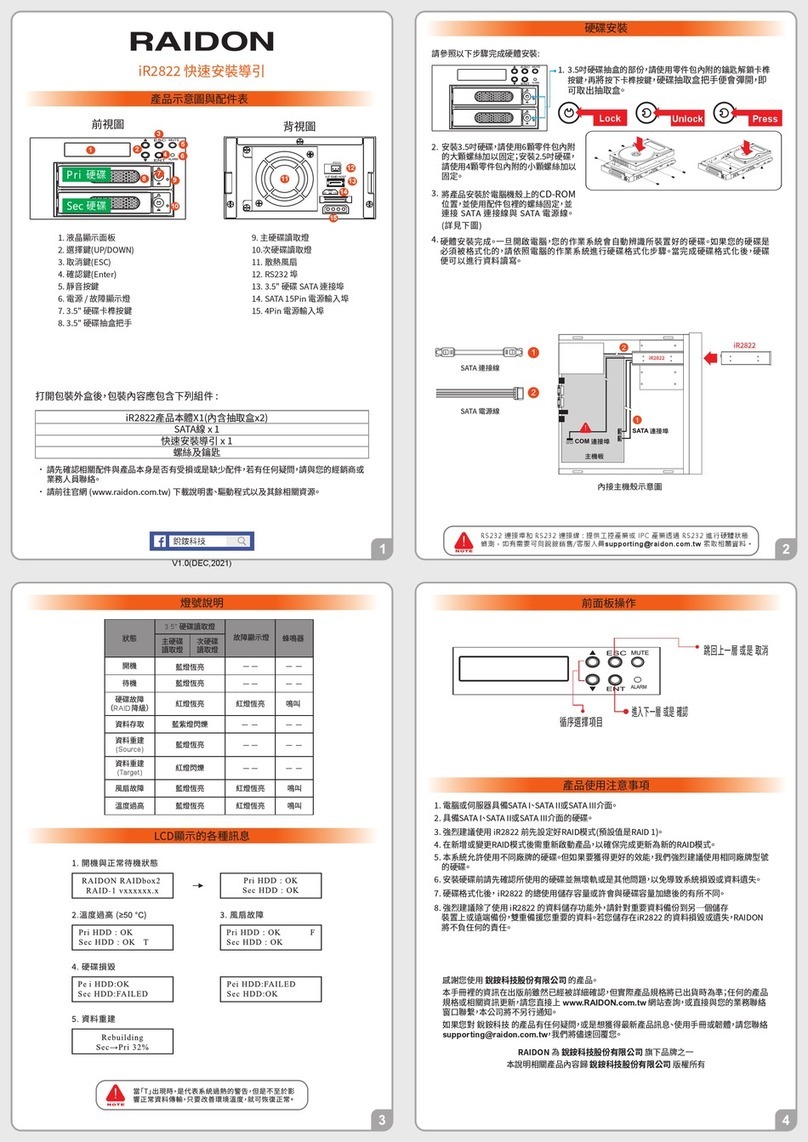
If the LCD panel displays “T” on the bottom right hand corner meaning the system temperature has exceeded its
allowance of 50℃or “F” at the top right hand corner meaning the system fan has malfunctioned and the audio alarm
alerts, you may first press the MUTE button to disable the audio alarm. At the allowed operational state, re-start the
system to double check and see if the problem is still present. If the problem persists, please turn off the system and
contact your supplier or the RAIDON tech support for further assistance.
!
!
!
!
!
!
The GR3680-SB3 frontal LCD panel is able to display additional messages such as firmware version, system
temperature and fan status by pressing the ▼or ▲buttons to make your selection.
Continuously pressing the selection buttons allows you to scroll through the menu. If not pressed within 3 seconds, the
display will revert back to its normal operational state.
!
!
!
!
!
!
Power/Alarm indicator :
When the Power/Alarm indicator lights green, this means the system power is on.
When the Power Alarm indicator lights amber, this means the system temperature has
exceeded its limitation or the system fan has malfunctioned.
Hard drive status indicator :
When the hard drive status indicator is off, this means the drives are idling.
When the hard drive status indicator lights or blinks blue, this means the drives are being accessed for operation.
!
Q1. Which drive format should I choose to format the hard drives in the GR3680-SB3?
A : It depends on the computer system you most often use. See the below suggestions:
1. Use NTFS for Windows 2000/XP/Vista/Windows 7 system.
2. Use HFS+ (Mac OS Extended) format for a Mac OS X system.
3. Choose FAT32 format if you’ll use the GR3680-SB3 in both Windows and Mac environments(the maximum size of one
single file may not exceed 4 GB).!