ENGLISH
•If oxygen is used with the CPAP or bilevel device, the oxygen flow must be turned off
when the flow generator is not operating.
Explanation of the Warning: When the CPAP or bilevel device is not in operation, and
the oxygen flow is left on, oxygen delivered into the ventilator tubing may accumulate
within the flow generator enclosure. Oxygen accumulated in the CPAP or bilevel device
enclosure will create a risk of fire. This warning applies to most types of CPAP or bilevel
flow generators.
•Please refrain from smoking while oxygen is in use.
Note: At a fixed rate of supplemental oxygen flow, the inhaled oxygen concentration will
vary, depending on the pressure settings, patient breathing pattern, mask selection, and leak
rate.
•Using a mask may cause tooth, gum or jaw soreness or aggravate an existing dental
condition. If symptoms occur, consult your physician or dentist.
FITTING THE MASK
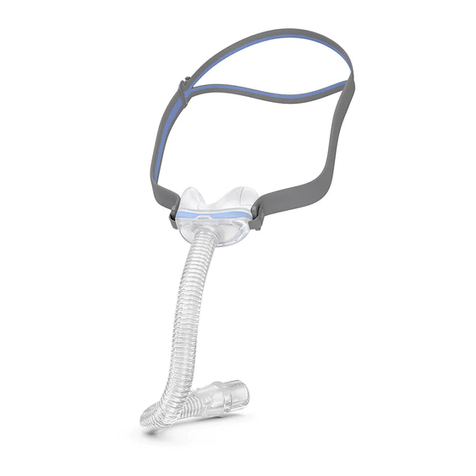
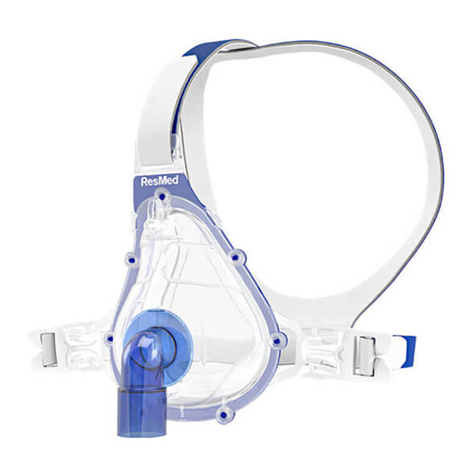
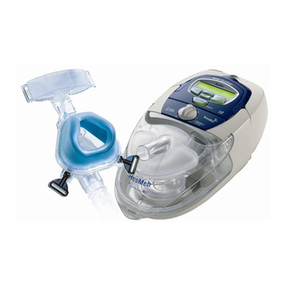
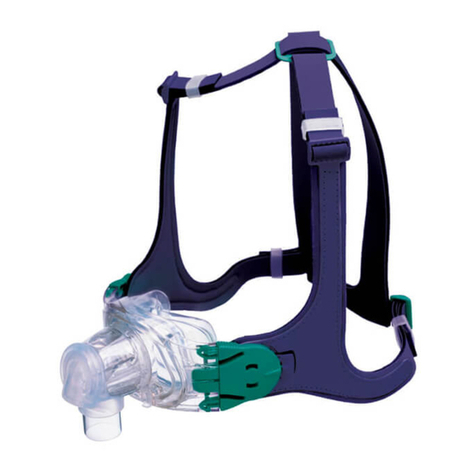
The RESMED HOSPITAL NASAL MASK is supplied fully assembled.
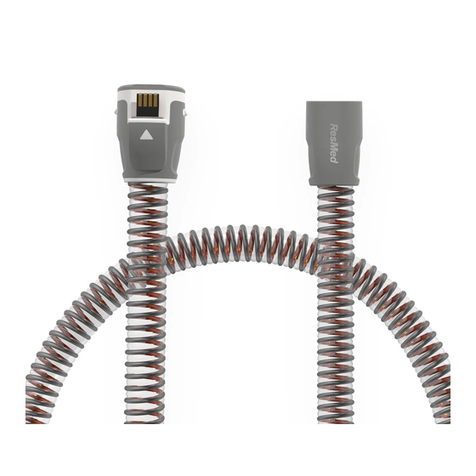
1Connect one end of the main air tubing to the flow generator and the other end to the
swivel. Turn the flow generator on. See “Technical Specifications” for information on
which flow generator setting to use.
2Place the mask cushion over the patient’s nose and pull the headgear over their head.
3Unfasten and gently tighten the headgear straps to achieve a secure and comfortable fit.
Adjust the top strap first. Then adjust the side straps, making sure that they pass below
the patient’s ears. Do not overtighten the straps.
4The fitted mask should look like this:
5If the patient feels air leaks around the cushion, reposition the mask on the patient’s nose
to achieve a better seal. You may also need to readjust the headgear straps.
REMOVING THE MASK
To remove the RESMED HOSPITAL NASAL MASK, unfasten one of the side headgear straps
and pull the mask and headgear up over the patient’s head.
headgear
top strap
side strap
mask
swivel
elbow
61859r4.book Page 2 Wednesday, April 3, 2013 2:10 PM