manuals.online logo
Brands
  1. Home
  2. •
  3. Brands
  4. •
  5. ResMed
  6. •
  7. Personal Care Product
  8. •
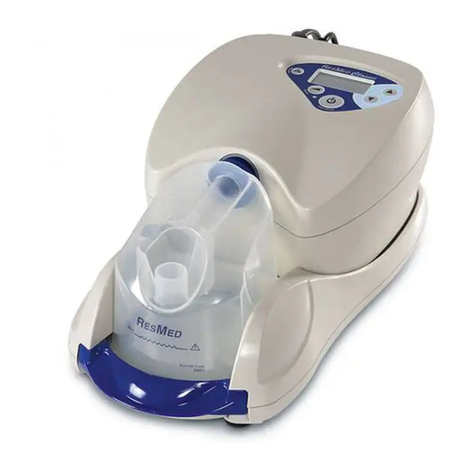
  9. ResMed S9 Series Safety guide

ResMed S9 Series Safety guide

Other manuals for S9 Series

8

This manual suits for next models

9

Other ResMed Personal Care Product manuals

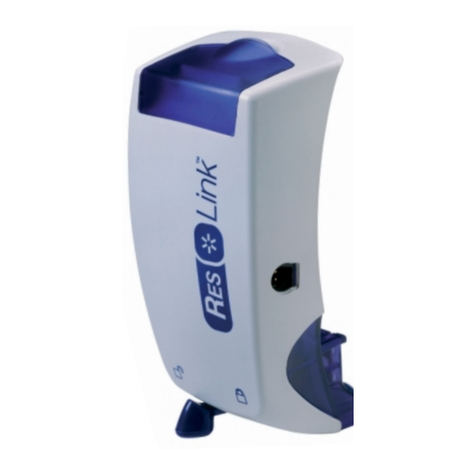
ResMed ApneaLink User manual

ResMed

ResMed ApneaLink User manual

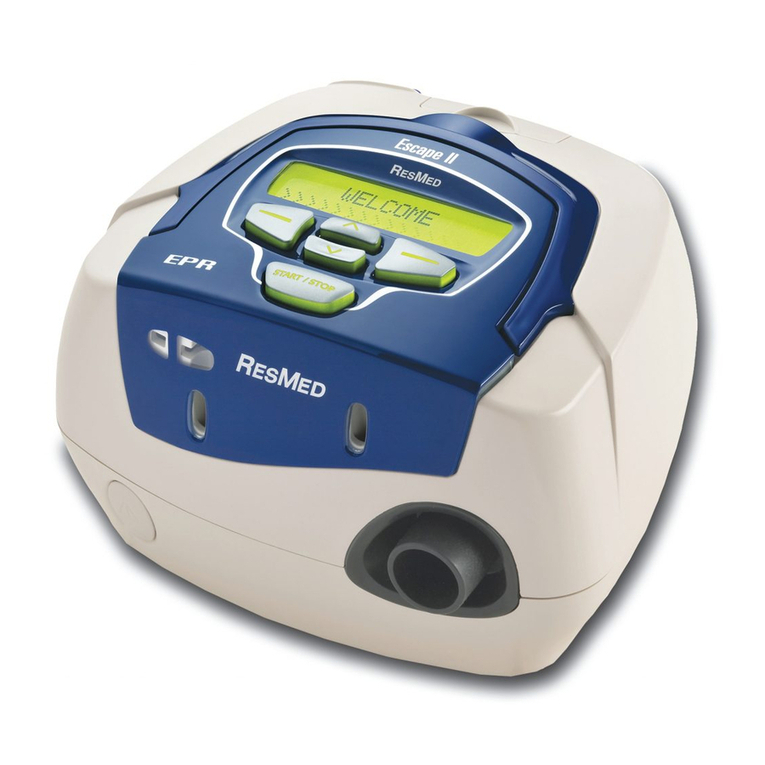
ResMed S9 Series Operating and safety instructions

ResMed

ResMed S9 Series Operating and safety instructions

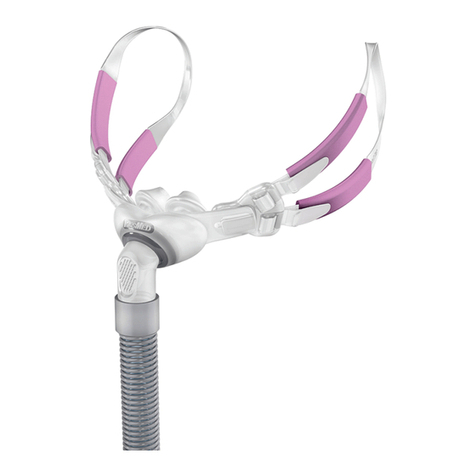
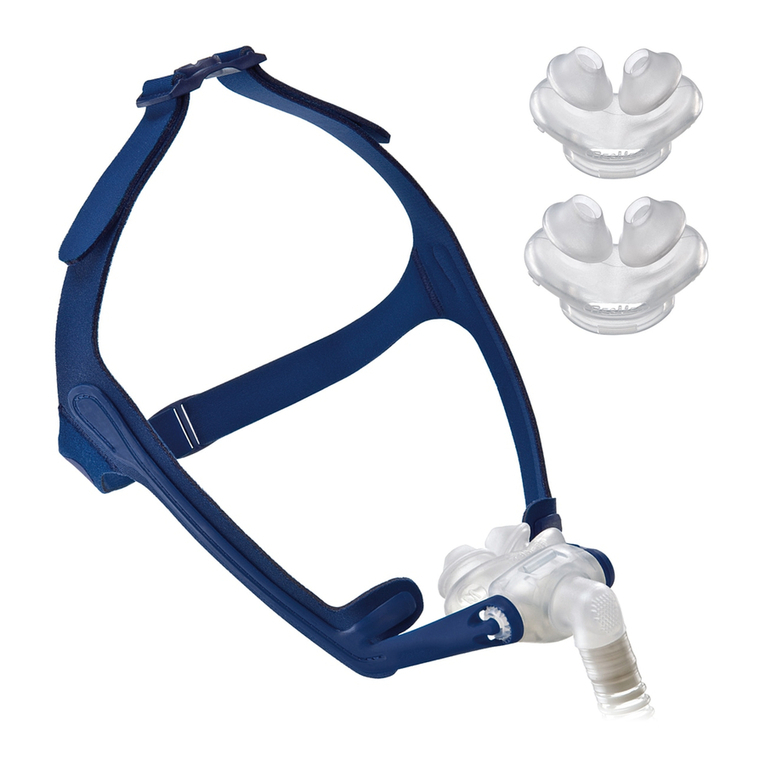
ResMed Swift FX Bella User manual

ResMed

ResMed Swift FX Bella User manual

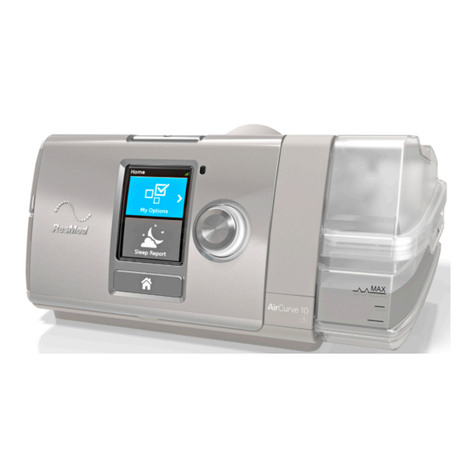
ResMed AirCurve10 ASV User manual

ResMed

ResMed AirCurve10 ASV User manual

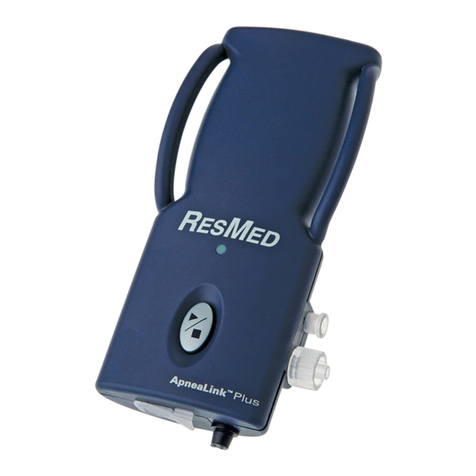
ResMed ApneaLink Plus User manual

ResMed

ResMed ApneaLink Plus User manual

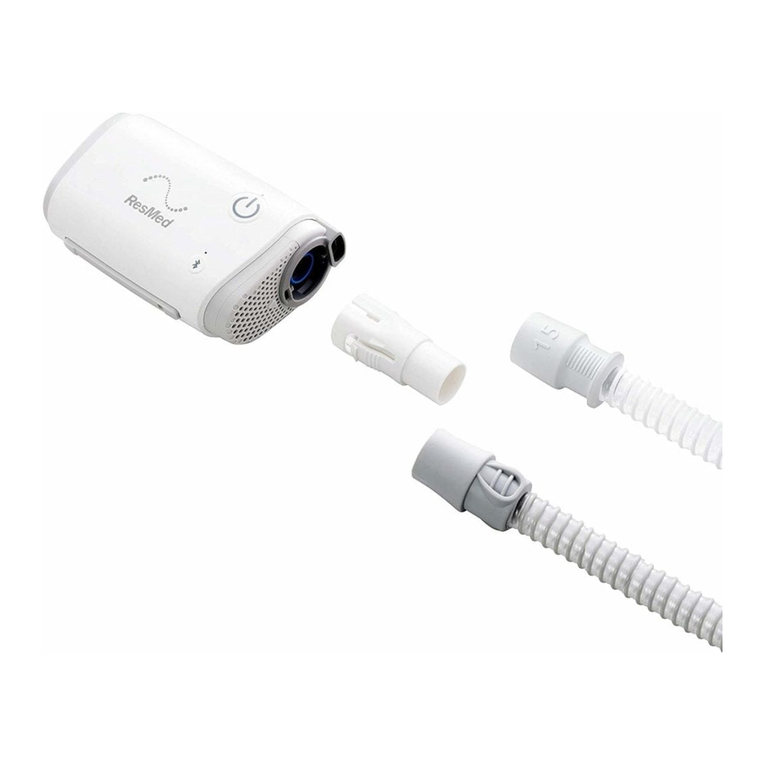
ResMed AIRMINI Installation guide

ResMed

ResMed AIRMINI Installation guide

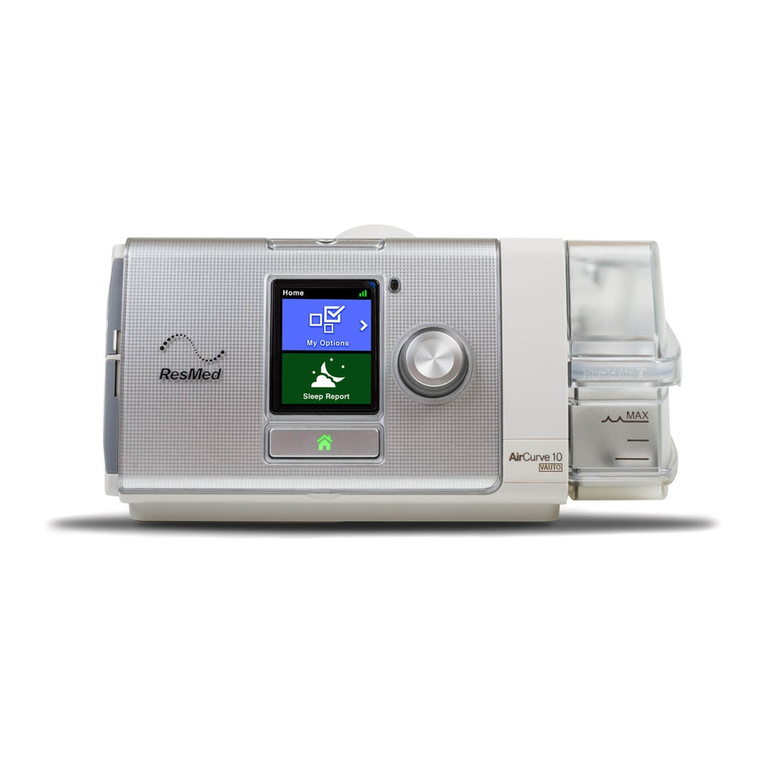
ResMed AIRCurve 10 Vauto User manual

ResMed

ResMed AIRCurve 10 Vauto User manual

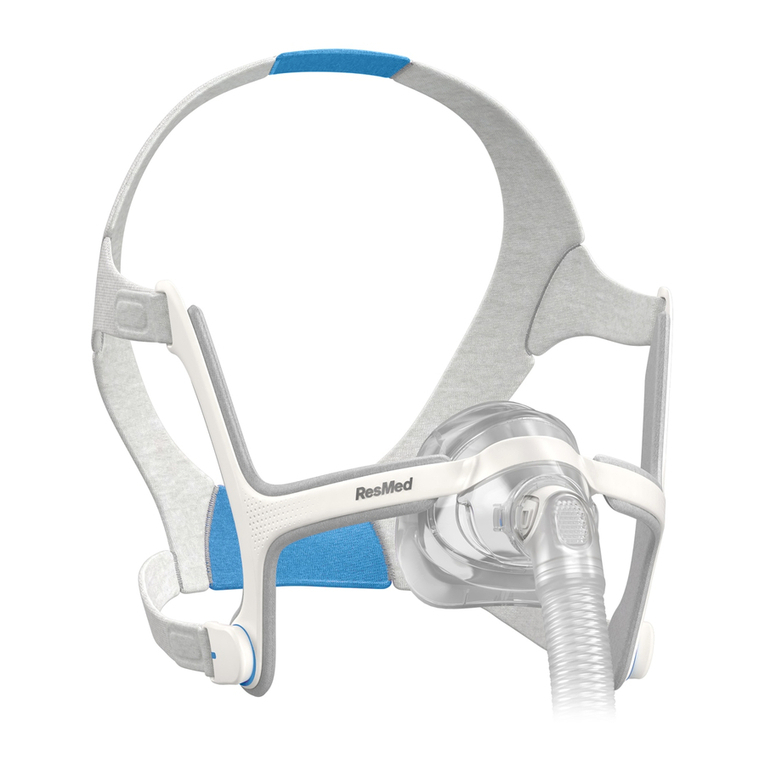
ResMed AirFit N30 User manual

ResMed

ResMed AirFit N30 User manual

ResMed Positive AirwAy Pressure Device S8 Series II User manual

ResMed

ResMed Positive AirwAy Pressure Device S8 Series II User manual

ResMed AIRCurve 10 ST User manual

ResMed

ResMed AIRCurve 10 ST User manual

ResMed C-Series Tango User manual

ResMed

ResMed C-Series Tango User manual

ResMed AirFit N20 User manual

ResMed

ResMed AirFit N20 User manual

ResMed AcuCare Series User manual

ResMed

ResMed AcuCare Series User manual

ResMed Swift LT-F User manual

ResMed

ResMed Swift LT-F User manual

ResMed Quattro FX User manual

ResMed

ResMed Quattro FX User manual

ResMed Narval CC User manual

ResMed

ResMed Narval CC User manual

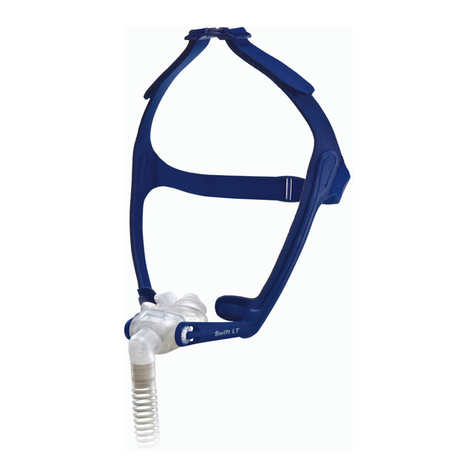
ResMed Swift LT User manual

ResMed

ResMed Swift LT User manual

ResMed S9 AutoSet CS Technical manual

ResMed

ResMed S9 AutoSet CS Technical manual

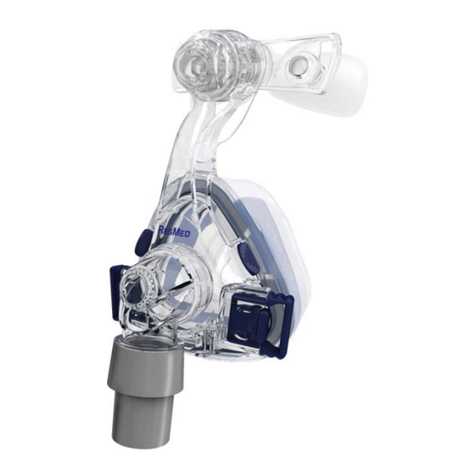
ResMed Mirage SoftGel User manual

ResMed

ResMed Mirage SoftGel User manual

ResMed S9 Series User manual

ResMed

ResMed S9 Series User manual

ResMed AirFit P10 User manual

ResMed

ResMed AirFit P10 User manual

ResMed Power Station II User manual

ResMed

ResMed Power Station II User manual

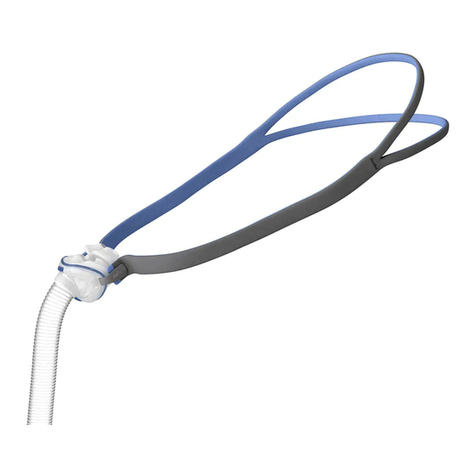
ResMed ResLink User manual

ResMed

ResMed ResLink User manual

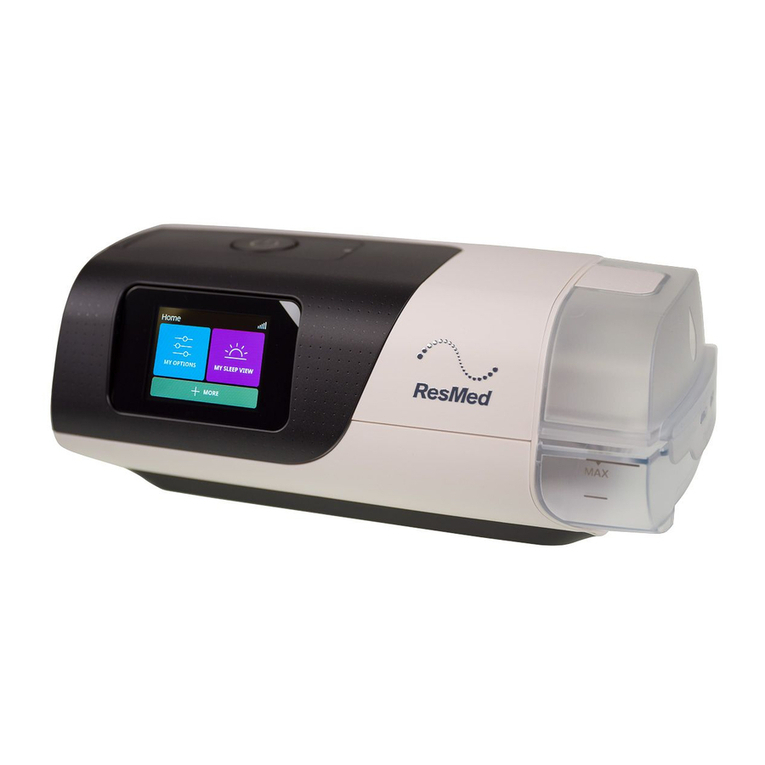
ResMed AirSense 11 User manual

ResMed

ResMed AirSense 11 User manual

Popular Personal Care Product manuals by other brands

Pretika ST102 Instructions for use & warranty information

Pretika

Pretika ST102 Instructions for use & warranty information

Beurer FC 76 Instructions for use

Beurer

Beurer FC 76 Instructions for use

Pebble Grey 500.40.70-75 manual

Pebble Grey

Pebble Grey 500.40.70-75 manual

PUSH ortho quick start guide

PUSH

PUSH ortho quick start guide

Dermlite DL3N instructions

Dermlite

Dermlite DL3N instructions

DERMAPEN SEMI user manual

DERMAPEN

DERMAPEN SEMI user manual

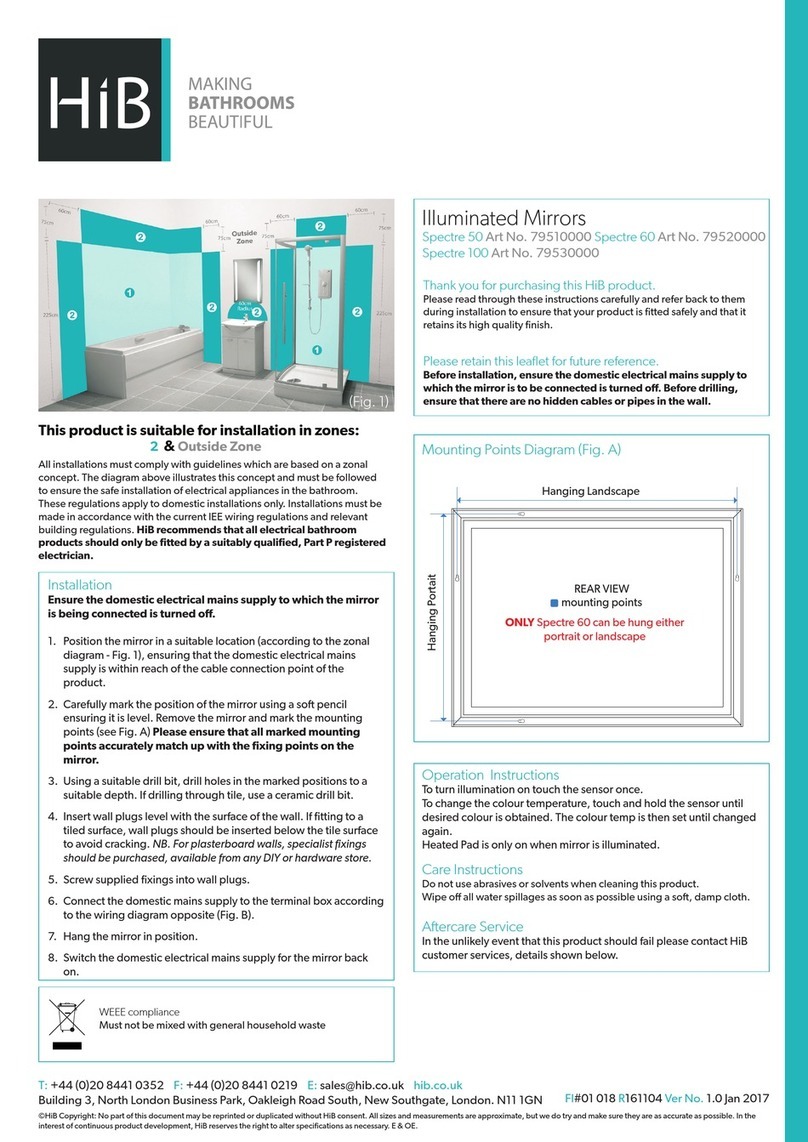
HiB Spectre 50 manual

HiB

HiB Spectre 50 manual

Carex SunLite user guide

Carex

Carex SunLite user guide

Roper Rhodes Intense Installation & Aftercare Instructions

Roper Rhodes

Roper Rhodes Intense Installation & Aftercare Instructions

Interacoustics Titan IMP440 Setup & installation

Interacoustics

Interacoustics Titan IMP440 Setup & installation

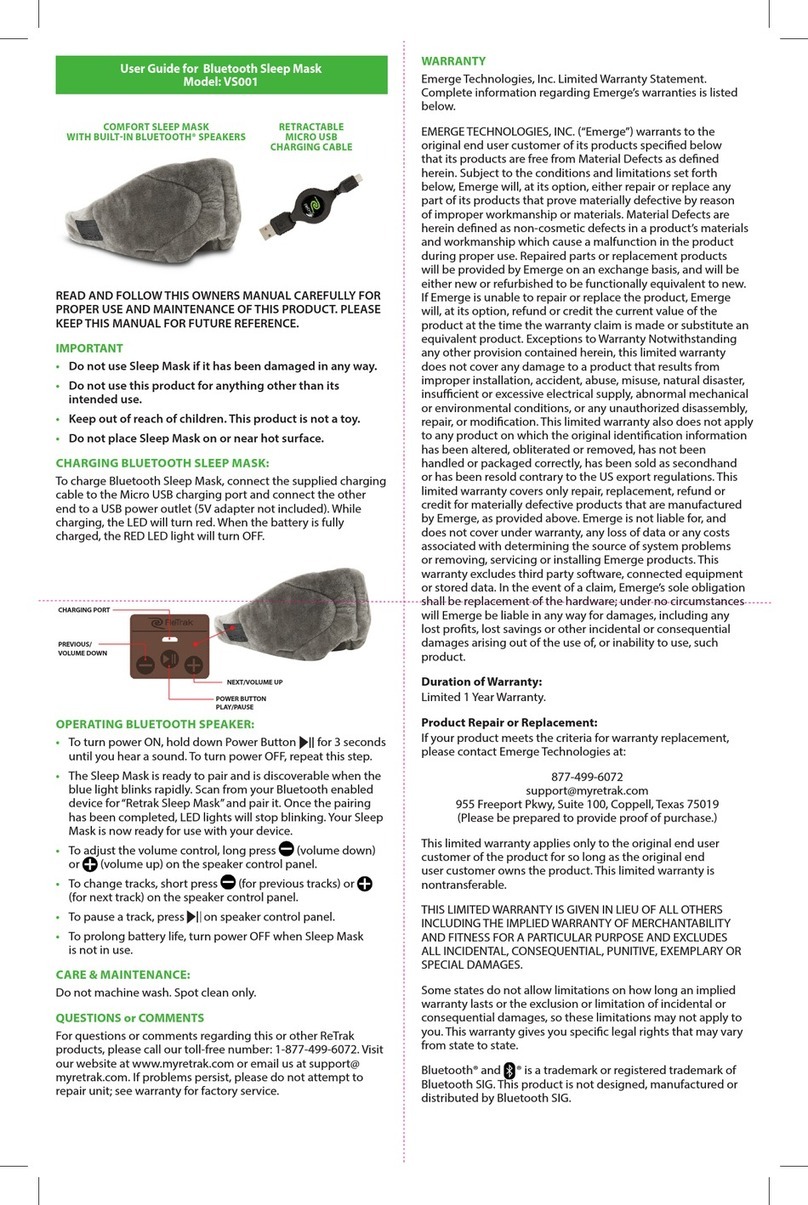
ReTrak VS001 user guide

ReTrak

ReTrak VS001 user guide

LED Technologies dpl PAIN RELIEF Joint Wrap user guide

LED Technologies

LED Technologies dpl PAIN RELIEF Joint Wrap user guide

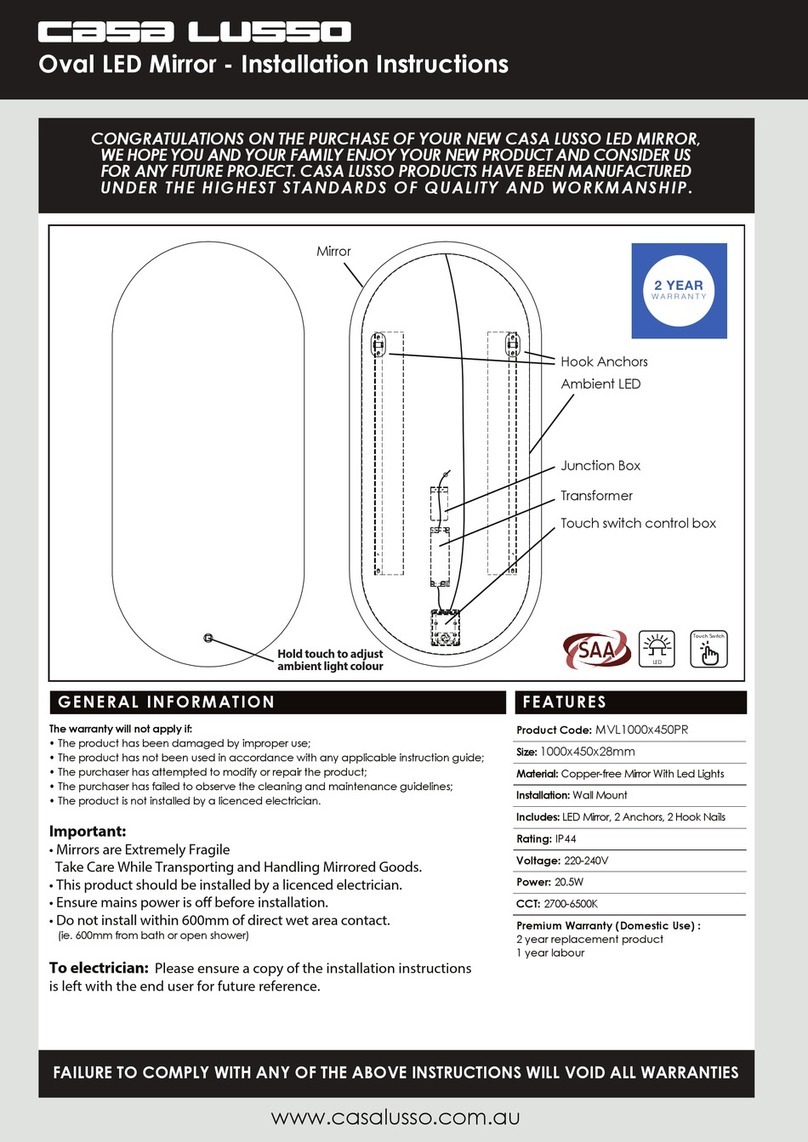
Casa Lusso MVL1000x450PR installation instructions

Casa Lusso

Casa Lusso MVL1000x450PR installation instructions

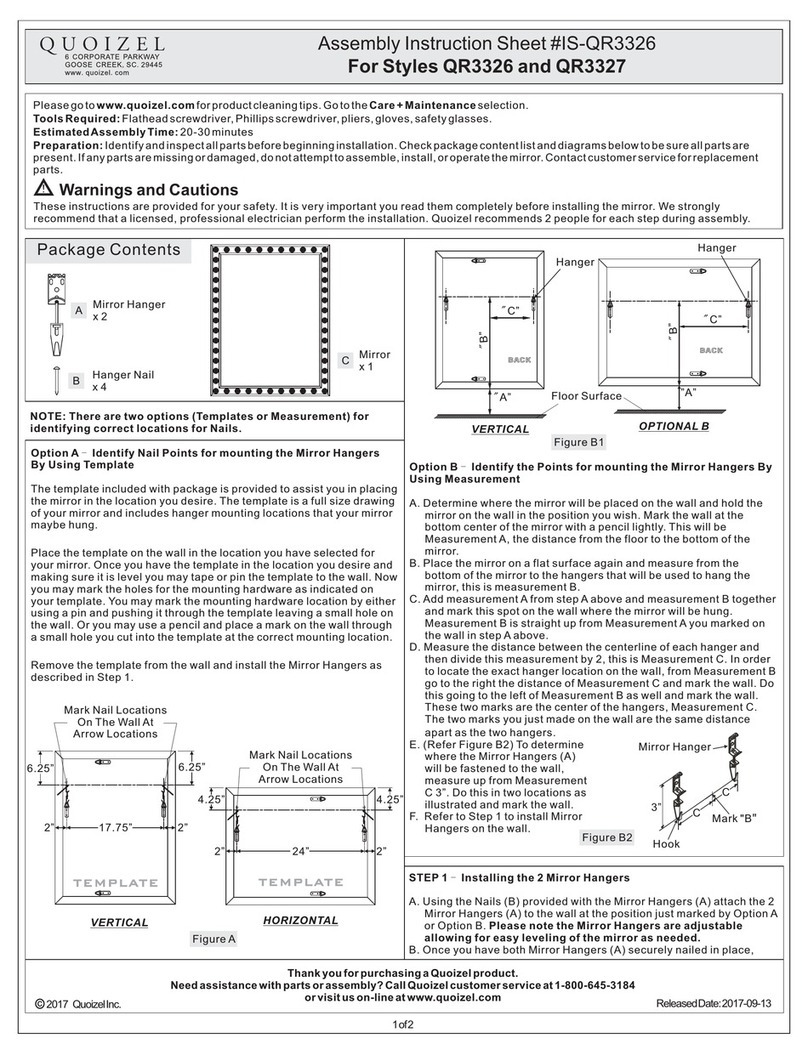
Quoizel QR3326 Assembly instruction sheet

Quoizel

Quoizel QR3326 Assembly instruction sheet

BERTSCHAT HEATED HOODIE PRO - DUAL HEATING user manual

BERTSCHAT

BERTSCHAT HEATED HOODIE PRO - DUAL HEATING user manual

Beurer EM 37 Instructions for use

Beurer

Beurer EM 37 Instructions for use

ACP OMNISTAND user manual

ACP

ACP OMNISTAND user manual

Scarlett VitaSpa SC-CA304PS11 instruction manual

Scarlett

Scarlett VitaSpa SC-CA304PS11 instruction manual

manuals.online logo
manuals.online logoBrands
  • About & Mission
  • Contact us
  • Privacy Policy
  • Terms and Conditions

Copyright 2025 Manuals.Online. All Rights Reserved.

My CPAP Starter Guide
Simple steps to using CPAP equipment
On your journey to healthy sleep, use this
step-by-step guide as a quick reference to
using and maintaining your equipment.
ResMed Corp San Diego, CA, USA +1 858 836 5000 or 1 800 424 0737 (toll free). ResMed Ltd Bella Vista, NSW, Australia +61 (2) 8884 1000 or 1 800 658 189 (toll free). See ResMed.com for other ResMed locations worldwide.
S9 AutoSet is a trademark of ResMed Ltd. AutoSet, ClimateLine, EPR, H5i, SmartStart and S9 are trademarks of ResMed Ltd and are registered in the U.S. Patent and Trademark Office. Skinit is a registered trademark of Skinit, Inc.
©2012 ResMed. Specifications may change without notice. 1015175/3 2012-12
My CPAP Information
Date of Setup
Practitioner Name
Practitioner Contact Info
Model Number
Device Serial Number
Humidifier Serial Number
Mask System Mask Size
Notes
Register your product(s) at ResMed.com/register and join
our sleep apnea community, Wake Up to Sleep.
ResMed.com
Global leaders in sleep and respiratory medicine www.resmed.com
Replacing your supplies regularly
It is important for your comfort and health that you replace
your supplies regularly. Depending on your insurance, you
may be entitled to replace the following equipment per the
replacement schedule below. Contact your insurance
provider to verify your options.
Every Month Every 3 Months Every 6 Months
Mask cushion or pillow Mask frame
(excludes headgear) Headgear
Device filters Tubing Humidifier water tub
Replacement instructions
To experience the maximum benefits of therapy, combine
ResMed S9 devices with our premium masks, accessories
and H5i heated humidifier for complete comfort.
us-resmed.skinit.com
Make it yours.
Skinit device skins are the easy way to protect your ResMed S9
device and personalize it at the same time by using a thin protective
“skin” applied directly to the surface.
1015175r3 Co-brandable Patient Setup Brochure.indd 1-2 1/2/13 1:11 PM
Adjusts humidifier setting
Setting up
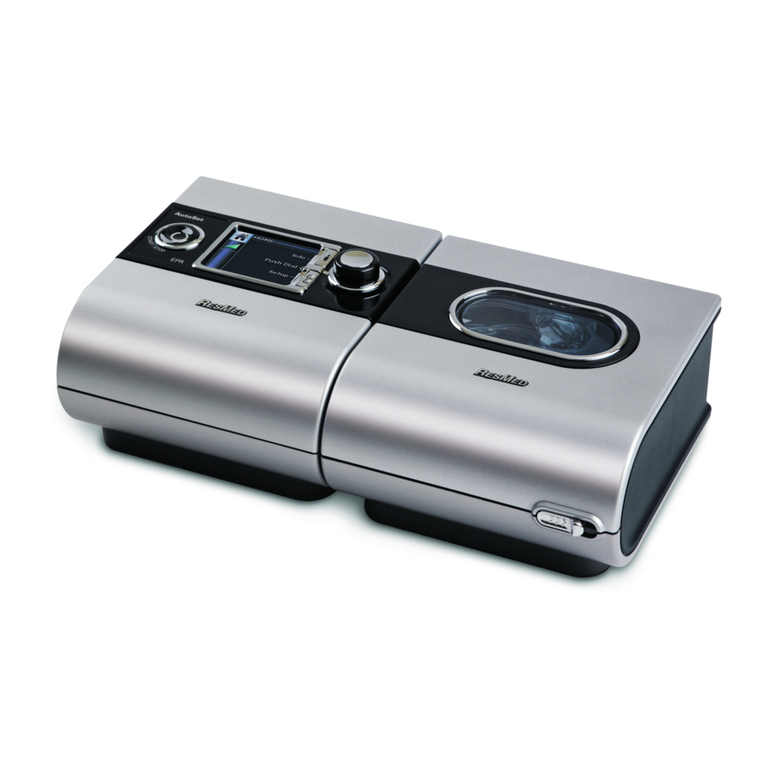
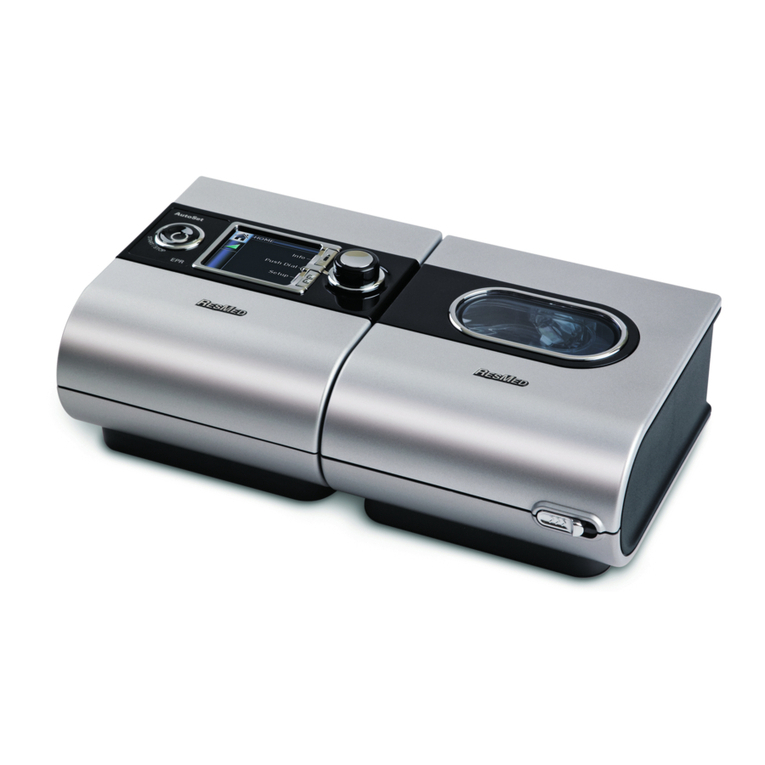
your ResMed S9™system
Filling
your H5i™water tub
Slide the silver latch on the
front of the device and lift
open the flip lid. Remove
the water tub.
Through the center hole,
fill the water tub with room
temperature (do not use
hot or cold) distilled water
up to the max water level
mark (380 mL).
Filling water tub while still in
humidifier may damage unit,
voiding warranty.
Overfilling the water tub may
result in water splashing
through the tubing.
Return the water tub
to the H5i.
Close the flip lid, ensuring
that it clicks into place.
Be sure water tub is
completely empty before
traveling with device.
On a flat surface, align
the S9 device and the H5i
humidifier. Push them
together until they click.
Connect the power cord
to the power supply unit.
Be sure to fully extend cord,
and place power brick in a
well-ventilated area away from
the device and humidifier.
Connect the plug of the
power supply unit to the
rear of the S9 device.
Plug the free end of
the power cord into
the wall outlet.
Connect one end of the
air tubing firmly onto the
S9 device’s air outlet.
If using ClimateLine™tubing,
remove black rubber cover
on the back of the device,
attach ClimateLine tube and
turn until it clicks into place.
Connect the assembled
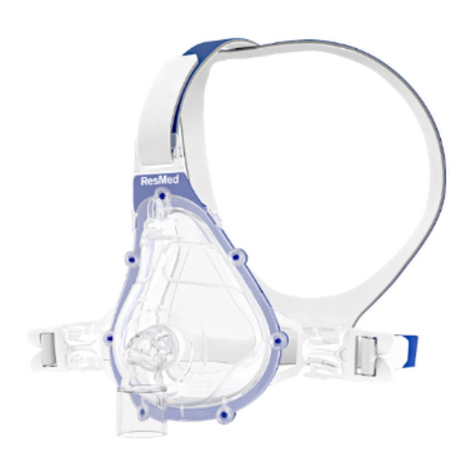
mask system to the free
end of the air tubing.
Your device will be
preset to the physician’s
prescribed pressure.
Adjust your humidifier setting by first turning
the dial, then press down on the dial to lock in
the desired setting. The screen will change from
orange to blue when your setting is locked in.
Once your comfort setting is locked in,
that is your new default setting.
Airflow may stop if there is a high leak from
your mask or tube. If this should happen, pull
the mask away from your face and check for a
secure fit. Make sure not to overtighten mask
as this can increase leak.
Note: SmartStart/Stop feature may not be
available on all S9 devices.
Taking care of your ResMed equipment
• Always use mild soap when cleaning equipment: plain liquid
soap or baby shampoo is recommended.
• Do not use solutions containing bleach, chlorine, alcohol,
aromatics, moisturizers, antibacterial agents or scented oils to
clean any part of the system or air tubing. These solutions may
cause damage and reduce the life of the product.
• Do not leave any part of the system, tubing or mask in direct
sunlight as it may deteriorate the product.
DAILY
Wash your mask with warm, soapy water. Rinse well
and allow to air dry away from direct sunlight.
Wash the H5i water tub in warm water using a mild detergent.
Rinse thoroughly in clean water and allow it to dry away from
direct sunlight.
WEEKLY
Mask and headgear – Separate and hand wash mask components
and headgear in warm water with mild soap. You can wash your
headgear without taking it apart. Rinse components well and allow
them to air dry away from direct sunlight.
The dye used in the headgear may run during the first wash.
Tubing – Remove the air tubing from the S9 device and the
mask. Wash it by submerging it in a sink of warm, soapy water
and agitating the water back and forth inside the tube. Rinse
thoroughly and hang to dry away from direct sunlight.
MONTHLY
S9 device – Wipe the exterior with a damp cloth and mild soap.
Humidifier – Slide the silver tab on
the front to open the lid. Peel the
seal from the flip lid. Wash the seal
with warm water and mild soap.
Air filter – Check for holes and
blockage from dirt or dust. To remove
the filter cover, go to the left side of
the back of the device. Lift up the
small lever on the bottom of
the filter cover to remove it.
Press the Start/Stop button to start and
stop your treatment. After a few seconds,
the menu will automatically open to your
humidifier setting.
If SmartStart™
/Stop feature is enabled, simply
breathe into the mask to start the flow of air.
Airflow will shut off after a few seconds when
the mask is removed.
Operating
your S9 Series system
Starts/stops treatment
My CPAP Starter Guide
1 1
2
3
4
2
3
4
5
6
Air filter
Lift from bottom.
Air filter cover
Overcome symptoms with settings
If you are experiencing any of the following symptoms,
your S9 device may have a comfort feature that can help.
Features may not be available on all devices.
Symptom Setting
Dry throat, sneezing Humidity
Congestion, runny nose Humidity
Can’t fall asleep with pressure so high Ramp
Slightly bloated feeling (from swallowing air) Ramp
Feeling of suffocation
Ramp
and/or EPR™
*
Unable to breathe out against pressure EPR*
*EPR may need to be set by your provider.
About comfort features
• Humidity setting controls the amount of moisture delivered
to your mask to help eliminate dryness and congestion.
• Ramp setting gradually increases to your prescribed
pressure over a period of up to 45 minutes, so you can
fall asleep more comfortably.
• EPR setting reduces the pressure slightly when you exhale,
allowing you to exhale more comfortably.
If you have any questions about changing settings on your device,
please contact your device provider.
Important notes about CPAP treatment
Continue using treatment even if it seems awkward at first. It
takes most patients 1 to 2 weeks to adjust to the air pressure.
You should notice an immediate improvement once you start
using the device. Do not stop your CPAP treatment without
the approval of your physician.
Always consult your physician if you experience:
• Headache, middle ear or sinus discomfort, upper
respiratory infection or chest pain
• Significant weight gain or loss (your pressure may
need to be adjusted)
• An upcoming situation in which you cannot use
your device for more than a few days
1015175r3 Co-brandable Patient Setup Brochure.indd 3-4 1/2/13 1:11 PM