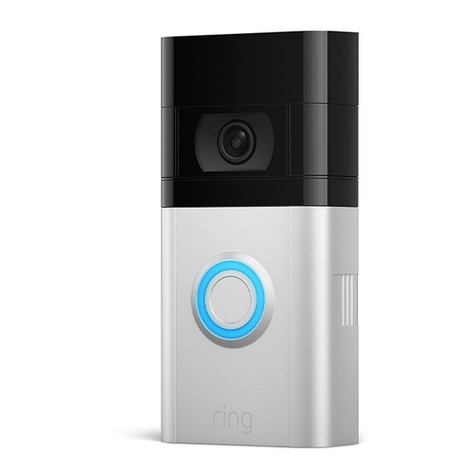
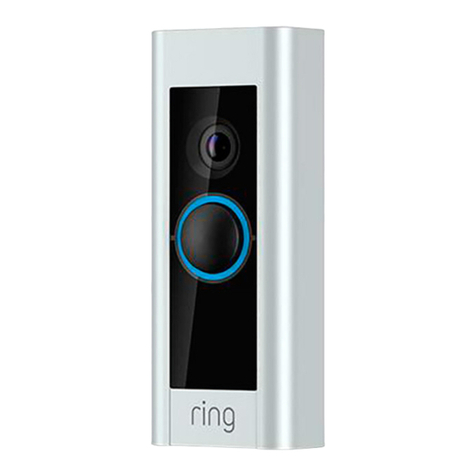
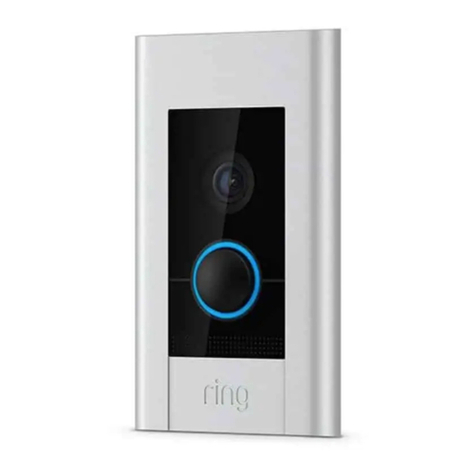
Note:If wiring directly to a doorbell transformer, connect a 25 ohm, 50W wirewound resistor in series with one of the doorbell wires to protect your Video
Doorbell. Do not wire your Video Doorbell to a DC-powered intercom system or other DC power source.
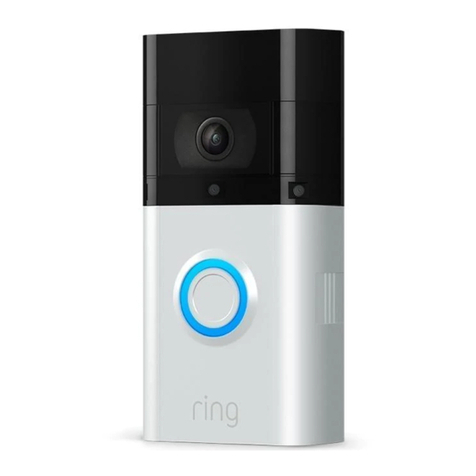
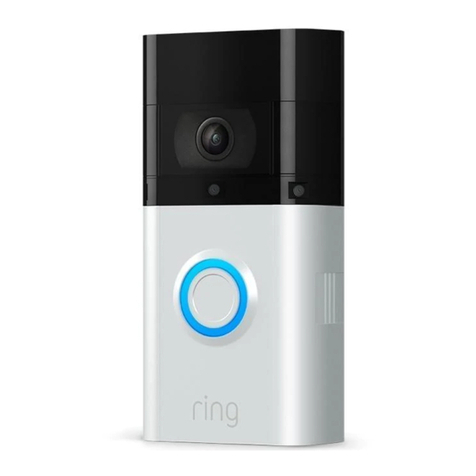
Step Three: Line Up your Ring Video Doorbell 3
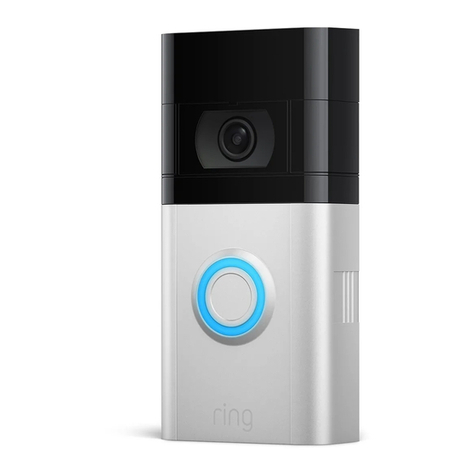
To properly line up your Ring Video Doorbell 3:
Click the level tool (included in the box) into the small hole on the front of the Ring Doorbell 3, below the camera.
Place the Ring Doorbell 3 next to your door at about 120 cm from the ground.
Level the device using the level tool.
Mark the positions for mounting holes with a pencil.
Note: The provided adaptor plate can be used to properly line up the device if you are replacing an original Ring Video Doorbell.
Step Four (Optional): Drill the mounting holes (Only When Mounting on Brick, Concrete, or Stucco)
Use the included drill bit in a power drill to drill holes at the positions you marked.
Insert the included plastic anchors into the holes. You may need to use a hammer to get the anchors in.
If you’re mounting on wood or vinyl siding, you can skip this step.
Step Five (optional): Attach the wire extensions.
If you have trouble connecting the wires coming out of the wall to the back of your Ring Doorbell 3, use the provided wire extensions and wire nuts.
Step Six: Connect the wires
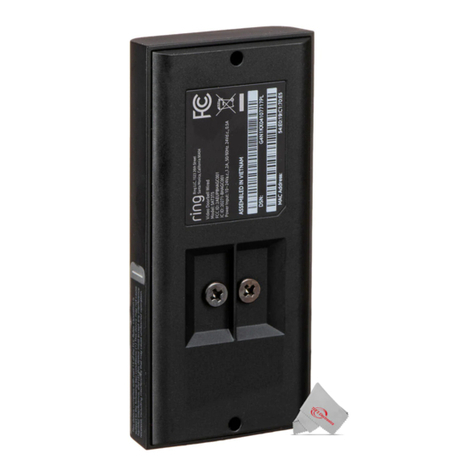
Connect the wires coming out of your wall to the screws on the unit.
Either wire can connect to either screw. The order doesn't matter.
Note: When correctly wired, you should see solid white light on the front of the device.
Step Seven: Place Your Ring Video Doorbell 3 over the holes.
Don't forget to remove the level tool from the front of the device.
Step Eight: Screw in the Ring Doorbell 3